Add MobilityArena as a preferred source on Google
That means, out of the box, your Fire tablet does not have apps like Google Play Store, YouTube, Gmail, Google Assistant, or Chrome included. If you want to use them, you have to download and install them on your own.
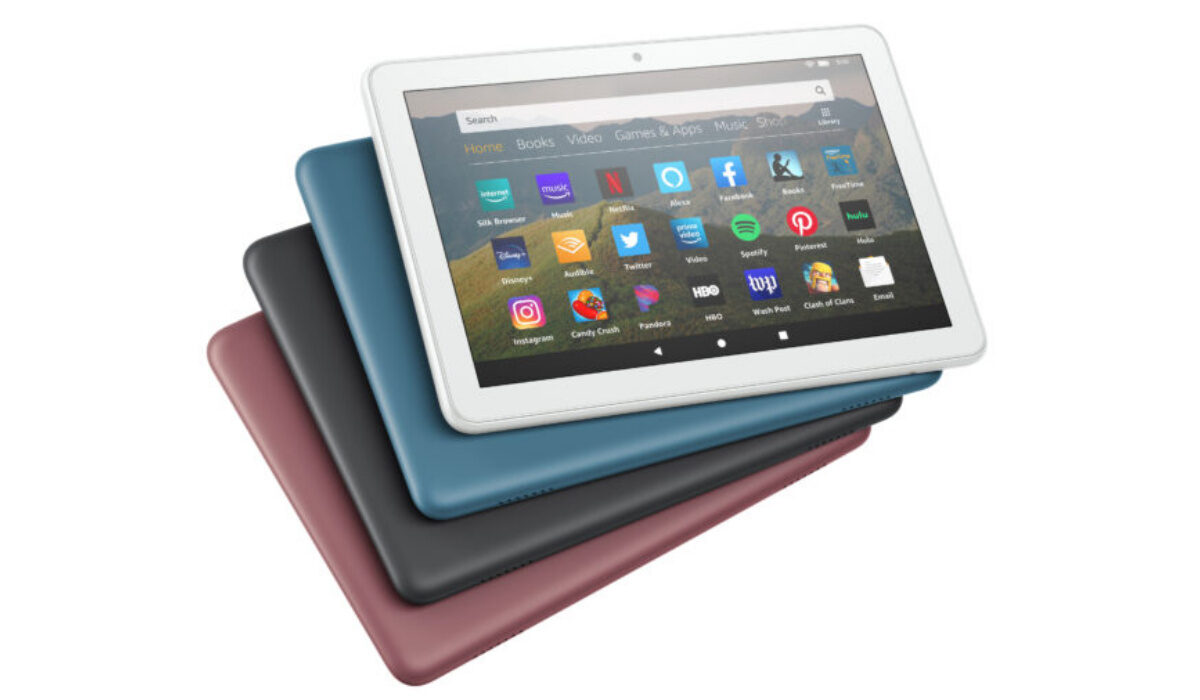
- Install Google Play Store on Amazon Fire tablet with Fire Toolbox
- Install Google Play Store on Amazon Fire tablet manually
There are 11 steps in the instructions below, but don’t allow that scare you; some of those steps are just things you have to do on your phone to allow Fire Toolbox access to install the apps. It is quite an easy process that will take no more than a few minutes.
- Using a Windows PC, download and install the latest version of Fire Toolbox. To download, click here .
- On your tablet, open the Settings menu.
- Scroll down to Device Options and tap it.
- Tap the Serial number 7 times until you see a notice saying that you’re a developer.
- Tap the back button to return to the previous screen.
- Select the newly appeared “Developer Options.”
- Slide the toggle to enable Developer Options.
- Scroll down until you see “USB Debugging” and slide the toggle to enable that.
- Plug your tablet into your Windows PC using a USB cable (the charging cable that came with the tablet should be fine).
- Run the Fire Toolbox application on your PC.
- Tap OK on the box that appears on the tablet.
- Wait a moment and/or follow any instructions on the screen as Fire Toolbox detects your device.
- Click the box that says “Google Services.”
- Read the instructions and then click “Yes.”
Google Play Store and services apps all get to be installed on your Fire tablet after that single click, and you are good to go once done.
The other way to download Google Play store to your Fire tablet is the manual way, without the assistance of PC software. It isn’t a difficult process either, and you might very much prefer it.
To install Play Store manually on a Fire tablet, you have to install four (4) different apps, otherwise it won’t work. Those files are: Google account Manager, Google Services Framework, Google Play Services, and Google Play Store.
- Open Settings
- Tap the option that says Security and Privacy
- Scroll down to Applications from unknown sources.
- Tap the Amazon Silk browser.
- Slide the toggle to enable Silk to install apps from unknown sources
- Google Account Manager (use the latest version)
- Google Services Framework 9 (do not use version 10 or later if you’re using a tablet running Fire OS 7, as it’s based on Android 9)
- Google Play Services (use a recent version compatible ARM64 and Android 9+)
- Google Play Store (use the latest version)
- Don’t miss our reviews .
- Follow our news on Google News .
- Join our WhatsApp Group , to be notified of the most important articles and deals,
- Follow us on Instagram , Facebook , Twitter , and YouTube .
Author:InfoDesk
Add MobilityArena as a preferred source on Google
Samsung Galaxy S22 vs iPhone 13 : The two smartphones we are comparing in this article, Samsung Galaxy S22 and iPhone 13, have the same screen size – 6.1 inches. And they almost have the same dimensions. The differences in size are so minimal that they don’t amount to anything significant in practical terms.
In effect, we have two compact premium flagship smartphones from arch-rivals, Apple and Samsung. In a number of countries, they are the top phone brands. The United States is one. The United Kingdom is another. Globally, these two brands are the top smartphone makers.
Not too long ago, compact phones in the premium segment were an endangered species, but not any more. Samsung has joined Apple and Sony in providing users with small, powerful smartphones in the premium end.
Besides being compact in size, Samsung Galaxy S22 and iPhone 13 are different in many other ways. Let’s have a look to see what they have to offer, and which is better suited to meeting your needs.
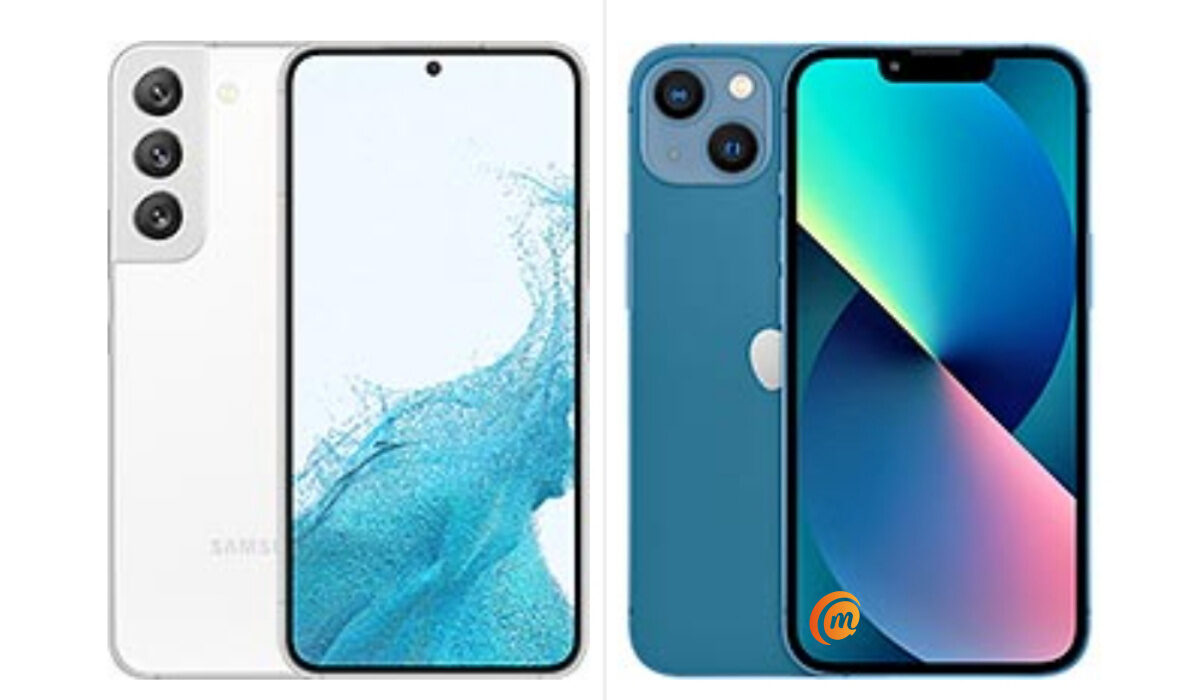
Samsung Galaxy S22 vs iPhone 13
Samsung Galaxy S22 vs iPhone 13: the comparison
Let’s start with build quality. Both devices are solidly built with aluminium and glass. They both have tough screen protections of different makes, and they also both have IP68 dust/water resistant rating.
Samsung has changed its previous practice of leaving the vanilla Galaxy S model with a plastic build. With the S22, it has a metal frame and glass back cover. Which means that it is up to par with the iPhone 13’s build.
Battery life is an important factor in choosing a smartphone. Samsung AWW has a 3700mAh battery, while the iPhone 13 has a smaller 3240mAh unit. As far as we can seen from reviews and tests, the Samsung has the better battery life.
Samsung Galaxy A22 and iPhone 13 have 25W and 23W fast charging respectively. They also both support wireless charging and USB Power Delivery, though the Samsung supports 3.0, while the iPhone supports v2.0.
If stereo speakers are important to you, both devices are well equipped. What if 5G connectivity? They both support multiple bands and SA/NSA/Sub6/mmWave. However, the iPhone 13 offers more options to pick from.
If a fingerprint scanner is important to you, forget the iPhone: it lacks that. The A22 has an in-display unit. Neither device has a memory card slot. You are stick with only the built-in storage.
Speaking of built-in memory, Samsung A22 offers two options – 128 GB and 256 GB, while the iPhone 13 has three options – 128 GB, 256 GB, and 512 GB.
Comparing Samsung Galaxy A22 and iPhone 13: the subjective parts.
The subjective parts are those areas that really depend on your preferences. Photography, for example. Both devices have top notch cameras, yet they have different approaches to image processing. At the end of the day, which you pick as the better cameraphone depends on what you prefer.
The same thing goes for performance. They have different processors and amounts of RAM because their respective operating systems work differently. iPhone 13 has half the RAM of Samsung A22, but don’t let the numbers bother you. iOS works smoothly with less resources. As such, regardless of which phone you pick, you are guaranteed top notch performance.
Finally, you have to decide whether you want to go with Apple’s mobile operating system, iOS, or with Google’s Android OS. If you are already invested in either of these ecosystems, chances are that you will go that way, though.
Samsung Galaxy A22 vs iPhone 13: Pricing
What of the cost implications? Whether it is Samsung Galaxy A22 or iPhone 13 that you choose, you need a budget above $700. The Samsung costs from $790 for the 8/128 GB base model), while the iPhone starts from $730 (for the 4/128 GB base model).
- Don’t miss our reviews .
- Join our WhatsApp Group , to be notified of the most important articles and deals,
- Follow us on Instagram , Facebook , Twitter , and YouTube .
Author:Mister Mobility
Digital Skills and Communication Coach | Mobile Phone Connoisseur since 2001 | Tech Blogging since 2004
