Add MobilityArena as a preferred source on Google
After several months of using our cell phones in the most extreme cold weather and temperatures in Winter, it is easy to forget how hot summertime can be and forget to take adequate steps to keep your phone from overheating in summer. For example, summer temperature in Florida, Arizona, and Nevada can hover between 73 and 90 degrees Fahrenheit, and there are many other locations on the fringes of that range.
During summer, it is common for phones to overheat due to the higher temperature and humidity. Phone batteries, especially, are some of the most delicate parts that are susceptible to heating. Because of their chemical composition and the risks of damage, you want to make sure that you keep an eye on the temperature of your cell phone. The display of your smartphone is also a potential point of damage in higher temperatures, so you want to be careful.
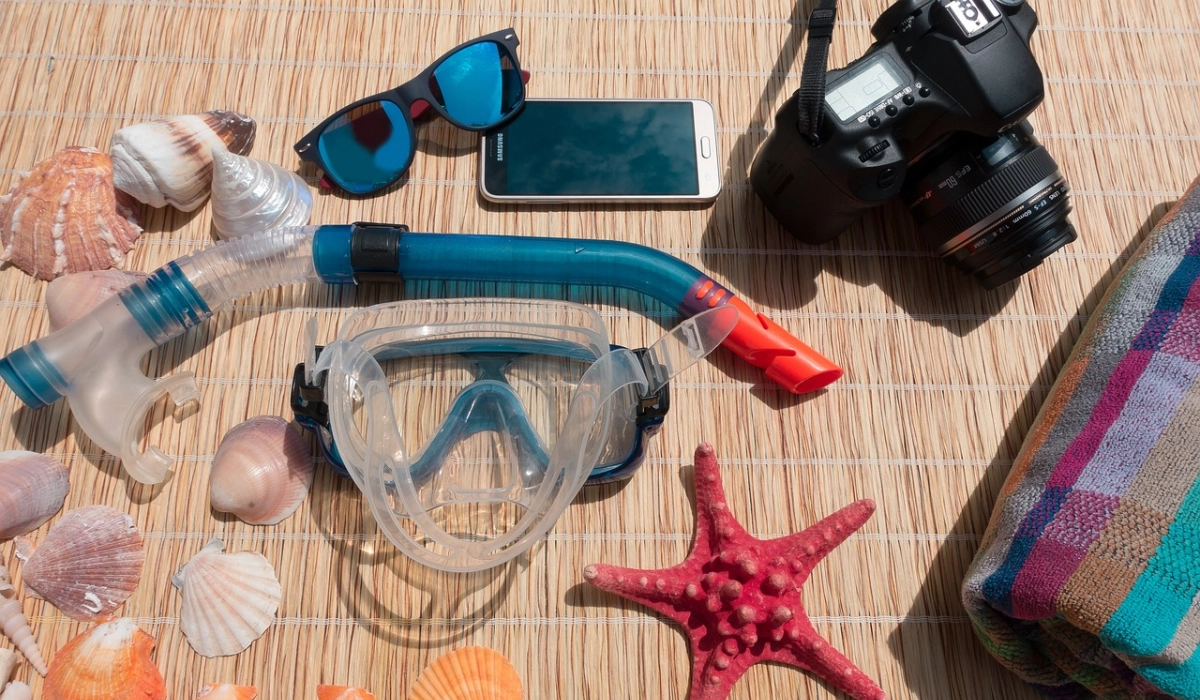
One thing you should do to keep your phone from overheating in summer is to avoid leaving your smartphone in direct sunlight
Some phones will warn you when things warm up significantly, as overheating is one of the things that degrades the battery in any electronics gadget. For example, your iPhone or Google Pixel will also refuse to charge when they start overheating, so as not to experience damage. Google Pixel phones are known for overheating issues , so you want to be extra careful in summer time.
- How to protect your phone from overheating in summer time Avoid direct sunlight Take breaks: put the phone down Ditch the case Don’t charge your phone in extreme temperatures Avoid heavy duty tasks Use a cooling pad
How to protect your phone from overheating in summer time
Summer time is great for outdoor activities – walking, running, hiking, swimming, long drives, etc. Your phone will be exposed to the sun’s heat a lot. Whatever you do, and whatever kind of smartphone you use, you should do all you can to keep your phone from overheating in summer. Let’s look at some tips, so you know what to do to keep your precious cell phone cool.
Avoid direct sunlight
Whether you are in a car or out in the open, keep your phone away from direct sunlight as much as possible. If you need to use your phone outside, try to find a shaded area. In a vehicle, do not leave your cell phone on the dashboard or any other area that is prone to direct sunlight. Have you noticed how hot your car’s dash gets in summer? Leaving your phone there is asking for trouble. Find the coolest spots in your vehicle for keeping your phone and other electronics.
Take breaks: put the phone down
One of the causes of phone overheating in summer is persistent use. If you’re using your phone for extended periods of time, take breaks to let it cool down . Even better, turn off your phone for a few minutes to give it a break. If you really must keep it on because, for example, you need the camera for pictures, put it in Flight Mode to turn off all wireless radio.
Ditch the case
I know that many smartphone users do not want to hear this, because they are pretty sure they will drop their precious smartphone and damage it, but in summertime when temperatures rise, one of the best things you can do is remove the case. Cell phone cases are heat traps and so contribute to making your phone hotter. If your phone has a case, remove it to allow better airflow and keep it from overheating.
Don’t charge your phone in extreme temperatures
I mentioned earlier about how the battery in an electronics gadget is susceptible to heat. Please, do not charge your phone in higher temperatures as it can cause overheating and serious damage to the battery. If your environment is hot and your battery is running low, put the phone down for a while so it cools down before plugging it to charge. Some smartphones have an intelligent system in place to protect them: even if you lug them to charge in hot weather, they will not charge and will display a message telling you so. But just don’t do it; don’t expose your smartphone to that risk.
Avoid heavy duty tasks
To keep your phone from overheating in summer time, especially when th temperature is high, avoid using it for heavy tasks like gaming, video editing, heavy downloading, and the like. Reserve these activities for when you are in a shade or an air-conditioned environment. Avoid using apps that require a lot of processing power.
Use a cooling pad
One thing you can do to keep your phone from overheating in summer is to buy and use a cooling pad. These are small pads that you can place your phone on to help dissipate heat. Be a scout and get one upfront; you never know when it will come in handy.
Author:Mister Mobility
Digital Skills and Communication Coach | Mobile Phone Connoisseur since 2001 | Tech Blogging since 2004
Add MobilityArena as a preferred source on Google
If you’re ever in a situation where you need to use your wired headphones with your iPhone, this guide is for you. With the removal of the headphone jack on newer iPhone models, it can be a bit confusing to figure out how to use wired headphones with your iPhone device. But don’t worry, this guide has got you covered.
In this article, I’ll show you the step-by-step process of how to use wired headphones with an iPhone. Whether you’re looking to get better audio for music or movies, or you want to make a phone call, there are different methods you can try.
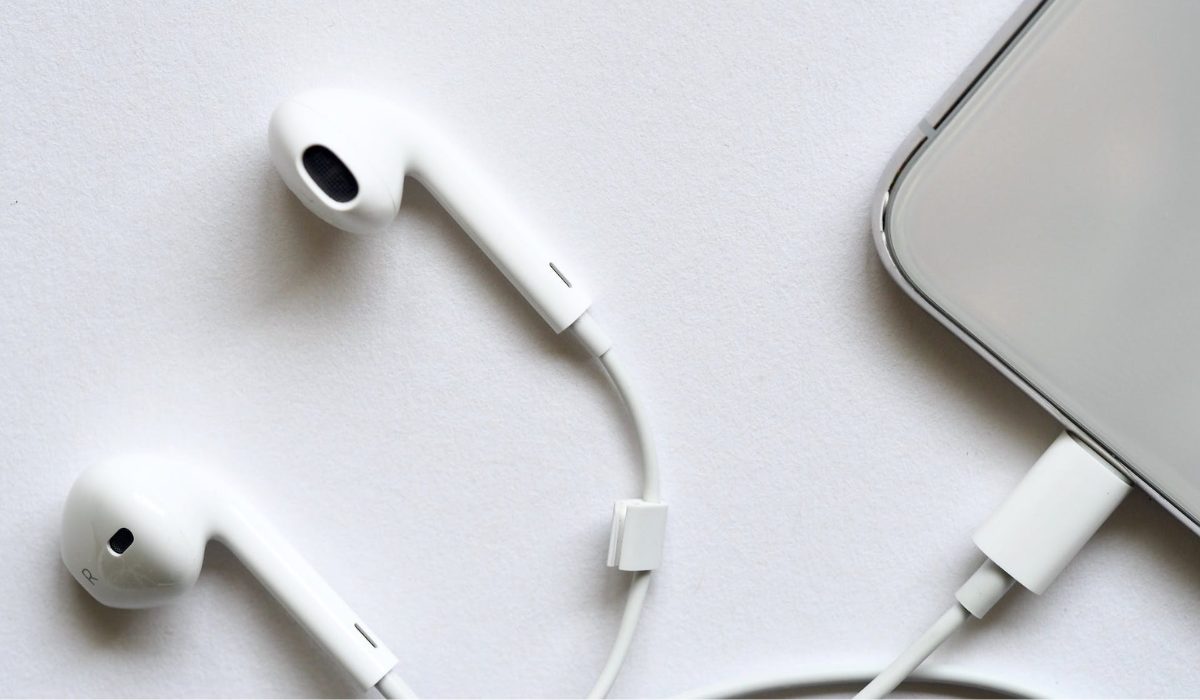
How to Use Wired Headphones with an iPhone
Five years ago, Apple removed the headphone jack from the iPhone, and the feature will not be returning. This change happened as Bluetooth headphones and earbuds grew in popularity, making it easier to listen to music while on the go. Although Bluetooth headphones and earbuds have improved over time, they still provide a compressed listening experience when compared to wired headphones because music is transmitted wirelessly from the device to the headphones.
This compromise in the listening experience is a significant issue for those who prefer wired headphones. If you’re one of the iPhone users that feels this way, try any of these techniques described below to listen to music using wired headphones.
Using Lightning Headphones
The iPhone does not have a headphone jack, but it does feature a Lightning port. Although its main function is charging, this port can also carry data. A few companies have created headphones that connect directly to an iPhone’s Lightning port, the best of which are Pioneer’s Rayz earbuds .
Many of the convenience features you’d expect from wireless headphones are there in the buds, like noise cancellation, auto pause when a bud is removed, and the option to adjust the EQ to your preferred sound levels. It also has a neat feature called Smart Mute , which turns off the earbuds’ microphone when you aren’t speaking on a call.
If you’re interested in getting a new pair of wired headphones to use with your iPhone, using Lightning headphones such as the Rayz , or options from Apple , Beats , or Belkin is the most straightforward method.
To use wired headphones with an iPhone using lightning headphones, follow these steps:
- Plug your headphones into the lightning port on your iPhone.
- Make sure your headphones are turned on and properly connected.
- Check that your device is not in silent mode and that the volume is turned up.
- Open the app you want to use (e.g. Music, Podcasts, or a phone call).
- Start playing audio or making a call. You should hear sound coming from your headphones.
Use An Adapter To Plug In Your Current Headphones
If you currently have wired headphones and are satisfied with them, you can use Apple’s Lightning to 3.5 mm Headphone Jack Adapter to connect them to your iPhone. This adapter connects to the Lightning port on your iPhone and terminates in a regular 3.5mm headphone jack (the same type that was originally built into the iPhone). It therefore allows you to connect most wired headphones to your iPhone directly. If your headphones terminate in a ¼-inch jack, you’ll need an adapter to convert it to the ⅛ -jack size.
Additionally, Belkin’s Rockstar adapter, which has both a Lightning and 3.5mm audio output on it, is a good choice if you want to listen to music at your desk all day. You can charge your iPhone and use wired headphones simultaneously with the Rockstar adapter.
Use An Adapter To Connect A USB DAC
If you want to use wired headphones with your iPhone and get the best audio quality while you’re at it, you should get Apple’s Lightning Camera Adapter. This adapter has a standard USB-A port for accessories and an additional Lightning port for charging your iPhone.
You can connect your iPhone to AudioQuest’s Dragonfly Cobalt USB DAC (digital-analog converter) using this adapter. The Cobalt is a flash drive-sized DAC that substantially improves the audio quality of your digital music by presenting it in its most basic form.
Here are the detailed steps on how to use this method:
- Purchase an adapter that connects to the Lightning port. Apple’s Lightning Camera Adapter is a good option.
- Plug the USB DAC into the adapter.
- Connect your headphones to the USB DAC’s 3.5mm headphone jack.
- Once your headphones are connected, you can start using them with your iPhone. Your iPhone should automatically recognize the USB DAC and route audio through it.
- To listen to music, open your music app and play a song. The audio should now play through your headphones.
- If you want to adjust the volume, use the volume buttons on your iPhone or the volume controls on your headphones.
To conclude, wired headphones provide high-quality audio that many people prefer over wireless headphones. However, with the removal of the headphone jack in newer iPhones, using wired headphones is a bit more complicated. However, if you follow the methods above, it should be far less challenging to work around wired headphone usage with your iPhone device. If you need more useful tips to navigate iPhone usage, check out this category .
