Add MobilityArena as a preferred source on Google
If you’ve ever misplaced your phone, you know how frustrating it can be. Luckily, you can use GPS to locate your phone quickly and easily. GPS (Global Positioning System) is a satellite-based navigation system that provides location and time information. It’s a useful tool for tracking and locating a lost or stolen phone.
In this guide, I’ll show you how to locate a cell phone by GPS via four effective methods. By enabling GPS on your phone, you can track and locate it using a GPS tracking app or your phone’s built-in GPS functionality.
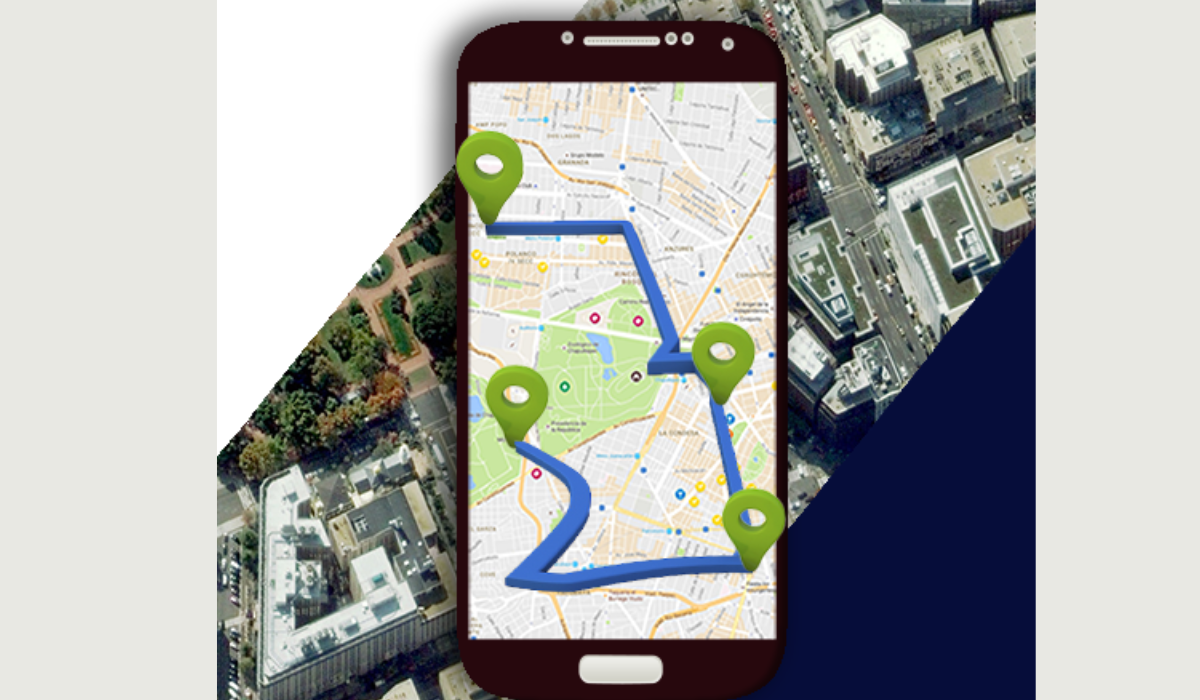
- How To Locate A Cell Phone By GPS How to Locate iPhone By GPS via Apple’s Find My iPhone Locate an Android Phone By GPS Using Google’s Find My Device Using Samsung’s Find My Mobile Locate a Cell Phone by GPS With Tracking Apps
How To Locate A Cell Phone By GPS
Misplacing your phone can be a major disaster. Once you’ve searched possible locations it could be, GPS can be the next best thing to help you track it down. People usually associate GPS with navigation, but it’s a multi-functional tool that can also be used to find lost devices.
Fortunately, Apple and Google offer GPS software for iPhones and Android phones, making it easy to locate devices, regardless of the operating system. Here are some steps you can take to locate a cell phone and ensure it is safe and secure.
How to Locate iPhone By GPS via Apple’s Find My iPhone
You can use Apple’s Find My iPhone service on iCloud to track the location of an iPhone. Apple’s Find My GPS tracker allows you to easily locate all your Apple devices, including the iPhone, iPad, and Apple Watch.
Just make sure you’ve turned on the feature before looking for your device. To enable Find My, go to your iPhone’s Settings > click your name > Find My > turn on Find My iPhone > and toggle on Share My Location .
To locate and track your iPhone using Apple’s built-in “ Find My ” GPS tool, follow these steps:
- Open the Find My app on another Apple device or go to iCloud.com/find on a web browser.
- Sign in to your iCloud account using your Apple ID and password.
- Select your lost iPhone from the list of devices.
- If you see “ No location found ” under your device, it means that your iPhone is offline or not sharing its location. In this case, you can enable the “ Notify When Found ” feature to receive a notification when your iPhone is located.
- If your iPhone is online and sharing its location, you will see its location on the map. You can zoom in or out to get a better view of the location.
- If your iPhone is nearby, you can play a sound to help you locate it. Tap the “ Play Sound ” button to make your iPhone play a sound, even if it’s on silent mode.
- If your iPhone is lost or stolen, you can use the “ Lost Mode ” feature to lock your device and display a custom message on the screen. You can also remotely erase your iPhone to prevent others from accessing your data.
Locate an Android Phone By GPS Using Google’s Find My Device
Google’s Find My Device like Apple’s Find My, is the key to locating an Android smartphone. Before using Google’s Find My Device program, make sure you’ve enabled Location Services on your phone and given Google permission to track your phone’s location. To do so, navigate to Settings > Google and select Find My Device , then turn it on to enable tracking.
To locate an Android phone by GPS using Google’s Find My Device , follow these steps:
- Open the Find My Device app on another Android device or go to https://www.google.com/android/find on a web browser.
- Sign in to your Google account using your email and password.
- Select the lost phone from the list of devices.
- If the device is online and sharing its location, you will see its location on the map. You can zoom in or out to get a better view of the location.
- If the device is anywhere near you, you can make it play a sound to help you locate it. Tap the “ Play Sound ” button to make your device play a sound, even if the volume it’s on silent mode.
- If the device is lost or stolen, you can use the “ Secure Device ” feature to lock your device and display a custom message on the screen. You can also remotely erase your device to prevent others from accessing your data by tapping Erase Device if you lose all hope of ever getting the device back.
Using Samsung’s Find My Mobile
If you’re using a Samsung device, you can use Samsung’s Find My Mobile GPS tracking service to locate your lost phone. This feature is exclusive to Samsung devices and can be found under the Biometrics and Security settings menu. Just make sure that the “ Find My Mobile ” option is turned on to use this feature.
To use the Find My Mobile feature, follow these steps.
- Open the Settings app on your Samsung.
- Select Samsung Account and sign in with your information.
- Visit the website https://findmymobile.samsung.com on any device to look up a lost phone.
- To access the website, enter your Samsung account information.
- You can click on your Samsung device on the dashboard.
- Click the “ Locate my Device ” icon in the left panel.
- When you find your phone, you’ll see its last-known position and options on the right side of the page.
- You can prompt your Samsung to ring, lock it with a password, or erase its internal hard drive. You’ll need to confirm these decisions with a password.
Locate a Cell Phone by GPS With Tracking Apps
You can also use a tracking app that uses GPS technology to locate your cell phone if the need arises. For instance, you can try using iSharing , Google Family Link , and Life360 . These apps are free to download and offer a range of features to help you track your phone’s location, even if it’s lost or stolen.
Additionally, you can set up alerts for when your family members arrive or leave certain locations, view their location history, and even chat with them directly through the app. These apps are great for keeping an eye on your family’s whereabouts and ensuring their safety.
All in all, locating a cell phone by GPS is possible using built-in apps. Third-party apps can also be used to locate a phone. It’s important to note that these apps require location services to be enabled on the phone to work properly. Overall, if you want to keep track of your phone’s location or locate a lost or stolen phone, you can use any of the above options. If you need other useful iPhone or Android tips, check out the linked categories.
Author:Joan Agie
Add MobilityArena as a preferred source on Google
In the dynamic educational landscape of the 21st century, the roles of tablets, laptops, and mobile devices have taken on immense significance. These digital tools, no longer seen as mere devices for entertainment, have transformed into integral components of modern learning environments. They offer a myriad of possibilities to educators and students, opening new frontiers in teaching and learning processes.
This article aims to delve into insights provided by seasoned educators on how best to harness the power of these devices to enhance education. We shall explore the roles these tools play in modern education, discuss strategies to promote interactive learning with tablets, enhance research and project work with laptops, and facilitate personalized learning through mobile devices. We will also discuss ways to balance digital integration with healthy tech habits and how to prepare for online and remote learning.

Role of Digital Devices in Modern Education
The incorporation of tablets, laptops, and mobile devices into classrooms has revolutionized the sphere of education. They have transformed the way we approach teaching and learning by diversifying the avenues for knowledge dissemination and reception. For instance, using these devices, students no longer need to go looking, “Can someone write papers for me ?” But instead, they can access a plethora of resources, learning at their own pace and time. Educators, on the other hand, can use these tools to enrich their teaching methods, making lessons more engaging and comprehensive.
However, as with any innovation, the integration of digital technology in classrooms comes with its own set of challenges. Internet reliability, digital literacy, and the potential for distraction are among the obstacles that must be navigated. Despite these hurdles, the benefits of these tools – such as enhanced accessibility, diversity in learning resources, and the opportunity for personalized learning – outweigh their drawbacks.

Promoting Interactive Learning with Tablets
Tablets, with their intuitive interface and portability, offer an exciting platform for interactive learning experiences. They provide an engaging, hands-on approach to learning that encourages active participation from students. Educators can utilize various educational apps, games, and digital textbooks available on tablets to bring concepts to life, making learning more relatable and interesting.
Take, for example, a science teacher who uses a tablet to demonstrate a 3D model of the solar system, facilitating a more immersive understanding of the subject. Or a language teacher who uses an interactive language app to enhance vocabulary acquisition and pronunciation.
While the benefits of using tablets in the classroom are manifold, potential challenges exist. These include the risk of over-reliance on digital tools, unequal access to technology among students, and the challenge of ensuring online safety. Despite these concerns, with proper implementation and management, tablets can be a powerful tool in fostering an interactive and engaging learning environment.
Enhancing Research and Project Work with Laptops
Laptops, as versatile and powerful digital tools, play a significant role in supporting research and project work. Their larger screens, robust processing capabilities, and full-fledged operating systems provide students with a comprehensive tool for in-depth research, data analysis, and complex content creation.
For instance, an educator might guide students to use a laptop’s web browser to access scholarly articles for a research project or use software like Microsoft Excel to collate and analyze data for a science experiment. In a design class, laptops with specialized software like Adobe Photoshop or Illustrator can be utilized for high-quality graphic projects.
However, integrating laptops into classroom activities isn’t without potential obstacles. The cost of equipment, maintaining updated software, and issues of cybersecurity are real challenges. Additionally, educators must ensure that the use of laptops doesn’t result in passive learning. Despite these hurdles, when used strategically, laptops can significantly enhance the depth and breadth of student projects, providing them with skills that are valuable in the modern workplace.
Utilizing Mobile Devices for Personalized Learning
Mobile devices, such as smartphones, are ubiquitous and powerful tools that have the potential to facilitate personalized learning. Given their widespread usage and accessibility, these devices can be harnessed to cater to individual learning styles and, thus, provide a more personalized educational experience.
Consider a history teacher who employs an educational app that allows students to explore historical events and figures at their own pace. Similarly, a math educator might use an app that provides step-by-step solutions and explanations, adapting to a student’s current level of understanding and progressing as the student’s comprehension improves.
However, integrating mobile devices into education isn’t without its challenges. Distractions in the form of non-educational apps and social media can hinder learning. Additionally, the potential for unequal access to technology among students can create disparities. Nevertheless, when effectively integrated into the curriculum, mobile devices can create opportunities for learning that are tailored to each student’s unique needs and capabilities.
Balancing Digital Integration with Healthy Tech Habits
While the integration of digital devices into education provides numerous benefits, it’s equally crucial to instill healthy tech habits among students. Educators must be mindful of creating a balanced approach that combines digital learning with traditional methods and prioritizes students’ well-being.
One way to achieve this is by setting clear rules about device usage, such as designating tech-free zones or periods within the school day. This not only reduces potential distractions but also promotes meaningful face-to-face interaction and a break from screen time. Similarly, encouraging students to take regular short breaks while studying with digital devices can help mitigate the risk of digital eye strain and promote better focus.
Despite the potential pitfalls of over-reliance on technology, such as reduced physical activity and the risk of cyberbullying, with a balanced and mindful approach, digital devices can be effectively used as powerful enablers of learning.
Preparing for Online and Remote Learning with Digital Devices
The growing trend of online and remote learning underscores the importance of digital devices in education. Equipping students with the necessary skills to effectively use these devices for learning is now more important than ever.
Strategies from educators can involve introducing students to a range of educational platforms and tools. These can range from online collaborative tools such as Google Classroom to video conferencing software like Zoom for virtual classes to resources such as the best dissertation writing services for advanced learners. Regularly incorporating these tools into the classroom, even when in-person learning is possible, can also help students transition smoothly to remote learning when necessary.
However, potential challenges in remote learning include a lack of face-to-face interaction, reduced motivation, and issues with access to reliable internet and suitable devices. Despite these challenges, the increased flexibility and accessibility provided by online and remote learning make digital devices an invaluable tool in today’s educational landscape.
Preparing for a Digitally-Enabled Educational Future
As we’ve explored, tablets, laptops, and mobile devices hold immense potential in shaping the educational landscape. Insights from educators reveal that when used judiciously, these tools can promote interactive learning, enhance research and project work, facilitate personalized learning, and support online and remote learning. However, it’s equally crucial to instill healthy tech habits and ensure a balanced approach to digital device use.
Educators play a significant role in preparing students for a digitally-enabled educational future. Their guidance in optimizing the use of these tools while mitigating potential challenges will be instrumental in ensuring students not only benefit from the advances in digital technology but also become responsible digital citizens. The future of education is intertwined with technology, and with mindful strategies, we can prepare our students to navigate it successfully.
