Add MobilityArena as a preferred source on Google
The power button is always one of the first physical components on an Android smartphone or tablet to stop working due to how frequently it is used. As its name implies, it’s the typical go-to button when switching off the device or simply locking it to pause usage for the time being.
Did you know you can lock Android phones without using the Power button? This might be news to you. Yes; you don’t always have to use your power button to lock your phone. Several alternative methods for locking Android smartphones exist that don’t involve the power button.
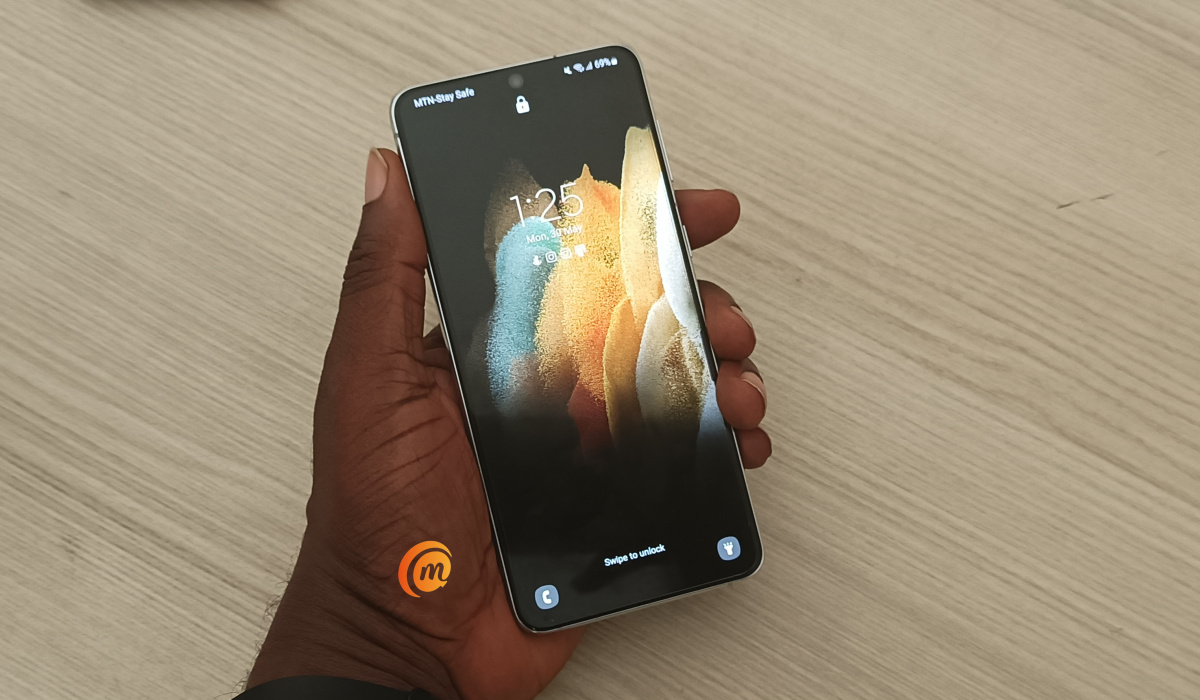
Did you know you can lock Android phones without using the Power button
Now, we know that not everyone might be aware of these alternatives, and that’s why we’ve created this guide to teach you how they work. So, keep reading to find out
Why Do I Need Alternative Methods to Lock Android Phones Screen?
Even if it doesn’t seem so, locking the device is one of the most common and minor functions of an Android smartphone’s power button. This is because there are several ways to lock the smartphone and switch off your screen without bothering with the power button.
You can basically think of these alternative methods of locking your screen as a way to use your power button less, thus increasing its lifespan in the case of malfunctioning or if you just don’t want to use it so often.
What Are The Alternative Ways to Lock My Android Screen?
There are several ways to lock your Android screen without the power button, and we’ve outlined them below:
- Lock Android Phones Using Floating Softkeys
Adding a softkey to your home screen is among the easiest ways, and it’s quite useful for locking your screen without the power button. It will be simple to use, and with just one press, you may quickly lock your device. Check out Roberto Gil’s Turn Off Screen Free , which is offered on the Google Play Store.
It will prompt you to enable it after being installed on your device. You may use the app right away by choosing Activate . You get seven days to use the majority of “Plus” features after installing this free version. After the seven days are up, those premium features are no longer available, but the app’s core functionality will remain.
- Lock Android Phones Using Gravity
Gravity Screen – On / Off is an app made by Plexnor (an Android developer) that turns the screen on and off using specific angles and motions detected by your smartphone’s sensors. Gravity Screen is available for download on Google Play in both a free and a paid pro edition.
There is no need to touch the device when using the Gravity Screen application because setting it face-down locks it for you. Simply put down your smartphone while working to save some battery life. When you pick it back up, Gravity Screen will turn on the display for you automatically.
- Lock Android Phones : Shake your Phone
Shaking your Android smartphone is also another simple way to lock it whenever you want, albeit it may appear strange to someone who catches you doing so. The shake that is necessary to get this done is on the firmer side, but a hypersensitive motion sensor helps avoid any accidents in the process.
Note that you must be using Android 4.0 (Jelly Bean) or later to use this alternative. Additionally, in order to install apps from sources other than Google Play, you must be rooted, have the Xposed Framework installed, and allow “Unknown sources” on your device.
Afterward, you can find the “Shaky” app from developer Riaz Mohamed and install it using the search feature of the Xposed Installer app, which should be located in your app drawer. Open the Shaky interface from your app drawer when the module has been activated and turn on the service.
You can choose to “Automatically Resecure” your smartphone after a predetermined amount of time or leave the screen on when locking the device. Restart your device after making your modifications, then you’ll be able to shake it to lock the screen.
- Lock Android Phones Using Swipe-Lock
You can also add a simple swiping gesture that will allow you to easily turn off the display and lock your device. This is a really easy alternative since swiping is an action we already frequently engage in when using our gadgets.
You can lock Android phones with this technique by doing the following:
- Swipe-Lock can be downloaded and installed on your device through the Play Store, so do that as the first step.
- To give the app the necessary access to lock your device, open it and follow the on-screen instructions to set it as the administrator of the device.
- To change the height, position, as well as thickness of the activation area for the screen lock, go to Settings .
- You can choose the screen’s right or left side as the activation region with the free version, but to enable swiping from the bottom of the screen, you’ll need the Pro version ($1.56).
After this setup, you’ll be able to lock your screen from anywhere on your smartphone, including within applications.
In summary , there are several ways to lock your Android smartphone’s screen without having to disturb the power button every time. You can take a cue from the tips we’ve provided in this guide to explore these alternatives.
- Don’t miss our mobile phone reviews .
- Follow our news on Google News .
- Join our WhatsApp Group , to be notified of the most important articles and deals,
- Follow us on Instagram , Facebook , Twitter , and YouTube .
Author:Joan Agie
Add MobilityArena as a preferred source on Google
The 5G (fifth generation) wireless mobile phone network technology is basically supercharging the mobile entertainment industry. It has benefited the sector in a number of ways. Some of the most obvious benefits are lower latency, much quicker download speeds, an incredible improvement with reliability, and more flexibility, plus the capability to support more devices.
It has basically enabled the user to seamlessly be able to watch their favourite Netflix shows, stream their favourite sports teams playing, play their favourite online casino games and even play the more graphically demanding, high-end mobile games, such as Call of Duty, without any interruptions or buffering.
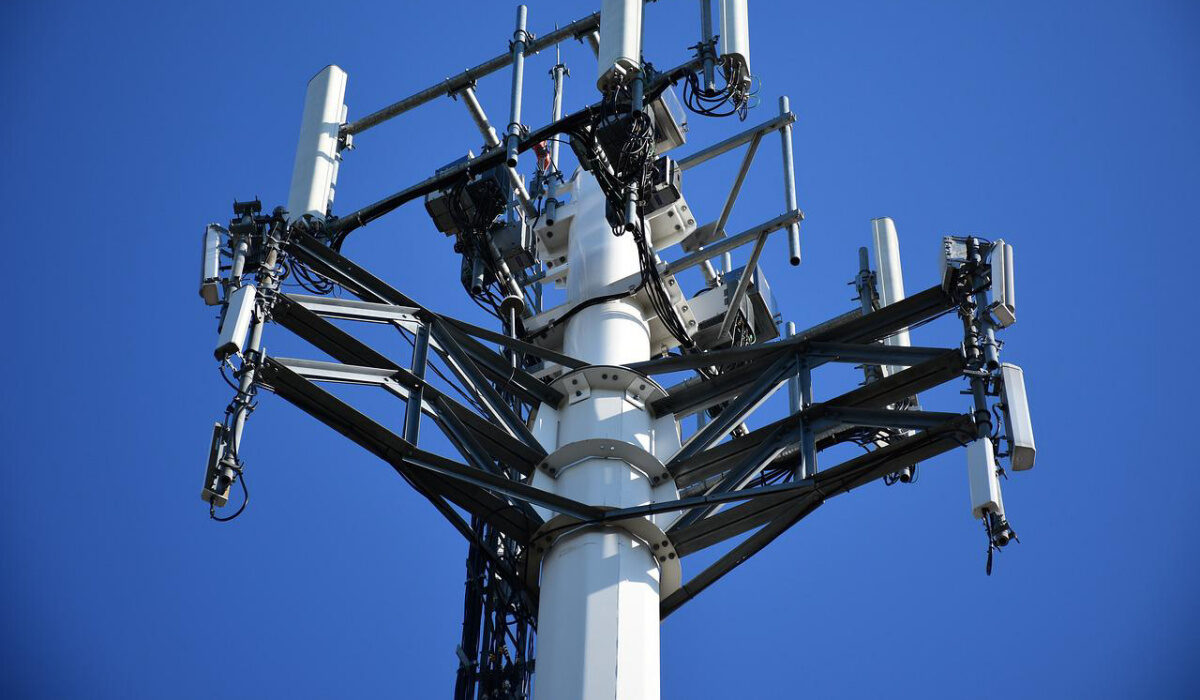
What is 5G technology?
5G (fifth generation) is a mobile phone network and the successor to the 4G network. This more advanced wireless network technology is able to bring the user a far quicker, more efficient and superior wireless connectivity. It greatly reduces the response time that it takes computing devices to communicate with each other, which has led to a number of benefits. For example, it greatly improves the latency, and it enables super-fast download times compared to 4G capabilities, which all mean greater reliability for the user.
It has basically led to a new chapter in the mobile phone network being born, and it’s an exciting time for everyone. It will make using a smartphone, tablet device, or any computing device that can connect to the 5G network more effective than ever before.
What are the main benefits of 5G for the entertainment industry?
There are lots of benefits of 5G technology for the entertainment industry, some of which are more obvious than others. For example, mobile gamers will now be able to stream their favourite high-end, more graphically demanding games uninterrupted, which means there’s no more lagging when playing hit titles, such as Forza Horizon 5, Assassin’s Creed Valhalla, Red Dead Redemption 2, Final Fantasy XV, Far Cry 6, and Cyberpunk 2077 .
Mobile casino players will also be able to play their favourite live dealer casino games, such as MONOPOLY Live, Live Deal or No Deal, and Live Crazy Time like never before. They will now be able to watch as the action unfolds in the highest possible video quality without any annoying buffering or loss of connection, which makes you unable to place your bets.
Sports bettors will also benefit from a similar thing when placing live bets (aka in-play bets). For example, when a connection drops with 4G technology, bets that you thought were successfully placed often end up not being placed because of connectivity issues. With 5G, you no longer have to miss out on those all-important bets being placed, thanks to the more efficient wireless technology.
If you want to have a flutter right now, a trusted mobile betting app that’s free to download and can be installed onto any modern smartphone or tablet device is available at 10bet Africa. Virtual Reality (VR) technology and Augmented Reality (AR) technology will also be greatly improved thanks to the ultra-fast speeds that 5G can deliver. Not only will 5G benefit mobile gamers, but anyone else who uses a mobile device to do everything from working at home and buying their weekly groceries to paying bills, learning, and being more creative by editing photos or videos uninterrupted.
How have entertainment companies been preparing for the transition to 5G?
Today’s major entertainment companies are preparing for the complete transition to 5G in a number of ways. They have been teaming up with wireless network providers to try out new technologies and test possible applications, and they have been carefully analysing big data and building on their own products and services to prepare for the day when 5G is the dominant network.
Is 5G bad for your health?
Over the past couple of years, there have been a lot of stories circling the internet and wild conspiracy theories about 5G wireless network technology being bad for your health, but there is no evidence to support these theories. 5G’s main role is simply to provide faster mobile communication speeds by producing higher electromagnetic frequencies.
It is around 100 times faster than 4G wireless technology, but this doesn’t mean that it will have a negative effect on people’s health in any way. Whenever a new technology comes about like this, which is still in its relative infancy, there will always be people who worry and voice concerns about what may happen, which only adds fuel to the fire.
You just have to listen to the scientists and trust their findings that it’s a safe technology after having conducted a variety of tests on 5G technology to find out if this new technology will cause possible biological and health issues. There is currently no reason to believe that 5G is damaging to your health , which is why more and more countries continue to embrace the technology and upgrade to 5G.
