Add MobilityArena as a preferred source on Google
Knowing how to make a Wi-Fi call on Android is handy when you can’t rely on your cellular network to make calls. This can be particularly useful in areas with weak or no cellular coverage, as long as you have access to a stable Wi-Fi connection. Not only does it help you stay connected, but it can also save you money on your phone bill.
This is a game-changer for staying connected, so I’ll teach you how to make a Wi-Fi call on Android, ensuring that you stay connected no matter where you are. Explore this guide with me; let’s get you making those Wi-Fi calls seamlessly in no time.

What is a Wi-Fi Call?
A Wi-Fi call is a phone call you make with a Wi-Fi network instead of a cellular network. It’s like having an alternative pathway for your calls. It allows you to make and receive calls using your internet connection. The main benefit is that it can improve call quality, especially in areas where the cellular signal is weak or spotty. So, if you’re in a building with thick walls or in a basement, you can still make crystal-clear calls using Wi-Fi.
Another advantage is that if you’re making international calls, Wi-Fi calling can help you save on roaming charges by using your Wi-Fi connection instead. It’s a convenient and reliable feature that ensures you can stay connected wherever you have access to Wi-Fi.
To make a Wi-Fi call on Android, you need to enable Wi-Fi calling in your phone settings and connect to a Wi-Fi network. Once enabled, you can enjoy improved call quality and extended coverage.
How to Turn On Wi-Fi Calling for Android Phones
To turn on Wi-Fi calling for Android phones, you need to make sure that your phone and carrier support it. Most major U.S. carriers like AT&T , T-Mobile , and Verizon support Wi-Fi calling, but it’s always good to double-check if you use a different carrier. Additionally, Wi-Fi calling is generally available on Android phones manufactured within the last few years.
However, the steps to enable it may vary slightly depending on your phone’s manufacturer and your carrier. To enable Wi-Fi calling on Android follow these steps:
- Open the “ Settings ” app on your Android phone.
- Look for the “ Network & Internet ” or “ Connections ” option and tap on it.
- Find and select “ Wi-Fi Calling ” or “ Advanced Calling ” from the list of options.
- Toggle the switch to enable Wi-Fi calling.
- You may be prompted to set up or confirm your emergency address for emergency services.
- Once enabled, your Android phone will automatically use Wi-Fi calling when a Wi-Fi network is available and your cellular signal is weak or unavailable.
To enable Wi-Fi calling on Samsung phones, you can do so in two different ways: either through the Quick Settings panel or through the Phone app. Follow these steps:
Through the Quick Settings panel:
- Swipe down twice from the top of the screen to access the Quick Settings panel.
- Tap the Wi-Fi Calling icon to activate Wi-Fi Calling.
Through the Phone app:
- Open the Phone app.
- Tap the More Options icon (three dots) at the upper right side of the Phone app.
- Tap Settings .
- Toggle on the switch to activate Wi-Fi Calling.
- If a pop-up box appears requesting your emergency contact information, simply review the details, enter the required information, and tap Save.
If these instructions don’t work for your phone, you can try searching for “ Wi-Fi Calling ” in the settings using the search magnifying glass. This should take you directly to the correct setting.
How To Make A Wi-Fi CallOn Android
To make a Wi-Fi call, just treat it like a regular call. No additional steps are required on your part. Your phone will automatically assess the strength of your Wi-Fi and cellular networks and choose the stronger one to route your call. It’s a seamless process that ensures you have the best call quality possible.
To sum up, making a Wi-Fi call on Android is a simple and convenient process. By enabling Wi-Fi calling in your phone settings and connecting to a Wi-Fi network, you can enjoy improved call quality, extended coverage, cost savings, seamless transitions, and overall flexibility and reliability.
It’s a great feature to have, especially in areas with weak cellular signals or when traveling internationally. So, hope you use these tips to stay connected with ease; don’t forget to check out this category if you’d like more useful tips.
Author:Joan Agie
Add MobilityArena as a preferred source on Google
It is no longer news that the iPhone 15 Pro Max has a 5x periscope zoom camera. This is the first time that Apple has used a periscope lens in their iPhones, which is designed to provide a powerful optical zoom to help it take on the best camera phones. iPhone cameras have a reputation for being really good, but having a periscope zoom in the iPhone 15 Pro Max takes things to a whole new level of possibilities in photography.
Periscope zoom lenses have become increasingly popular in smartphone cameras, allowing users to take high-quality photos and videos from a distance. But how exactly do these lenses work and what specific benefits does having one bring to the iPhone 15 Pro Max?
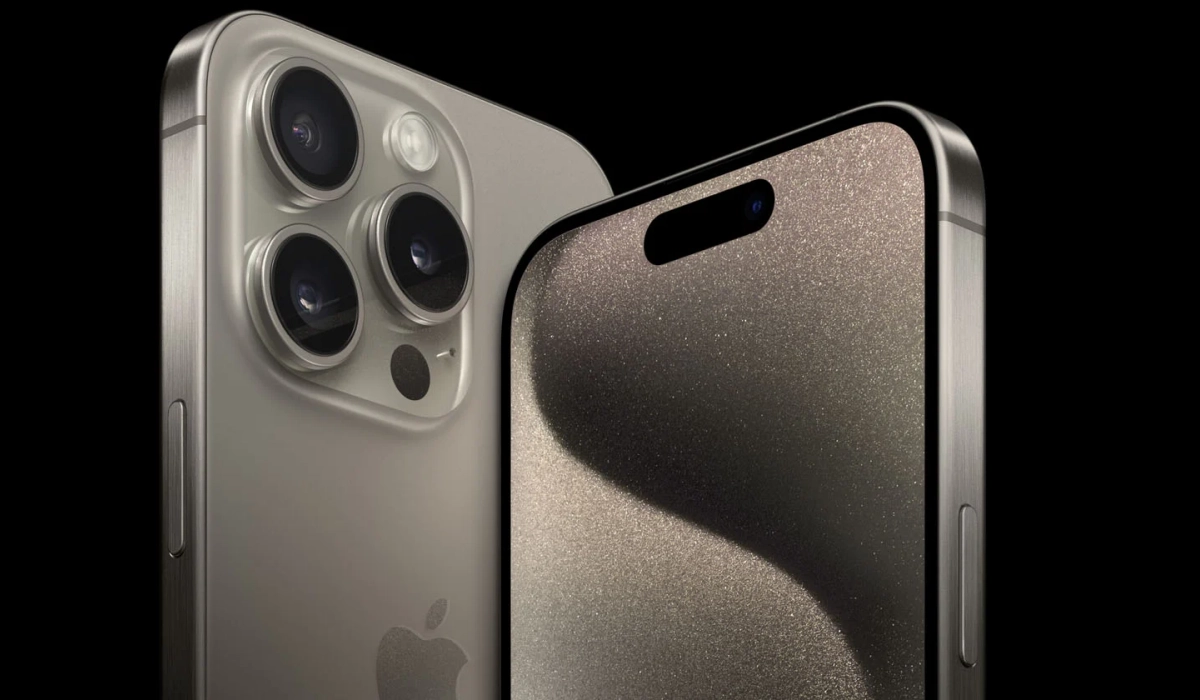
At its core, a periscope zoom lens diverts light through a prism and into a telephoto lens set at a ninety-degree angle to a rear-facing lens and buried deep inside the chassis. This allows the lens to capture a close-up image while maintaining clarity and sharpness.
Unlike digital zoom, which simply crops an image taken with a standard wide-angle lens, optical zoom capabilities use the periscope lens to capture a close-up image, allowing for clear and crisp pictures. This technology has become increasingly popular in smartphone cameras as users demand more advanced features and greater flexibility in their photography.
- Understanding Periscope Zoom Lens Concept of Periscope Zoom Lens Components of Periscope Zoom Lens
- Working of Periscope Zoom Lens in a Smartphone Light Path in Periscope Zoom Lens Image Capture and Processing
- Advantages of Periscope Zoom in the iPhone 15 Pro Max Improved Zoom Capability Enhanced Low-Light Performance Slimmer Profile Increased Flexibility
- Challenges and Limitations of Periscope Zoom Lens 1. Image Quality 2. Cost 3. Size and Weight 4. Durability
- Future of Periscope Zoom Lens in Smartphones Increased Zoom Capabilities Improved Image Quality Integration with Other Camera Features
- How to use the periscope zoom in the iPhone 15 Pro Max
Understanding Periscope Zoom Lens
Concept of Periscope Zoom Lens
A periscope zoom lens is a type of camera lens that allows for high-powered zoom capabilities without the need for a bulky lens. Instead, the periscope zoom lens uses a series of mirrors or prisms to reflect the light and redirect it at a 90-degree angle, magnifying the image. This design allows for a longer focal length in a compact space, making it ideal for use in smartphones.
The periscope zoom lens works by bending the light through a prism or mirror, which allows for a longer focal length without the need for a longer physical lens. This design also allows for a shallower depth of field, which can create a more professional-looking bokeh effect in portrait photography.
Components of Periscope Zoom Lens
A periscope zoom lens typically consists of several components, including:
- Prism or Mirror : The prism or mirror is the central component of the periscope zoom lens, as it reflects the light and redirects it at a 90-degree angle.
- Lens Elements : The lens elements are used to focus the light and adjust the image quality.
- Actuators : The actuators are used to adjust the position of the lens elements and control the zoom and focus of the lens.
- Image Stabilization : Many periscope zoom lenses also include image stabilization technology to help reduce blur and improve image quality.
Working of Periscope Zoom Lens in a Smartphone
Light Path in Periscope Zoom Lens
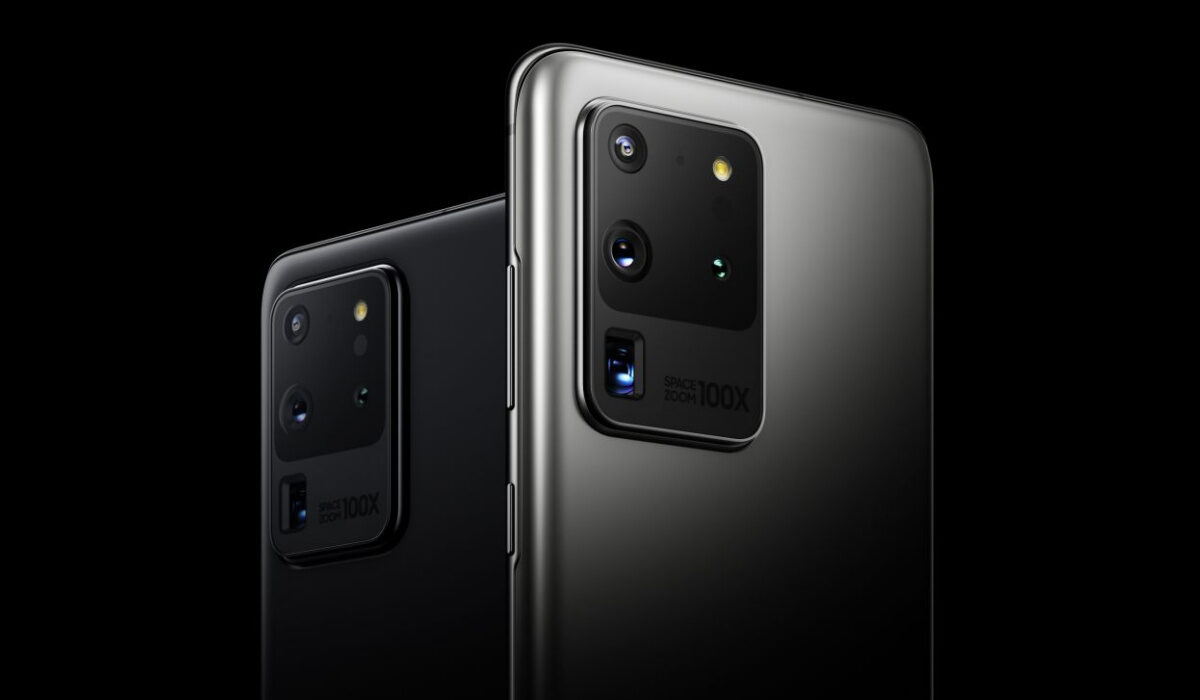
The light path in a periscope zoom lens is more complex than that of a traditional camera lens. The light enters the lens through the front element and passes through a series of lenses that adjust the focus and magnification of the image. The light then passes through a prism that reflects the light at a 90-degree angle and onto another set of lenses that further adjust the focus and magnification. Finally, the light passes through a second prism that reflects the light back to its original direction and onto the camera sensor.
Image Capture and Processing
Once the light has passed through the periscope zoom lens, the camera sensor captures the image and sends it to the smartphone’s image processing software. The software then processes the image and applies any necessary adjustments, such as color correction and noise reduction.
The periscope zoom lens is capable of achieving high levels of optical zoom, which is the ability to magnify an image without losing quality. However, digital zoom, which is the process of magnifying an image by cropping and enlarging it, can also be used to achieve even higher levels of zoom. Hybrid zoom, which combines optical and digital zoom, is a newer concept used in smartphones that allows for improved results when zooming in further than the lens’s physical capabilities.
Advantages of Periscope Zoom in the iPhone 15 Pro Max
Here are some of the benefits of using a periscope zoom lens in a smartphone:
Improved Zoom Capability
Periscope zoom lenses enable smartphones to achieve higher levels of optical zoom, which is a significant improvement over traditional smartphone cameras. The periscope lens allows for a greater degree of magnification while maintaining image quality, making it ideal for capturing distant objects without losing detail.
Enhanced Low-Light Performance
Periscope zoom lenses can also improve low-light performance in smartphone cameras. By allowing more light to enter the camera sensor, the periscope lens can capture brighter and clearer images in low-light conditions. This is particularly useful when taking photos or videos in dimly lit environments.
Slimmer Profile
Another advantage of using a periscope zoom lens in a smartphone is that it allows for a slimmer profile. Traditional zoom lenses require a significant amount of space, making it difficult to design a slim smartphone. With a periscope zoom lens, the lens can be positioned vertically within the device, allowing for a thinner and more aesthetically pleasing design.
Increased Flexibility
Periscope zoom lenses also offer increased flexibility when it comes to shooting photos and videos. With the ability to capture distant objects and improved low-light performance, users can take photos and videos in a wider range of environments. This can be particularly useful for capturing nature and wildlife, sports events, and other outdoor activities.
Challenges and Limitations of Periscope Zoom Lens
While periscope zoom lenses offer significant advantages over traditional zoom lenses in terms of magnification and compactness, they also face some challenges and limitations. Here are some of the most notable ones:
1. Image Quality
One of the main limitations of periscope zoom lenses is their impact on image quality. Due to the complexity of the lens design, periscope lenses can introduce a range of optical aberrations, such as distortion, vignetting, and chromatic aberration. These aberrations can affect the sharpness, contrast, and color accuracy of the images captured with the lens. Additionally, the use of digital zoom beyond the optical zoom range can further degrade the image quality.
2. Cost
Another challenge of periscope zoom lenses is their cost. The design and manufacturing of these lenses require precision engineering and specialized materials, which can drive up the production costs. This can make periscope zoom lenses more expensive than traditional zoom lenses, which can limit their adoption in mainstream smartphones.
3. Size and Weight
Periscope zoom lenses are also larger and heavier than traditional zoom lenses, which can pose challenges for smartphone manufacturers. The lens module needs to fit within the slim profile of the smartphone body, while also being lightweight to avoid adding bulk to the device. This can be a difficult balance to achieve, and may require compromises in other areas, such as battery capacity or camera features.
4. Durability
Finally, periscope zoom lenses may also face durability challenges. The moving parts of the lens mechanism, such as the prism or mirror, may be prone to wear and tear over time, which can affect the performance and reliability of the lens. Additionally, the lens module may be more susceptible to damage from impacts or drops, which can further reduce its lifespan.
Despite these challenges and limitations, periscope zoom lenses remain a promising technology for smartphone cameras, and ongoing research and development efforts are aimed at addressing these issues and improving the performance and accessibility of these lenses.

Future of Periscope Zoom Lens in Smartphones
Periscope zoom lenses have revolutionized smartphone photography, allowing users to capture stunning images from a distance. As periscope lenses become more popular, it is clear that they are here to stay. Here are some potential future developments for periscope zoom lenses in smartphones:
Increased Zoom Capabilities
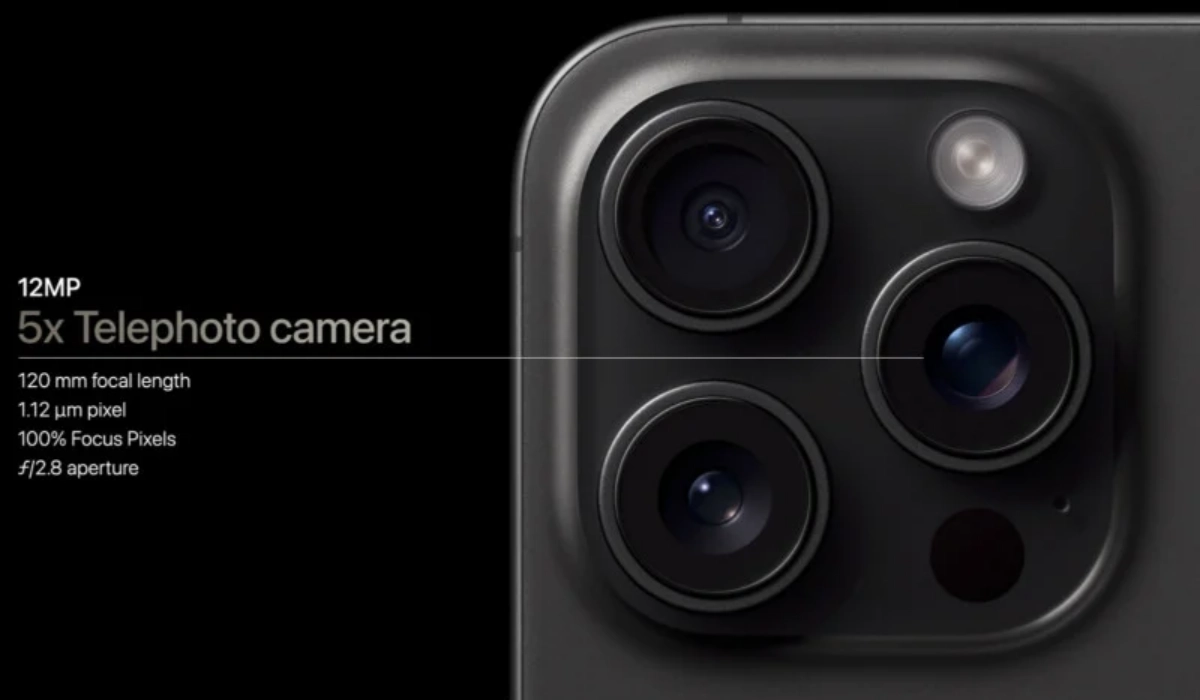
One of the most significant advantages of periscope zoom lenses is their ability to provide high levels of optical zoom without adding bulk to the phone. Currently, the highest optical zoom available on a smartphone is 10x (the iPhone 15 Pro Max does only up to 5x), but this is expected to increase in the future. As technology improves, we can expect to see smartphones with periscope zoom lenses capable of providing even higher levels of optical zoom.
Improved Image Quality
While periscope zoom lenses have made it possible to capture high-quality images from a distance, there is still room for improvement. As periscope cameras become more advanced, we can expect to see improvements in image stabilization, color accuracy, and overall image quality.
Integration with Other Camera Features
Periscope zoom lenses are just one of many features that make smartphones great cameras. In the future, we can expect to see periscope lenses integrated with other camera features, such as night mode and portrait mode. This integration will make it easier for users to capture high-quality images in a variety of conditions.
How to use the periscope zoom in the iPhone 15 Pro Max
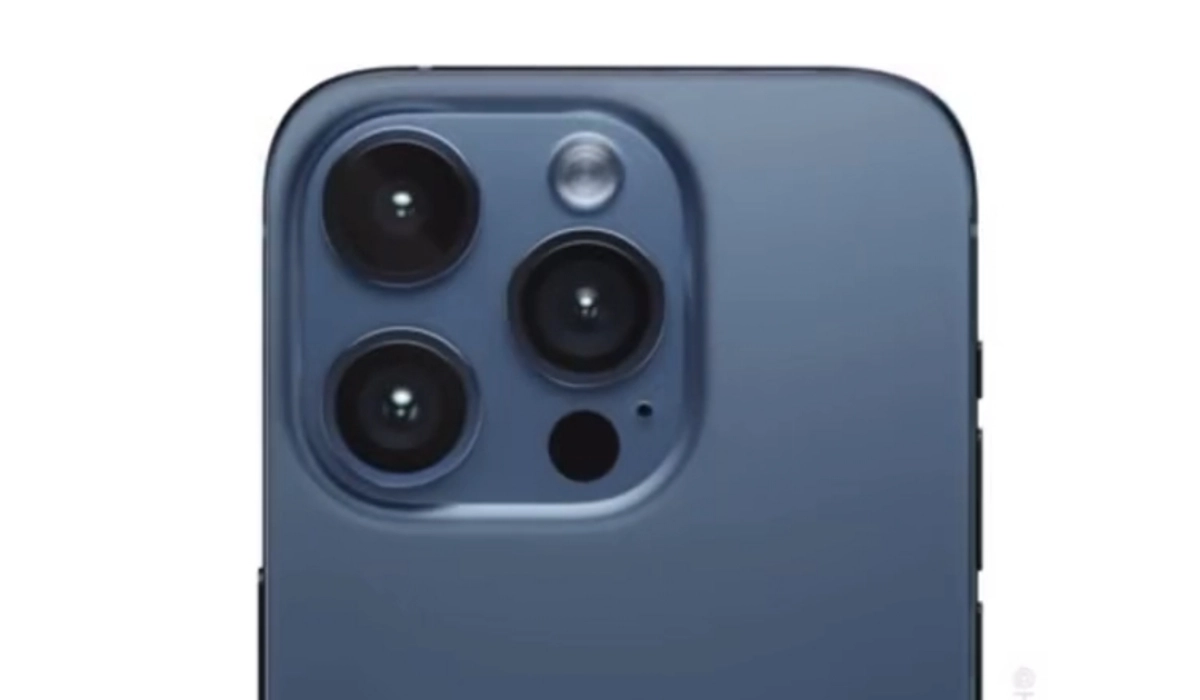
As with most iPhone features, simpicity and ease of use is key. When you launch your 15 Proax’s camera, you will see onscreen zoom options. Select any of the options up to 5x and the phone will shoot photos in 5x optical zoom using the periscope lens. If you go above 5x zoom, it switches to digital zoom which is not as powerful and as detailed as optical zoom. Easy-peasy.
What kind of photos do you need the periscope lens for? Primarily, it is needed when you need to zoom into a far away object to capture more details. Periscope zoom in the iPhone 15 Pro Max can also serve as a macro camera for capturing tiny objects up close.
Author:Mister Mobility
Digital Skills and Communication Coach | Mobile Phone Connoisseur since 2001 | Tech Blogging since 2004
