Add MobilityArena as a preferred source on Google
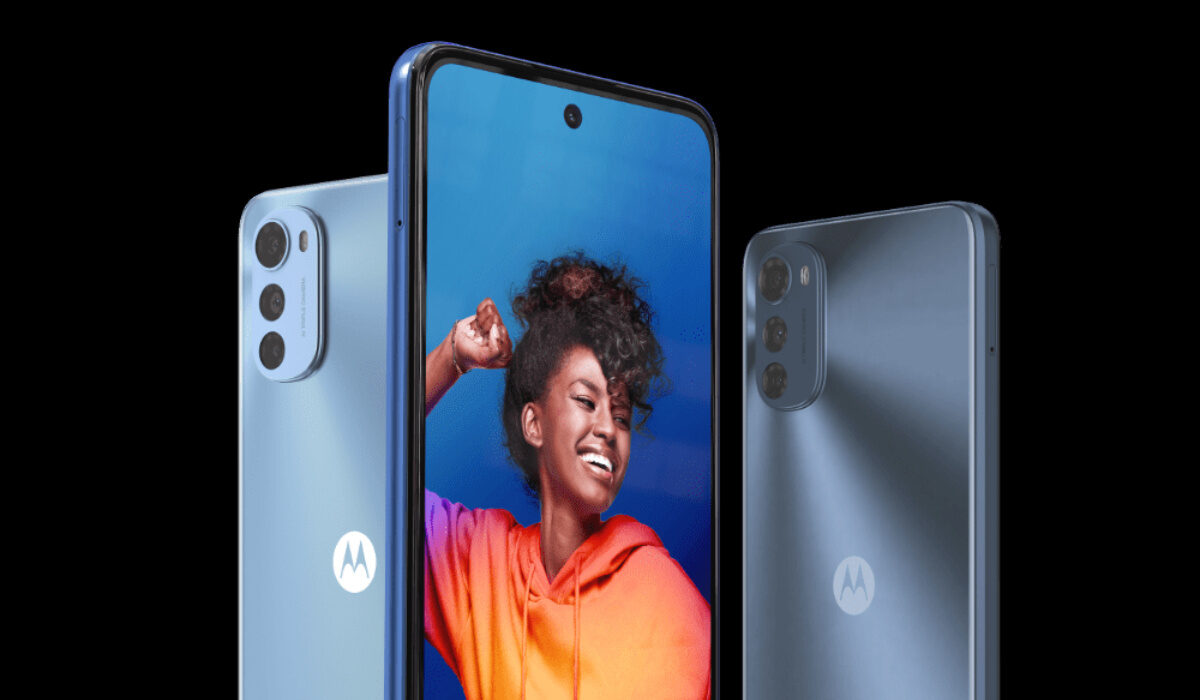
The Motorola Moto E32 is an entry-level Motorola smartphone aimed at used who do not want to spend a fortune on much more expensive models. Why would you want to to make the Motorola Moto E32 faster? The processor on the Moto E32 is the Unicos SoC T606. It also has 4GB of RAM and 64GB of internal storage. The chipset on this device is not meant for heavy gaming or multitasking, it might have great features but it remains an entry-level device.
Other specs of the phone include: a 6.5″ HD+ display, a 16 + 2 + 2 MP main camera setup, a 8 MP selfie camera, and a large 5,000 mAh battery. Now, if you are looking to make your Motorola Moto E32 faster and smoother, here are some ways to make that possible. Jump to the tips below.
Make Motorola Moto E32 Faster: Delete Unused apps
Any smartphone user would love to have all their desired apps installed. This might lead to large amounts of apps piling up on the device, over time. It is important to form a habit of uninstalling unused apps and games. Having lots of these apps will hinder and slow down the performance of your Moto E32.
Especially when you have some of them running in the background. They also become so many and have so much data on each one of them, that there is barely any storage space left for your device to run as smoothly as you may have liked.
Make Motorola Moto E32 Faster: Clear App Cache
Cleaning the cache of the app on your Moto E32 is important in terms of sending up your phone. Clearing the cache of an app can make that particular app run faster and smoother than it did before, and reduce possible lag. Clearing cache is also very important for entry-level devices too to help them improve their performance. As they are not as powerful as high-end devices. You can clear the cache of any app by long pressing the app icon, selecting App info , and then Storage . There will be an option to Clear the cache . Select that and you’re good to go.
Make Motorola Moto E32 Faster: Install Software Updates
It is important to keep your Moto E32 up to date. This is because, with every new update, there might be security enhancements (which are crucial) but there might also be performance improvements added to the update that can make your overall experience, and device speed, better.
Make Motorola Moto E32 Faster: Restart Your Device
It is well known that any device can perform faster and better simply off of a restart. The same holds for the Moto E32. Doing this should address most of the performance issues, as it deletes temporary files to speed up the phone and clears the phone’s memory.
Make Motorola Moto E32 Faster: Use Lite Version Applications
Lite versions of apps are the shortened versions of these said apps. Apps Tit Tok, Facebook, e.t.c. The lite versions are usually limited in comparison to the actual applications and don’t offer as many features. These lightweight apps, that do not work your device as hard as the main ones, are designed for entry-level smartphones and designed for users who want to keep their apps simple or use something simple. They help boost the performance of your device and lower your data and charges.
Make Motorola Moto E32 Faster: Do A Hard Reset
If you are looking for a simple method on how to Make Moto E32 Run Faster, it may be the most effective. If you do a hard reset on your Moto E32, then all the phone data will be deleted, and the phone’s storage will be clean. At the same time, the random-access memory of your Moto E32 will start working like new again. However, you need to back up all the data before performing a hard reset.
- Don’t miss our mobile phone reviews .
- Follow our news on Google News .
- Join our WhatsApp Group , to be notified of the most important articles and deals,
- Follow us on Instagram , Facebook , Twitter , and YouTube .
Author:Flamez
Flamez loves basketball, art, gadgets and cars.
Add MobilityArena as a preferred source on Google
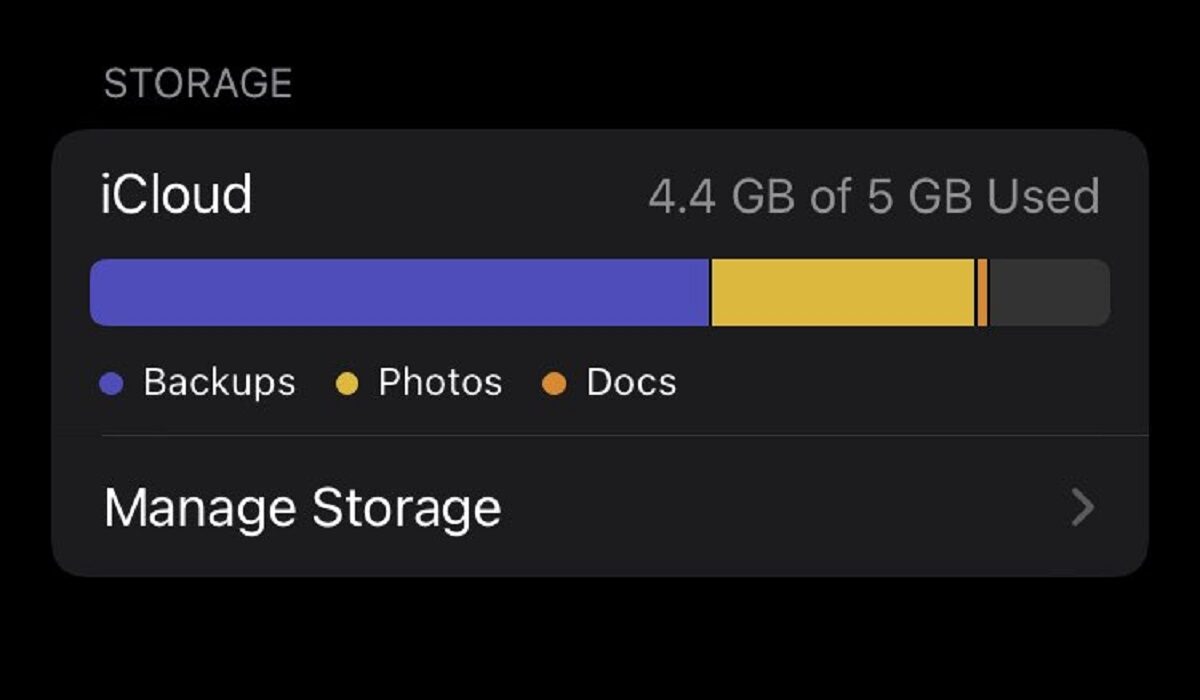
If you own an iPhone, whether it is an and have backup to iCloud active, you have 5 GB free storage from Apple, after which you have to pay a subscription for extra cloud storage. When you get a message from Apple saying, “Your iCloud storage is almost full”, it is time to decide whether you want to take up that paid subscription or you want to delete files from iCloud.
Your iCloud storage is used for iCloud Photos and to keep other things like WhatsApp backups, contacts, calendar, among others, stored and easily accessible. Backups are easily the biggest culprits behind your iCloud storage filling up quickly. Your WhatsApp backup, especially, is likely to be very heavy because of images and videos. If you want to delete files from iCloud to free up storage, I suggest that you look in that direction.
There are two ways to delete files from iCloud; one is to do it from a PC web browser, and the other is to do it from your iPhone.
How to delete files from iCloud using the iCloud website
- Open iCloud.com in a browser.
- Log in with your Apple ID.
- Click “iCloud Drive.”
- To delete a folder, select it and then click the Delete icon.
- To delete files, double-click a folder.
- Hold down CTRL while clicking each file.
- Select the Delete icon.
How to delete files from iCloud on your iPhone
- Go to Settings > [your name] > iCloud > Storage > Manage Storage.
- You will see options for Backups, Photos, and other items, as well as the size they have taken up and decide which you want to delete
- Tap on the option you want to delete from
- For each option under Backups, you have to disable the backup to delete it. Tap on Turn Off & Delete or Disable & Delete , as the case may be.
- Repeat the previous two steps for as many options as you wish.
However you choose to do it, being able to delete files from iCloud will free up some space for you buy you some time before you inevitably have to get more storage. Because, eventually, you will need more storage. Meanwhile, are you interested in the which iPhone has the best battery life?
- Don’t miss our mobile phone reviews .
- Follow our news on Google News .
- Join our WhatsApp Group , to be notified of the most important articles and deals,
- Follow us on Instagram , Facebook , Twitter , and YouTube .
Author:MobileChic
That motivated, gadget-loving geeky chic who tries to stay on top of things. Unapologetic iFan.
