Add MobilityArena as a preferred source on Google
The Nokia G11 is a budget smartphone that was released in February 2022. The screen size of the device is 6.5″. It has a 13 MP + 2 MP + 2 MP main camera, and an 8 MP selfie camera. It comes with 3/4 GB of RAM and 32/64 GB of internal storage. The processor on the Nokia G11 is the Unisoc T606. It also has a massive 5050 mAh battery and comes with fast charging too.
Now, if you are looking to make your Nokia G11 run faster and smoother, here are some ways to make that possible.
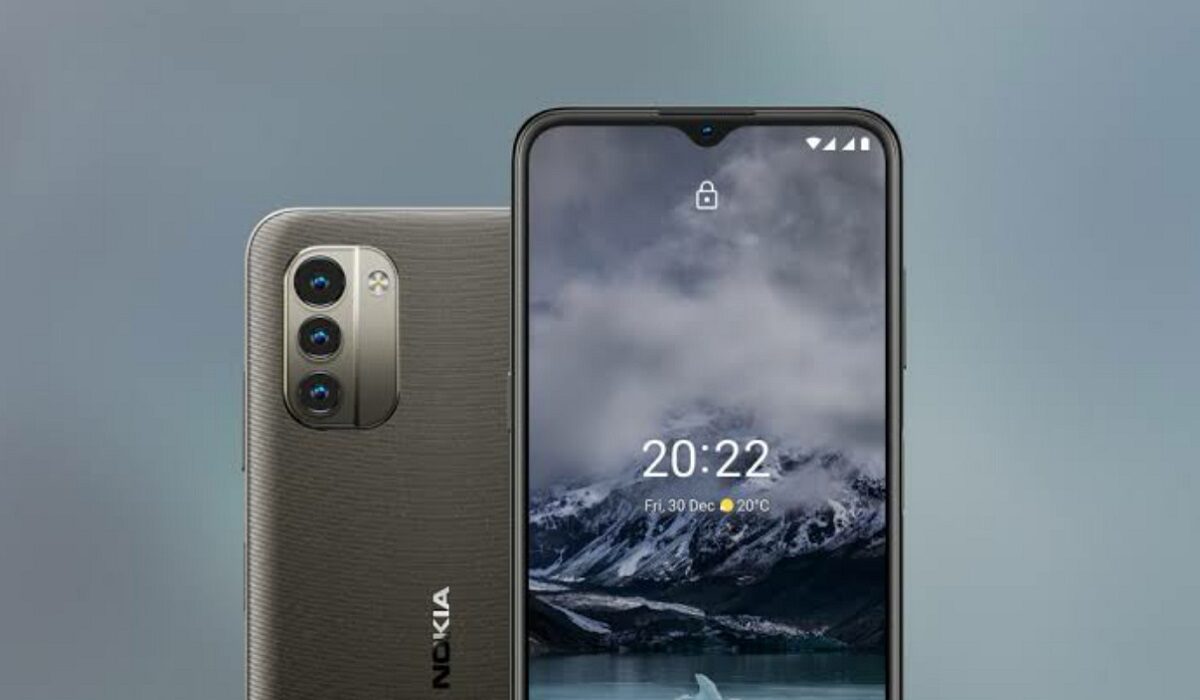
Follow the tips below, to make Nokia G11 work faster and run smoother.
Delete Unused apps
The benefit of owning a Nokia smartphone, the G11 included, is that they do not come with bloatware and unwanted apps. Any smartphone user would love to have all their desired apps installed. This might lead to large amounts of apps piling up on the device, over time. It is important to form a habit of uninstalling unused apps and games. Having lots of these apps will hinder and slow down the performance of your device.
Especially when you have some of them running in the background. They also become so many and have so much data on each one of them, that there is barely any storage space left for your device to run as smoothly as you may have liked.
Clear App Cache
Cleaning the cache of the app on your Nokia G11 is important in terms of sending up your phone. Clearing the cache of an app can make that particular app run faster and smoother than it did before, and reduce possible lag. Clearing cache is also very important for entry-level devices too to help them improve their performance. As they are not as powerful as high-end devices. You can clear the cache of any app by long pressing the app icon, selecting App info , and then Storage . There will be an option to Clear the cache . Select that and you’re good to go.
Updates
It is important to keep your Nokia G11 updated. This is because, with every new update, there might be security enhancements (which are crucial) but there might also be performance improvements added to the update that can make your overall experience, and device speed, better.
Restarting your Device
It is well known that any device can perform faster and better simply off of a restart. The same holds for the Nokia G11. Doing this should address most of the performance issues, as it deletes temporary files to speed up the phone and clears the phone’s memory.
Use the Lite Version applications
Lite versions of apps are the shortened versions of these said apps. Apps Tit Tok, Facebook, e.t.c. The lite versions are usually limited in comparison to the actual applications and don’t offer as many features. These lightweight apps, that do not work your device as hard as the main ones, are designed for entry-level smartphones and designed for users who want to keep their apps simple or use something simple. They help boost the performance of your device and lower your data and charges.
Hard Reset
If you are looking for a simple method on how to Make Nokia G11 Run Faster, it may be the most effective. If you do a hard reset on your Nokia G11, then all the phone data will be deleted, and the phone’s storage will be clean. At the same time, the random-access memory of your Nokia G11 will start working like new again. However, you need to back up all the data before performing a hard reset.
The main reason for this is a hard reset because all the data in your Nokia G11 storage will erase. This will increase the performance of your Nokia G11 phone compared to its previous state before the reset. But it bears too much of a cost for some. If you are fine with having all your data lost, you can go for this option. It will certainly improve the phone’s performance and feel like you just bought a new phone.
- Don’t miss our mobile phone reviews .
- Follow our news on Google News .
- Join our WhatsApp Group , to be notified of the most important articles and deals,
- Follow us on Instagram , Facebook , Twitter , and YouTube .
Author:Flamez
Flamez loves basketball, art, gadgets and cars.
Add MobilityArena as a preferred source on Google
There are mostly two categories of smartphone users: those who change their phones as soon as there’s a new upgrade, and those who don’t care much about the latest device and just appreciate a working smartphone. If you belong to the latter category, you won’t always need to upgrade to the newest iPhone, but you will eventually need to do so whether you want to or not.
It might sometimes be challenging to decide when to replace your iPhone or just update it to the latest OS. Also, if your phone isn’t working properly, there’s the occasional dilemma as to whether you should fix it or get an entirely new one. However, this decision doesn’t have to be so confusing if you know the signs that typically indicate that it’s time to get a new device.
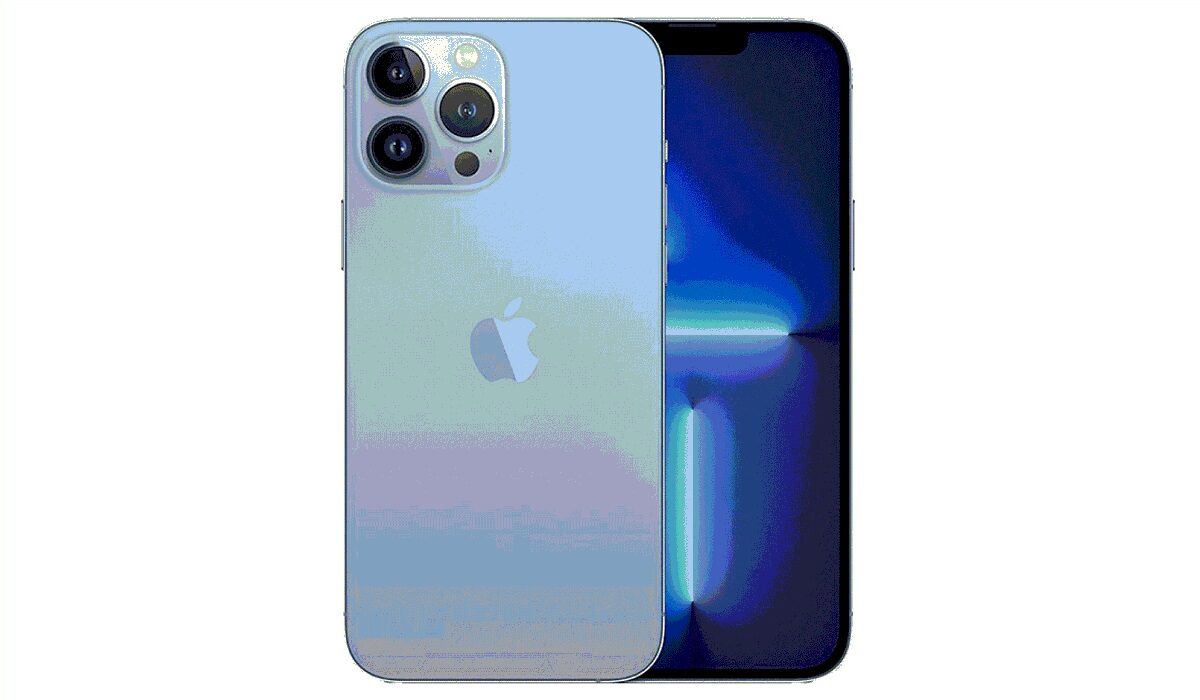
How can you tell when it is time to replace your iPhone?
If you’re not familiar with these helpful hints, then this article is for you. We’ve provided the most prominent indications in this guide that will help you recognize when your iPhone is too old and needs to be replaced with a new one.
How Long Should My iPhone Last?
Under normal circumstances, your iPhone should last a long time if you take good care of it. You can generally anticipate your phone to remain functioning for about four to seven years. Almost always, iOS updates for iPhone models come for years after their release date. The 2014-released iPhone 6 for instance was still able to install iOS 14 updates as of 2021.
Of course, you, and not Apple, will determine how long your phone lasts because, in the end, it’s how you handle the phone that matters most. Your device’s lifespan will naturally get shorter if you misuse it frequently.
How Do You Know It’s Time to Replace your iPhone?
Below, we’ve discussed some important signs that should help you know that it’s time for a new iPhone device.
Faster Battery Drain
Your iPhone’s battery will inevitably deplete more quickly as it gets older. This can also be brought on by temporary elements like chilly weather. However, if you discover that you can’t use your smartphone for extended periods without having to recharge it, upgrading may be your best option.
You might want to think about getting your battery changed instead if you still receive fresh iOS upgrades and don’t want to buy a new phone. If you request the repair through an authorized repair shop instead of Apple, it will probably be far less expensive.
Inability to Download and Install the Latest iOS Software
Even if it doesn’t seem like a major concern to not have the most recent iOS software, there are additional benefits to updating your phone that go beyond the addition of new functions. You run the danger of being exposed to malware and other security threats if you don’t have the most recent Apple software.
Your phone might continue to function normally for a short period after it stops getting the most recent iOS updates. However, it’s generally a good idea to update your iPhone and secure it with the most recent software for your safety.
So, if for whatever reason your iPhone gets to the point where it can no longer install updates, then it’s time to say goodbye to it.
Constantly Insufficient Space
For iPhone users, having insufficient storage capacity is a regular issue. Your device can accumulate a lot of files, apps, photographs, and music if you don’t routinely clear it. As such, it’s a great starting step to go through and delete everything on your phone that isn’t important to you when you’re struggling to free up enough space.
However, there are occasions when a phone’s storage capacity is insufficient to meet all the needs of its user. If this is the case for you, you might want to think about upgrading to an iPhone with greater capacity, especially when you frequently run out of space while using the phone normally.
Lack of Support For Newer Wireless Technologies
Older devices are frequently left behind when tech companies modernize the mobile network backbone. Texting and calling people should still be possible, but doing anything else without Wi-Fi will be more difficult. Even though you don’t need 5G to receive speedy mobile coverage, you’ll be able to maximize the performance of your smartphone if you have at least 4G.
Older phones supporting only 3G networks are mostly obsolete at this point. When your iPhone no longer supports the most widely deployed wireless technologies, upgrading to a new model is a wise and sometimes necessary move.
Some Key Functions Don’t Work
It’s possible that your iPhone still functions well even if you don’t have the most recent software or a part of it — like the screen — is destroyed. However, you should keep in mind that the likelihood that your device will eventually stop operating at a level that is even remotely suitable is substantial.
Your only choice may be to upgrade to a new smartphone if other people typically can’t hear you over the phone, your apps frequently crash, or your touch screen and buttons don’t function as they should, if at all.
Summarily , no matter how carefully you handle your iPhone device, it will still need to be replaced one day. The instructions in this article will help you recognize if all you need is an update sometimes, or if it’s time to replace your iPhone with an entirely new device.
Keep in mind that some things can be fixed just by changing some parts of the phone. However, if it appears that you’ll spend more repairing the phone than you would if you were buying a new one, then the smart choice is pretty obvious.
We hope you’ve learned a lot from this article, so we encourage you to share or recommend it to others.
- Don’t miss our mobile phone reviews .
- Follow our news on Google News .
- Join our WhatsApp Group , to be notified of the most important articles and deals,
- Follow us on Instagram , Facebook , Twitter , and YouTube .
