Add MobilityArena as a preferred source on Google
Modern smartphones are power-hungry, for a number of reasons, and the iPhone is no exception. As a matter of fact, iPhones have a reputation of many years for not having the best battery life. What can you do to make your iPhone battery last longer? Apart from the display of your iPhone, which is very obvious, some of the other top battery drainers are not so obvious, because they are hidden away.
Those pesky background activities eat up a good chunk of your iPhone’s charge. One of the ways to fix this is to disable a few things that run in the background. Let’s get right to helping you make your iPhone battery last longer.
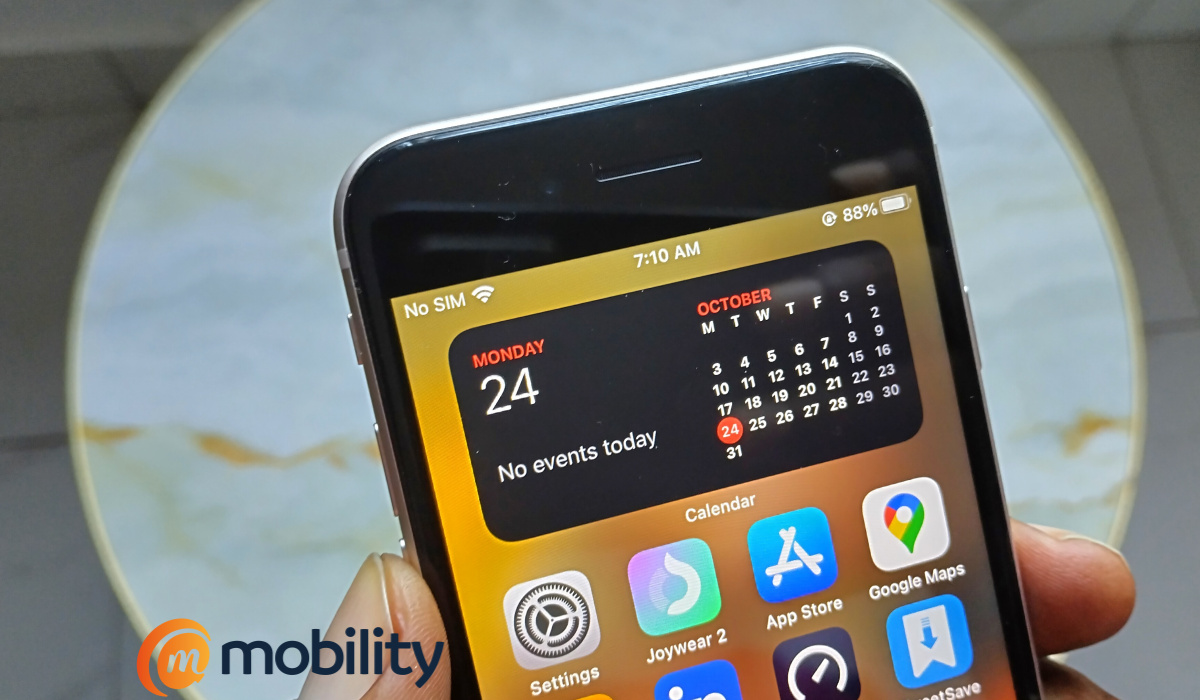
- Make your iPhone battery last longer by turning off Background App Refresh
- Improve your iPhone’s battery life by disabling Siri & Search notifications
- Improve your iPhone’s battery life by disabling some location services
Make your iPhone battery last longer by turning off Background App Refresh
There are apps constantly refreshing data in the background. This happens whether you are actively using your iPhone or it is laying there on your desk in standby mode. To improve battery life, you need to disable background app refresh on your device. Here is how to do it.
- Open Settings .
- Tap on General .
- Scroll down till you see Background app refresh ; tap on it to open it.
- Tap Background App Refresh at the top of the page.
- In the next page, select Off .
Alternatively, you can turn off Background App Refresh only for selected apps. To do this, follow the above steps to Step 3. You will see a list of apps that refresh in the background. Toggle off each one that you want to disable from refreshing in the background.
Improve your iPhone’s battery life by disabling Siri & Search notifications
You can make your iPhone battery last longer by turning off a number of Siri & Search features, as follows:
- Open Settings
- Scroll down till you see Siri & Search ; tap on it.
- Disable Allow Notifications
- Disable Show in App library
- Disable Show when sharing
Improve your iPhone’s battery life by disabling some location services
Another thing you can do to make your iPhone battery last longer is to disable some location services. Note: some. I am sure you need location services active for a number of apps that you use, including Maps. But there are some location features that you do not use on the regular and can be safely turned off to preserve your iPhone’s battery life.
- Open Settings
- Scroll down to Privacy & Security , and tap on that
- Tap on Location Services
- Tap on System Services
- Disable Location-Based Alerts
- Disable Location-based Suggestions
- Disable iPhone Analytics
- Disable Routing & Traffic
Just by disabling the above features, you will get improved battery life on your iPhone, regardless of the model.
Author:Mister Mobility
Digital Skills and Communication Coach | Mobile Phone Connoisseur since 2001 | Tech Blogging since 2004
Add MobilityArena as a preferred source on Google
The Samsung Galaxy brand is one of the biggest names in the mobile phone industry and as such always endeavours to be at the forefront of the latest smartphone technology. Samsung phones are hugely popular for their wide range of designs that cater to different wage brackets.
One of the latest products in a long line of smartphones by the Korean phone brand is the Samsung Galaxy S22 Ultra which was launched in 2022. While the price is on the high side, a hands-on reveals that it is stacked with a sleek design and plenty of powerful features. Also, its successor, Samsung Galaxy S23 Ultra , is now out, meaning that the S22 Ultra is now available at discounted prices.
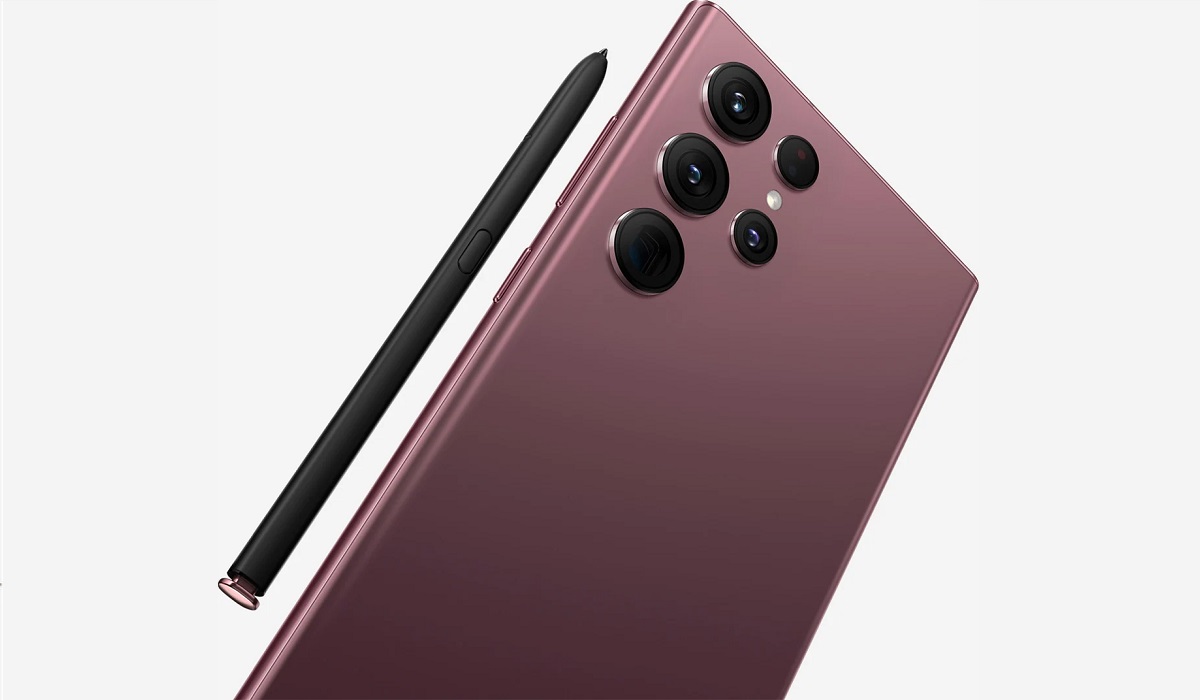
One of the major highlights of the Samsung S22 Ultra is the rear quad camera along with the 40 MP selfie camera. It also boasts the One UI 4.1 based on Android 12 OS and what is considered Galaxy’s fastest ever processor.
Read on as we go into the intricate details on some of the technical specifications that the Samsung S22 has to offer.
SAMSUNG GALAXY S22 ULTRA KEY SPECS
· OS: Android 12, One UI 4.1
· SIM Type: Dual SIM (Micro)
· 5G LTE: Yes
· Screen Size: 6.8 inches HD + IPS Touchscreen
· Screen Resolution: 1440 x 3088 pixels (500 PPI)
· Processor Type: Snapdragon 8 Gen 1
· RAM: 8GB, 12GB
· Internal Storage: 128GB, 256GB, 512GB, 1TB
· External Storage: NO
· Back / Rear Camera: 108MP (f/2.2) main, 12MP (f/2.2) ultrawide, 10MP (f/2.4) 10x telephoto, 10MP (f/2.4) 3x telephoto
· Front Camera: 40MP (f/2.2) front camera
· Battery: Li-Ion 5,000 mAh, non-removable
SAMSUNG GALAXY S22 ULTRA FEATURES OVERVIEW
The Samsung S22 Ultra boasts a 6.8 inch screen with HD display and a resolution of 1440 x 3088 pixels. It also has 500 Pixels Per-square Inch, along with a 20:9 aspect ratio for a better viewing experience.
Considered a high-end phone, the Samsung S22 Ultra ships out of the factory with Android 12-based One UI 4.1 OS which allows for a smooth user experience. While there is no slot for a Micro SD card, the internal storage is large enough, starting at 128GB and going up to 1TB.
The S22 Ultra also has what is considered Galaxy’s fastest ever processor at the time of release, which makes it well suited for downloading and using multiple apps. Banking, E-commerce, and instant messaging apps will also work with minimal fuss on this solid device.
Of course, gaming and betting apps are not exempted from this. Most of the prominent operators listed on trusted apps comparison site Betting Apps all work smoothly on the Samsung Galaxy S22 Ultra. If you are keen on live streaming or live betting, then the fast processor ensures it all works with minimal fuss.
The Samsung Galaxy S22 Ultra has a 108 MP Quad Camera in the rear and a 40 MP selfie camera. All of this comes with a raft of upgrades: a bigger main sensor for better low-light photos, an AI-boosted portrait mode and a new Super Clear lens.
5G network option is available on the Samsung S22 Ultra while the device is also dual micro-SIM enabled. However, the battery life might be a drawback as it boasts 5,000 mAh that can last up to 10 hours.
The Samsung Galaxy S22 Ultra has a Gorilla Glass Victus+ front and back and aluminium frame which makes for easy handling of the device.
SAMSUNG GALAXY S22 ULTRA PRICE AND AVAILABILITY
The Galaxy S22 phone is one of the latest high-end smartphones from the prolific production stable of Samsung and as such comes at a high price. The price generally ranges from 516,000 NGN to 688,000 NGN depending on the storage size. You can check the availability through Jumia online store.
SAMSUNG GALAXY S22 ULTRA DETAILED SPECS
| NETWORK | |
|---|---|
| 3G Network | WCDMA: 2100 MHz (900/1700/1900/2100 MHz) |
| 4G Network | LTE |
| 5G Network | YES |
| SIM | Dual Micro SIM |
| Status | Available: February 2022 |
| BODY | |
| Dimensions | 163.3 x 77.9 x 8.9 mm (6.43 x 3.07 x 0.35 in) – Weight: 228 g / 229 g (mmWave) (8.04 oz) |
| Keyboard | Touchscreen |
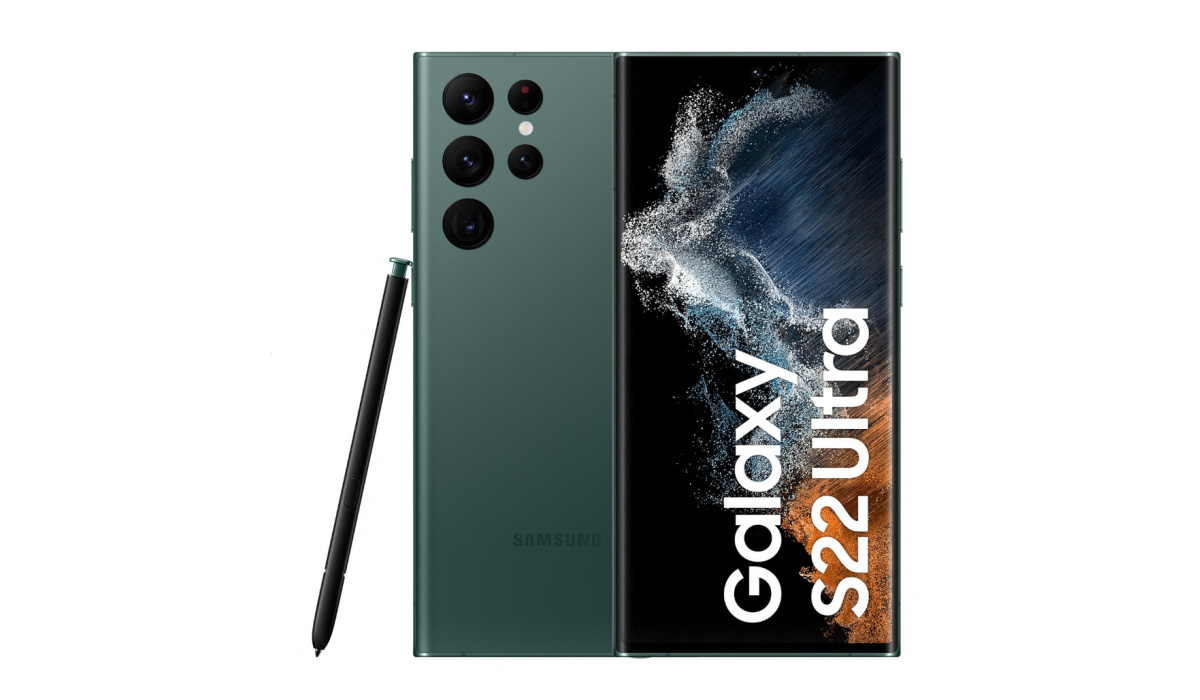
| Colors | Phantom Black, Phantom White, Burgundy, Green |
| Cover | Gorilla Glass Victus+ |
| DISPLAY | |
| Type | Dynamic AMOLED 2X, 120Hz, HDR10+, 1750 nits (peak), multi-touch touchscreen |
| Size | 6.8 inches, 114.7 cm 2 (~90.2% screen-to-body ratio), 1440 x 3088 pixels, 500 Pixels Per-square Inch |
| MEMORY AND OS | |
| Card slot | NO |
| Internal | Up to 1TB |
| OS | Android 12, One UI 4.1 |
| Processors | – Exynos 2200 (4 nm) – EuropeQualcomm SM8450 Snapdragon 8 Gen 1 (4 nm) – Octa-core (1×3.00 GHz Cortex-X2 & 3×2.50 GHz Cortex-A710 & 4×1.80 GHz Cortex-A510) chipset – Adreno 730 GPU |
| RAM | 8GB, 12GB RAM |
| AUDIO | |
| Alert types | Vibration, MIDI, MP3 ringtones |
| Loudspeaker | Yes, with stereo speakers |
| Audio port | NO |
| CONNECTIVITY | |
| WIFI | Wi-Fi 802.11, a/ac/b/g/n, mobile hotspot, Wi-Fi direct |
| Bluetooth | Version 5.2 |
| GPS | A-GPS, Glonass |
| NFC | YES |
| USB | USB Type-C |
| CAMERA | |
| Primary | – QUAD 108 MP + rear cameras /1.33″, 0.8µm, PDAF, Laser AF, OIS – FEATURES: LED flash, auto-HDR, panorama, Phase Detection autofocus, Dual Pixel autofocus, Laser autofocus |
| Video | 8K@24fps, 4K@30/60fps, 1080p@30/60/240fps, 720p@960fps, HDR10+, stereo sound rec., gyro-EIS |
| Secondary | 40 MP, f/2.2, 26mm (wide), 1/2.82″, 0.7µm, PDAF |
| BATTERY | |
| Capacity | Li-Ion 5000 mAh, non-removable |
| Stand-by | Up to 15 hours |
| OTHER FEATURES | |
| Sensors | Accelerometer, Barometer, Gyro Sensor, Geomagnetic Sensor, Hall Sensor, Light Sensor, Proximity Sensor, Fingerprint sensor |
| Messaging | SMS, MMS, Email, Push Mail, IM |
| Browser | HTML5 |
| Java | Yes |
| Miscellaneous | – FM radio – MP3/AAC+/WAV/Flac player – MP4/H.264 player – Photo/video editor – Document viewer |
| PRICE | |
| Price level | About NGN 516,000 – NGN 688,000 |
