Add MobilityArena as a preferred source on Google
How much storage on an iPhone do you think is enough for you, is there a need to manage storage on your iPhone?
Personally, one of the strongest features that Apple welds in the smartphone market is 5-years of operating system update. This most definitely puts more value to the buyer’s money. You do not need to change your phone regularly to keep up with the more recent operating system, all you need to do is download the update as soon as it is available.
But, downloading an OS update (like iOS 15 ) on an iPhone might pose a challenge to certain users out there. This challenge is in the form of insufficient storage, here is what you can do to manage storage on your iPhone.
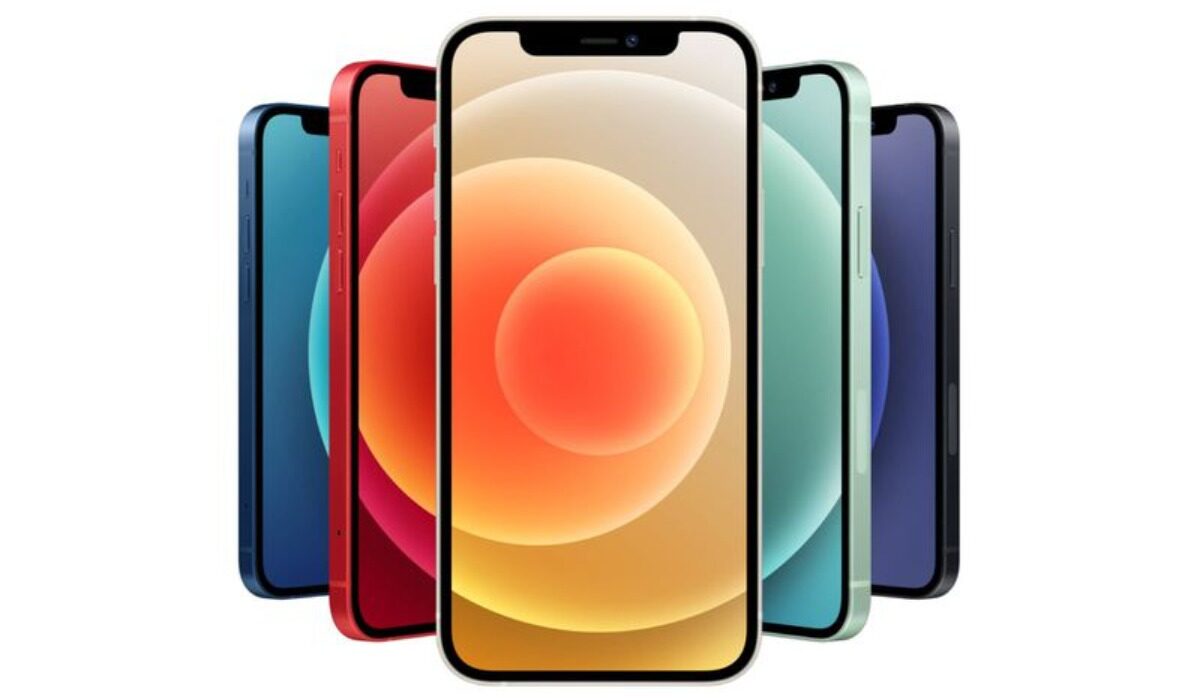
Use iCloud To Help Manage Storage On Your iPhone
You need to give your iPhone storage some breathing space, not everything should be stored on your iPhone. Most services today make use of cloud storage and so does Apple.
Subscribing to an iCloud plan can help you to manage storage on your device. Photos, podcasts, documents and, others can be moved to your iCloud account. By doing this, you are clearing off some space on your device to accommodate other important things, such as an update.
Update Your iPhone Directly From A Computer
This is the best way to update your iPhone if you are having problems with your device storage. First, connect your iPhone to your PC or MacBook via the lightening cable. Then locate your iPhone on the iTunes website or app on your computer, it is always displayed on the top right bar of the screen.
Click search for available update, download and install.
Offload Unnecessary Apps
One very nifty feature on iOS is the ability to offload apps you are not using to free up space. This is not like uninstalling the application, here the app settings are not deleted but just temporarily disabled.
If you need the application back, all you need to do is reinstall it from the app store.
Try Streaming Music And Movies
This might cost you a little money in terms of subscription services, but it sure saves you some space on your internal storage. Use Netflix to watch movies and series as they are released, or Apple Music to stream songs from different genres and even your favourite oldies.
Clear Your Cache
You might just be amazed as to how much storage is consumed by cached data. On the web and on apps, cache data are stored constantly, so take the time out and remove the cache.
For browsers, like Safari, head over to the settings and tap clear history and browser data. On Chrome, tap the three dots at the bottom of the screen, open history and clear browsing data.
For the cache on apps, go to Setting , then iPhone storage. Here you will see just how much space your apps are using, tap on an app of choice and clear the cache.
What To Do When Your iPhone Storage Is Full
If you have used up the space on your iPhone, I recommend that you manually search for apps, files, music and other things that might be eating up your space and manually delete them or back them up to your cloud storage. By doing this, you will free up some space on your iPhone.
You can find information regarding your storage usage in your settings, head over to settings and click on “general” then navigate to iPhone storage.
You are reading Mobility Arena .
- Don’t miss our reviews .
- Join our WhatsApp Group , to be notified of the most important articles and deals,
- Follow us on Instagram , Facebook , Twitter , and YouTube .
Author:KittysTech
Tech analyst, Collins Eshiet, writes about technology. Follow me on Twitter @KittysTech.
Add MobilityArena as a preferred source on Google
A look at the Motorola Moto G Power 2022 specs in brief :
- OS: Android 11
- Release Date: 2022
- Network Type: 2G/3G/4G
- Display: 6.5-inch, 720 x 1600 pixels resolution
- Processor: MediaTek Helio G37
- Selfie Camera: 8 MP
- Rear camera: 50 MP triple
- RAM: 4 GB
- ROM: 128 GB
- Battery: 5000 mAh
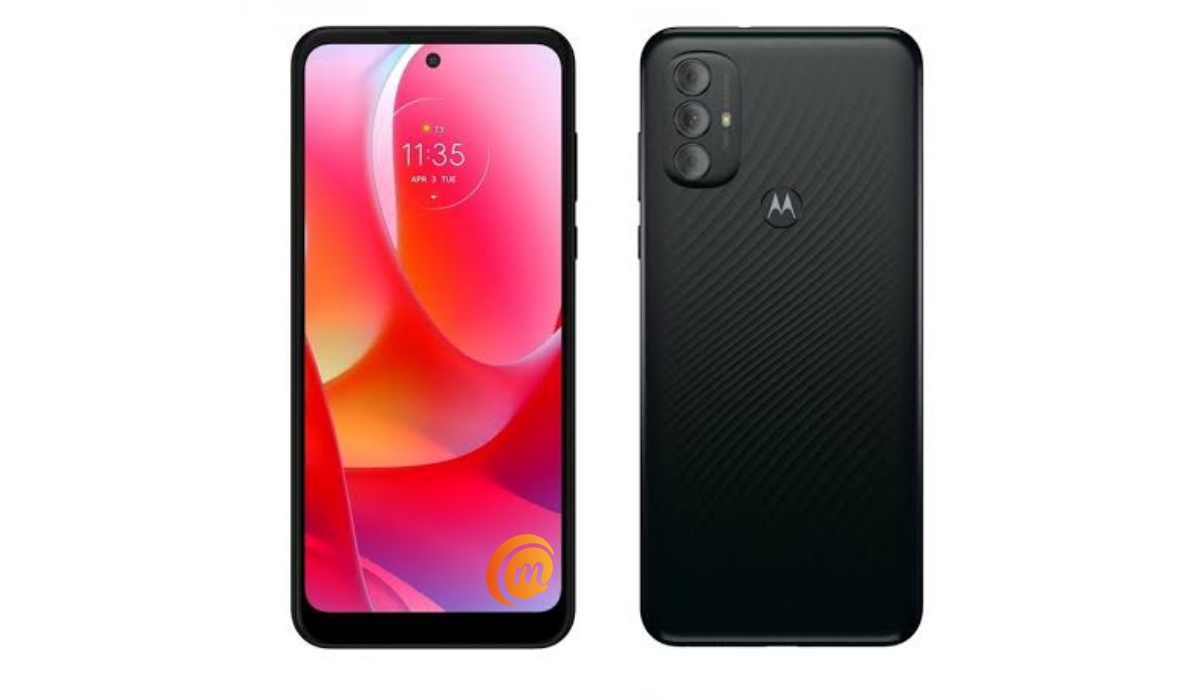
Motorola Moto G Power 2022 specs & features
Mobile Wireless Network and Software
- 2G mobile network bands : GSM, GPRS, EDGE 850 / 900 / 1800 / 1900 MHz.
- 3G mobile network bands : UMTS, WCDMA, HSDPA 850 / 900 / 2100 MHz
- 4G mobile network bands : LTE.
- 5G mobile network bands : No.
- SIM Type : Nano-SIM, Dual SIM
- Software / OS : Android 11
Design, Form Factor, Appearance
- Dimensions : 160 x 77.25 x 9.3 mm
- Weight : g
- Display : 6.5 inches, 720 x 1600 pixels, 19.5:9 aspect ratio, 90 Hz refresh rate, IPS LCD screen
- Colours : Dark Grove.
- Physical Build : Plastic
Internal Hardware Specs
- Processor Type : 64-bit, 1.3 GHz Octa-core, Cortex
- Processor Name : MediaTek Helio G37
- Graphics Processor : Imagination PowerVR GE8320
- RAM : 4 GB
- Internal Storage : 64 GB / 128 GB
- External Storage : microSD, up to 128 GB
Photography, Video Recording
- Main Camera : 50 MP main lens + 2 MP macro lens + 2 MP depth sensor, autofocus, dual LED flash, 2k video, 1080p@30fps video recording
- Front Camera : 8 MP, fixed focus, Face Recognition, 1080p@30fps video capture
Audio, Video Playback
- Music Support : PCM, AAC / AAC + / eAAC + / MP3 / AMR – NB / WB / APE
- Audio : 3.5 mm audio jack
- Loudspeaker : Mono speaker
- Video Support : H.264/MP4/MPEG4 player
- FM Radio : Yes.
Phone Sensors
- Digital Compass : No.
- Accelerometer : Yes.
- Proximity Sensor : Yes.
- Ambient Light Sensor : Yes.
- Barometer : No.
- Pedometer : No.
- Heart Rate Monitor : No.
- Gyroscope (G-Sensor) : No.
- Fingerprint Scanner : Yes; rear-mounted.
- Face Unlock : Yes.
- Iris Scanner : No.
- Motion Sensing / Gesture Control : No.
- Voice Control : No.
- Intelligent Digital Assistant : Yes; Google Assistant.
- Infra-red Sensor : No.
Connectivity Options
- Bluetooth Version : 4.2
- Bluetooth Profiles : A2DP
- WiFi : Wi-Fi 802.11 b/g/n, hotspot
- GPS : Yes, A-GPS, GLONASS, BDS
- USB : microUSB v2.0.
- NFC : No.
Miscellaneous Specs and Features
- Battery Type and Capacity : Non-Removable Lithium-Polymer 5000 mAh
- Battery Charging : 10W charging
- Wireless Charging : No.
- Reverse Charging : No.
- Model Version/Number :
Launch/Release Dates and Information
- Announced : 2022
- Release Date : 2022
Motorola Moto G Power 2022 Prices in the USA, Canada
- United States: unlocked $199 for 4/64 GB base variant. $244 for 4/128 GB variant.
- Canada : C$189 (4/64GB)
The above prices may change with time from country to country, as market forces and economic policies influence product price movements.
Does Motorola Moto G Power 2022 have Google Play Store?
It supports Google Services and software applications, including Play Store and Maps, Gmail, YouTube, and others.
MobilityArena Buyer’s Guide Verdict
Not available.
Our Buyer’s Guide Verdict is a recommendation based on the specs of the device and a general guide to help you understand how much value a device offers for its price. It is not an endorsement of the device. Ask questions and use your judgement when buying any device; MobilityArena takes no responsibility for your buying decisions .
Motorola Moto G Power 2022 Phone Review Rating
Not available.
