Add MobilityArena as a preferred source on Google
What do I mean when I say “ mirror your phone “? These days we can do many cool things with with our mobile devices, things we never could have imagined doing a few years ago. Have you ever thought, “All these nice content (pictures, movies, video clips, etc) I enjoy on my mobile, how can I share it to my TV at home?”
Sharing your phone’s screen to another screen is what is called mirroring. This piece might just be what will set you on track, as we will look at a variety of products and technologies that will transmit content from your device screen to your TV screen.
- Mirror Your Phone Using A Dongle
- Mirror Your Phone Using A Set-top Box
- Mirror Your Phone Directly
- Mirror Your Phone Using A Smart TV
Mirror Your Phone Using A Dongle
One of the cool ways of streaming your phone on your TV is by the use of dongles. Wikipedia defines dongle :
…a small piece of hardware that attaches to a computer, TV, or other electronic device in order to enable additional functions such as copy protection, audio, video, games, data, or other services. These services are available only when the dongle is attached.
A good example of a dongle is Chromecast. So you know what to look for when shopping for one, here is an image:
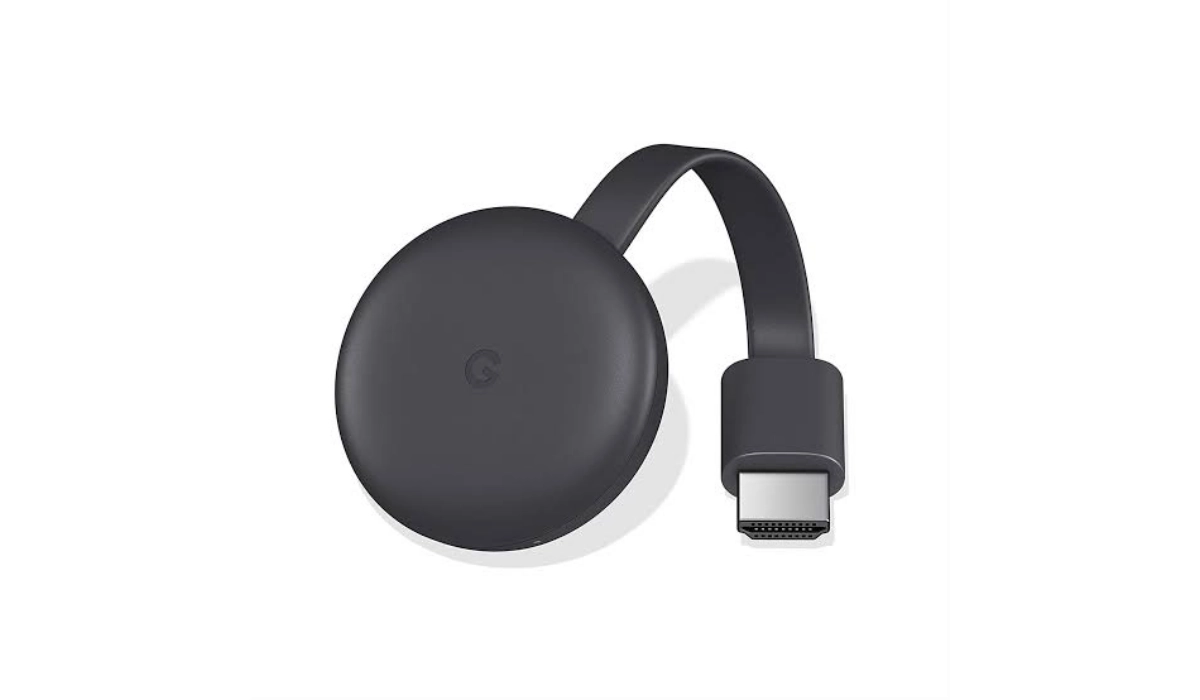
Chromecast
Chromecast is a dongle that cost about $35 or less, and using it is simple. Just plug it in the HDMI port of your TV, connect it with your WiFi and cast apps straight to your big screen. There’s also a guest mode feature where your visitors won’t have to connect to your WiFi but can still share content. More details and purchasing is on its official page . You can also buy (cheaper) Chinese made dongles from sites like Aliexpress or other Chinese shopping sites.
Mirror Your Phone Using A Set-top Box
What is a set-top box? Wikipedia says it is:
….an information appliance device that generally contains a TV-tuner input and displays output connected to a television set and an external source of signal, turning the source signal into content in a form that can then be displayed on the television screen or other display device. They are used in cable television, satellite television, and over-the-air television systems.
This is a device that brings a different kind of content (or digital content) to your TV screens. These set-top boxes also support mirroring of your device screens to your TV’s . Apple TV for iOS lovers is a good example. It has a feature called Airplay for streaming iDevices to TV screens.
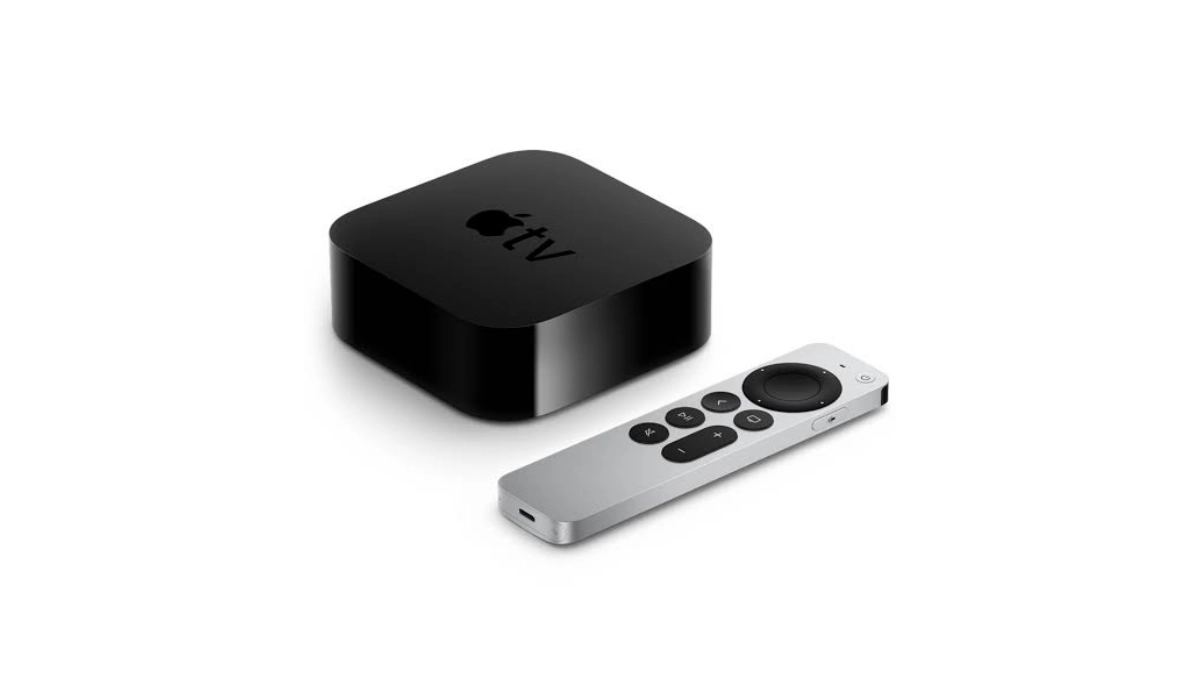
Apple TV set-top box
There’s also another one called Roku which is multi-platform, supporting Androids, iOS, Windows 8 phones, Windows PC’s 8.1 and above, and any other hardware that supports mirroring.
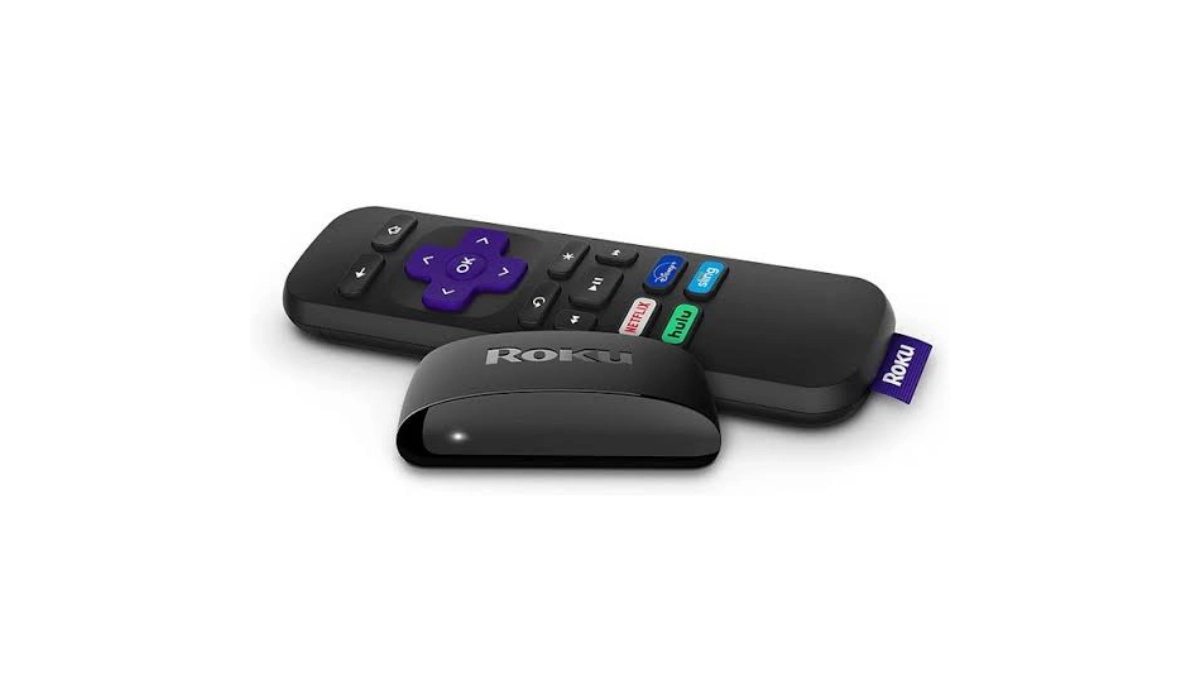
Roku set-top box
Mirror Your Phone Directly
I learnt that with some Samsung phones, you can directly mirror your phone screen to PC or TV. This requires a Wi-Fi connection and the presence of the Smart View app on your Samsung smartphone. Other phone brands may have a similar feature.
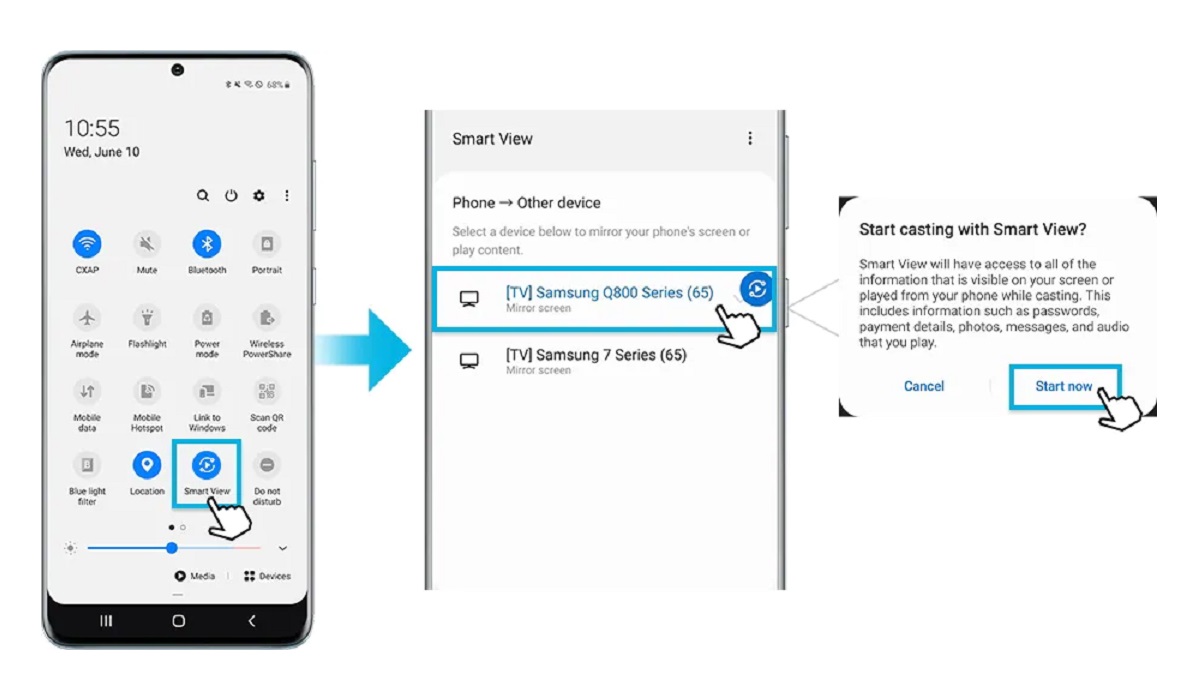
You can mirror your Samsung phone to a TV directly
Mirror Your Phone Using A Smart TV
On a related note, if you do not own a smart television yet, I bet that you are interested in knowing the fastest way to get Netflix on your non-smart TV . Thank me later.
Author:Etoniru Chibueze
Chibueze is an award-winning gadget reviewer and geek. He loves research, while living and breathing tech. You can reach him on Facebook, Twitter ,OR LinkedIn
Add MobilityArena as a preferred source on Google
A voice-recognition app comes in handy for a variety of people, especially those who drive a lot. Texting or talking on the phone while driving is not only illegal, but dangerous. That aside, it can distract the person and cause them to get lost. This would be a big problem if the person drives for a living. Fortunately, voice-recognition apps make these types of situations a lot easier. Here are five of the best voice-recognition apps for Androids. It’s fine if the person doesn’t have an Android because some of these apps are compatible with other systems.
Google Voice Search Google Play Store’s best app is Google Voice Search, hands down. This handy app has the capability to recognize 90 percent of the words used in common vocabulary. It works by simply tapping the mic icon and saying whatever is needed. This app is also great for doing a quick Google search. It’s recommended to turn the volume up, so the written words can be heard.
Speaktoit Not only will this app type out what a person says, but it also can follow commands, such as opening an email. Just like with Google Voice Search, it’s able to perform internet searches through voice activation. The app is so productive that it was mentioned in Forbes magazine. It will also notify a person about important events and occasions. Speaktoit actually has a memory of its own. This app has the ability to adjust to a person’s schedule.
Speech/Text Notepad This particular app is perfect for storing passwords, birthdates, anniversaries, and other important information. Furthermore, it can be used for taking notes, which would be perfect for college students. Certain words can be highlighted in different colours to aid organization. Since this app stores essential information, it has a security feature that won’t allow access without the correct password. Naturally, the person is able to change their password at anytime. The Speech/Text app is a must-have for just about anyone.
AskWiki-Voice Recognition App The Ask/Wiki-Voice app is ideal for those who like to search things on Wikipedia. It works so fast that it will bring search results within seconds. This app supports three languages which are Czech, English and German. There has been nothing but happy reviews on Google Play Store regarding this app.
Utter Voice Command Utter Voice Command is able to perform tasks both online and offline. One can now easily open up their inbox, messages or any other app with Voice Command. It works super fast and has extremely advanced algorithms. This amazing app enables one to do everything on their phone hands-free. It can set alarms, schedules, go on Facebook, music and more.
All five of these apps are easily voice-activated and give the Android user more convenience. In certain ways, some of these are better than others. There is no reason why a person can’t download more than one of these apps. However, everyone should have at least one of these apps.
- Don’t miss our reviews .
- Join our WhatsApp Group , to be notified of the most important articles and deals,
- Follow us on Instagram , Facebook , Twitter , and YouTube .
