Add MobilityArena as a preferred source on Google
Every day, we create thousands of memories with the people we love. Sometimes, we decide to capture these memories forever with the aid of a smartphone’s camera, ensuring that these beautiful memories last forever. But what happens when we mistakenly delete these videos on our smartphone? Can we ever get these memories back?
In this article, we will look at a number of tips that can help you recover deleted videos from your iPhone. These tips are helpful for iPhones from the iPhone 11 Pro and below.
- Recover messages from iCloud/iTunes Backup: This method can come in handy when you maintain an iCloud or iTunes backup of your videos. It is also useful to recover deleted videos from your iPhone that were lost after an iOS update or due to a damaged iPhone. However, one downside to this method is that it may end up restoring your smartphone to its previous state, replacing the existing data on your device. To do this, follow these steps:
- Go to Settings > General > Reset > Erase all Contents and Settings.
- Click Restore from iCloud backup on Apps and Data screen.
- Sign in to your iCloud account.
- Tap the last backup and Restore.
As earlier stated, this method is helpful in recovering deleted videos, but it also restores the previous data on your device. However, if you want to recover just your videos, you can try using a third-party app like Stellar Data Recovery . This helps you recover just the deleted videos you want. You can follow these steps to try this method:
- Download and launch Stellar Data Recovery for iPhone on your computer.
- Choose Recover from iCloud Backup .
- Select Camera Roll and click Next .
- Enter the Apple ID and password.
- Select the relevant backup of your device and click Scan to download the backup files.
- On the left-hand side, click Camera Roll in the iCloud backup files list. Here, you can preview existing videos or search for specific videos in the search area.
- Tap Save , a dialog box will pop up prompting you to save to your PC or iPhone, save the videos on your iPhone and ensure your iPhone is connected to your PC.
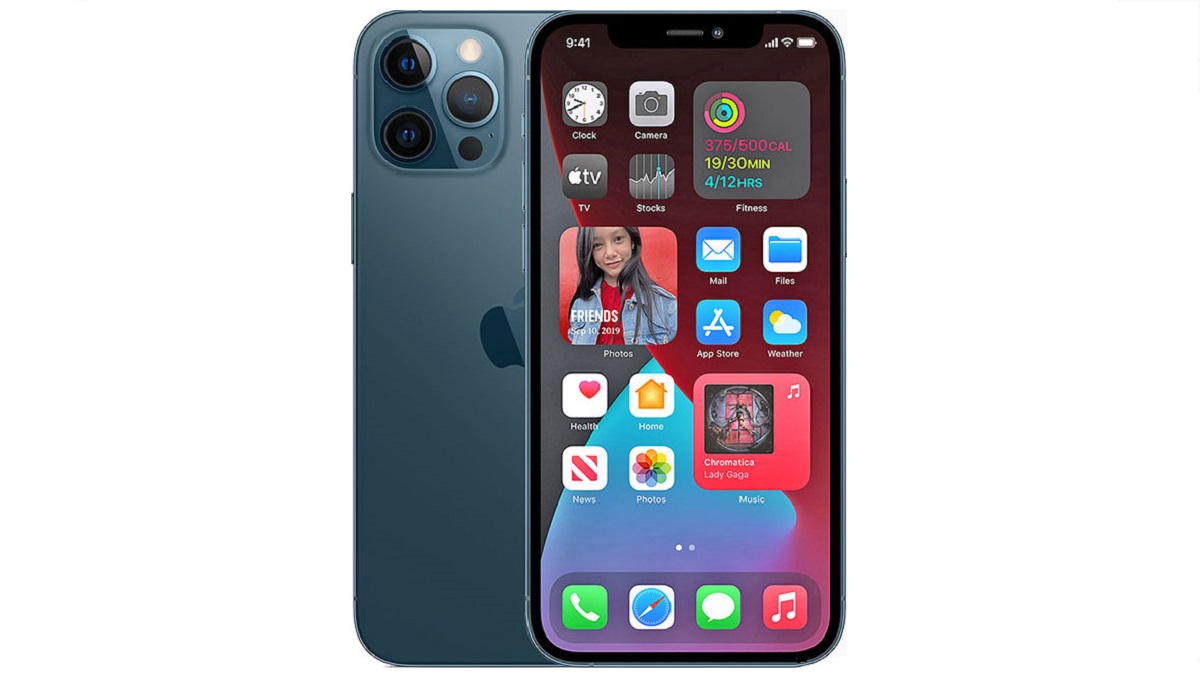
- Recover videos from iTunes backup: To do this, you can follow these tips below:
- Connect iPhone to PC/Mac.
- Launch iTunes then select your device under the Device list and choose the most recent backup entry date.
- Click Restore Backup .
Restore using a third-party app: You can recover deleted videos from your iPhone by using a trusted third-party app. All you need to do is plug your device into your computer, launch the application and follow the on-screen instructions. These apps are also useful in recovering call history, they include: Stellar Data Recovery, APower Rescue and Tenorshare UltData.
Recover from ‘Recently Deleted’ Folder: When you mistakenly delete a video on your iPhone, it stays in the Recently Deleted album for 30 days. Here, you can still recover deleted videos from your iPhone through these easy steps.
- Open Photos app and navigate to albums.
- Open the Recently Deleted album and click Select.
- Click the video(s) you wish to restore.
- Tap Recover and confirm you want to recover the videos.
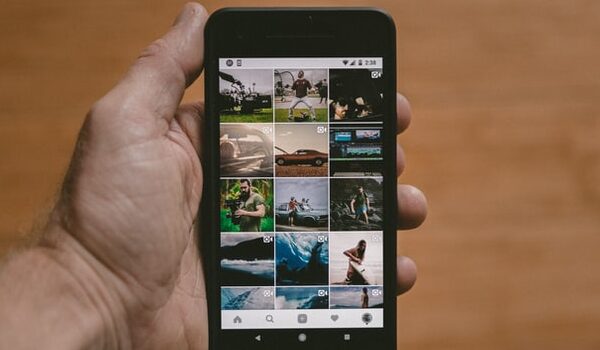
- Re-download from iTunes store: You can try this method in cases where the deleted videos were downloaded from iTunes store. To do this, follow these tips:
- Open the iTunes Store app.
- Click on More in the menu just at the bottom of your screen.
- Click on the Purchased icon and select the videos, movies you’d like to re-download.
- Click on the icon of the video name and the video will download again.
Author:Alfa Baye
Staff Writer
Add MobilityArena as a preferred source on Google
Samsung Galaxy M12 has launched as the newest addition to the Galaxy M-series. The Samsung Galaxy M12 is seen as the successor to the M11 which launched in 2020. It features a massive 6,000mAh battery and offers up to 6GB of RAM, with onboard storage up to 128GB.
The Samsung Galaxy M12 is built around a 6.50-inch HD+ (720×1,600 pixels) TFT Infinity-V display with a 20:9 aspect ratio. It sports an 8MP snapper up front that takes care of selfies and video calls.
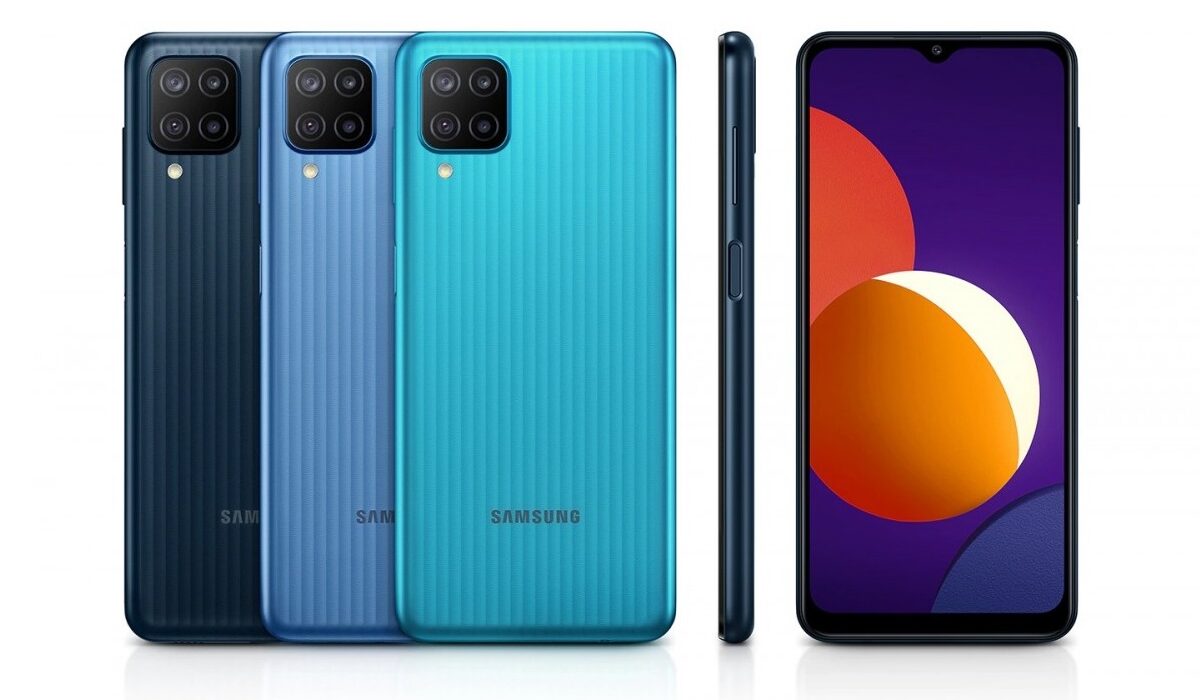
The Samsung Galaxy M12 launched with an octa-core processor believed to be the Exynos 850 under the hood that keeps this device running. It is hooked to 6GB of RAM and 128GB of onboard storage that can be expanded via microSD card to an amazing 1TB.
On the software front, the Samsung Galaxy M12 runs the Android 11 with One UI on top. In the optics department, four rear cameras line up the back panel, with a 48MP sensor heading the setup. This snapper is assisted by a 5MP secondary sensor, a 2MP macro shooter and a 2MP depth sensor. The Samsung Galaxy M12 launched with a powerful 6,000mAh battery with a 15W fast charging support that is tipped to deliver up to 58 hours of talk time on a 4G network.
This device is available in a variety of colour options with the Attractive Black, Elegant Blue and Trendy Emerald Green colours available. There is no news yet concerning its price but it is expected to cost slightly more than the M11.
Samsung Galaxy M12 Price and Specs
- OS: Android 11 with One UI
- Release Date: February 2021
- RAM: 6GB
- ROM: 128GB
- Network Type: 3G/4G-LTE
- Selfie Camera: 8MP
- Rear camera: 48MP+5MP+2MP+2MP
- Display: 6.50-inchHD+ TFT Infinity-V display
- Battery: 6,000mAh with 15W quick charging support
- Processor: Exynos 850
- Price: Yet to be revealed
References
- Source ;
- Source .
Author:Alfa Baye
Staff Writer
