Add MobilityArena as a preferred source on Google
Renaming apps on Android allows you to change the default names of your apps to something more personalized and meaningful to you. It’s like giving your apps a unique identity that reflects your style and preferences. Learn how to rename apps on Android if you want to organize your apps in a specific way or simply add a touch of creativity.
Renaming apps can make your phone feel truly yours, that’s why it’s great that all the tips you’ll need are included in this guide. Whether you want to express your style, stay organized, or maintain privacy, customizing app names is a fun and useful feature. Let’s dive in and make your app collection uniquely yours.
- How to Rename Apps on Android Using Built-In Features on Android Using a Custom Launcher
How to Rename Apps on Android
Do you know how sometimes you want to give your apps a personal touch and make them reflect your style? Well, renaming apps on Android allows you to do just that. By following a few simple steps, you can customize the names of your favorite apps and make your phone truly unique.
Renaming apps on Android is not only a fun way to personalize your device, but it also helps you stay organized and quickly find the apps you need. By changing the names of your apps, you can also hide certain apps discreetly, giving them names that won’t draw the attention of anyone looking through your phone. This can be helpful if you want to maintain privacy or keep certain apps hidden from prying eyes.
Now that you understand the importance and benefits of renaming apps on Android, here’s how to do it step by step.
Using Built-In Features on Android
This method can be used on specific smartphones, depending on the device’s software. To change the name of an app on an Android phone, you can use a built-in feature within the device’s software. Here’s how to rename an app using the built-in feature on Android; follow these steps:
- Long-press the app icon you want to rename on your home screen or app drawer.
- Tap on the “ Edit ” option or the pencil icon that appears.
- Enter the new name for the app using the on-screen keyboard.
- Tap “ OK ” or “ Save ” to apply the new name.
- The app should now have a new name on your home screen and app drawer.
Please note that the availability of this feature may vary depending on your device’s software.
Using a Custom Launcher
Another way to rename your app on Android is to use a custom launcher app, such as Nova Launcher or Apex Launcher , which allows you to change the names of your apps directly from the home screen settings. Here’s how to use Nova Launcher to rename an app on Android:
- Download and install Nova Launcher from the Google Play Store.
- Set Nova Launcher as your default launcher by going to your device’s Settings > Apps > Default Apps > Home App > Select Nova Launcher .
- Go to your device’s home screen and long-press on the app you want to rename.
- Tap on the “ Edit ” option that appears on the pop-up menu.
- In the “ Edit ” menu, you’ll see the current name of the app.
- Tap on the app’s name and enter the new name you want to give it.
- Once you’ve entered the new name, tap “ OK ” or “ Save ” to apply the changes.
- The app will now be renamed on your home screen and in the app drawer.
That’s it. You’ve successfully renamed the app using Nova Launcher. But make sure to keep the Nova Launcher app installed even after renaming your apps. If you uninstall it, the changes you made will be undone, and your apps will go back to their original names.
To sum up, renaming apps on Android is a simple process that can be done using the built-in features of the device’s software or through custom launchers like Nova Launcher or Apex Launcher. By following the step-by-step instructions provided, you can easily personalize your app names to suit your preferences.
So go ahead and give it a try to make your Android experience even more customized and enjoyable. Make sure to check out this category if you’d like more useful tips to navigate your smartphone use.
Author:Joan Agie
Add MobilityArena as a preferred source on Google
The cell phone is an incredibly popular invention that has simplified the lives of people worldwide. It allows us to make calls, send messages, access the internet, and perform a wide range of tasks on the go. It has become an integral part of our daily lives, serving as a communication tool, a source of entertainment, and a gateway to information. But have you ever wondered who invented cell phones?
In this article, I’ll unveil the brilliant individual who came up with the idea of the cell phones that have forever transformed the way we communicate and revolutionized the world of mobile devices. Join this exciting journey, explore the origins of this game-changing technology and discover the genius who paved the way for its incredible impact.
- Do You Know Who Invented Cell Phones? Life And Achievements of Martin Cooper Is the Cell Phone a Smartphone or a Mobile Phone?
Do You Know Who Invented Cell Phones?
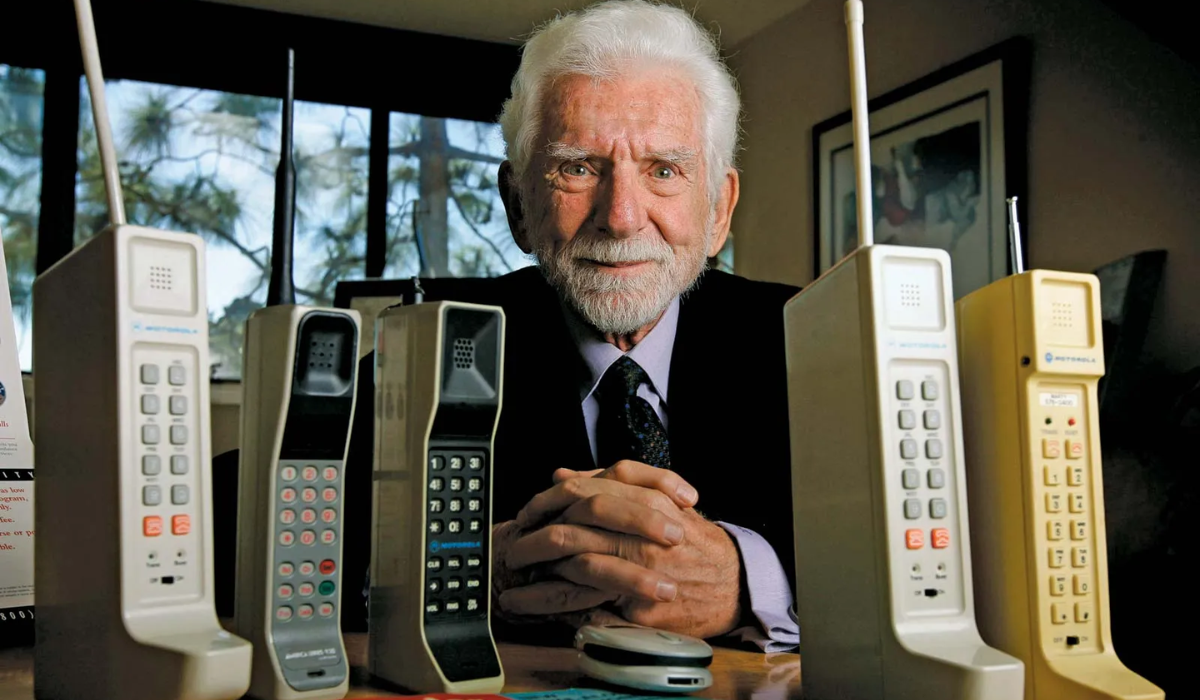
Martin Cooper, also known as Marty Cooper, was an American engineer born on December 26, 1928, in Chicago, Illinois. He played a pivotal role in leading the team that developed the first mobile cell phone in 1973. Not only did he oversee its creation, but he also made the very first cell phone call to his rival, Joel Engel, using the Motorola DynaTAC 8000X , the first cell phone. Dr. Cooper’s invention revolutionized mobile communication, earning him the title of the father of cell phones.
Life And Achievements of Martin Cooper
These facts summarize the life of Marty Cooper and the impact his work has had on the field of communication:
- Cooper completed his bachelor’s degree in electrical engineering from the Illinois Institute of Technology (IIT) in Chicago in 1950. He then served in the U.S. Navy during the Korean War before joining the Teletype Corporation.
- In 1954, he began his journey at Motorola, contributing to various wireless communication projects. Notably, he patented the first radio-controlled traffic light system in 1960 and introduced handheld police radios in 1967.
- Cooper’s expertise and dedication led him to become a vice president and director of research and development at Motorola from 1978 to 1983.
- After making the first mobile phone call in 1973, the DynaTAC 8000X, he led the team that re-developed the cell phone and introduced it to the market in 1983. Cooper’s innovative spirit continued; he kept pushing the boundaries of mobile communication.
- He went on to co-found several wireless technology companies and received numerous prestigious awards for his groundbreaking work. His visionary ideas and relentless pursuit of progress have shaped the world we live in today, making him a true pioneer in the field of mobile communication.
Is the Cell Phone a Smartphone or a Mobile Phone?
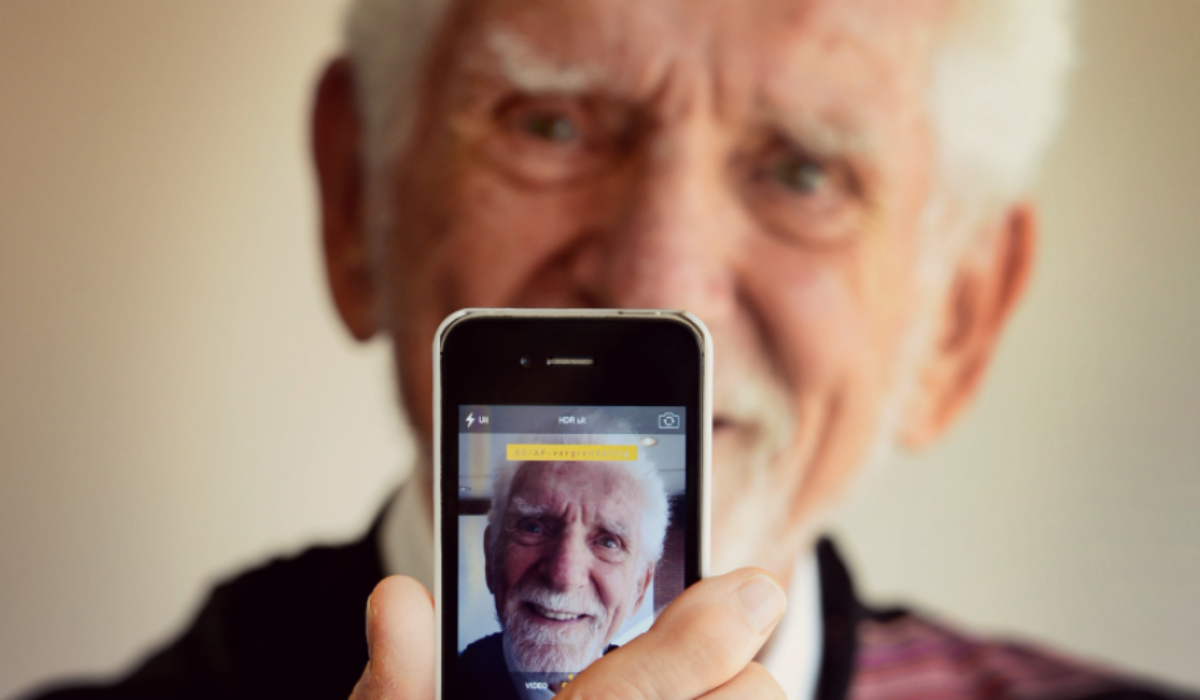
A cell phone is a mobile phone, while a smartphone is a more advanced version of it. Cell phones have come a long way from landlines and have become portable and user-friendly without any wires or cords. Smartphones made their debut in 1994 and have gained immense popularity ever since.
Smartphones offer a wider range of features compared to traditional cell phones. They come equipped with cameras and GPS systems that allow you to send text messages directly from your phone to someone else’s. Unlike regular cell phones that only make calls, the average cell phone can do so much more. It can send texts, capture photos and videos, play music, store contact information, and perform various other tasks.
Cell phones have improved various aspects of human living since their invention; some of these aspects are:
- Communication: Cell phones allow us to easily stay connected with friends, family, and colleagues through calls, texts, and social media.
- Convenience: With a cell phone, we have instant access to information, maps, and apps for various tasks like banking, shopping, and entertainment.
- Safety: Cell phones provide a sense of security as we can quickly reach out for help in emergencies or stay connected during travel.
- Productivity: Cell phones enable us to work on the go, manage schedules, and access important documents and emails.
- Entertainment: Cell phones offer a wide range of entertainment options like games, music, videos, and social media platforms to keep us entertained on the go.
To sum up, cell phones have become an indispensable part of our lives, revolutionizing the way we communicate and interact with the world. We have learned that Dr. Martin Cooper, a brilliant inventor, is widely credited with inventing cell phones. His groundbreaking work at Motorola Systems led to the development of the DynaTAC, the first handheld cellular phone.
His visionary ideas and relentless pursuit of progress have shaped the world of mobile communication, making him the true pioneer behind the invention of cell phones. Today, cell phones have evolved into powerful mobile devices that offer convenience, connectivity, and endless possibilities at our fingertips.
