Add MobilityArena as a preferred source on Google
Before now, if you wanted to reset your iPhone, you had to go through a very long and quite complicated process. Maybe you forget your password, your iPhone gets tampered with, whatever the case might be you could only reset your iPhone by connecting it to a computer or an existing iTunes account.
The former process was quite technical, and most people paid a lot just to reset their iPhones or erase their iPhone memory. It was almost a nightmare to certain people if for any reason their iPhones got blocked, or they forgot their password. Let us now take a run down of what was involved in resetting an iPhone previous, we will look at the challenges and finally a how-to on the new and improved method of resetting an iPhone.
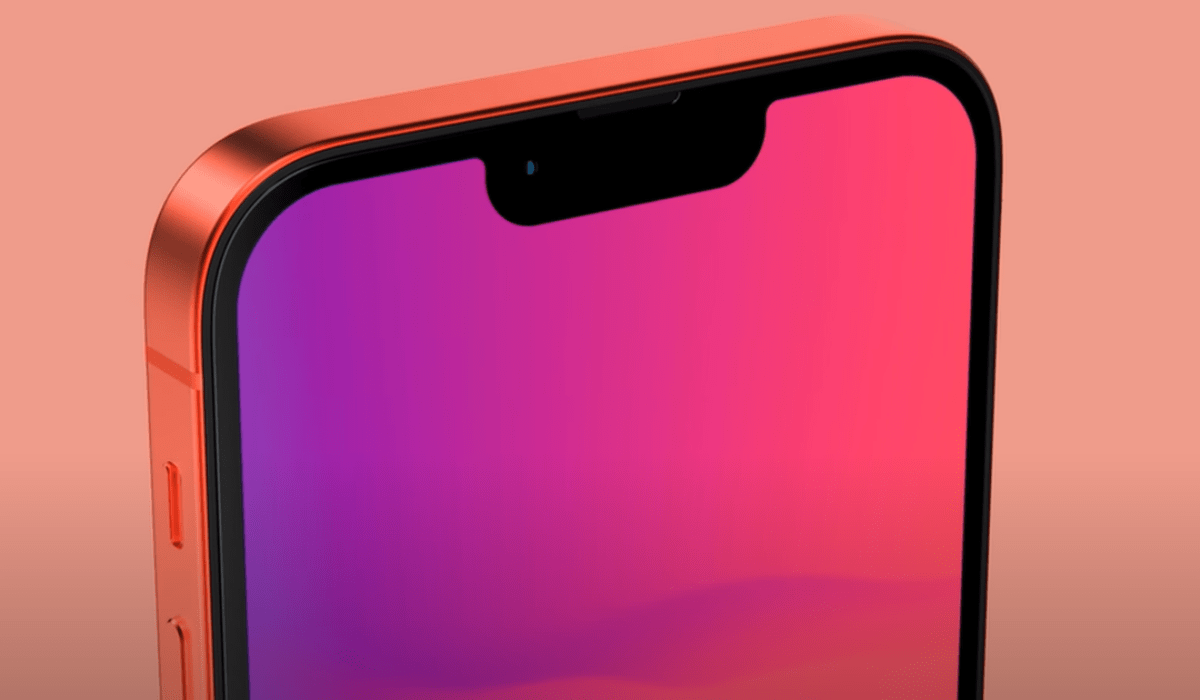
- The Old Way To Reset Your iPhone – With iTunes And A Computer Connection
- The New Way To Reset Your iPhone Without A Computer Connection
The Old Way To Reset Your iPhone – With iTunes And A Computer Connection
The previous method of restoring an iPhone that we stated to be “quite technical” required the iPhone to be connected to a computer or be restored using an iTunes account. Firstly, let us look into what was involved in the process involving an iTunes account.
With the iTunes process, you must have a MAC or PC (which must be running Windows 8 or above). The following steps were to be taken.
- Turn off your iPhone.
- Next, put your iPhone in recovery mode. To do this, press and hold the recovery button on your iPhone while it is connected to the MAC or PC; recovery buttons are different on various iPhone models, iPhone 8 and above uses the power button, iPhone 7 use the volume down button and iPhone 6 uses the home button).
- Hold down the recovery button until you see the recovery mode pop up on your iPhone screen.
- Locate your iPhone on iTunes in the MAC or PC it is connected to.
- When you find your iPhone, click on the restore button and wait for the software download process to finish.
- Lastly, disconnect your iPhone when the restore is completed.
The major issues with this reset method were that first you must have a MAC or PC (you must have a computer) handy before you can start the process. This caused a lot of people who do not have a computer to visit technical support stores and pay to get their iPhone restored or unlocked. Another issue was that this process at times took a long time (10-15 minutes) in some cases. This called for a refined approach to how you can restore your iPhone, and Apple took a better turn with the iOS 15.2 update.
The New Way To Reset Your iPhone Without A Computer Connection
It is high time we wave goodbye the quite rigorous process of resetting our iPhones with iTunes and a computer connection, iOS 15.2 brought the answer we have all been seeking for. Not only is this new method less stressful it is even more secure as nobody will have the ability to erase data on your iPhone except you, this new method is available via your Apple ID. What do you need to reset your iPhone now? Let us find out:
- Ensure your iPhone is running iOS 15.2, this method will not be available for iPhones running any version lower than iOS 15.2.
- With the new operating system up and running, and you have forgotten your password for any reason, you will see an Erase Device option on the screen.
- Tap the Erase Device option twice to erase your device.
- Now enter your Apple ID password to sign out of your locked iPhone, then tap erase device permanently.
- Your device will restart, and you will be required to follow a few instructions to set up the device.
In just a few easy steps, you will have accomplished what was once a long and stress filled process. Well, you might be wondering what will happen to your data stored on your iPhone after the reset. All data will be lost, so to be on the safe side, always back up your important data to your iCloud service.
Remember that this new method requires your Apple iPhone to be running iOS 15.2 and newer. That means, iPhone 13 mini, iPhone 13, iPhone 13 Pro, and iPhone 13 Pro Max .
iOS 15.2 is also compatible with the following older models: iPhone 6s, iPhone 6s Plus, iPhone SE, iPhone 7, iPhone 7 Plus, iPhone 8, iPhone 8 Plus, iPhone X, iPhone XS, iPhone XS Max, iPhone XR, iPhone 11, iPhone 11 Pro, iPhone 11 Pro Max, iPhone SE 2 , iPhone 12 mini, iPhone 12, iPhone 12 Pro, and iPhone 12 Pro Max .
If you use any of these eligible older models, you need to update it, after which you can use the new method to reset it without the need for a PC.
- Don’t miss our reviews .
- Join our WhatsApp Group , to be notified of the most important articles and deals,
- Follow us on Instagram , Facebook , Twitter , and YouTube .
Author:KittysTech
Tech analyst, Collins Eshiet, writes about technology. Follow me on Twitter @KittysTech.
Add MobilityArena as a preferred source on Google
It is official: the major wireless carriers in the USA will shut down their 3G cellular networks in 2022. When that happens, people with 3G-only phones will need to replace their phones with a newer model to get service on those carriers.
Yes; any cell phone that doesn’t support 4G or 5G will stop working once those 3G networks are shut down. You will need to have a 4G or 5G phone to make calls, send/receive SMS, and use the Internet.
As a matter of fact, not even every kind of 4G phone will work from that point. Your 4G phone has to support Voice over LTE (VoLTE or HD Voice) to be compatible with the next generation networks that the carriers will have running.
Why is this? Because these networks are shutting down everything that is not based on packet data. In simple English, everything – including voice calls and SMS – will run on an Internet connection after the 3G networks get phased out.
If you have a 4G phone, and many people in the US already have those, you may have no need to upgrade yet. You just have to check that your 4G phone supports VoLTE or HD Voice. In other words, if your 4G smartphone is one of the newer models and able to make HD Voice calls, it is good to go, and you should not be worried.
However, if your 4G smartphone is a much older model and does not support VoLTE or HD Voice, you do need to start thinking of replacing it with one that does. What you need to look out for in a 4G smartphone is whether it supports VoLTE.
What is VoLTE, and how is it different from LTE?
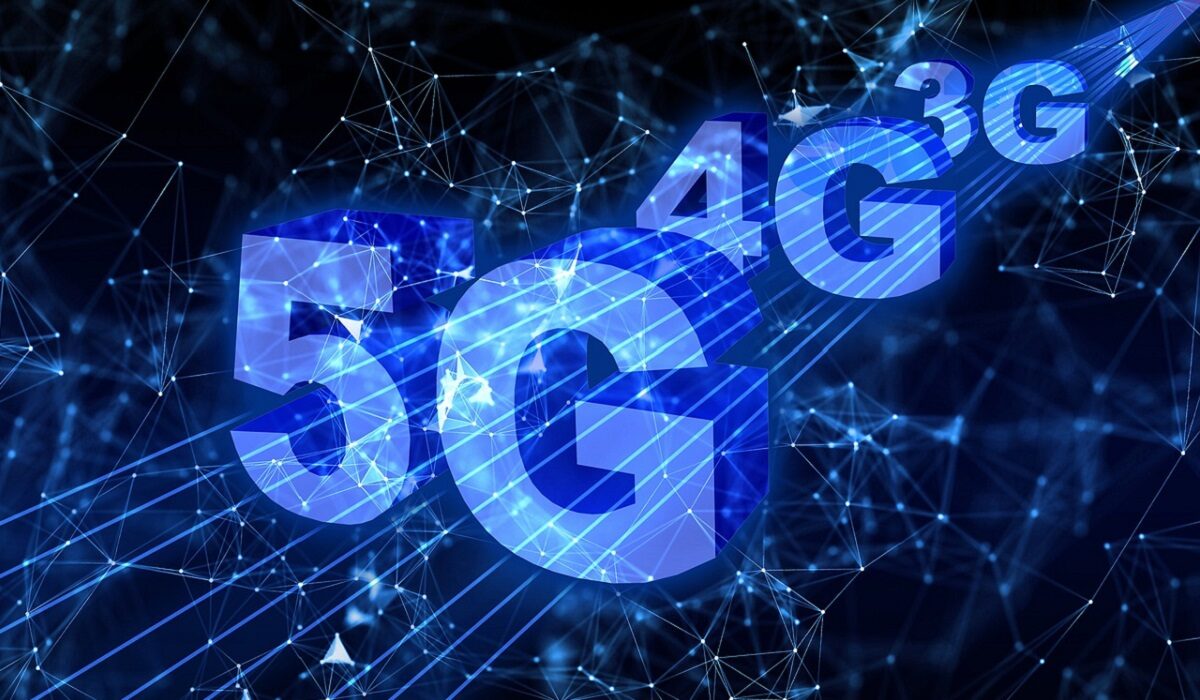
US mobile subscribers get ready to say goodbye to 3G
The USA is not the first country to shut down its 3G networks. In 2020, VodafoneZiggo in the Netherlands shut its W-CDMA 3G network. Vodafone did the same in Italy in February 2021 and in the Czech Republic the following month. Telekom Deutschland and Vodafone have shut down their 3G cellular networks in Germany in 2021 as well.
The government of the United Kingdom says that 3G networks in the UK will be phased out in 2033. Other European countries are planning to sunset their 3G networks in the years ahead.
In Malaysia, the phasing out of their 3G networks has started. The country plans to keep 2G networks active, though, along with 4G networks. The decision to keep 2G services running is because many mobile users in the country still depend on it.
In the United States of America, T-Mobile, Verizon, and AT&T will stop supporting both 2G and 3G cellular networks totally when they shut down their 3G cellular networks in 2022. This means that the USA is saying goodbye to GSM (Global System for Mobiles) and CDMA (Code Division Multiple Access) standards completely and moving on with next generation networks.
Why are these carriers shutting down 2G and 3G networks?
There are a few reasons, but the top one is the limited availability of bandwidth. With available bandwidth now stretched across 2G, 3G, 4G, and 5G networks, and the ever-increasing demand by consumers for streaming and data-based services, it is pragmatic to shut down older 2G and 3G networks and repurpose their allocated bandwidth to newer technologies like 4G and 5G.
Of course, 4G and 5G networks offer faster speeds and greater capacity for video streaming, uploads, and downloads, especially. 4G and 5G networks are the future, and eventually every mobile operator worldwide will shut down their 3G cellular networks too.
What cell phones will continue to work after T-Mobile, Verizon, and AT&T shut down their 3G cellular networks?
There are hundreds of thousands of phone models out there in the market, and it is difficult to list out which will continue to work on the 4G and 5G networks after the carriers shut down their 3G networks.
Verizon says that the Apple iPhone 5, 5C, 5S or older will no longer work on their network. So will Samsung Galaxy S4 and older. If you have an iPhone or Samsung model newer than these, you are good.
Do you need a 5G phone after the carriers shut down their 3G cellular networks?
No; you do not need a 5G phone to use carrier services after the major American operators shut down their 3G cellular networks. Your VOLTE/HD Voice compatible 4G smartphone or feature phone will work just fine after those 3G networks get phased out.
Timeline for the shut down of 3G cellular networks
Do we have dates for the shut-down of these 3G cellular networks? Yes; we do. Here is what we know about each of the three major carriers.
AT&T is shutting down their 3G network in February 2022.
For T-Mobile , by March 31, 2022, Sprint’s 3G (CDMA) network will be retired. Remember that Sprint was acquired by T-Mobile. By June 30, 2022, Sprint’s 4G LTE cellular network will be retired. And by July 1, 2022, T-Mobile’s older 3G UMTS network will be retired as well.
What of Verizon ? Their CDMA-based 3G cellular network will be shut down latest December 31st, 2022.
Of course, these 3G shutdowns will affect the mobile virtual network operators (MVNOs) that piggyback on each of these carriers. MVNOs have no infrastructure of their own and use whatever is available on their parent operators. As such, these MVNOs will also stop offering 3G services and offer only IP-based 4G and 5G services too.
In Summary
If all of the above information is difficult to digest, here is a simple, helpful thing to remember: after carriers shut down their 3G cellular networks, you will need a VoLTE or HD Voice phone or device to use their networks. If you have a 5G smartphone already, or plan on buying one, you have no need to worry. You are already living on the cutting edge, and all of these carriers love you.
References
- FCC ( source )
- AT&T ( source )
- T-Mobile ( source )
- Verizon ( source )
- TechRadrar: UK 2G and 3G networks will be switched off by 2033 ( source )
- Don’t miss our reviews .
- Join our WhatsApp Group , to be notified of the most important articles and deals,
- Follow us on Instagram , Facebook , Twitter , and YouTube .
