Add MobilityArena as a preferred source on Google
Why would you need to restore your iPhone or iPad? If you recently purchased a new iPhone and need to switch your data from an older model, or you needed your iPhone fixed and had to factory reset, you are going to need to restore the data you backed up before switching phones or after getting it fixed.
The key here is that you must already have a backup of your iPhone somewhere. Earlier on, we showed you three different ways to backup your iPhone . If you already have a backup, you are ready to restore your iPhone. Below, I will walk you through how to do this in two different ways – you can restore your iPhone from a backup in iCloud or using iTunes, from a backup on your computer.
How to restore your iPhone from an iCloud backup
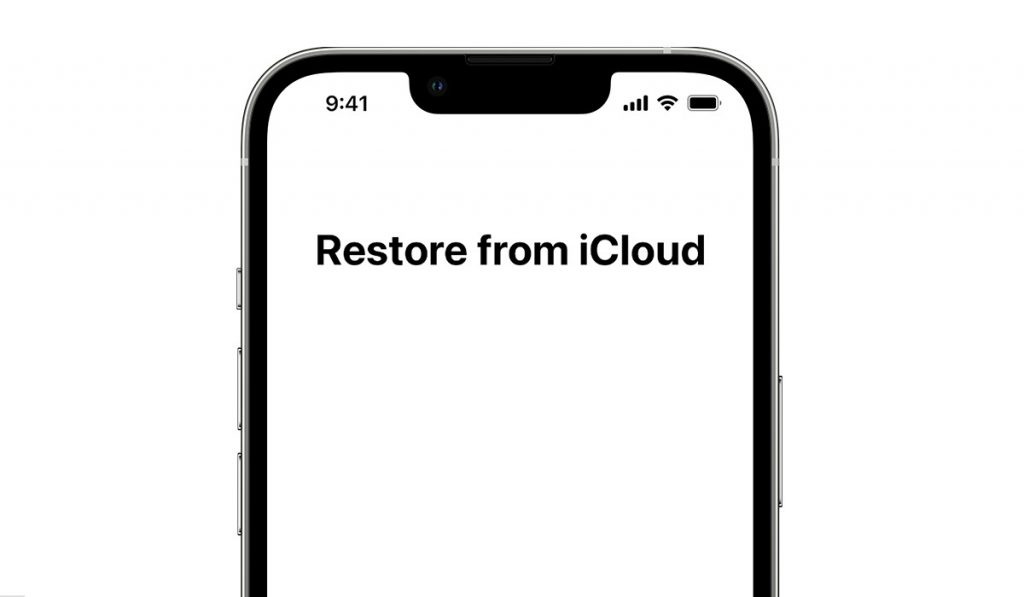
•Turn your iPhone on, and a “Hello” screen will pop up. If you already have your iPhone set up, you will need to erase all of the content you have added to your phone before you can restore it from your iCloud backup.
•Head to your settings and tap on Apps & data.
•Tap “restore from iCloud backup”
•Sign in to iCloud with your Apple ID.
•Select a backup. Check the date and size of each and pick the most relevant. After choosing a backup, the transfer will begin. A message saying that a newer version of the software is required because the one you are using is currently outdated. You need to update to the latest version.
•Keep your iPhone connected to Wi-Fi and wait for a progress bar to appear and complete. The size of the backup and the network speed will determine the amount of time the restoration will take. It could take a few minutes and last as long as an hour to finish restoring. If your Wi-Fi somehow gets disconnected it will simply pause and resume again when the connection is re-established.
•When the restoration is done, you can finally finish your setup and make proper use of your iPhone. Apps, photos, music, and information will continue to restore in the background for the next several hours or even days. Again that depends on how large the information is. It is advisable to keep your iPhone connected to Wi-Fi and power to allow the process to run smoothly.
Now, let’s look at how to restore your iPhone from a backup on your PC, using iTunes. If you have backed up your device to your PC earlier, this is the way to do a phone restore.
How to restore your iPhone from a backup on your computer
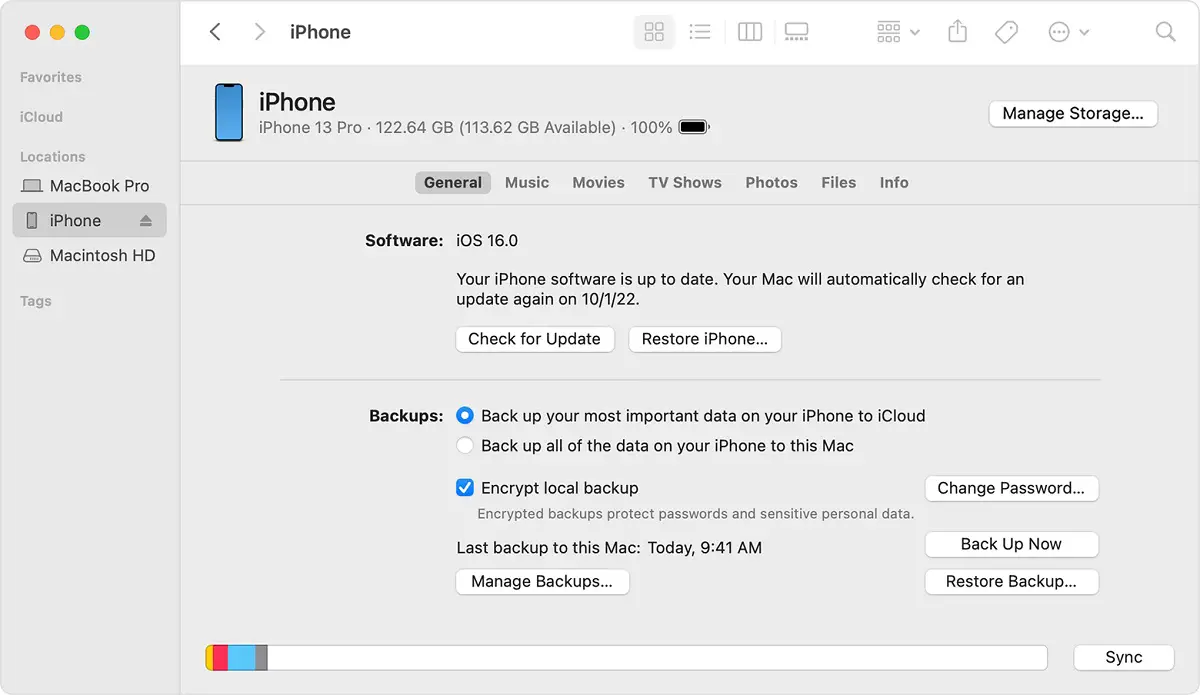
•If you have a Mac with MacOS Catalina or later, open the “Finder”. If you own a Mac with MacOS Mojave or earlier, or you own a PC, open iTunes.
•Use a USB cable to connect your iPhone to your computer. A message will pop up and ask for your passcode or to “Trust this Computer”.
•Choose your iPhone or iPad when it appears in the ” Finder Window” or iTunes.
•Select restore backup.
•Check the dates of each backup and pick the most relevant one.
•Tap “Restore” and wait for the restore to finish. If and when asked, enter your password for your encrypted backup.
•Keep your iPhone connected after it restarts and wait for it to sync with your computer. You can disconnect after the sync finishes.
Author:Flamez
Flamez loves basketball, art, gadgets and cars.
Add MobilityArena as a preferred source on Google
There are hundreds of Samsung smartphones released each year. In 2022 alone, we have seen several models launched already, and the Korean phone maker is not done yet. In the middle of the hordes of models, it might be confusing coming up with the best Samsung phone to buy. But that is why we are here and we have done the homework to help you get just the right device for you.
Depending on your need, what will qualify as the best Samsung phone for you will likely differ from what qualifies for someone with a different set of needs, so I will pin-point different needs and point out what Samsung phone is best for that use case. For example, what model is best for someone who needs exemplary battery life, what model is best for someone who lives on the cutting edge, and what model is best for someone who wants the biggest display possible? I am sure you get the picture now. Having laid that preamble, let’s go.
The Best Samsung Phone Overall
If you want the overall best Samsung phone in the market, you are looking for a model with a flagship processor, generous RAM, premium build, great camera, fastest charging possible, generous storage, and best possible display, all wrapped up in one package. You want the Samsung phone that can do it all. The model you want is Samsung Galaxy S22 Ultra 5G .
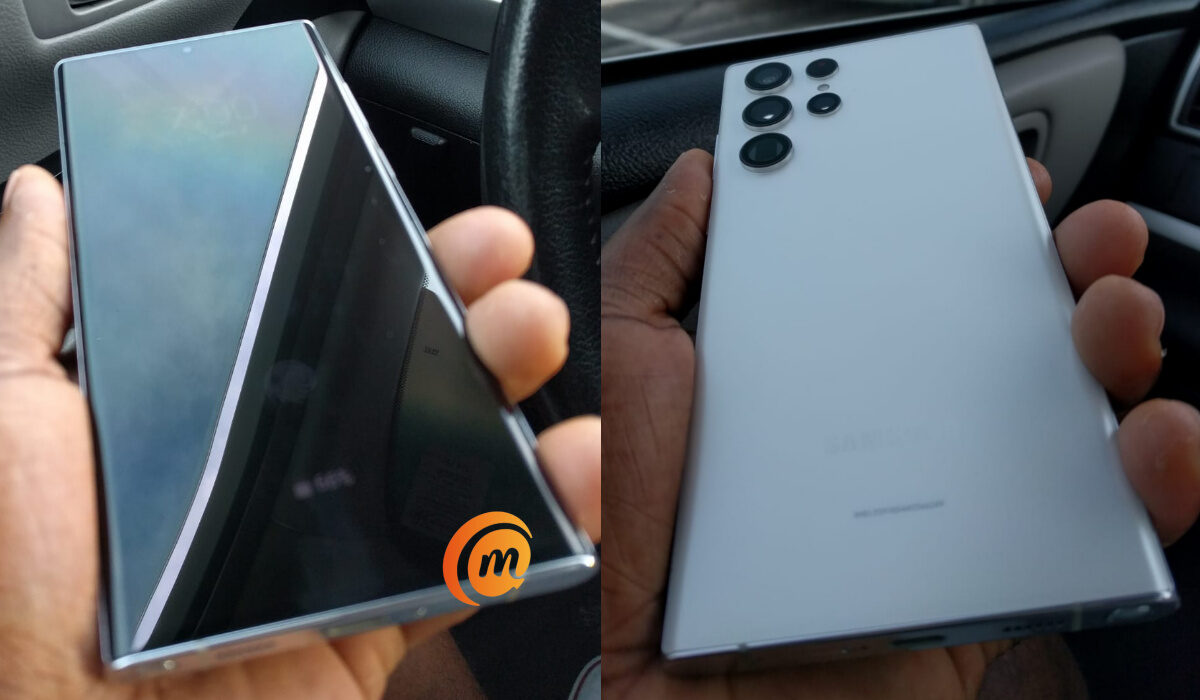
Samsung Galaxy S22 ultra 5G is the overall best Samsung phone of 2022.
The S22 Ultra is the 2022 premium flagship, and it is both beautiful and powerful. here at MobilityArena, we call it The Beast. Apart from the fact that it does not have a foldable display, it does not skimp on any features. This is as good as it gets. Expect to pay as much as $1200, depending on the storage you want. If you want the most affordable configuration, all you need is between $630 and $850, depending on where you look. Our Samsung Galaxy S22 Ultra hands-on review will interest you.
The Best Samsung Phone With The Biggest And Baddest Screen
It is 2022 and mobile users around the world love big screens. The average smartphone, these days, has a big screen already, but nothing prepares you for the Samsung Galaxy Z Fold4. In its normal folded state, you have a fairly large 6.2-inch display to use, like any modern smartphone. When you open this bad boy up, you get a 7.6-inch display to work and play with. That puts the Z Fold4 in tablet territory. A transformer phone that gives you the best of both worlds.
If you want a Samsung smartphone with the biggest possible screen, there is nothing else released in 2022 that comes close to the Galaxy Z Fold4. How much of a dent will it make in your pocket? Prepare to spend between $1100 and $21000, depending on the configuration that you want.
The Best Samsung Phone With Great Battery Life
There are a number of Samsung smartphones with excellent battery life . they include Galaxy A53, A42, and even the 2021 flagship, Galaxy S21 Ultra. However, not one of them hold a candle to the Samsung Galaxy M62. Launched in 2021, this battery life monster is a mid-range device with a 6.7-inch display, Exynos 9825 chipset, 8 GB RAM, and a massive 7000 mAh battery.
Where other Samsung phones with good battery fall off by the way, the Galaxy M62 keeps going. It is also sold as the Galaxy F62 in different countries. Being a 2021 model, it might be difficult to find these days, in which case, you should consider Samsung Galaxy A53 5G, which has impressive battery life even with its 5000 mAh battery. The price is from $350.
Samsung Phone With The Best Camera
This one is easy. Too easy. That is the Galaxy S22 Ultra. It has the best camera in any Samsung smartphone in the market in 2022. Go spend that money.
These are the best Samsung phones you can buy today in 2022. They are all excellent devices that pack a punch. They are just designed to cater to different individual needs. Which is your need – all-round capability, best camera, excellent battery life, or biggest display? Now you know which is the best Samsung phone for you to buy. Happy shopping.
Author:Mister Mobility
Digital Skills and Communication Coach | Mobile Phone Connoisseur since 2001 | Tech Blogging since 2004
