Add MobilityArena as a preferred source on Google
We’ve all been there – you’re browsing the web on your Android phone, and suddenly, a pop-up ad appears out of nowhere. Not only can these ads be annoying, but they can also slow down your device and use up your data. Thankfully, you can learn how to stop pop-up ads on Android phones.
In this article, I’ll explore some effective methods to help you get rid of ads on Android phones. This way, you can enjoy a smoother, more streamlined browsing experience.
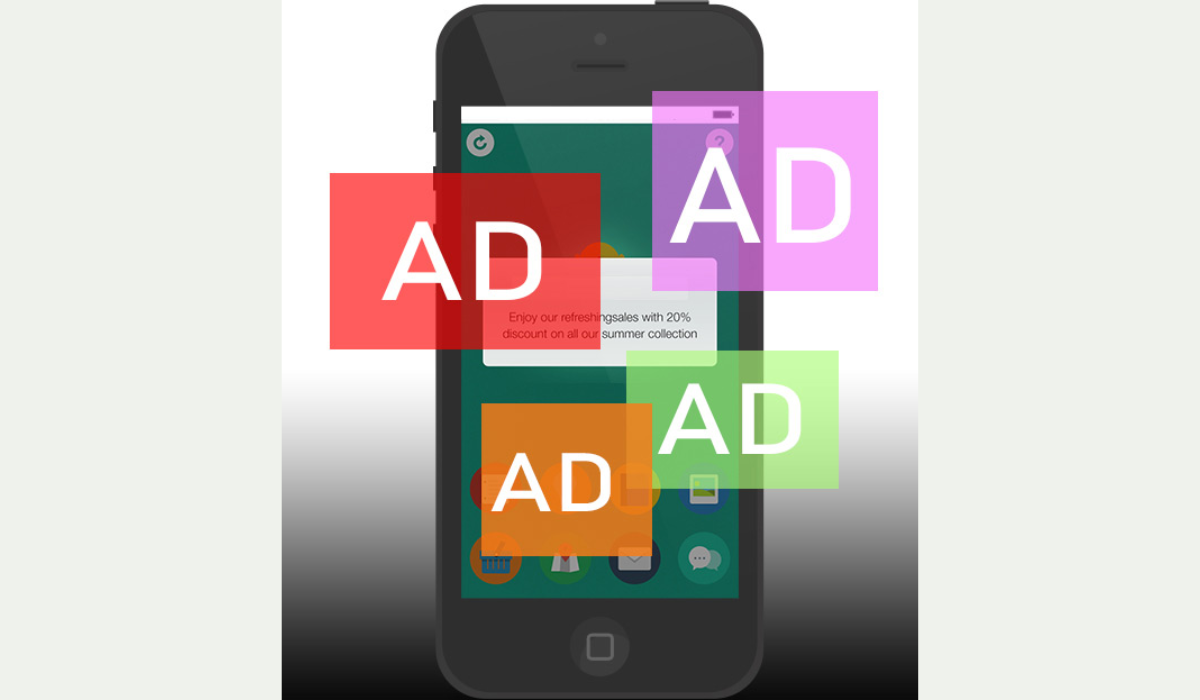
How to Stop Pop-up Ads on Android Phones
Pop-up adverts may appear for different reasons. Here’s a simple way to figure out which app is causing the adverts and gets rid of them:
- Go to the Settings menu on your phone.
- Go to Apps & Notifications .
- Click on Advanced .
- Tap Special App Access .
- Click on Display over other apps . A list of all apps granted permission to show pop-up ads should show up here.
- Examine the list for apps you don’t want to receive pop-up notifications from or that appear suspicious. Tap the app’s name, then toggle the switch next to Allow display over other apps to the Off position.
How to Stop Google Ads on Android Phones
Google is one major source of intrusive ads, so it’s worth exploring how to stop these ads. Follow the steps below to disable personalized Google ads on your Android device:
- Navigate to the Settings menu on your device.
- Scroll to the bottom and select Google .
- Tap Ads under the Services section.
- Toggle the switch next to “ Opt out of Ads Personalization ” to the ”Off” position.
How to Stop Pop-Up Ads on Android Phones on YouTube
This is my favorite because I’m constantly watching something on YouTube and pop-ups tend to degrade the experience. Luckily, you can disable YouTube pop-up ads in your device’s Settings . To do this, follow the steps below:
- Navigate to the Settings menu on your device.
- Select Apps & Notifications .
- Tap See All Apps , then scroll down to YouTube .
- Tap Notifications in the YouTube settings.
- Toggle the switch buttons next to unwanted notifications to ”Off” . For example, you can disable notifications for recommended videos while still receiving notifications for live streams.
- To turn off all YouTube notifications, move the toggle button next to “ Show notifications ” to the ”Off” position.
How to Block Pop-Up Ads on Samsung
If you get pop-up notifications on your Samsung home screen, slide down after receiving a notice to bring down the notification panel. Then, long-press the notification to get App information. You can then uninstall the offending app.
If you don’t want to uninstall the app, you can remove pop-ups from recent apps in settings:
- Navigate to Settings and then Notifications .
- Select App Notifications .
- Filter the list by the Most recent, then disable notifications for any apps that are bugging you.
- You may also go to Advanced options to further modify your notifications.
How to Block Pop-Up Ads on Android in Chrome
Follow the steps below to stop pop-up ads in Google Chrome:
- Open the Chrome browser and select the three dots menu in the upper-right corner.
- Navigate to the Settings menu.
- Select Site settings .
- Access pop-ups and redirects .
- To stop pop-ups and redirects, move the toggle to the left.
Check Google Chrome Site Notifications
It’s not a good idea to enable real-time notifications on your Android tablet or phone for every website. Some websites may spam the notification center of your device with irrelevant partner content besides giving helpful notifications.
Here’s how to turn off notifications for unwanted websites on Google Chrome:
- To access the i button, long-press the Google Chrome app icon.
- Launch Notifications .
- Scroll down to the All Sites Notification s section.
- Examine the list of permitted websites and the number of alerts each website sends each week.
- Turn off notification permission for unknown websites from the list.
How to Get Rid of Pop-Up Ads on Android Phone’s Lock Screens
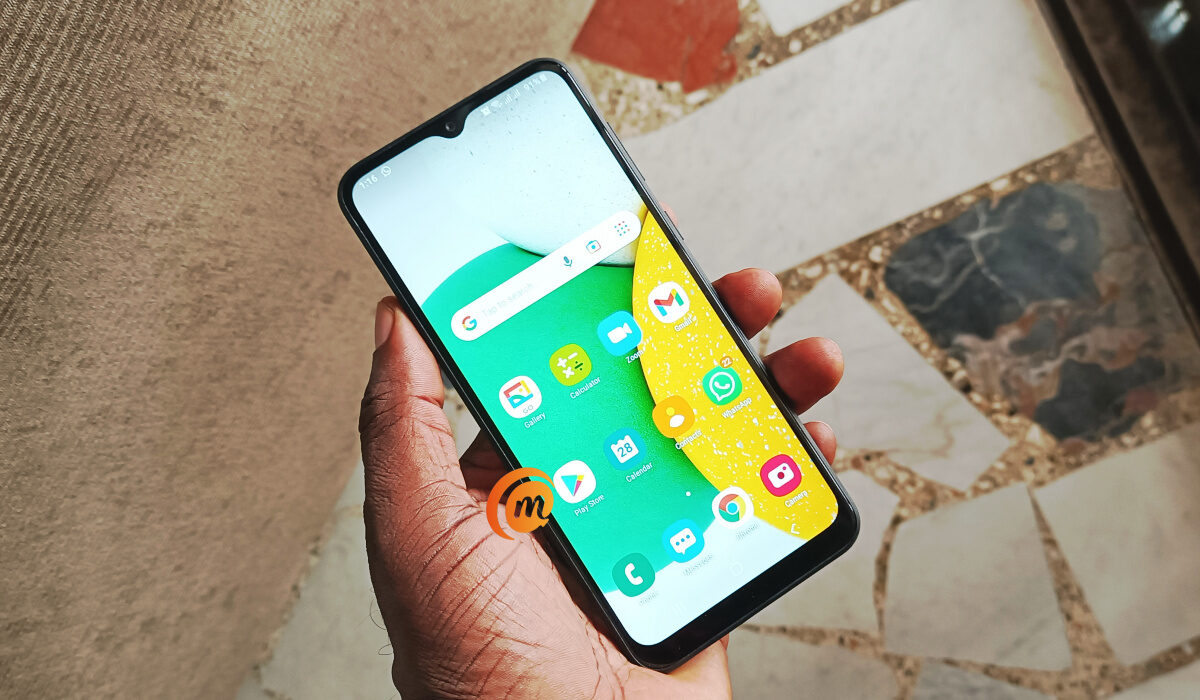
To function normally, Android permits app developers to request the Display over other apps permission. Apps such as Messenger and Truecaller require these permissions to display bubble chat heads and identify incoming callers.
However, some shady apps trick users into granting permission and then continue to deliver ads to the home screen. When you see such ads, check for the name of the app that sent them on your home screen. Once you’ve identified them, proceed to the steps below to disable the permission:
- Long-press the app icon to bring up the app details menu.
- Scroll down to Display over other apps .
- Turn off the Allow display over other apps toggle.
To conclude , pop-up ads can be annoying and disruptive while using your Android phone, but it is possible to block them. You can enable the pop-up blocker in your browser settings, and disable notifications from specific apps that show pop-up ads.
By following the steps above, I can guarantee that you’ll enjoy a smoother browsing experience on your Android phone. It could also be beneficial to install an ad-blocker app from the Google Play Store. In need of other useful Android tips? Check out this category .
Author:Joan Agie
Add MobilityArena as a preferred source on Google
The UK – United Kingdom of Great Britain and Ireland – has one of the most matured mobile markets in the world with a number of mobile network operators (MNOs) and mobile virtual network operators (MVNOs) providing services from one end of the country to another.
Services offered by mobile network operators in the UK include telephone voice calls, SMS, mobile Internet, as well as a range of value-added services. You will find matured 3G and 4G networks in the UK, as well as rapidly growing 5G networks.
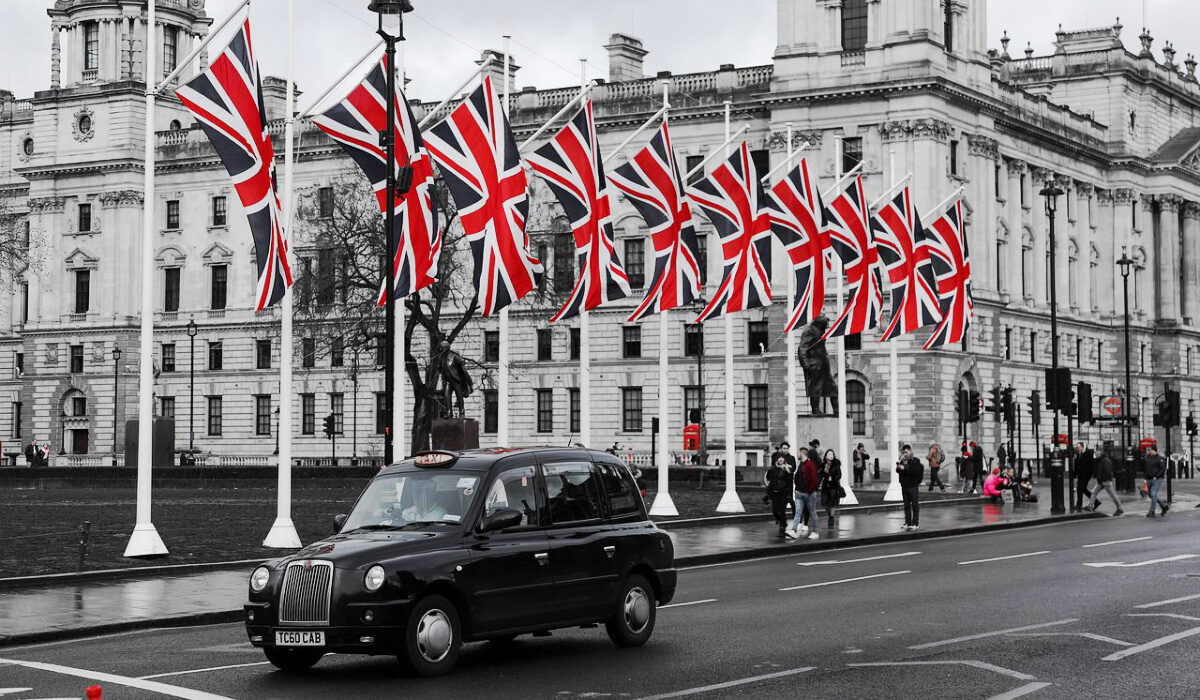
Having said that, there are generally two types of mobile network operators – MNO and MVNO. Let’s have a look at them, so you can have a better understanding of how they operate.
- MNO vs MVNO: What is the difference?
- List of Virtual Mobile Network Operators in the UK
- List of Virtual Mobile Network Operators in the UK
- Does it matter whether you use an MNO or MVNO?
MNO vs MVNO: What is the difference?
An MVNO does not have its own telecom towers and frequencies; it uses those of a proper MNO to provide its own services. Despite not owning any infrastructure, virtual operators are able to sell their own branded SIM cards and plans. You wouldn’t know they are resellers, at face value.
List of Virtual Mobile Network Operators in the UK
There are only four real mobile network operators in the UK who have their own infrastructure and run their own networks. These are the MNOs. Here are the Big 4, as they are called:
- EE
- O2
- Vodafone
- Three
EE is currently the largest mobile operator in the UK, followed by O2. In June 2023, Three and Vodafone announced their interntion to merge and form a new MNO called MergeCo, which will then become the largest operator in the country. If the deal goes through, MergeCo will begin operations by the end of 2024.
List of Virtual Mobile Network Operators in the UK
Apart from the Big 4 in the UK, there are twenty virtual operators. Virtual mobile network operators (MVNOs) are different from MNOs in that unlike MNOs who have their own infrastructure and networks, MVNOs do not own any of that. Instead, they resell the services of MNOs using the MNOs infrastructure and networks. Which is why they are called virtual operators.
The list of virtual mobile network operators riding on the networks of one or more of the Big 4 include:
- Tesco Mobile
- Giffgaff
- BT Mobile
- Virgin Mobile
- Sky
- SMARTY
- Talkmobile
- Plusnet
- Asda Mobile
- Lycamobile
- Lebara
- TRUPHONE
- Superdrug
- Your Co-op
- 1pMobile
- FreedomPop
- Now Mobile
- iD Mobile
As already mentioned, virtual operators piggyback on the mobile network operators to resell their services. This means that virtual operators are able to offer 3G, 4G, and 5G services as long as the MNO they piggyback on has those technologies.
As another example, virtual operators like Smarty, iD Mobile , FreedomPop, and Superdrug Mobile all use Three’s network. When you pop their SiM card in your phone, they all connect to Three ‘s network.
Does it matter whether you use an MNO or MVNO?
Not in the least. Feel free to get on any type of mobile network operator in the UK whose services align with your needs. They are all licensed to provide you with mobile services, and sometimes, you will find that an MVNO has packages that are better tailored to your needs.
Author:Mister Mobility
Digital Skills and Communication Coach | Mobile Phone Connoisseur since 2001 | Tech Blogging since 2004
