Add MobilityArena as a preferred source on Google
Sometimes you might want to take a selfie or capture some other thing on camera without making a noise. However, our smartphone cameras are programmed by default to make a shutter sound whenever we take pictures. You might want to turn this off on your smartphone. On some phones, it is as simple as dialling down your notification volume, or putting your phone on silent mode. However, it might not be so simple in some other phones. Here’s how to turn off shutter sound on various smartphones. Note that this is illegal in some countries, so be mindful of that.
SONY
On some Sony Xperia smartphones, you just need to go to your camera app, tap the menu icon, go to Settings, then set the Sound slider to Off. Some other devise simply use the volume controls.
HUAWEI
On certain Huawei devices, you need to go to the camera app, tap the menu icon, then the settings button. Next, go to Mute and enable it, which will disable the camera sound. On the Honor 8, you can either use the above method or simply use the volume keys.
ONEPLUS
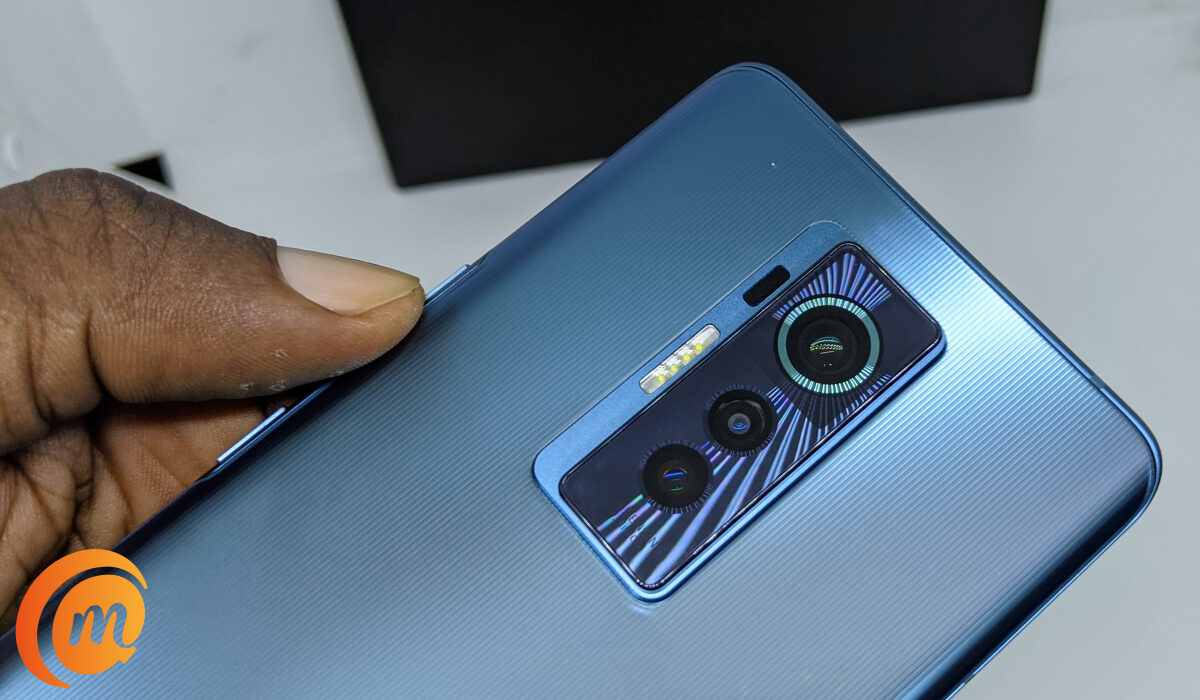
Swipe in from the left side of your screen, then tap on the Settings icon. This is located on the right side of the screen. When you do that, you will see the shutter sound option in the next window. Turn it off there.
SAMSUNG
Some Samsung devices require you to hit the cog wheel in the camera app to find the Shutter Sound option. There you can switch it off. However, on some newer Samsung devices, you just need to change the master volume settings.
LG
LG’s Lollipop camera software does not have a camera shutter option. You have to put your phone on vibrate to get rid of the sound.
MOTOROLA
Some Motorola phones have a little dial, which slides in from the left side of the screen. The loudspeaker icon represents the shutter sound. Just tap on it to enable or disable it.
HTC
Some HTC models require you to tap on the menu icon, go to Settings, then untick the camera shutter sound box in General Settings. However, on the HTC 10, you just need to change your master volume settings.
Source
Author:EmmyCN
Add MobilityArena as a preferred source on Google
If your car’s brakes fail, it is a huge problem. If this happens while you are on the road, it is quite difficult to slow down, and this could lead to a crash. Brake problems are quite daunting if you do not know what causes them. Therefore, you might want to know some common brake problems and what causes them, at least before you inevitably take the car to a mechanic.
SOFT BRAKE PEDAL
This is a serious issue. if your car brake pedal feels soft when you step on it, you need to try as much as possible to not drive any further. This could be caused by a leak in the braking system. You would need to check your master cylinder for leaks (refer to your car owner’s manual). If indeed you have a leak, you need to replace the master cylinder.
CAR PULLS TO ONE SIDE WHEN BRAKING
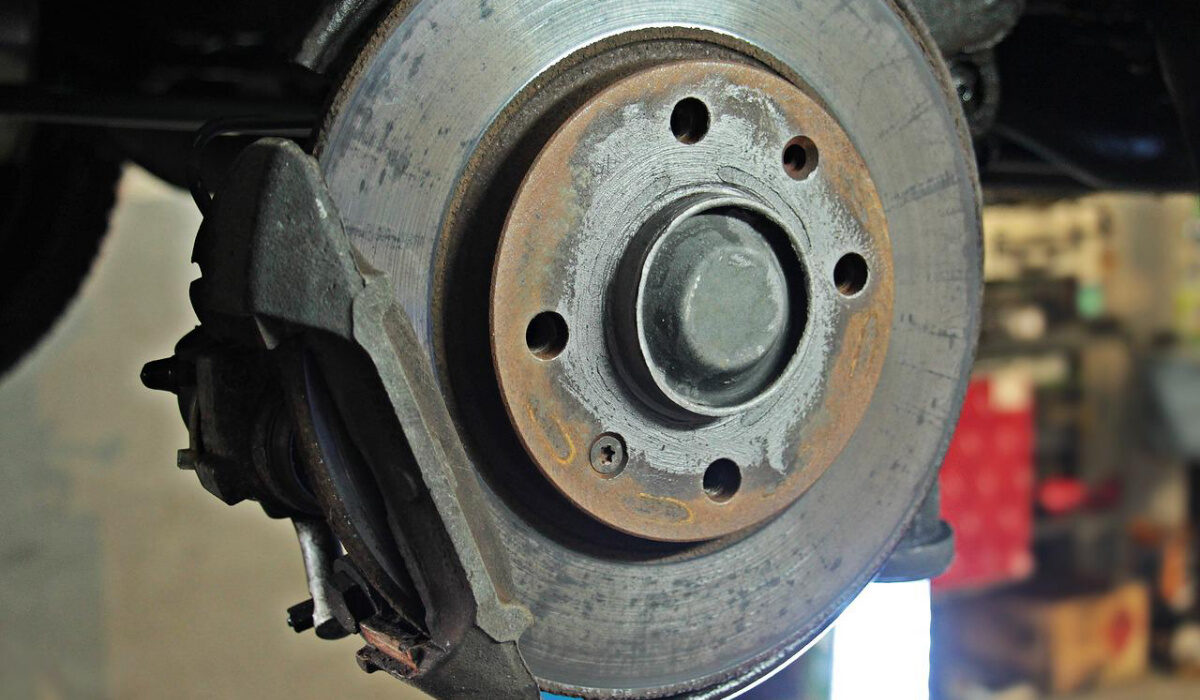
This is one of the most annoying common brake problems. There are several possible causes, the most common being a frozen caliper. This in turn has several causes, most of which involve moisture getting to the caliper. The best way to fix this is to replace the caliper. Also, a faulty proportioning valve or master cylinder might cause the car to pull to one side when braking. This is unusual, though. When this happens, you should identify the particular part of the car where the brake fluids have leaked, and replace the faulty part.
STEERING WHEEL SHAKES WHEN BRAKING
This is one of the more common brake problems, as it can occur on any model of vehicle. There are many possible causes of this issue, which could include warped front rotors, hot spots on your rotors, pad impressions etc. This issue can be fixed by resurfacing your rotors or replacing them.
WHOLE CAR SHAKES WHEN BRAKING
This could be due to a fault in the rear brakes. To know if this is the problem, try to apply your parking brakes slightly while driving on an empty stretch of road. Do not do this at high speeds. Just pull the emergency brake enough to feel the rear brakes grab slightly. If your rear drums are the cause of the problem, you will feel the car vibrate slightly. If this is the case, you have to resurface the rear drums or replace them. However, this only works if you have rear drum brakes; if you have rear disc brakes, this may not be effective.
BRAKE PEDAL GOES UP AND DOWN WHEN BRAKING
This could be caused by the rotors getting warped. As the rotors get older, they undergo heating and cooling a lot of times. Thus, they lose their shape over time. The best way to fix this is to resurface the rotors if they are still thick enough, or replacing them entirely.
- Don’t miss our mobile phone reviews .
- Follow our news on Google News .
- Join our WhatsApp Group , to be notified of the most important articles and deals,
- Follow us on Instagram , Facebook , Twitter , and YouTube .
