Add MobilityArena as a preferred source on Google
Google Drive is an excellent cloud storage service that is also available on a number of platforms, including macOS. The desktop app for Google Drive combines backups from Google Drive and Google Photos into a single app.
However, if you no longer want to use the Google Drive desktop app, it’s possible to uninstall it. If you’re not sure how to, this guide will walk you through the process to correctly and safely uninstall Google Drive from a MacBook computer.

How can I Safely Uninstall Google Drive from a Mac?
Many Mac users tend to have trouble uninstalling Google Drive, but if you encounter a similar problem, simply follow the instructions below to uninstall Google Drive completely from your Mac.
Disconnect Your Google Account
Google Drive for desktop typically syncs files on your Mac with your Google account automatically. Therefore, before you uninstall Google Drive from your Mac, it’s important to disconnect your Google account to stop data syncing and terminate all related processes.
To do this, follow these steps:
- From the menu bar , select the Google Drive icon.
- Select the Settings icon, then Preferences from the dropdown menu.
- In the dialogue box , click the Settings button.
- Choose the Disconnect Account option next to your email address.
- Click Disconnect , followed by Done.
Now you can safely uninstall the Google Drive app from your Mac after disconnecting your Google account from it.
Uninstalling Google Drive from your Mac
You’ll first have toclose Google Drive on your Mac before removing it. To do so, go to the menu bar , click the Google Driv e icon, then the Settings icon, and finally the Quit option.
It should now be easy to uninstall the Google Drive app on your Mac after quitting the application. There are several methods for uninstalling apps on a Mac, but the simplest is to drag them to the Trash.
Here’s what you should do:
- Launch the Application folder in Finder
- Control-click Google Drive and then choose Move to Trash . You could also just drag it to the Trash.
- Next, access Trash in the Mac’s Dock.
- Select the Delete Immediately option after control-clicking Google Drive.
Alternatively, you can Control-click on Trash and select Empty Trash to permanently uninstall Google Drive from your Mac.
Delete any Residual Google Drive files Using Finder
Even after uninstalling Google Drive from your Mac, it’s still important to remove the leftover files. If these junk files accumulate, they can harm your Mac in the long run.
So, to delete residual Google Drive files using Finder, simply follow these steps:
- Launch Finder and click Cmd + Shift + G.
- In the Go to Folder search box, type ~/Library/ .
- Now, to find Google Drive , use the Search bar in the top-right corner.
- To narrow your search, choose “Library” instead of “This Mac”
- Locate any files that match, and if you find any, move them to the trash.
Again, you’ll need toempty your Mac’s Trash so you can permanently delete these residual files from your Mac. However, be careful when deleting these unwanted files to prevent accidentally deleting other important files; double-check before clicking Delete .
Besides the Library folder, you can look for any residual files in the following subfolders:
- /Library/Preferences
- /Library/Caches
- /Library/Application Support
- /Library/LaunchAgents
- /Library/PreferencePanes
- /Library/Saved Applications State
- /Library/StartupItems
- /Library/LaunchDaemons
Uninstall Google Drive from a Mac Using App Cleaner & Uninstaller
App Cleaner & Uninstaller is a utility that uninstalls apps completely and easily on a Mac. You’ll also be able to use this tool to quickly uninstall Google Drive from your Mac, or backup and sync apps along with all of their service files.
Follow these steps to uninstall Google Drive on a Mac with App Cleaner & Uninstaller:
- Open the app cleaner and Uninstaller
- Choose the Google Drive app
- Click the option to remove Google Drive
- Confirm your decision
This action will completely uninstall Google Drive on your Mac, including all of its support files such as caches, containers, and preferences.
To uninstall Backup and Sync from Google, follow these steps:
- In App Cleaner & Uninstaller , select Backup and Sync
- Uninstall the app by clicking the option
- Confirm the deletion of Backup and Sync
In conclusion , you can use any of the above methods to safely uninstall Google Drive from a Mac.
- Don’t miss our mobile phone reviews .
- Follow us on Instagram , Facebook , Twitter , and YouTube .
Author:Joan Agie
Add MobilityArena as a preferred source on Google
I have used cell phones since 2001. That was an eternity ago. In the decades from then till now, I have dedicated myself to knowing about these gadgets, what they do, and how beneficial they are to humanity. And if you were to ask me if cell phones were addictive, my response would be, “Yes, they certainly are.” But that would not be a completely accurate answer. Why?
In reality, it isn’t cell phones, in themselves, that are addictive. It is the big, bad ones called smartphones that are. Yes, smartphones. Those kind of cell phones with a big touch screen, an always-on internet connection, thousands of apps syncing in the background and throwing notifications at you every other minute. Those ones. They are extremely addictive.
Wait! Someone may yell. Are you saying that cell phones and smartphones are not the same? Sort of. You see, the term cell phone or mobile phone is the generic name for all kinds of mobile phones. So, a smartphone is a kind of cell phone. A dumb phone and a feature phone are two other kinds of cell phone. “Mister Mobility, are you saying that there are any cell phones that are not smartphones?” Yes, I am. They (dumb phones and feature phones) tend to look like this:
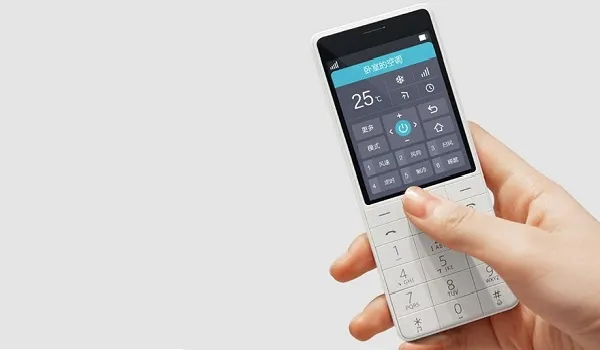
This is a feature phone (or a dumb phone); it is not a smartphone
And these:
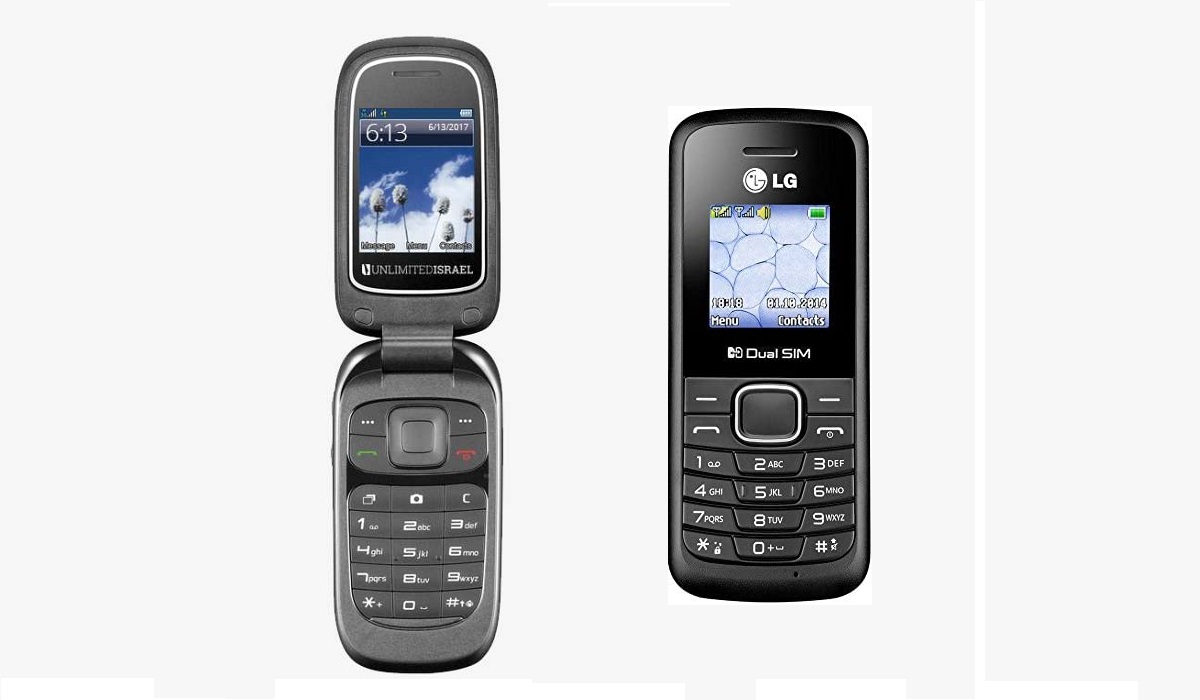
Basic/dumb phones and feature phones come in this form factor, too.
You are not going to get addicted to these phones. Why? The tiny, low-resolution screen is one big factor; you will not enjoy watching endless videos on that. Typing on the alphanumeric keypad is not fun either. Doing email or sharing on social media are not fun activities on this kind of devices, for these reasons. But it gets worse.
Most of them do not even have Internet access built in, so the tiny screen and old school keypad are only one part of the problem. These are called dumb/basic phones. Without Internet access and without an app store to download scores of apps from, these feature phones keep you grounded more than you can imagine. There is nothing addictive about them.
Feature phones tend to have 3G and 4G internet, though, so you can browse the Web and do a few things online. I assure you, those activities are not fun, when you factor in the screen size and keypad. Then, there is the underpowered processor they often have, meaning doing anything on a feature phone is painfully slow.
So, yes; there are cell phones that are not smartphones. And you won’t be getting addicted to those. If you have a problem with cell phone addiction, ditch smartphones and embrace basic phones or feature phones. You might want to explore Kosher phones , which are dumb and feature phones adopted by religious people who want to stay free of the addictive and distracting nature of smartphones. In closing, let’s look at the highlights of this article again.
Are there any cell phones that are not smartphones?
Yes, there are. There are different types of cell phones. Feature phones are one category. Basic or dumb phones are another. And smartphones are yet another. Android phones and iPhones are examples of smartphones. And recently, we have seen the birth of smart feature phones , which are almost as addictive as smartphones.
What are the differences between basic phones, dumb phones, and feature phones? Dumb or basic phones are usually those mobile phones without any form of Internet access and so do not even have a Web browser or email client. Feature phones are often classified as those phones with at least Internet access, a Web browser, and an email client, but without an app store.
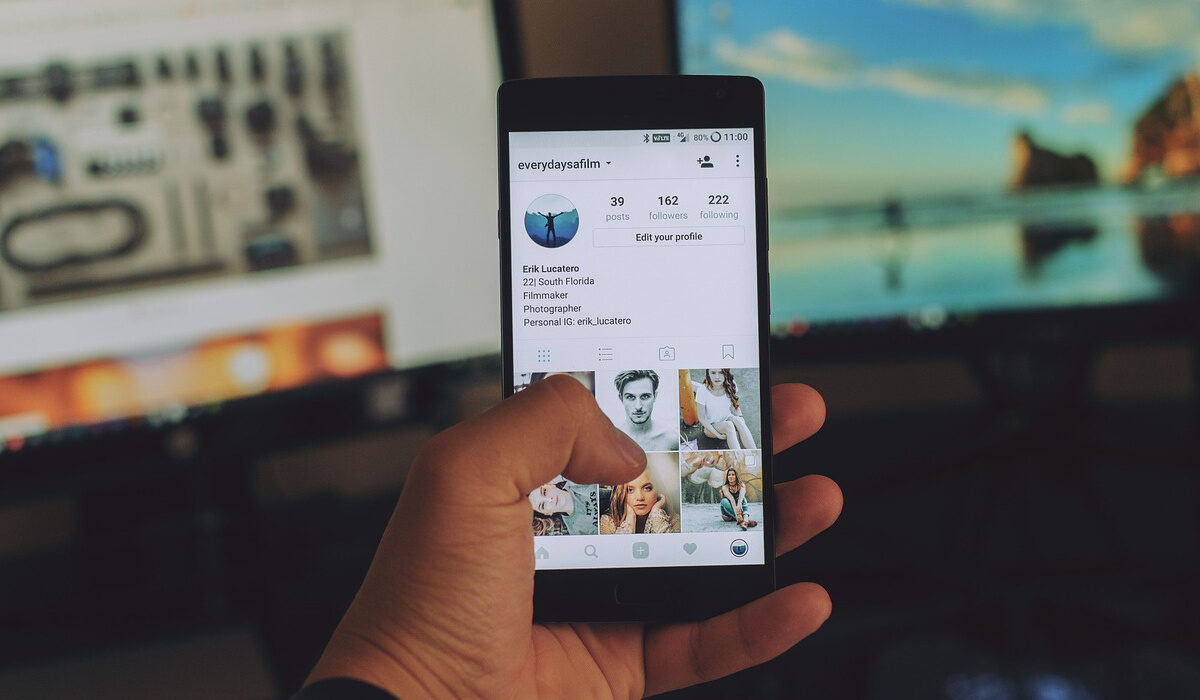
Smartphones are extremely addictive.
Are cell phones addictive?
Some cell phones are not addictive, while others are. Smartphones are the kind of cell phones that are addictive. They have big touch screens, thousands of apps, an Internet connection, and are always intruding with notifications. Your Samsung smartphone or Apple iPhone is a smartphone, as are all the other brands of Android phones. If you want a cell phone that is not addictive, get a feature phone or a dumb phone, instead.
Which phone brands make feature phones?
If you want a basic phone or feature phone, some of the leading phone brands that make and sell feature phones include Nokia, Samsung, TECNO, and itel. There are other lesser-known phone brands that make feature phones, if you look around.
Author:Mister Mobility
Digital Skills and Communication Coach | Mobile Phone Connoisseur since 2001 | Tech Blogging since 2004
