Add MobilityArena as a preferred source on Google
Apple has made significant changes to the Messages app, introducing features that rival third-party messaging platforms have had for years. One of these changes is the ability to unsend or edit iMessages on iOS, iPadOS, and macOS.
Being able to edit or unsend messages can save one from embarrassment by allowing you to correct a typo or grammatical error. This functionality also gives you a way out if you send the wrong message to the wrong person. This article will show you how to unsend or edit an iMessage on iOS, iPadOS, or macOS, so keep reading to find out.
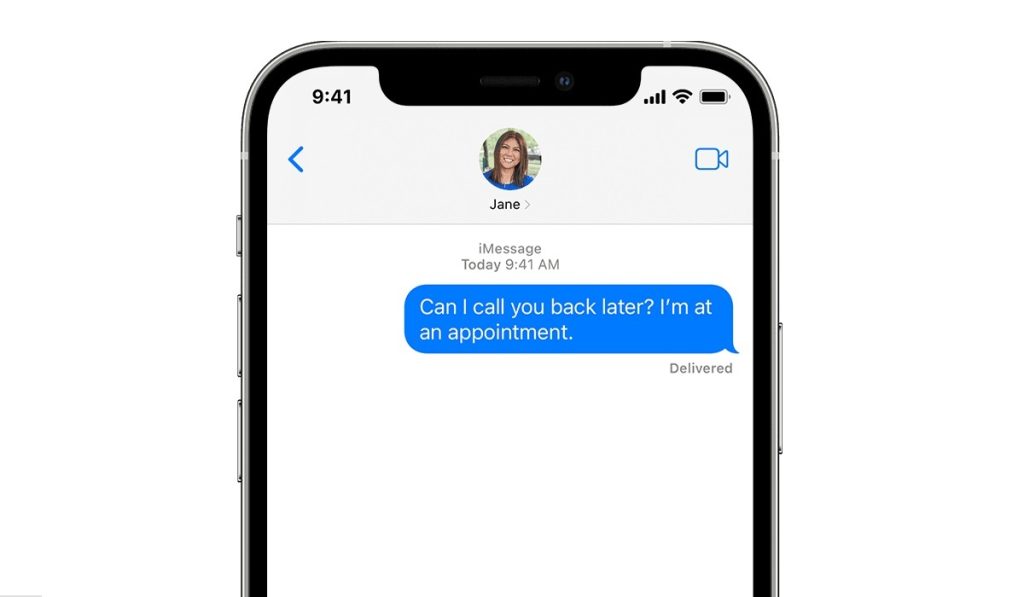
How Can I Unsend an iMessage on iOS, iPadOS, or macOS?
If you’ve ever sent a text message and regretted it afterward, you’ll appreciate how easy it is to correct this mistake by unsending the message. Here’s how to unsend an iMessage on iOS, iPadOS or macOS:
- The message you want to unsend must be an iMessage in a blue bubble. Tap and hold down the sent text bubble (on an iPhone or iPad) or right-click (on a Mac) until the options menu appears.
- Select Undo Send , and the message will be removed from both the recipient’s and your feeds.
It’s a pretty straightforward process, as described above. However, please take note of the following when attempting to unsend an iMessage on iOS, iPadOS, or macOS:
- This option is only available for up to 2 minutes after the message has been sent.
- When a message is unsent, it is removed from both the recipient and the sender, along with a note indicating that it was unsent.
- Unsending removes the message from the recipient’s device only if they are running macOS Ventura or later, iOS 16 or later, or iPadOS 16.1 or later. The original message remains in the conversation if the person you’re messaging is using a device running macOS 12 or earlier, iOS 15.6 or earlier, iPadOS 15.6 or earlier, or SMS.
- When you unsend a message, you’re notified that the original message may still be visible in the conversation transcript to the recipient.
The above conditions need to be guaranteed to unsend an iMesssage on iOS, iPadOs or macOS.
How Can I Edit an iMessage on iOS, iPadOS, or macOS?
The new iMessage editing feature in iOS 16 and iPadOS 16 is extremely useful. Just like the Unsend function, it’s also easy to edit an iMessage on iOS, iPadOS or macOS. Follow these steps:
- Simply long-press (on iPhones or iPads) or right-click (on Mac devices) the sent message to bring up the options menu.
- You can interact with the text in the message by tapping Edit .
- The text will be corrected if you highlight the unwanted word or words and replace them with what you meant to say. To be completely transparent, there will be a notification under the bubble that says “ Delivered and Edited .” You and the recipient can both tap on this to see previous edits.
There are also conditions to take note of when editing an iMessage on iOS, iPadOS, or macOS:
- The window for editing a message has been extended to 15 minutes. You can only edit a message five times, so make your edits count. Also, all edit history is saved with the message to prevent system abuse.
- The recipient also needs to have an iPhone or iPad running iOS 16. iPadOS 16 and Ventura on a Mac. If they are, editing will function as expected.
- If the recipient of your message has not upgraded to iOS 16, iPadOS 16, or macOS 13 or newer (or is an Android user participating in a group iMessage chat), they will simply receive a new message with the revised text, and the recipient’s inbox will still contain the original.
It’s important to take note of these conditions when attempting to unsend or edit an iMessage on iOS, iPadOS or macOS to guarantee that you get the results you want.
Author:Joan Agie
Add MobilityArena as a preferred source on Google
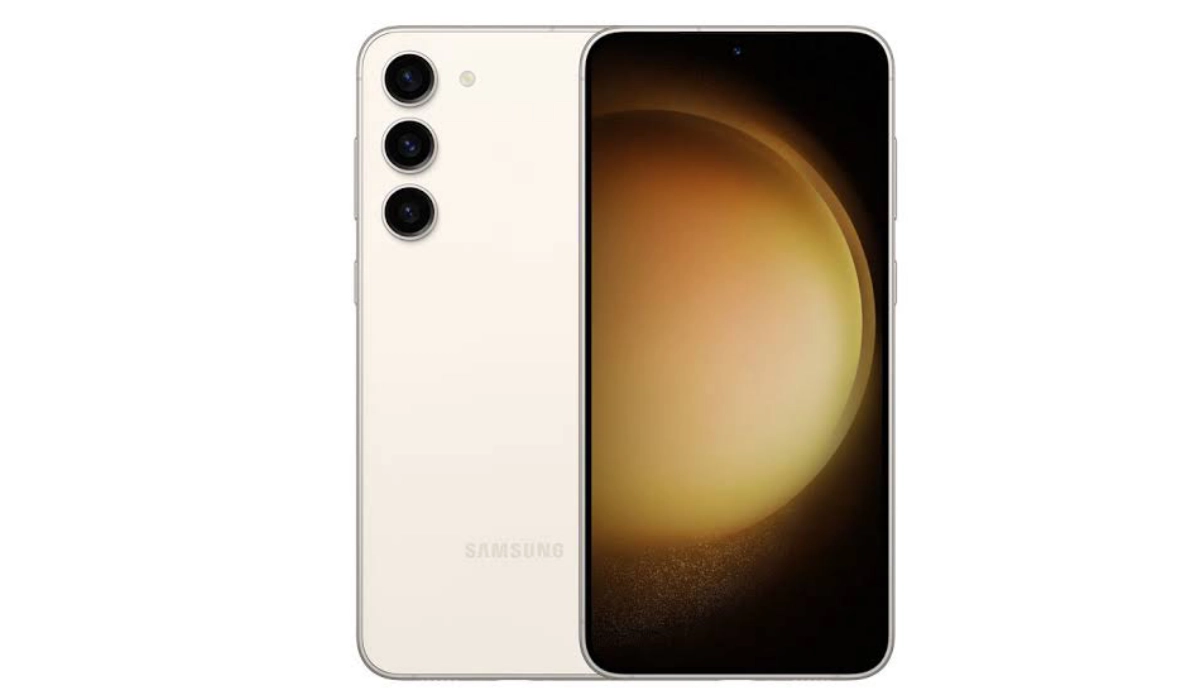
The new Samsung Galaxy S23 Plus is a a member of Samsung’s 2023 premium flagship line. It is fitted with a 6.6-inch Dynamic AMOLED display, launches with One UI 5.1 based on Android 13 and is powered by a Snapdragon 8 Gen 2 chipset.
What is the difference between Samsung 23 and 23 Plus? The Galaxy S23 Plus is similar to the S23 in most ways, with the major difference between the two being that the S23 Plus is bigger and heavier, has a larger display, and has a larger battery capacity. Pretty much everything else is the same on both devices. Even the S23 plus camera is the same as what is in the S23.
- Quick Specs:
- Samsung Galaxy S23 Plus specs
- Launch/Release Dates and Information
- Samsung Galaxy S23 Plus Prices by Country Is it worth upgrading to Samsung S23 Plus? When was the S23 Plus released? Does Samsung Galaxy S23 Plus have aptX HD? Does Samsung S23 Plus have aptX Adaptive? Does Samsung S23 Plus have a heart rate monitor? Does Samsung Galaxy S23+ have Google Play Store? Will Samsung Galaxy S23 Plus work in the USA?
- MobilityArena Buyer’s Guide Verdict
- Review Rating
Quick Specs:
- Release Date: 2023
- Network Type: 2G/3G/4G/5G
- Display: 6.6-inch, 1080 x 2340 pixels resolution
- Processor: Qualcomm Snapdragon 8 Gen 2
- Selfie Camera: 12 MP
- Rear camera: 50 MP triple
- RAM: 8 GB
- ROM: 256 GB
- Battery: 4700 mAh
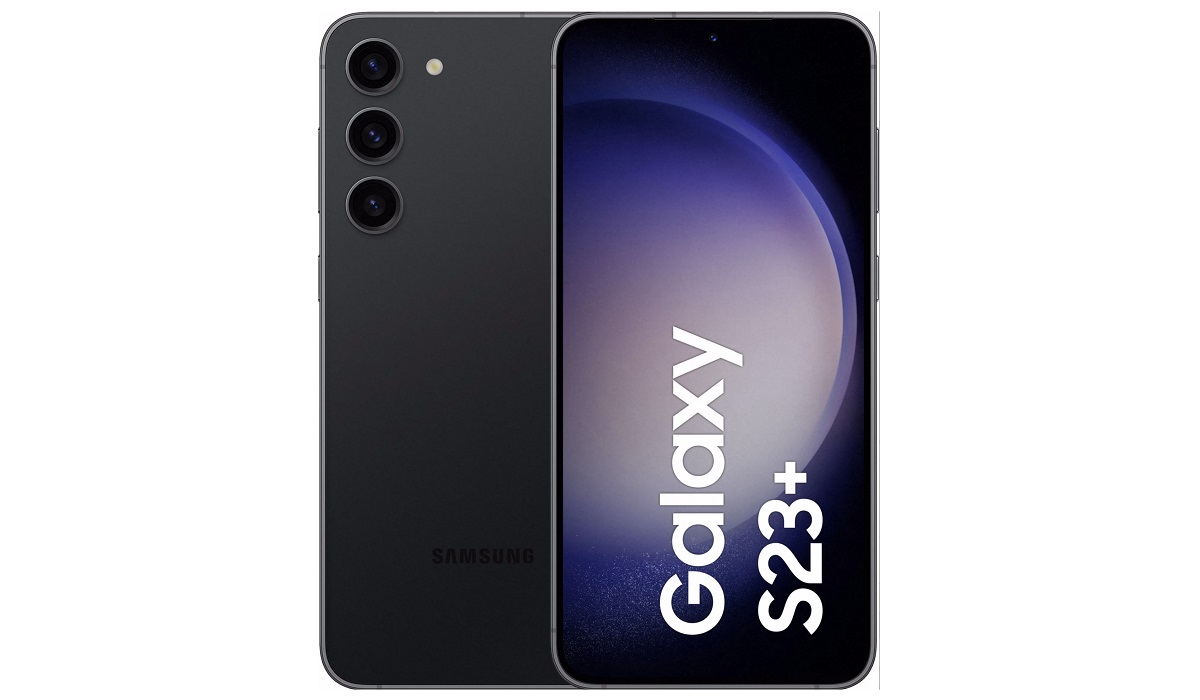
Samsung Galaxy S23+
Samsung Galaxy S23 Plus specs
Mobile Wireless Network and Software
- 2G mobile network bands : GSM, GPRS, EDGE 850 / 900 / 1800 / 1900 MHz. CDMA 800 / 1900 & TD-SCDMA.
- 3G mobile network bands : UMTS, WCDMA, HSDPA 850 / 900 / 1700(AWS) / 2100 MHz. CDMA2000 1xEV-DO
- 4G mobile network bands : LTE 1, 2, 3, 4, 5, 7, 8, 12, 13, 14, 18, 19, 20, 25, 26, 28, 29, 30, 38, 39, 40, 41, 46, 48, 66, 71
- 5G mobile network bands : NSA/SA/Sub6/mmWave
- SIM Type : Nano-SIM, Dual SIM
- Software / OS : One UI 5 based on Android 13
Design, Form Factor, Appearance
- Dimensions : 157.8 x 76.2 x 7.6 mm
- Weight : 195g
- Display : 6.6 inches, 1080 x 2340 pixels, 120 Hz refresh rate, 20:9 aspect ratio, Dynamic AMOLED 2X, HDR10+, Gorilla Glass Victus 2 protection
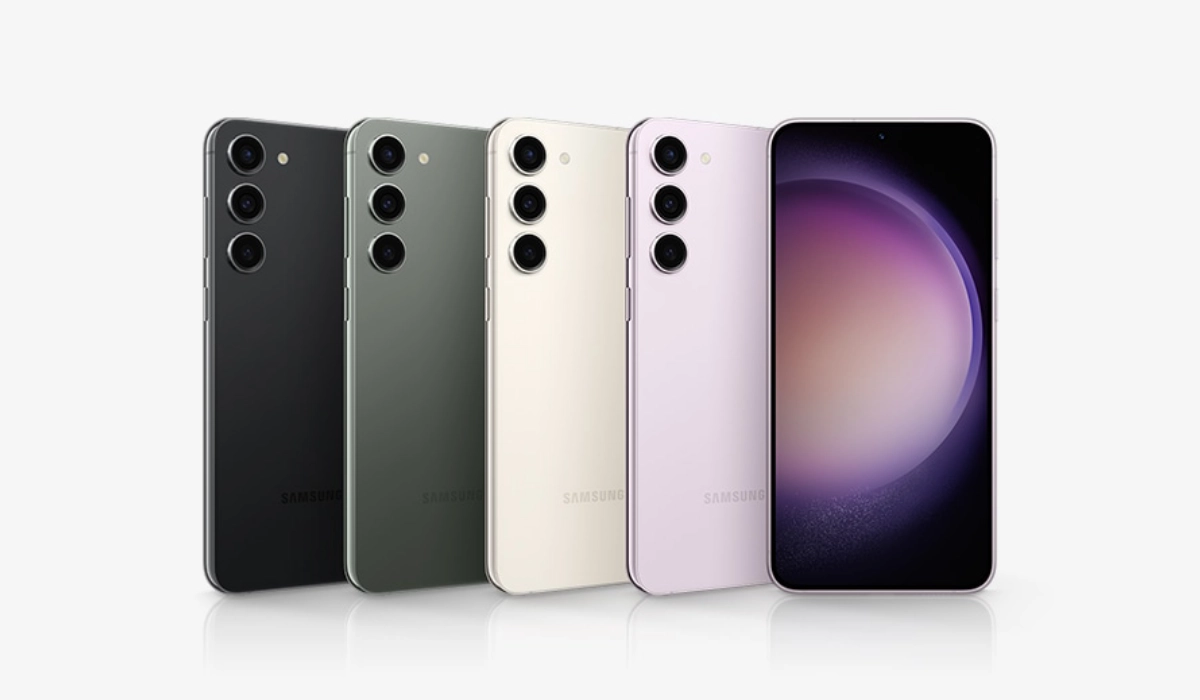
- Colours : Phantom Black, Cream, Green, Lavender.
- Physical Build : IP68 dust/water resistant (up to 1.5m for 30 mins)
Internal Hardware Specs
- Processor Type : 64-bit, 3.36 GHz Octa-core
- Processor Name : Qualcomm Snapdragon 8 Gen 2
- Graphics Processor : Adreno 740
- RAM : 8 GB
- Internal Storage : 256 GB / 512 GB
- External Storage : No
Photography, Video Recording
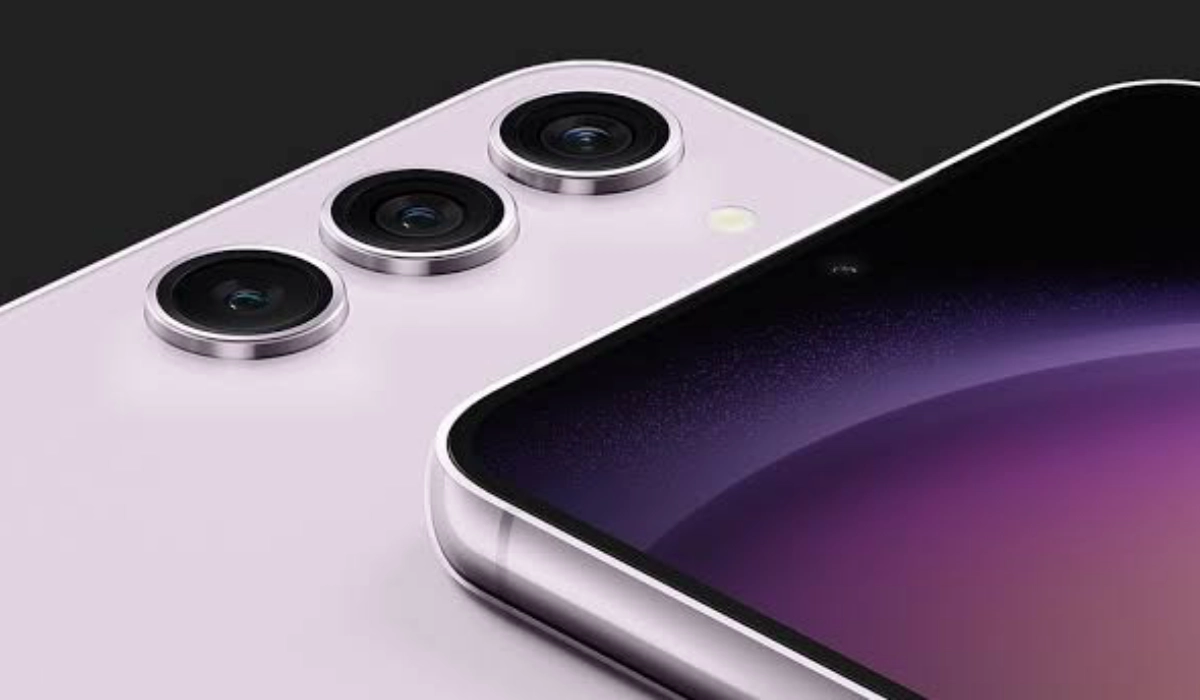
- Rear Camera : 50 MP main sensor, + 12 MP Ultra wide camera + 10 MP telephoto camera, autofocus, LED flash, 8k video, 4k video, 1080p@30fps video recording
- Front Camera : 12 MP, fixed focus, Face Recognition, 4k video, 1080p@30fps video capture
Audio, Video Playback
- Music Support : PCM, AAC / AAC + / eAAC + / MP3 / AMR – NB / WB / APE
- Audio : No 3.5 mm audio jack
- Loudspeaker : Stereo speakers
- Video Support : H.264/MP4/MPEG4 player
- FM Radio : No
Phone Sensors
- Digital Compass : Yes.
- Accelerometer : Yes.
- Proximity Sensor : Yes.
- Ambient Light Sensor : Yes.
- Barometer : Yes.
- Pedometer : No.
- Heart Rate Monitor : No.
- Gyroscope (G-Sensor) : Yes.
- Fingerprint Scanner : Yes; in-display.
- Face Unlock : Yes.
- Iris Scanner : No.
- Motion Sensing / Gesture Control : No.
- Voice Control : No.
- Intelligent Digital Assistant : Yes; Google Assistant; Bixby Assistant.
- Infra-red Sensor : No.
Connectivity Options
- Bluetooth Version : 5.3
- Bluetooth Profiles : A2DP
- WiFi : Wi-Fi 802.11 a/b/g/n/ac/6e, hotspot
- GPS : Yes, A-GPS, GLONASS, BDS, Galileo
- USB : microUSB v3.2. Type-C. USB-OTG.
- NFC : Yes.
Miscellaneous Specs and Features
- Battery Type and Capacity : Non-Removable Lithium-Polymer 4700 mAh
- Battery Charging : 45W fast charging (30 minutes to 65%)
- Wireless Charging : 15W fast wireless charging
- Reverse Charging : 4.5W charging.
- Model Version/Number :
Launch/Release Dates and Information
- Announced : February 1, 2023
- Release Date : February 2023
Samsung Galaxy S23 Plus Prices by Country
- United States (USA) : $899 (8/256GB)
- European Union : €1,099 (8/256GB)
- Australia : AUD $1,649 (8/256GB). You can also buy it on Vodafone Australia for as low as $37.46 monthly for 36 months.
- United Kingdom (UK) : £ 946 British Pounds (8/256GB)
- Canada : C$1,260 (8/256GB)
The above prices may change with time from country to country, as market forces and economic policies influence product price movements.
Is it worth upgrading to Samsung S23 Plus?
If you own a Samsung S22 Plus, there isn’t much of an incentive to upgrade to the S23 Plus. It is an incremental upgrade, meaning that you can skip it and wait for the Samsung S24 coming out in early 2024.
When was the S23 Plus released?
The S23 was released in February 2023.
Does Samsung Galaxy S23 Plus have aptX HD?
Unfortunately, Samsung Galaxy S23 Plus does not support the aptX HD audio codec. What it has is classic aptX.
Does Samsung S23 Plus have aptX Adaptive?
Unfortunately, Samsung Galaxy S23 Plus does not support the aptX Adaptive audio codec . What it supports is classic aptX.
Does Samsung S23 Plus have a heart rate monitor?
Samsung Galaxy S23 Plus does not include a heart rate monitor.
Does Samsung Galaxy S23+ have Google Play Store?
It supports Google Services and software applications, including Play Store and Maps, Gmail, YouTube, and others.
Will Samsung Galaxy S23 Plus work in the USA?
This is a GSM phone and is supported on US GSM carriers like AT&T and T-Mobile and other networks riding on their networks. It does not support CDMA networks. Do make enquiries from your carrier to know what bands/frequencies are supported on their service.
MobilityArena Buyer’s Guide Verdict
Thanks to the bigger Samsung Galaxy S23 Plus size, there is a bigger battery, and that translates to extra hours of battery life daily when compared to the S23. As such, one significant advantage of the S23 Plus over the S23 is much better battery life.
Our Buyer’s Guide Verdict is a recommendation based on the specs of the device and a general guide to help you understand how much value a device offers for its price. It is not an endorsement of the device. Ask questions and use your judgement when buying any device; MobilityArena takes no responsibility for your buying decisions .
Review Rating
We do not have Samsung Galaxy S23 Plus review at this time and so have no rating for it yet.
