Add MobilityArena as a preferred source on Google
With so many smartphones with good cameras out there, getting started as a video vixen – or fox – has never been easier. However, if you want decent audio on your recorded videos, you should get a lapel mic. A lapel mic has a 3.5mm jack that plugs into your phone’s 3.5mm audio port and is pinned on your clothing so it captures your voice well even when your recording Android phone is some distance away or when there is some background noise. Here is a quick guide on how to use a lapel mic with your phone for video recording .
PS : A lapel mic is also called a lavalier mic or clothes mic, so feel free to use the terms interchangeably as we do in this article. Also, this article focuses on how to use one of these mics with an Android phone or tablet.
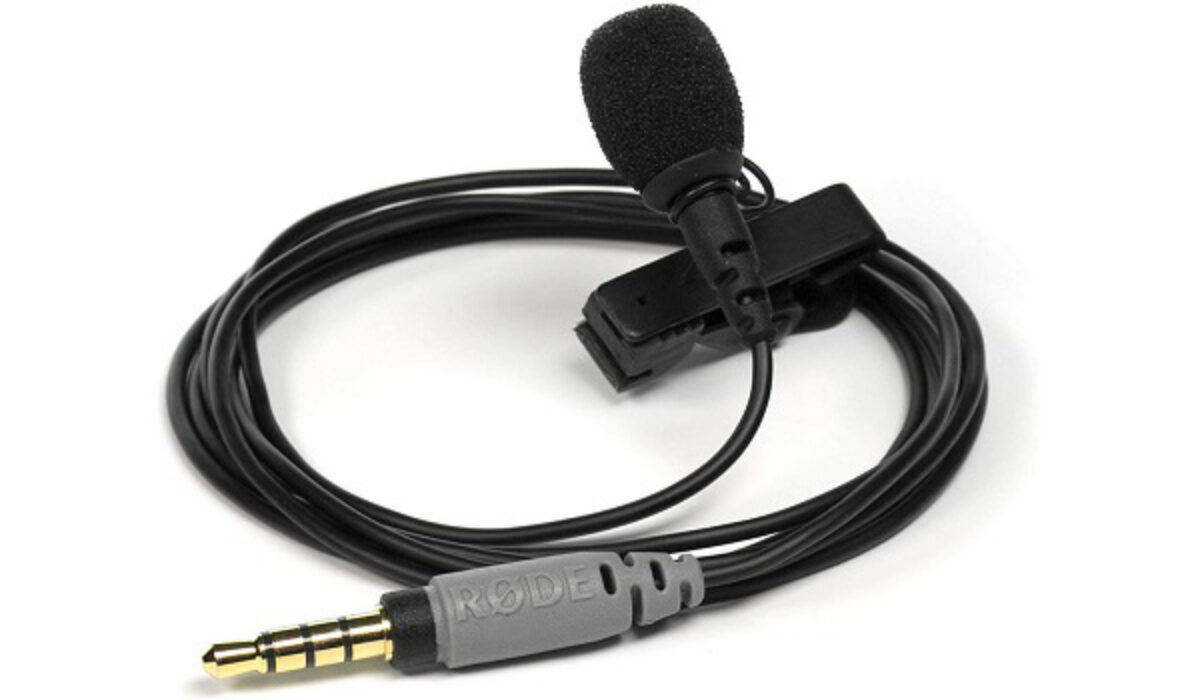
A wired lapel mic
- Get a lavalier or lapel mic
- Get a compatible video recording app
- Set Things Up
- Using a Wireless Lavalier Microphone with your phone
Get a lavalier or lapel mic
There is a lavalier mic for everyone. That means you can get rock bottom-priced ones for as low as $6 (N2,000) or for as high as $170 (N60,000). Your budget won’t be a problem. And the cheap ones do a good job too. I have tested a $6 wired lav mic with the Nokia 7 Plus and found it satisfactory. At the bottom of this article, I share about using a wireless lavalier microphone as well, so look out for that.
So, go shopping and get one right now. And be sure to get one with as long a cable as possible. Also, while you can find a basic wired lavalier mic for as low as $6, and a basic wireless lapel mic for about $20, what you want to do is get the highest quality that your budget can accommodate. So, look around for something that offers more than the basics.
Get a compatible video recording app
Using a lapel mic with your phone is not as straightforward as just plugging it in and starting to record. You need an app that lets you select an external mic for use when recording your video.
The app should also let you use your phone’s selfie camera, if you are recording alone. Using your selfie camera means you can see how you are being captured in the recording and can adjust. If you have a video cameraman who handles the recording, this isn’t important.
So, what video recording app do I recommend? I have tested a handful and finally settled for HD Camera and Video REC as the best of the lot. It is built on Open Camera app and performs much better. The user interface is simple and it provides all the options I need.
You can download it HERE .
Of course, there are others out there, including paid apps that you can buy if you really want to go all the way.
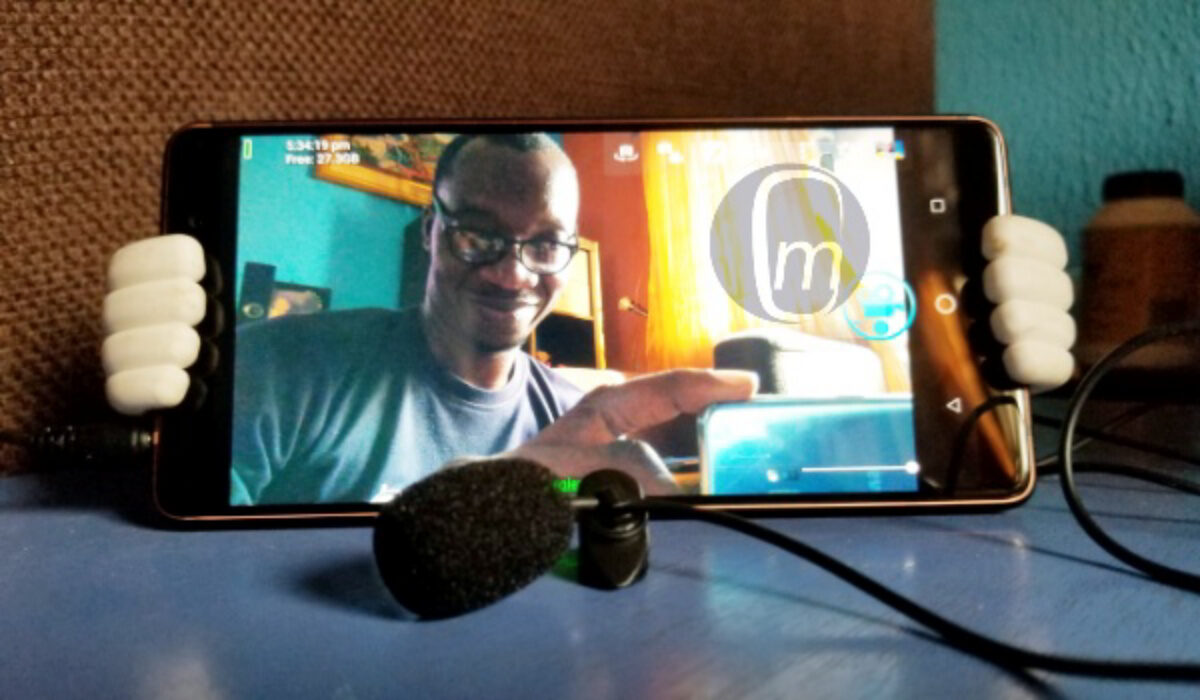
A lapel mic plugged in to my smartphone
Set Things Up
To set things up, open the HD Camera and Video REC app, tap the Settings icon, select “ Video settings… “, and scroll down to where it says, “ Audio source “, tap it, then choose “ External mic (if present) ” from the available options.
From now, any time you want to record a video and have the clothes mic plugged in, it will use that for audio recording.
That is it. You have your smartphone and lapel mic setup and ready to record great videos with solid audio. I wish you a successful career as a vlogger or video content creator.
Using a Wireless Lavalier Microphone with your phone
The world is going wireless and wireless Lavalier microphones are now available for use with your smartphone when shooting your YouTube videos or vlogs. And the best part is that they are plug-and-play. Just charge it, plug in the receiver to your device, and start recording. Have a look at this guide that I put together:
Author:Mister Mobility
Digital Skills and Communication Coach | Mobile Phone Connoisseur since 2001 | Tech Blogging since 2004
Add MobilityArena as a preferred source on Google
Vivo has unveiled its latest 5G mid-range device in Taiwan. The Vivo X50e 5G launched with a 4,350mAh battery that supports fast charging at 33W and has the Qualcomm Snapdragon 765G SoC under the hood. It is the newest addition to the Vivo X-series which has the Vivo X50 and X50 Pro.
The Vivo X50e 5G features a 6.44-inch full-HD+ AMOLED Display (1080×2400 pixels) with a waterdrop-style notch. It has the Funtouch OS 10 based on Android 10 taking care of the software front.
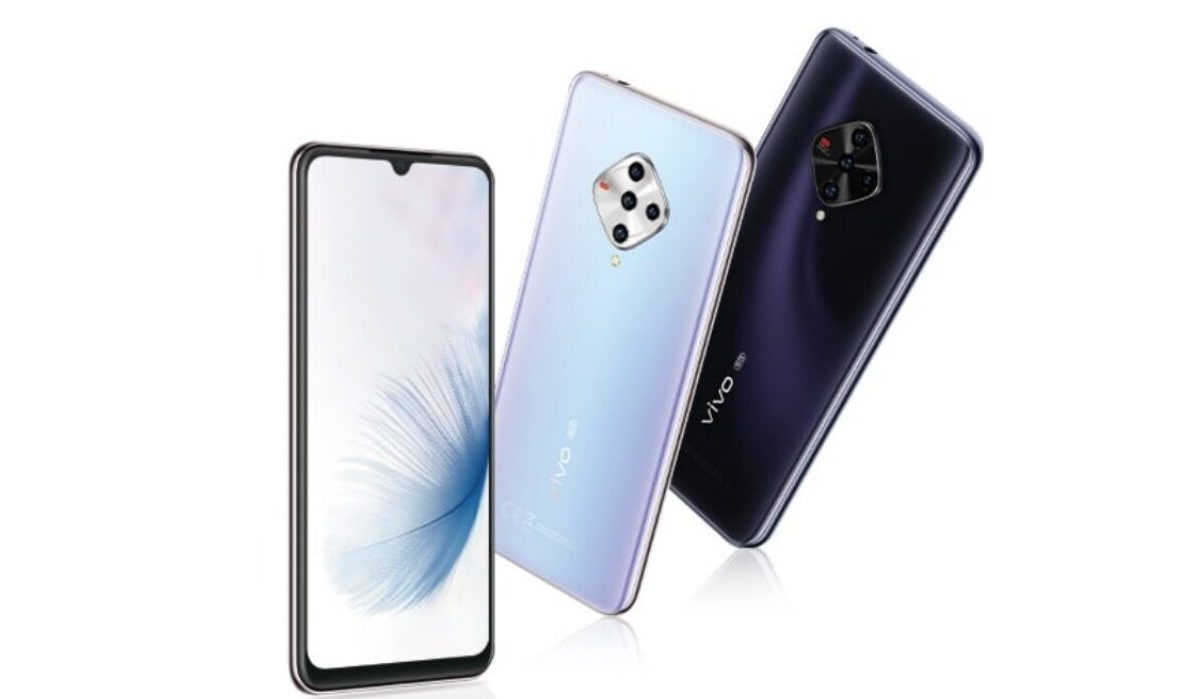
The Vivo X50e 5G launched with a 4,350mAh battery that supports 33W Flash Charge fast charging. Under the hood, it has the Qualcomm Snapdragon 765G SoC that keeps this smartphone ticking. This chipset is hooked to 8GB of RAM and 128GB of onboard storage (expandable via microSD card).
In the optics department this smartphone wields four rear cameras. This setup is headlined by a 48MP shooter which is assisted by a 13MP secondary sensor, an 8MP sensor, and a 2MP macro sensor. Up front, a 32MP snapper takes care of selfies and video calls.
The Vivo X50e 5G launched with one storage variant, an 8GB+128GB model, which sells for TWD 13,990 ($485). It is currently available in Night and water mirror colour options.
Vivo X50e 5G Price and Specs
- OS: Funtouch OS 10 on Android 10
- Release Date: October 2020
- RAM: 8GB
- ROM: 128GB
- Network Type: 3G/4G/5G
- Selfie Camera: 32MP
- Rear camera: 48MP+13MP+8MP+2MP
- Display: 6.44-inch full-HD+ (1080×2400 pixels) AMOLED display
- Battery: 4,350mAh with 33W Flash Charge fast charging
- Processor: Qualcomm Snapdragon 765G
- Price: $485
.
References
- Source ;
- Source ;
- Source .
Author:Alfa Baye
Staff Writer
