Add MobilityArena as a preferred source on Google
Around this time last year, we reviewed Xender (formerly known as FlashShare) and showed us how it is used to transfer files from one phone to another. We learned the app was available for iOS devices so we tried it to see what would happen. Remember all the restrictions common with Apple iDevices. Here’s our experience:
First of all, be glad to hear that Xender actually works with iDevices, though it’s not as straightforward as found on Android phones. Sadly, one can only easily send files in the ‘Photos’ app i.e your Camera Roll images and videos. Any other file would require some level of techie gymnastics to accomplish.
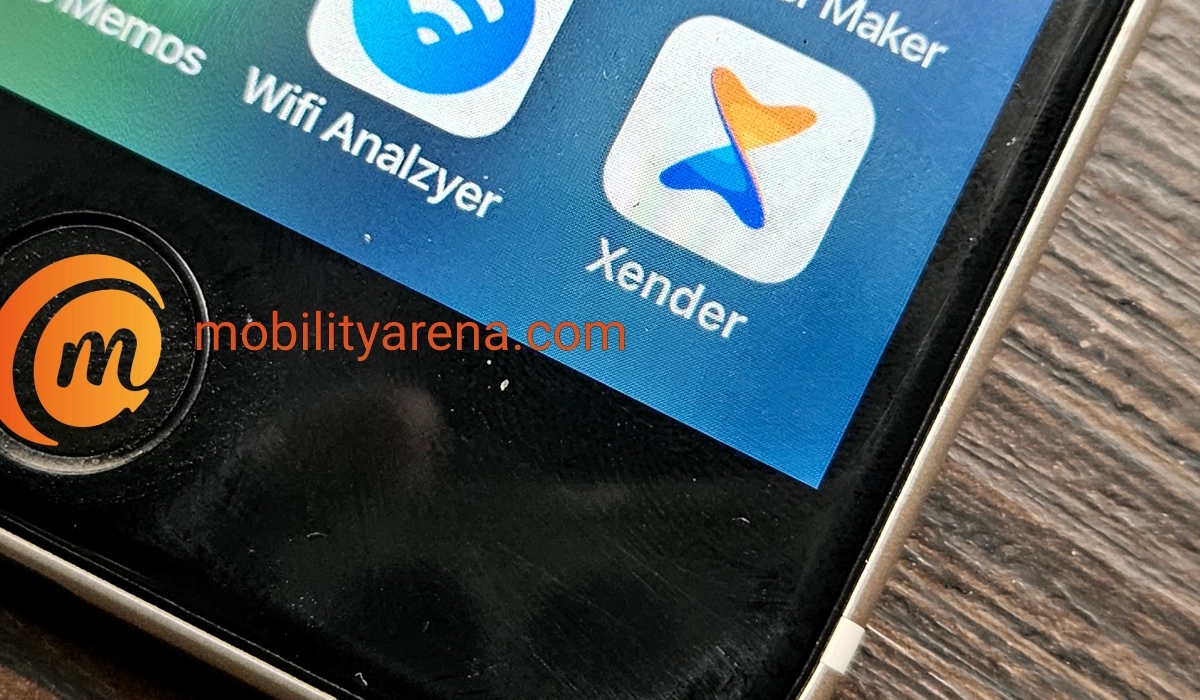
How to use Xender on iPhone
- To pair with a similar iOS device, simply go and switch ON WiFi on both devices, then Xender automatically displays the 2nd device and pairing takes place.

- To connect Xender on iPhone to an Android phone or other non-iOS device, follow these steps:
- First create a group on the device.
- Go to your iPhone settings and switch on WiFi.
- Connect with to the network manually.
- Return to the Xender app and click “Connect Phone”. That’s all.

From here on, you can then transfer your files between phones as you wish.
The above process works for all Apple devices – iPhones, iPads, and iPod. As long as you can install Xender for iOS on it, it will work. That is it .You now know how to use Xender on iPhone. Do share with others.
Author:Etoniru Chibueze
Chibueze is an award-winning gadget reviewer and geek. He loves research, while living and breathing tech. You can reach him on Facebook, Twitter ,OR LinkedIn
Add MobilityArena as a preferred source on Google
People have the saying, “New Year, New Life”. Now, whether you let this be a part of your lifestyle or not, na your own concern . On the contrary, mobile phone photography is becoming mainstream. In fact, image quality emanating from mobile phones these days rival (if not surpass) the ones taken on some professional cameras. We then thought to show you better ways of taking great pictures right from your mobile phone.
Here are a few easy tips to help you take better photos with your smartphone camera. Come along!

Tip One: Appreciate Portrait and Landscape modes
If you want to capture a wide range, you should place your phone in landscape mode. A good sample is the image above. If you’re in a wedding or occasion, that’s how you should place your phone. This also applies for selfies when you want everyone’s face to enter. You get? 🙂
Portrait mode is best used when you want to capture yourself from head to toe. Hope that sinks in.
Tip Two: Shoot from above
Pictures taken from above, are more flattering. They also come out better than when taken laterally. See this screenshot tip below:

Tip Three : Try the concept of ISO
Forget the big English, ISO is quite an easy concept. In simple terms, the ISO determines the sensitivity of your sensor.
- The lower the ISO, the less light your camera can capture.
- As you increase the ISO, your images will become more grainy (or noisy). But you gain faster shutter speed – images look brighter.
Experiment with this feature, or download a camera app that has manual controls to help with ISO settings.
Tip Four: Never forget the importance of lighting
The importance of lighting in photography cannot be overstated. Lighting greatly affects the final outcome of your pictures. Have you wondered why there’s plenty of lighting when you want to take pictures in a photo studio ? The quality of pictures taken in the dark greatly determines the quality of the lens in the camera.
The true test of a camera is the quality of images taken in the dark. Let that sink in too.
Tip Five: Cover that wide Angle with Panorama Mode
Are you trying to take a picture of something that is too large? Or did you see a landscape, and just want to capture it all. Most mobile camera’s have panorama mode (Check your settings ). This mode allow you stitch multiple images together, and it all fits in one frame. Try it and see what happens.
Tip Six: Experiment with HDR Mode
In Conclusion
A time should come when people get amazed anytime they see shots you’ve taken with your mobile phone. Surprise people in 2016. Mobile photography can grow from your pass time to an actual hobby. An art you’ll grow to love.
Also Read : How to take better pictures from your smartphone
- Don’t miss our reviews .
- Follow our news on Google News .
- Join our WhatsApp Group , to be notified of the most important articles and deals,
- Follow us on Instagram , Facebook , Twitter , and YouTube .
Author:Etoniru Chibueze
Chibueze is an award-winning gadget reviewer and geek. He loves research, while living and breathing tech. You can reach him on Facebook, Twitter ,OR LinkedIn
