Add MobilityArena as a preferred source on Google
Viewers in a handful of countries in Europe are joining US viewers to enjoy scores of movie titles and shows, and you want to join in the party and be able to watch HBO Max in the UK. Unfortunately, while the video streaming service is now available in Europe, it is not in the United Kingdom. Due to an existing deal with Sky, HBO Max is not available in the land of the Queen. If you really want to watch HBO Max in the UK, though, it isn’t exactly a difficult proposition.
As with almost any other digital service that is not officially available to a region, the restriction can be bypassed easily. Every day around the world, millions of people enjoy services that are not officially available in their countries and regions, and this is true for HBO Max as well.
- 3 Steps to Watch HBO Max in the UK
- How to watch HBO Max in the UK using a VPN
3 Steps to Watch HBO Max in the UK
- Download and install a VPN
- Activate and set up your VPN
- Sign up for HBO Max and start watching
The above-listed steps are easy and straightforward. There are a few things you need to know, though, so don’t run away yet.
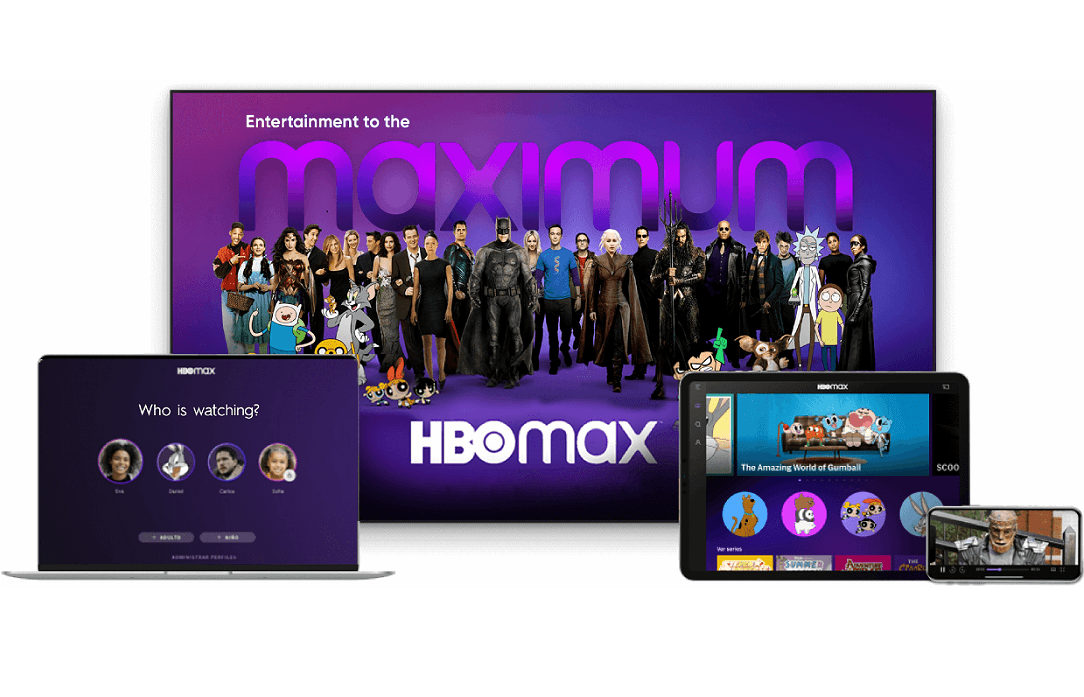
Follow these steps to watch HBO Max in the UK
How to watch HBO Max in the UK using a VPN
A VPN – that is virtual private network, in full – allows you to change your IP address, so your location is masked, and you can appear to be accessing a service from a different location. For example, if a VPN assigns you an American IP address, using it will present you as browsing from the US, and so give you access to content that is restricted to that country.
We already know that HBO Max is available in the US, so it is a good idea to get a VPN that can assign you a US IP address. You can also use any VPN that assigns you an IP address in any of the other countries where HBO Max is available. We do think that a US IP address is your best bet.
What VPN apps should you use? There are scores of them, and most are good. WindScribe VPN is one. ProtonVPN is another. Both are available for Android smartphones and Apple iPhones. Again, you can search for others and pick which you feel the most comfortable with. Do note that while many VPNs offer some free usage, if you are going to be streaming video, you will consume a lot of bandwidth and definitely require a paid subscription. Yes; there is that small extra cost if you want to watch HBO Max in the UK.
Once you have done that, it is time to enjoy those shows you risked everything for. You should now be able to watch HBO Max in the UK, and enjoy your favourite titles. Again, do not forget that you need to have your VPN active every time you want to interact with the HBO Max website or app. Otherwise, poof!
Author:InfoDesk
Add MobilityArena as a preferred source on Google
Most people today complain about the inability to share high-quality images on WhatsApp . This is experienced when trying to upload images to WhatsApp, and even regardless of the original image quality. WhatsApp tends to cut down on the quality before sending to the recipient or uploading to your status.
For quite a while now, I can say that I no longer encounter such problems while using WhatsApp, so in this article, I will share an easy method to share high-quality images on WhatsApp.

Uploading High-Quality Images On WhatsApp: What Was and What Is
Previously, most people opted to share images as attachments on WhatsApp to retain the image quality. This method worked for person-to-person sharing, but it did not solve the status problem.
So while you can share an image as an attachment to someone on WhatsApp via direct messaging, you can not upload an image as an attachment to your status. Plus, even if you could, why would you want that? You want people to actually view your status. So, generally, sharing images as attachments did not solve the problem of uploading high-quality images to WhatsApp. But here is an easy fix for you.
This feature I am about to share with you has been available in WhatsApp beta testing for quite a while now, and finally, it is available via an update to everyone.
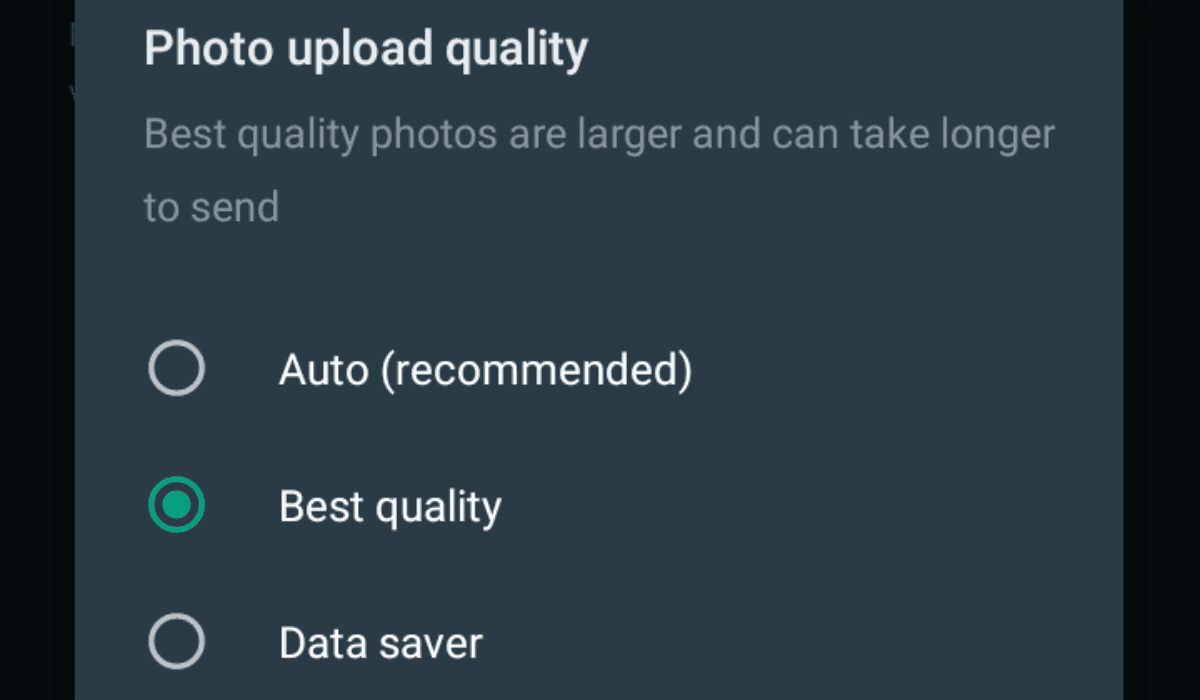
How To Upload High-Quality Images On WhatsApp
Head over to your WhatsApp settings and take the following steps:
- First, select “Storage and Data.”
- Next, tap on “Photo quality upload” under the “media quality upload” section.
- Lastly, select “best quality” this will cost you more data, but your pictures will certainly look better when uploaded to your status or when you share them with a friend.
If you can not find the “media quality upload” section in your settings, head to Google PlayStore and update your WhatsApp messenger application. After updating the app, you will have access to this feature.
This article is written specifically for publishing on MobilityArena.com . Reproducing it elsewhere is a violation of MobilityArena ‘s intellectual property rights and of copyright laws .
You are reading Mobility Arena .
- Don’t miss our reviews .
- Join our WhatsApp Group , to be notified of the most important articles and deals,
- Follow us on Instagram , Facebook , Twitter , and YouTube .
Author:KittysTech
Tech analyst, Collins Eshiet, writes about technology. Follow me on Twitter @KittysTech.
