Add MobilityArena as a preferred source on Google
It was a Thursday afternoon, and I was sitting at a table inside my favourite restaurant and waiting for my girlfriends to arrive. We had agreed to hangout together, and I was the early bird. My phone rang; it was a video call from my mom.
I was impressed, because I had always persuaded her to install a video call app so that we could see each other when speaking. She resides in far away Delta state, and we get to see one another in the flesh only once a year. As such, video communication would be a great way to infuse some warmth into our calls.
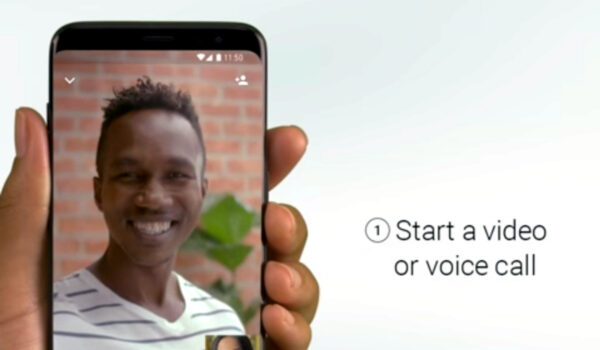
I answered the call, and there she was with a huge, bright smile on her face. She exclaimed, “This looks so real! How come I never did this till now?!”
I laughed my heart out. It was so good to see her old, beautiful face after such a long time. This was way better than an audio call.
Video communication is no longer a novelty. Everyone with a smartphone, a video call app, and a stable Internet connection can take advantage of it. As a matter of fact, many smartphones come with at least one video call app pre-installed. Where it does not, or where you prefer another, simply tap on the Google Play app on your Android phone, or App store on your iPhone, and find the one you want, then install it.
Besides being great for personal use, video communication has also been adopted widely by businesses, small and big. The COVID-19 pandemic of the last one year has been a pivotal catalyst in the video revolution. Businesses looking for innovative ways to increase productivity and efficiency in this dispensation where people have to work from home, have embraced video conferencing is a core channel of communication.
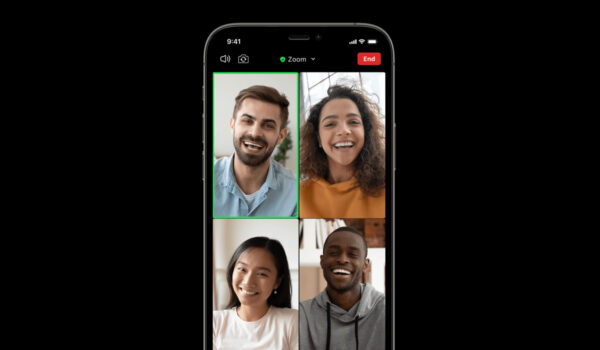
Video communication has made interactions between organizations and their employees, partners, and customers, easier and more effective. It creates room for flexibility in the office space, helps reduce cost and travel time, and so much more.
Doctors and other practitioners In the health care system have also found vital use for video conferencing to provide telemedicine, a situation where consultation and even surgery happens over a video transmission. Neither the patient not the health professionals need meet physically.
While on the call with my mom, two of the three friends I was expecting arrived. As I said goodbye to mom and ended the call, the third friend arrived and we all exchanged pleasantries and proceeded to order our drinks. The medical doctor among us, mentioned that she was scheduled to have a meeting with a patient of hers in the next hour and would have to leave on time.
I asked if the meeting was just between herself and the patient, and she confirmed that it was indeed a consultation. “You can have that meeting here, you know”, I said to her. “Just find a quiet corner, pop in a pair of earbuds, and consult over a video call. It will save both of you travel time and unnecessary stress”.
“There you go again with your wild ideas!” She laughed it off and sipped her cocktail. We promptly dived into one of our favorite topics and chatted and laughed away.
Of course, she later left for the meeting. But guess who was in shock when we later heard a scream of joy and we all turned, only to see our friend laughing and sashaying back towards our table. “That was the best meeting I have had in years!! What!?” she exclaimed.
The foolish girl had taken to my advice and carried out her consultation with her patient over a video call. Heaven rejoices over the repentance of a sinner. Good for her.
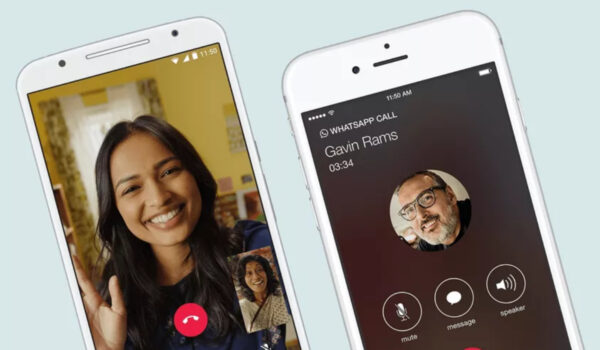
Another field that has been touched by the video communication revolution is education. Teachers are instructing their students remotely. Similarly, court sittings are holding remotely via video. To be honest, video communication has touched every field.
Common Video Communication Apps
Some of the most popular video communication apps include: Facebook Messenger, WhatsApp Messenger, Google Duo, Google Meet, Facetime, Zoom, and Skype. Google Meet and Zoom are particularly suited for meetings of larger groups of people.
Which of these video apps do you use?
Author:Omonzua Akhabue
Add MobilityArena as a preferred source on Google
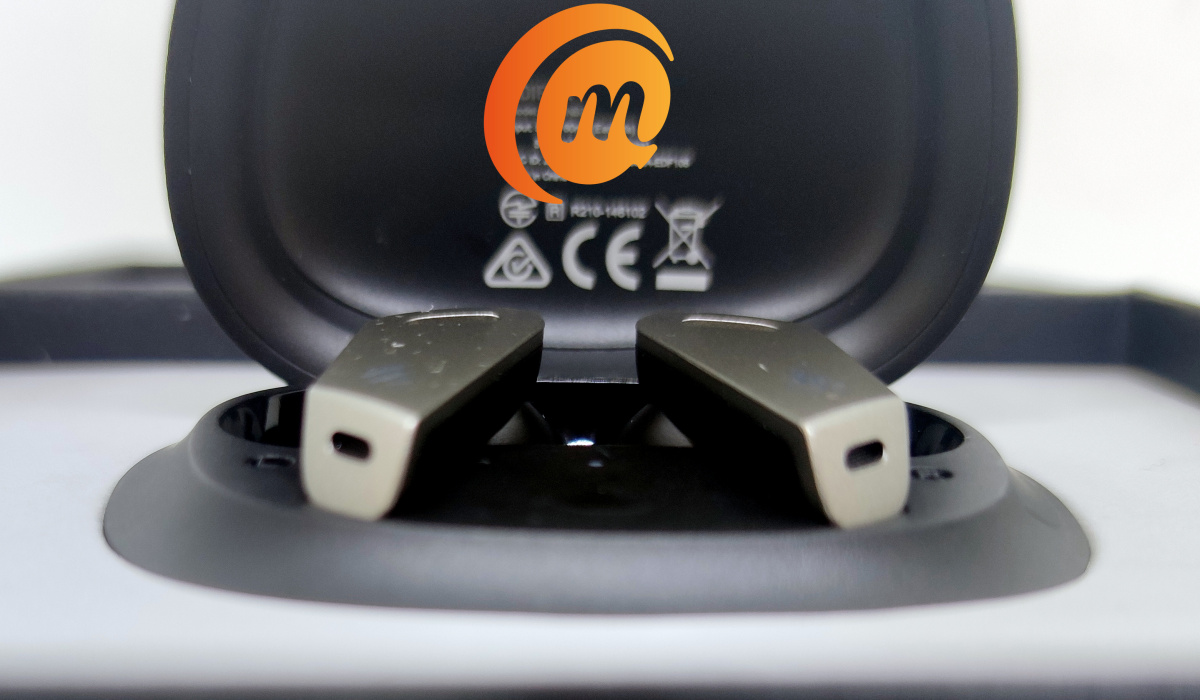
When we were contacted about doing a review of some Edifier products, we had no idea we would soon be star-struck by a futuristic-looking pair of Bluetooth earphones. It turned out that is what the Edifier TWS NB2 earbuds are.
Star Trek. Star Wars. Futuristic. These descriptions and words are what come to mind when you look at the Edifier NB2. There is no other way to put it: these are some best designed Bluetooth earphones we have set eyes on.
- Edifier TWS NB2 earbuds review: key specs
- Call Management
- Audio Quality
Edifier TWS NB2 earbuds review: key specs
The NB2 True Wireless Stereo earphones come with solid specs and features too. Here are the key ones:
- Bluetooth Version: v5.0
- Supported Bluetooth Profiles : A2DP, AVRCP, HFP, HSP
- Dual-mic, Active Noise Cancellation
- Wearing/in-ear detection
- Impedance: 24Ω
- USB Type-C port on the case for charging
- IP54 Sweat and Waterproof
- Battery: 60mAh (earbuds) / 500mAh (charging case).
- Charging Time: About 1.5hrs (earbuds) / 2hrs (charging case)
Edifier TWS NB2 earbuds review: In the Box
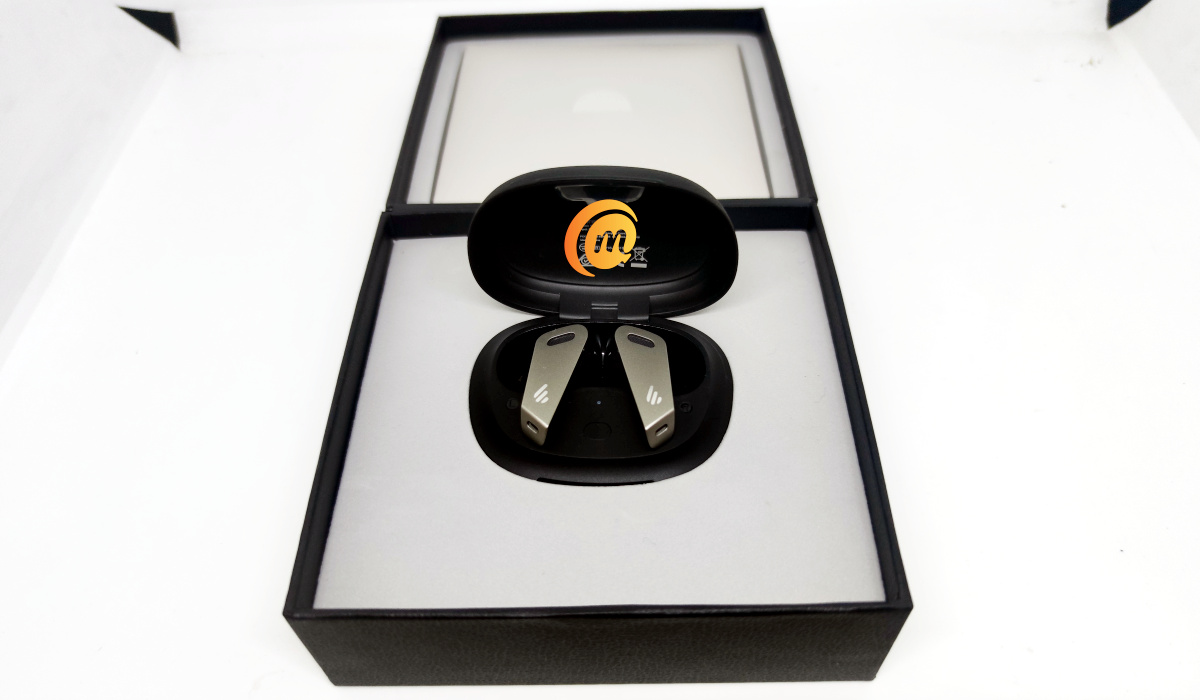
It isn’t just the earphones themselves alone that are beautiful; they come inside a box that speaks of attention to details. Inside the beautiful box are the following:
- Edifier TWS NB2 earbuds inside a black carry/charging case
- USB-C short cable for charging
- A pair of spare ear tips
- Paper documentation
Our review unit is black. Edifier also has the TWS NB2 available in white. Which you prefer is a question of personal taste.
Edifier TWS NB2 earbuds review: using the earbuds
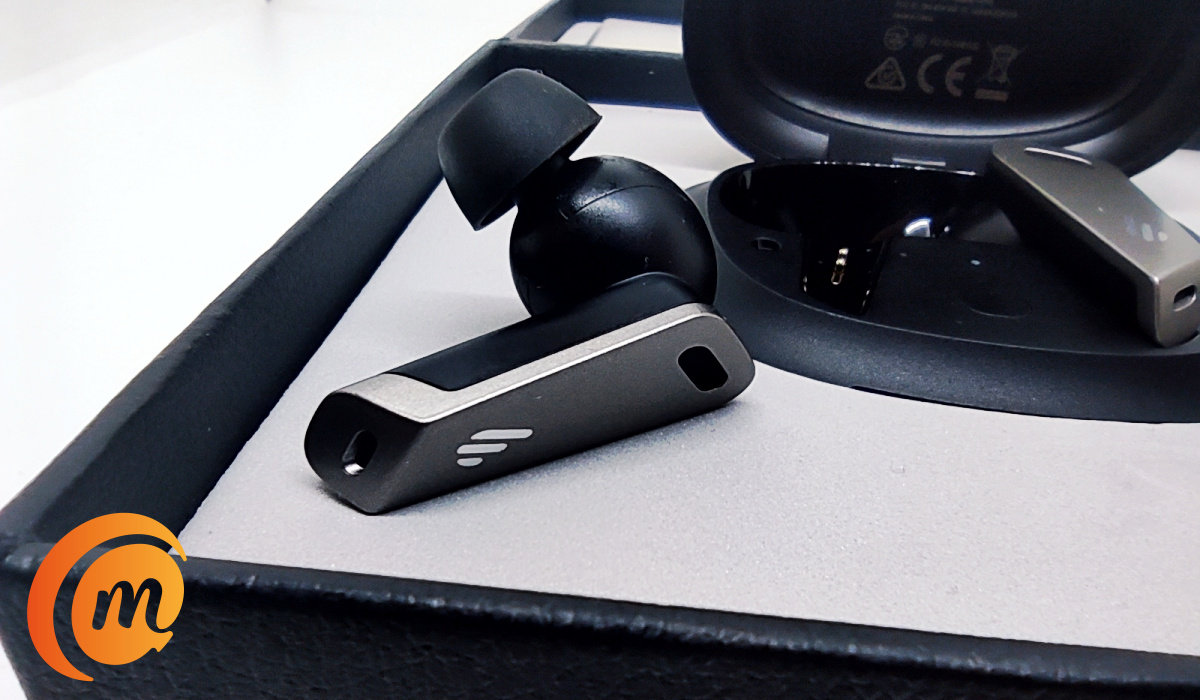
Taking a piece out of the case wakes it up. If this is your first time, it begins to search for a device to pair with. Pairing with a phone is smooth and easy: find the Edifier earbuds in your Bluetooth menu and tap to pair. Voilà. Subsequent times when you take it out of the case, it pairs automatically. All standard fare. And it gets good from here.
The earphones fit nicely in the ears, thanks to the design. But they are also have wearing detection (or in-ear detection), so they know when you have put them in your ear. What is the benefit of that? For one, if you remove one piece from your ear during playback, it pauses the music. Put it back in and the music resumes. I like convenience; this is convenience.
You can switch between a number of modes while wearing the Edifier TWS NB2: Double tap the left piece to switch from Normal mode to Ambient Sound mode . Double tap to go back to Normal mode, If you triple tap, the earbuds switch to Game mode . What does this Game mode do? When activated, it reduces latency and speeds up the sound effects – perfect for playing games.
What is also beautiful and convenient is that each switch to a mode comes with an audio notification. For example, when you switch to Ambient Sound mode, you hear “Ambient Sound”. That way, you always know what mode you just activated (especially if you did it by mistake). Nice touch.
Call Management
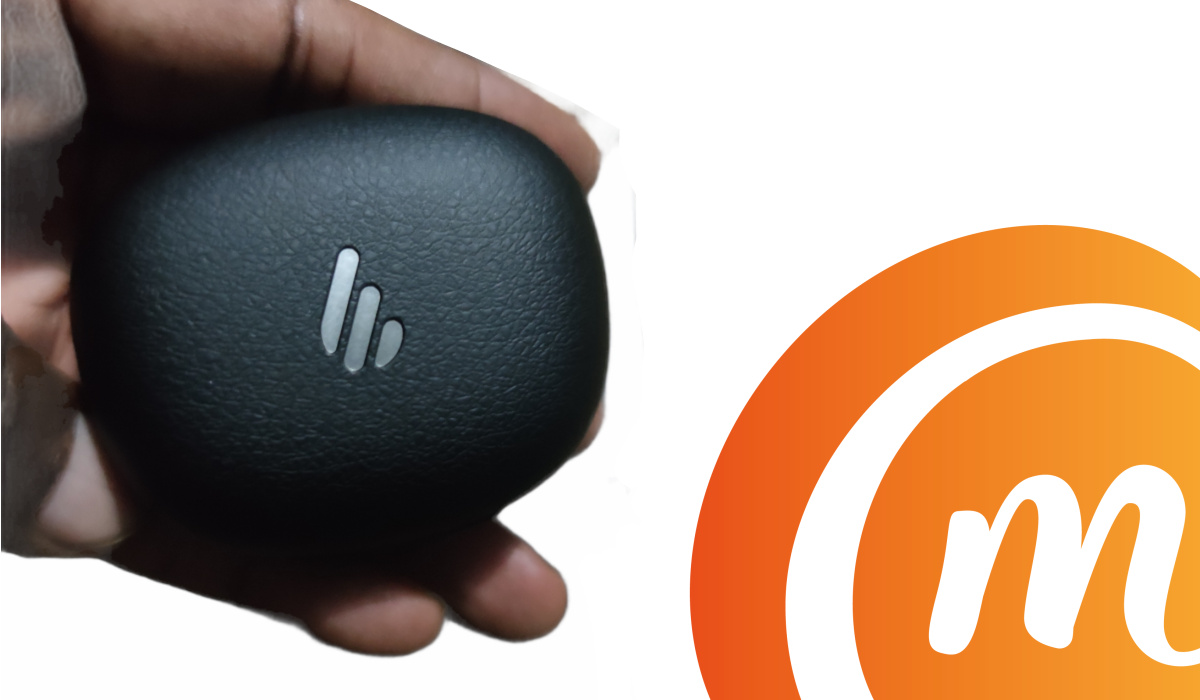
When you have an incoming call, double tap the left piece to answer it; during a regular phone call, double tap also to end the call (but during WhatsApp calls, in my experience, it merely disconnects the earbuds from the phone).
During music playback, double tapping on the right piece pauses the music. Another double tap and playback resumes. Triple tap during music playback to play the next song.
One letdown, the only one I can find, is that there is no volume control on the earbuds. You have to do all volume control using the hardware buttons on your connected device. Bummer. It would have been a nice touch to include volume control.
Audio Quality
Audio quality on the TWS NB2 is very good. I’d say it is great, actually, especially during music playback. You get very good bass and treble and clarity. In-call quality is not as stellar as what you get during playback, but it is good too. And noise cancellation is excellent.
Edifier TWS NB2 earphones: Battery and Charging
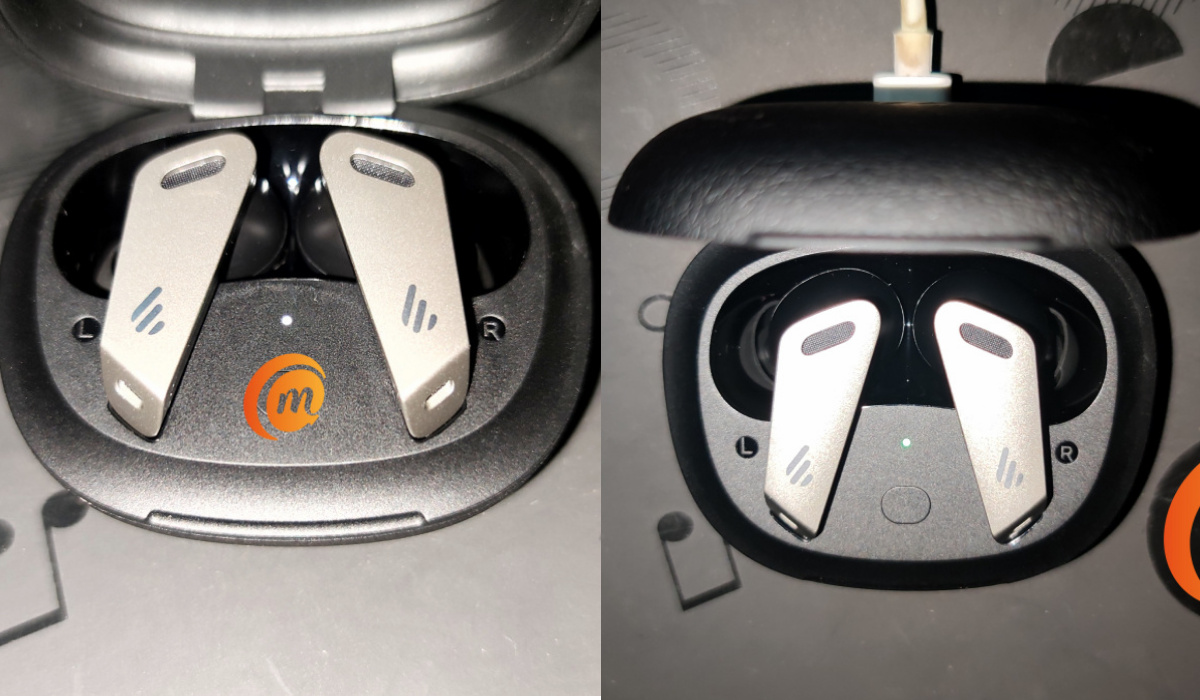
The earbuds have good battery life. I listen to music for brief periods during the day. The only other times I have them on is when I have calls, or I am driving, and I do not do much of those these days. So I am able to use them for 3 to 4 days without having to plug the charging case to the mains. I have used some other earphones that do not deliver battery life this good.
To charge the earbuds, simply drop them back in the charging case, which has a 500 mAh battery of its own. This means both earbuds can be charged fully at least 4 times from the case (assuming the case itself is fully charged). One thing is certain: there is no chance of having to worry about running out of power suddenly.
Edifier TWS NB2 earbuds: Pricing
Edifier TWS NB2 earphones: Conclusion
This is a solid pair of True Wireless Stereo earbuds, in almost every way – from the stunning design to audio quality and number of controls. They offer superb noise cancellation, as well as IP52 protection from sweat and splashes. The Edifier TWS NB2 are well worth their weight in gold.
Author:Mister Mobility
Digital Skills and Communication Coach | Mobile Phone Connoisseur since 2001 | Tech Blogging since 2004
