Add MobilityArena as a preferred source on Google
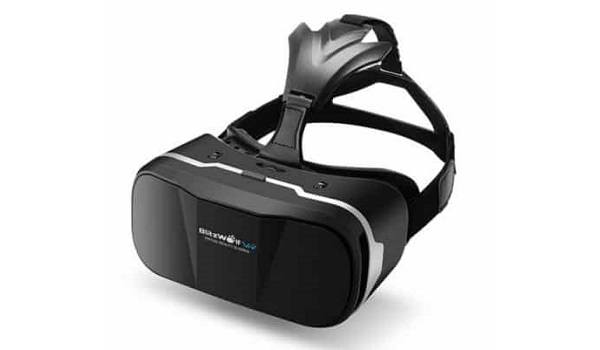
Are you a fan of 3D movies and immersive games? Or have you wondered what virtual reality is all about? We invite you to come along with us in an adventure into the world of virtual reality headsets, apps and games. We have got our hands on the BlitzWolf BW-VR2 virtual reality glasses and will be playing with it a bit.
What Is Virtual Reality?
Virtual reality (VR) is an immersive experience in which your head movements are tracked in a three-dimensional world. The experience is as if the person has been transported into another environment different from the physical one they are in. This makes Virtual Reality ideally suited to games and movies. There are also other apps that support virtual reality. The entire experience is made possible with the use of virtual reality headsets.
How Virtual Reality Glasses and Headsets Work
Ordinary glasses show a single image. Virtual reality glasses contain polarised lenses which show two images, one per each eye. These images appear to give an illusion of depth. It creates a realistic, life size, 3D virtual environment.
To use virtual reality Headsets, you will need a PC, console or smartphone to run the app or game. You will also need some input device. In our case, we will be using a smartphone and a Bluetooth controller with our VR glasses.
Here is what our package looks like (without the smartphone):

The VR glasses is on the left and its box is in the background. The Bluetooth controller is in the white box on the right. The BlitzWolf glasses is compatible with 3.5-inch to 6-inch smartphones running either Android OS or iOS. It supports over 300 virtual reality apps in Google Play Store and Apple App Store.

As soon as we are set up, we will settle down to have some VR fun. Of course, we will share our experiences, photos and videos here on Mobility Arena. Do you have any suggestions of virtual reality apps and games for us to try out? Have you used virtual reality glasses? Please share your experience with everyone.
Author:Mister Mobility
Digital Skills and Communication Coach | Mobile Phone Connoisseur since 2001 | Tech Blogging since 2004
Add MobilityArena as a preferred source on Google
If you are like me, there must have been times when you needed to copy files from one mobile device to another, or from mobile to PC, or PC to mobile. It may just be a need to backup the content on your smartphone to a flash drive for use in a possible number of scenarios later. The problem is that the existing flash drives can be plugged into smartphones that have USB-on-the-go functionality only with an adapter. Should the adapter go missing (or be forgotten at home), you are unable to do anything. A dual flash drive solves this problem.
- What is a dual Flash drive?
- What Is OTG?
- How To Use A Dual Flash Drive or OTG flash drive
- Eject Safely!
- Alternative To Dual Flash Drives
- Share Your Files
- USB Dual Flash Drive Apps
- Where To Buy Dual Flash Drives
What is a dual Flash drive?
A dual Flash drive is a type of USB flash drive that has two connectors: one USB Type-C and one USB Type-A. This allows you to easily transfer files between devices that have different USB ports, such as smartphones, tablets, laptops, and desktops. A dual Flash drive can also have different partitions to use different file systems or encryption. Some examples of dual Flash drives are the SanDisk Ultra Dual Drive USB Type-C² and the SanDisk Ultra Dual Drive Luxe USB Type-C. These flash drives offer high-speed performance, large storage capacity, and a retractable design
Because a dual flash drive has a micro-USB connector on one end and a USB connector on the other, it is also called a 2-in-1 micro-USB drive or OTG flash drive. It is perfect for moving files between your OTG-enabled smartphones and tablets and your PC, laptop or other computer. Let’s say that the dual flash drive is a bridge between mobile computing and PC computing.
Just as there are dual flash drives for Android smartphones and tablets, there are models designed for iPhone and iPad devices as well, because of the lightning connector that those Apple devices use.
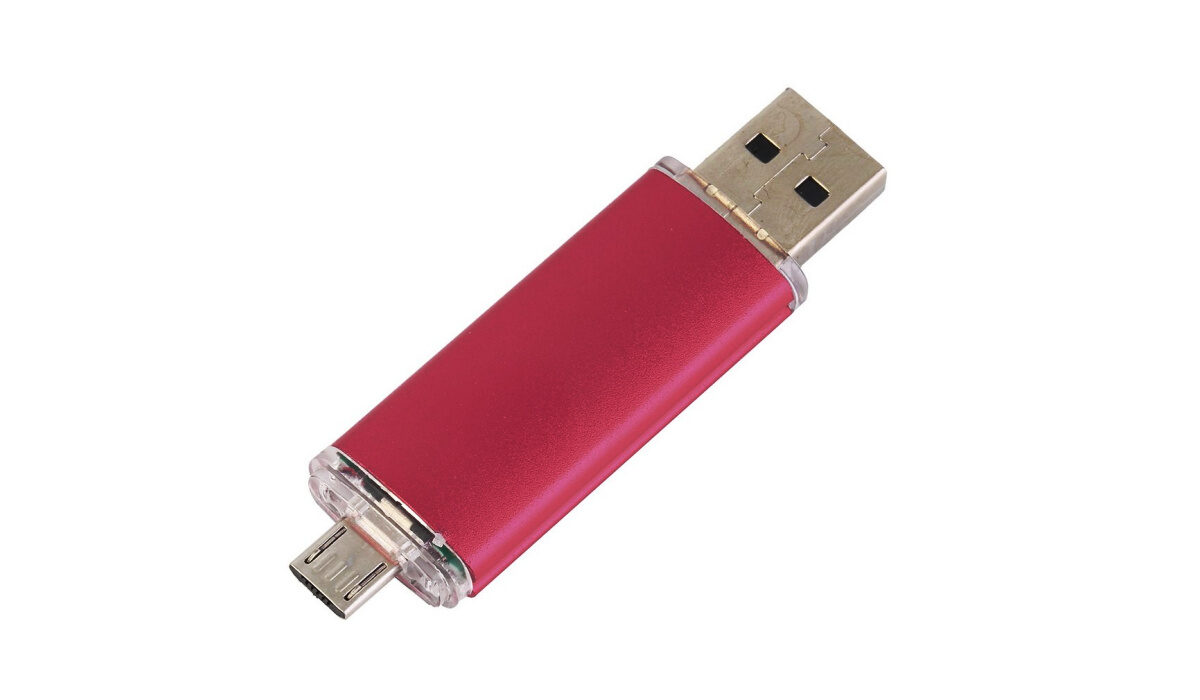
A dual flash drive is also called an OTG flash drive
What Is OTG?
OTG is an abbreviation of USB On-The-Go. It is also often referred to as USB OTG. It is a technology that lets you plug in and use USB devices like USB flash drive, mouse, or keyboard with smartphones and other gadgets. So, an OTG-enabled smartphone can read a flash drive just like a PC does.
How To Use A Dual Flash Drive or OTG flash drive
You can use it with any standard PC by plugging the USB end into a USB port. To use it with a smartphone, however, the phone must be USB-OTG enabled. USB-OTG is the technical term for phones that can recognise a flash drive when it is plugged in. Not all smartphones have the feature.
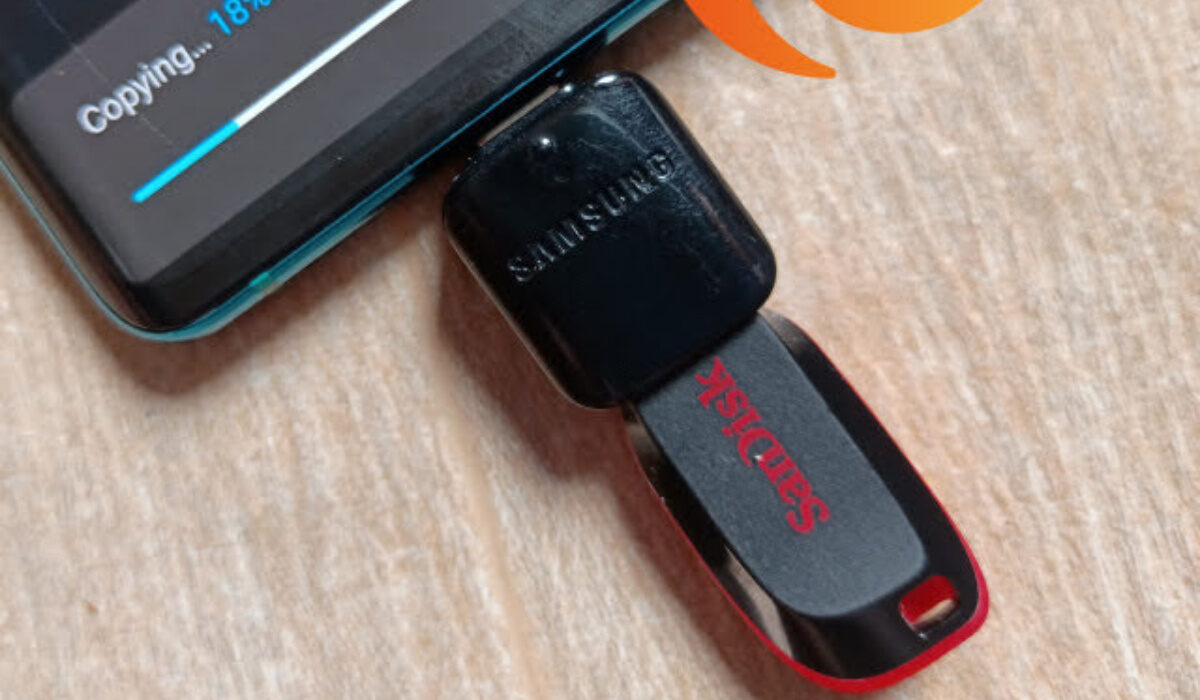
To use with a smartphone tablet, plug the micro-USB end into the appropriate slot on your phone. You should get a prompt in the notification centre showing you that a USB drive is plugged in, with the option to explore or eject it. Tap “Explore” and the file manager will be launched to show you the contents of the flash drive.
You can also directly launch the file manager and you will see the 2-in-1 flash drive listed as an external USB storage.
Eject Safely!
Do not forget to safely eject the flash drive before unplugging it. On your phone, go to Settings – Storage , and tap the USB drive eject button. You see a message that says the drive has been safely ejected. Now, you can pull out the flash drive.
Alternative To Dual Flash Drives
An alternative to getting a dual flash drive is to get an OTG cable or OTG adapter. This lets you use any standard flash drive with your OTG-enabled smartphone. USB OTG cables and adapters come in all shapes and sizes. Here is an example of one:
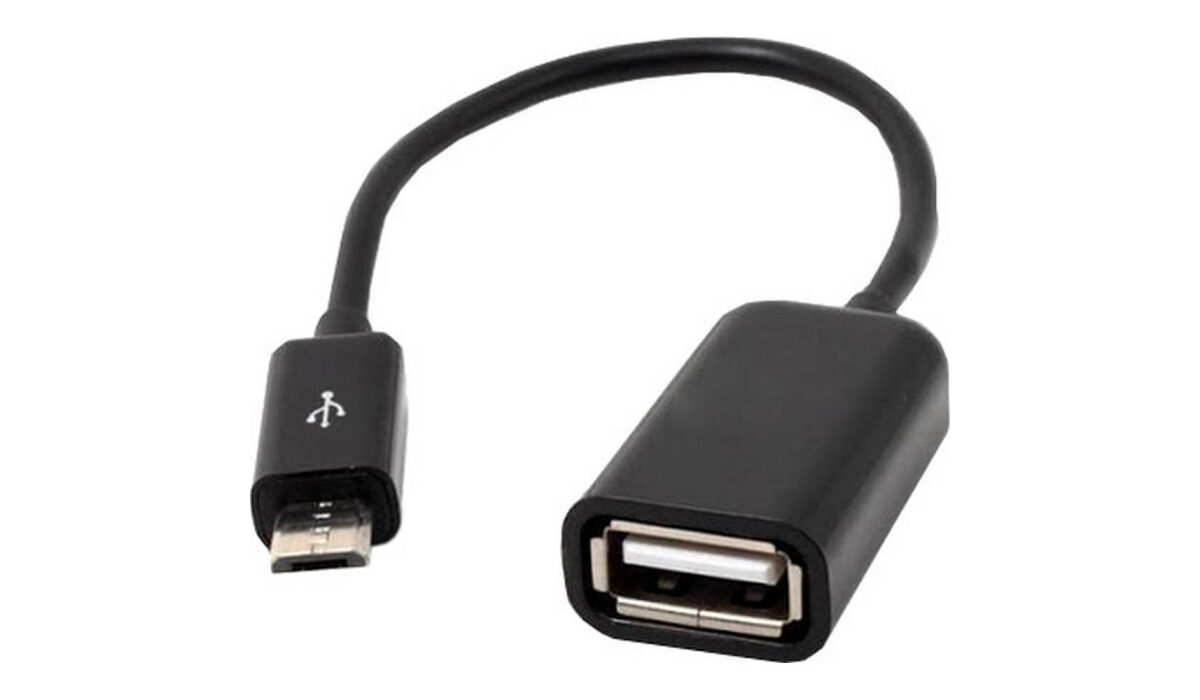
USB otg cable
If your smartphone and PC both have Bluetooth or Wi-Fi direct, you can also move files between them that way.
Share Your Files
Now, you can easily share files and documents between your PC and smartphone with a 2-in-1 flash drive or with any regular flash drive. The advantage of using a 2-in-1 flash drive or regular flash drive with a cable is that you can actually keep the files on the dual flash drive and just plug it into whichever of the two devices you need to use it on per time.
Like all regular flash drives, 2-in-1 flash drives come in various storage capacities. The price of each is dependent on the storage available and transfer speed. Get one that meets your specifications and discover a painless way to move files between your mobile and PC.

Sony was one of the first manufacturers of USB flash drives
USB Dual Flash Drive Apps
Some 2-in-1 flash drives come with a compatible mobile app that you can install on your smartphone for better file management. The drives work without the app, using the smartphone’s built-in file manager, so the apps are not essential. They however tend to offer some extra convenience that might make them worth installing for you.
Where To Buy Dual Flash Drives
- Don’t miss our reviews .
- Join our WhatsApp Group , to be notified of the most important articles and deals,
- Follow us on Instagram , Facebook , Twitter , and YouTube .
Author:Mister Mobility
Digital Skills and Communication Coach | Mobile Phone Connoisseur since 2001 | Tech Blogging since 2004
