Add MobilityArena as a preferred source on Google

If you have ever been on a flight, one of the I structions given to passengers before the plane takes off is to put off their cell phones. It is a regulatory rule. Perhaps you have wondered why this rule exists and wondered what would happen if you didn’t turn off your cell phone on a plane.
Of course, the rule exists for a reason. But there is one other practical reason why you should do it. I explain both reasons to switch off your cell phone on a plane below.
- Reason to Turn Off Your Cell Phone on a Plane
- In The Future
- Turn It Off Or Switch to Flight Mode
Reason to Turn Off Your Cell Phone on a Plane
The number one reason I will give you is the extremely practical one that has an impact on you. Up in the air during a flight, your mobile phone is outside of the coverage area of any cell towers. In this scenario, your phone will keep searching for available networks to connect to, afterall it has no built-in intelligence to tell it that it is a futile activity during a flight. And I daresay that perhaps this is something that cell phone manufacturers should implement via AI.
But for now, your phone does not know that it is on a plane thousands of meters above cell phone towers and it keeps searching. This is a heavy drain on the battery, and depending on what resources you have available to charge it, you just might end up with a dead phone when you arrive at your destination. A dead phone on arrival is a bad idea, as you often need to communicate; right? So turn off your cell phone on a plane to preserve its battery charge.
Mobile phones connect wirelessly via electromagnetic waves, the very same waves that aircraft avionics and other tools use. As such, having your cell phone switched on during a flight presents a risk of interference with the aircraft’s electronic equipment.
That is a risk of things going wrong while you are flying at up to 5 miles (about 9 kms) and more in the plane. Experts say that it is best to avoid the risks of this happening, he CE the regulation requiring you to switch off your cell phone on a plane.
Yes, there are no conclusive studies showing that any aircraft accidents have been from electromagnetic interference from mobile devices of any kind, but the risk remains.
In The Future
It is likely that in the future, this risk may be proven to not exist. In the future, AI-equipped cell phones will also probably be able to tell when they are up in the air and stop searching for mobile networks till they drop back to ground level. This will eliminate the fast battery drain that happens when your device is continually searching for available mobile networks. Also, in the future, and it is happening already, we will see more phones with the capacity to connect via satellite technology and so be usable on a plane no matter how high the flight ceiling is.
Turn It Off Or Switch to Flight Mode
Those will be exciting times. But for now, it is generally a good idea to turn off your cell phone on a plane, or put it in Airplane Mode. Putting your phone in Airplane Mode (also called Flight Mode, Aeroplane Mode, Offline Mode, and Standalone Mode) turns off all the wireless communications of the phone, so you can still use it to take pictures, listen to on-device music, read offline documents, etc.
Author:Mister Mobility
Digital Skills and Communication Coach | Mobile Phone Connoisseur since 2001 | Tech Blogging since 2004
Add MobilityArena as a preferred source on Google
Artificial intelligence (AI) has been a game-changer in the world of technology, and it’s no surprise that there are now many AI apps available for smartphone users. These apps use machine learning algorithms to provide personalized recommendations, automate tasks, and make our lives easier in several ways.
In this article, I’ll show you some of the best AI apps for iPhones that are currently available. Whether you’re looking for an AI-powered personal assistant, a smart camera app, or a virtual shopping assistant, there’s an AI app for almost every need.
What Are the Best AI Apps for iPhone?
Today, if you search for AI apps on the App Store, you will find a few dozen of them. However, when it comes to quality and bringing value to life, there are just a few that can do it effectively. Here are some of the best AI apps for iPhones that will increase your productivity and help you get things done faster and more efficiently.
Google Assistant
Google Assistant is a virtual assistant software application that is available on smartphones and home automation devices and it is considered one of the best AI apps for iPhones. The app has a smooth interface and user-friendly features, making it easy to use. It responds to voice instructions, voice searches, and voice-activated device controls. Google Assistant provides instant and accurate results for your queries with a personalized touch. It accesses your contacts, search history, and other data available through Google to adhere to your commands.
You can use the app to control your devices, operate smart home essentials, make appointments, play games, regulate music, set reminders, run smartphone apps, play content on compatible devices, and more. Google Assistant also offers multilingual support, and it can instantly read and reply to all your notifications. Note that frequent access approvals are required for Google Assistant to provide all its functions.
ChatGPT
Web browsing has been completely turned around by ChatGPT . This AI-powered chatbot follows any instructions you give it and responds with more detailed responses. Although it is commonly used for routine inquiries or to generate essays and stories, ChatGPT is capable of much more. In fact, it can now do more complex things, for instance, it can generate song lyrics of any genre, providing a comprehensive answer that includes the verse, chorus, bridge, and outro.
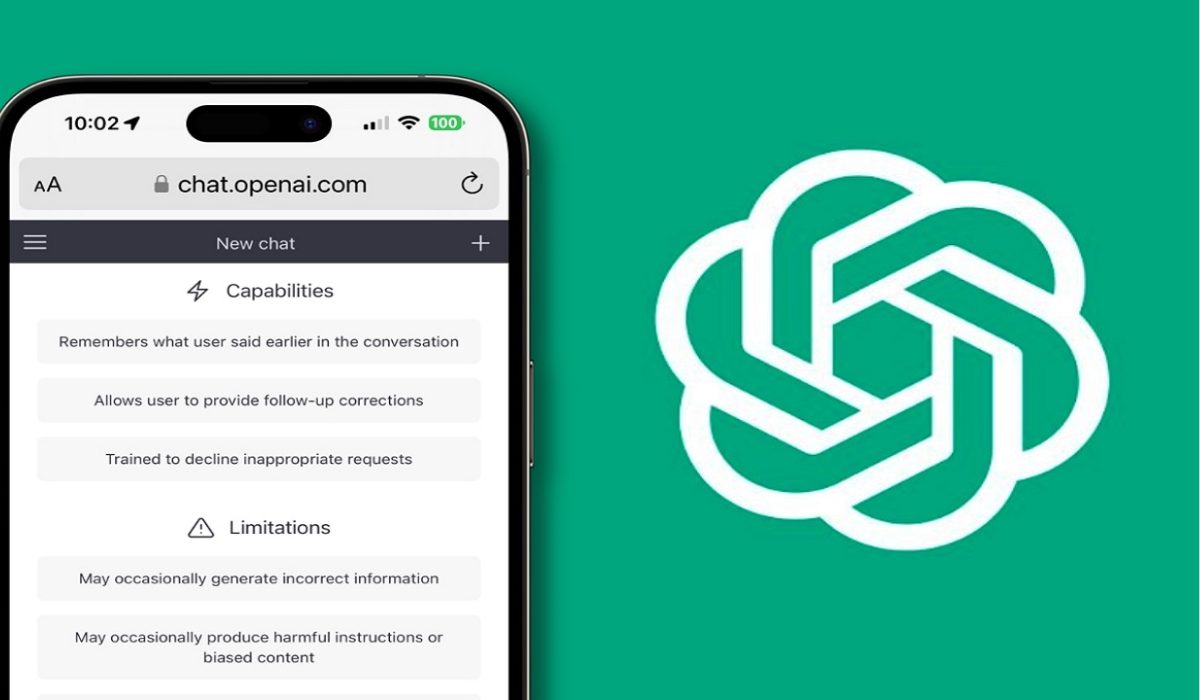
The service was previously only available via the web, but an app that can generate responses to requests has been released. This official iOS app is free, syncs your history across devices, and offers the most recent OpenAI model improvement.
Siri
Siri , Apple’s AI-powered virtual assistant, is another popular AI option for iPhones – you probably already use it often. It uses voice commands and a natural language user interface, making it simple and straightforward for users. Siri can make calls, send text messages, answer inquiries, make recommendations, and set alarms, among many other things. It is also highly adaptable, learning and adjusting to users’ language, searches, and preferences over time.
In addition, Siri provides customization features such as different voices, including American and Australian, British, Indian, Irish, and South African sounds. Overall, the adaptability and versatility of Siri make it a great option for iPhone users looking to automate daily tasks and increase productivity.
Socratic by Google
Socratic is a must-have educational tool for high school and university students who need assistance with their homework and tasks. It makes use of AI-powered Google technology to provide a number of functionalities, such as text and speech recognition. The program offers subjects such as math, literature, social studies, and sciences, and users can ask questions or upload images of their homework problems. It then searches the web for appropriate materials and delivers visual explanations to help students understand complex ideas.
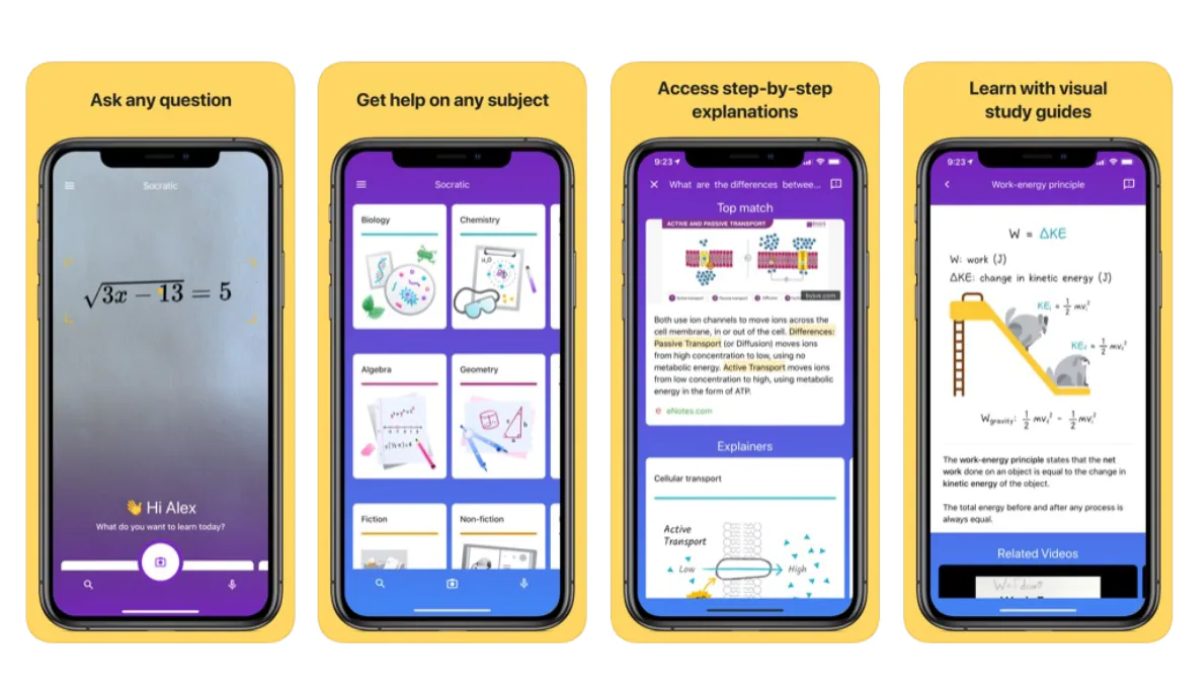
With over 467.4K ratings and a high rating of 4.9 out of 5, Socratic’s AI technology is popular for offering educational videos and step-by-step problem-solving instructions. To make sure the information offered is accurate and helpful, the app’s developers have teamed up with academics and professionals. Socratic AI is now totally free as an educational application. You can simply download the Socratic AI app to ask questions and discover why it’s ranked as one of the best AI apps for iPhones.
Replika
If what you’re looking for is a trusted companion, Replika is another option you should try out. It’s among the best AI-powered apps for iPhones, and it provides a virtual friend to help people cope with loneliness, anxiety, and stress. This app offers a Chatbot companion tailored to users’ preferences, providing support and enhancing mental health. Users can engage in various activities, such as playing games, swapping memes, and writing stories, with this virtual friend to alleviate loneliness and improve mental well-being.
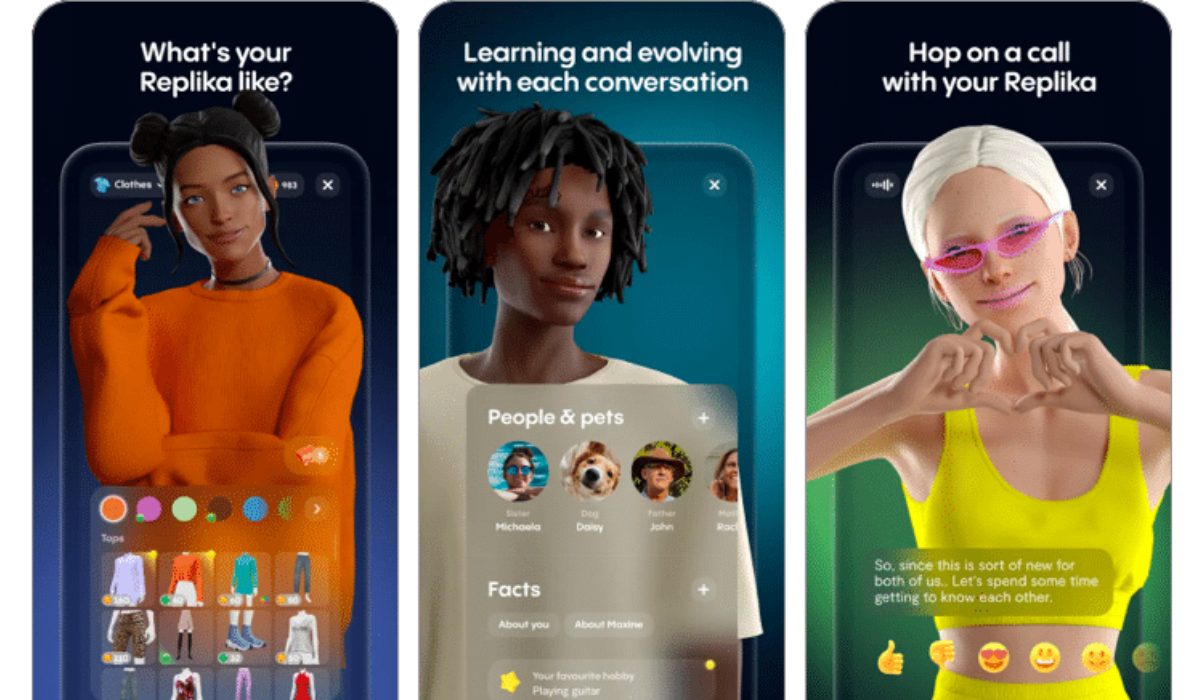
Replika also offers tools to track mood, learn coping skills, and work towards positive goals like stress management and socialization. Overall, Replika is a valuable tool for individuals seeking a supportive and engaging chatbot companion to enhance their mental well-being and build meaningful relationships.
Lensa AI
Lensa AI is an AI-powered program that uses the Stable Diffusion deep-learning model to produce lifelike avatars from real-world selfies. Lensa AI can produce various avatars by fusing elements from the real world together with AI. Anyone can download the Lensa app, use the Magic Avatars mode, select from various styles, and upload a minimum of 10 images.
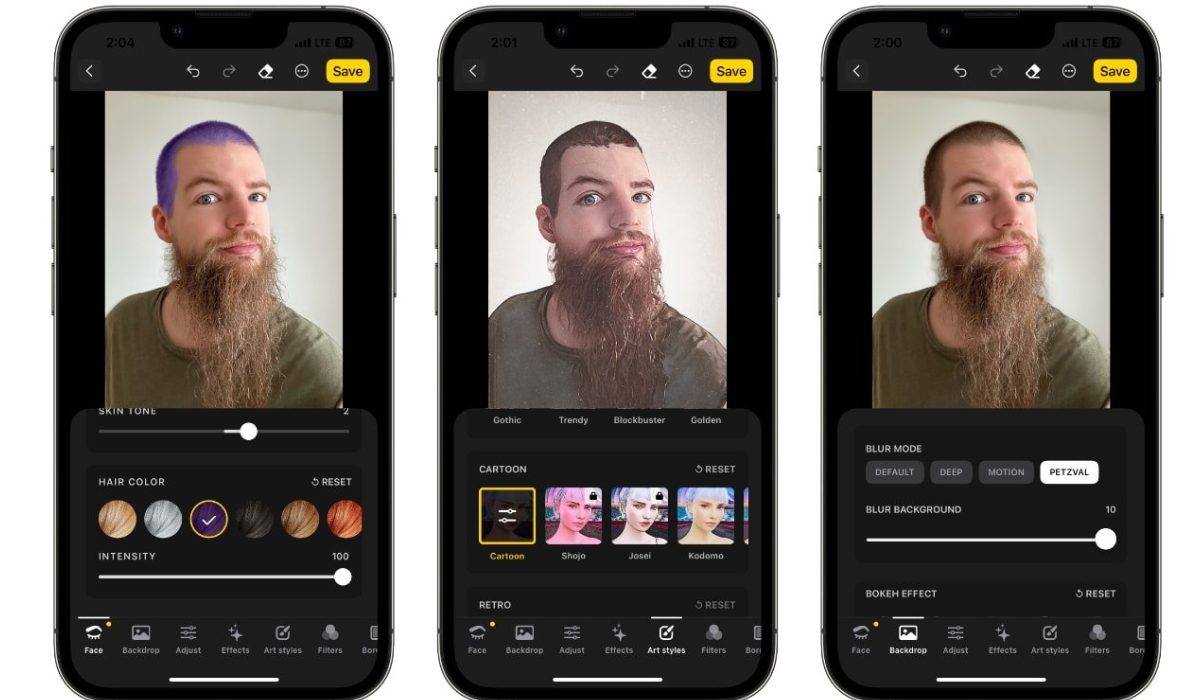
Even though it is not a free service, the one-time payment is worth it as the final image generation is accurate and stunning. You can combine various image types with various styling options to produce a wide variety of avatars. Overall, the best iOS app for producing beautiful and accurate avatars is Lensa AI.
Other useful AI options you can try out include KnowItAll , Duolingo , ELSA , and Aura , among several others.
To conclude, AI apps for iPhones offer a range of features and functionalities that can help users improve productivity, streamline tasks, or just enjoy a faithful companion. Try any of the recommendations in this guide to find the best AI apps that suit your demands and keep up with the most recent advancements in technology. If you need more app ideas for your smartphone device, check out this category .
