Add MobilityArena as a preferred source on Google
Apple iPhones are one of the most in-demand models of smartphones worldwide and are popular for their high performance and impressive technology. However, there are certain times where your Apple iPhone just “freezes” when loading, what happens then? Well, in this article we will look at the best steps to follow when your iPhone is stuck on the Apple logo.
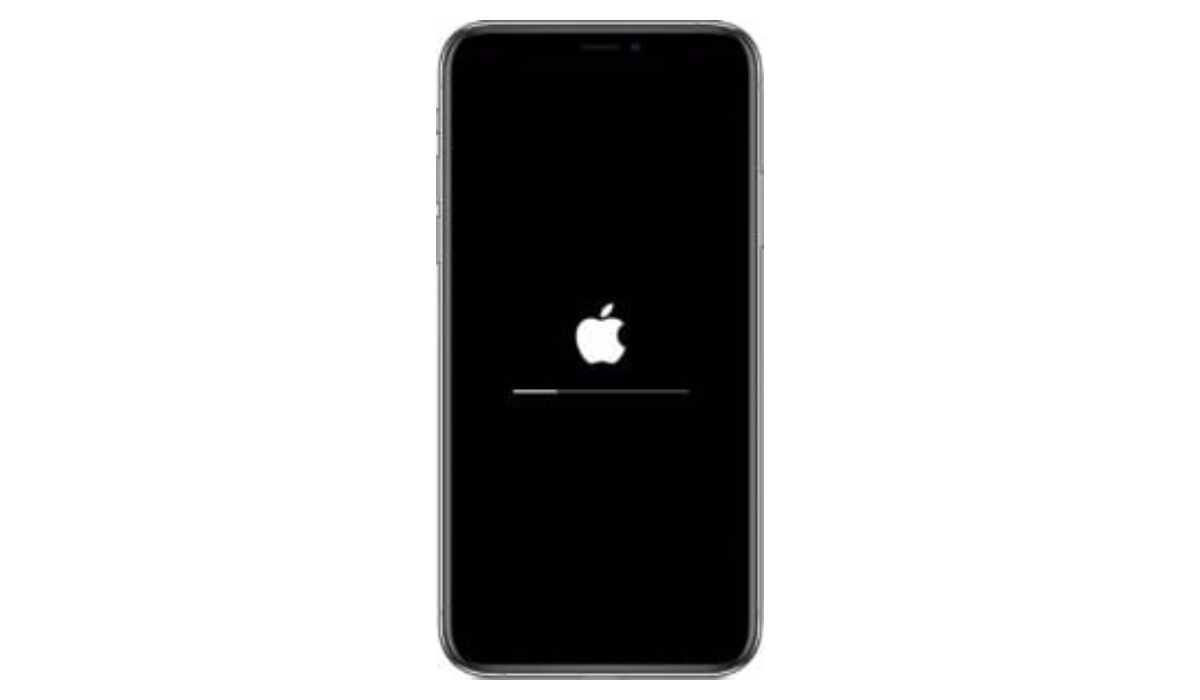
What to do if your iPhone is stuck on the Apple logo
- Restart your iPhone: This is one of the quickest ways to regain control of your iPhone when it is stuck on the Apple logo. To do this, follow these tips:
- Hold the Sleep button for a moment then release it.
- Now, shut down your device by moving the Power Off slider to the right.
- Hold the Sleep button till the Apple logo appears, then leave the button and wait patiently for the phone to boot completely.
- Set your iPhone in Recovery Mode: Another tip that can help you regain control when your iPhone is stuck on the Apple logo, this solution is relatively straightforward and works in most situations, as your device is connected to iTunes and can now receive fresh updates. To do this, follow these steps:
- Turn off your device.
- Hold the H ome button, then plug your iPhone to a system already running iTunes.
- When your display shows Connect to iTunes , select Update and let go of the Home button.
- Try DFU mode: The Device Firmware Update mode lets you communicate with iTunes without needing bootloader. This mode can help you restore your iPhone from any stage, effectively dealing with your iPhone is stuck on the Apple logo. The downside to this is, it wipes your iPhone and may clear some of your data. To do this, follow these tips:
- Launch iTunes on your system.
- Connect your system and iPhone then turn off your iPhone.
- Hold down the Sleep button for three short seconds.
- Now, hold down the Home button together with the Sleep button for 10 seconds.
- Next off, let go of the Sleep button and continue holding on to the Home button for 5 more seconds.
- Ideally, your device should be blank, this means your device is in DFU mode .
- A pop-up on your system will ask for restoration for previous backup or restore iPhone to factory settings.
Author:Alfa Baye
Staff Writer
Add MobilityArena as a preferred source on Google
Vivo Y31 has launched in India as the newest addition to the company’s growing portfolio of Y-series smartphones. It follows the launch of the Y31s, which offers 5G support and the newest Snapdragon 480 SoC. This new entrant brings triple rear cameras and has the Qualcomm Snapdragon 662 SoC under the hood.
The dual-SIM (Nano) Vivo Y31 launched with the Funtouch OS 11 based on Android 11 and is built around a 6.58-inch full-HD+ (2408×1080 pixels) IPS display with a 20:9 aspect ratio. It is powered by an octa-core Qualcomm Snapdragon 662 SoC which supports 4G technology and is hooked to 6GB of RAM. It also has ample storage, with 128GB of ROM for users to enjoy.
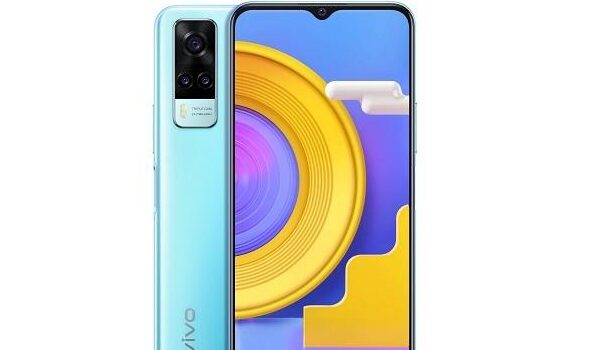
In the camera department, this smartphone’s triple rear cameras consist of a 48MP primary sensor assisted by a 2MP bokeh sensor and a 2MP tertiary sensor. Up front, a 16MP sensor takes care of selfies and video calls.
The Vivo Y31 launched with Ocean Blue and Racing Black color options. It also brings a powerful 5,000mAh battery that supports fast charging at 18W. It is currently up for sale in India and is expected to reach a number of other regions in the coming weeks.
It is available in a lone storage variant, a 6GB+128GB model which costs $226.
Vivo Y31 Price and Specs
- OS: Android 11 with FunTouch OS 11
- Release Date: January 2021
- RAM: 6GB
- ROM: 128GB
- Network Type: 3G/4G
- Selfie Camera: 16MP
- Rear camera: 48MP+2MP+2MP
- Display: 6.58-inch full-HD+ display
- Battery: 5,000mAh with 18W fast charging
- Processor: Qualcomm Snapdragon 662
- Price: starts at $226
References
- Source ;
- Source .
Author:Alfa Baye
Staff Writer
