Add MobilityArena as a preferred source on Google
Asahi Glass AGC , also known as AGC , is a Japanese global glass manufacturing company. It was formerly called Asahi Glass Co., Ltd. The company produces various glass products and semi-finished materials, as well as a small range of chemical products. AGC serves industries such as construction, automotive, lighting, liquid crystal displays (LCDs), and solar energy. Their innovations include high-perfor tomance cover glass for in-car displays, which helps safeguard the precision “eyes” of self-driving vehicles, and materials for semiconductor breakthroughs.
The specific Asahi Glass made for mobile devices is called Dragontrail and is described by the company as “a light-weight, flexible, and scratch resistant glass with outstanding strength, used as a protective cover glass for electronic devices”.

- How strong is Asahi Glass AGC for mobile?
- List of versions
- What phones use Asahi Dragontrail?
- Asahi Glass AGC vs Gorilla Glass
- Asahi Glass AGC vs Panda Glass
- Other Competition
How strong is Asahi Glass AGC for mobile?
We do not know, for sure, right now. There have been no definitive tests to give us figures. This is perhaps because Asahi Glass isn’t as popular as Gorilla Glass yet. As we see more phones show up with it, reviewers and testers will put in the work to find out exactly how strong it is.
For now, what is clear is that a number of phone brands that use Gorilla Glass are also using Asahi Glass in some of their products. This might be a question of economics, but that is not say that Asahi Glass AGC is not as strong as similar products in the market.
Do note that Asahi emphasizes that its Dragontrail Glass is excellent at protecting phone screens from bending, so this might be the product’s strongest suite. The company also says it is an eco-friendly option to its alternatives in the market.
List of versions
- Dragontrail Glass was the earliest version of Asahi Glass ever introduced.
- Dragontrail Pro – Released in 2016, Asahi says it is 30% stronger than the original Dragontrail Glass.
- Dragontrail X
- AGC DT-Star2 – Asahi says the new DT-STAR2 has four times the strength of the original Dragontrail Glass. It was released in 2022.
- AGC DT-Star2 Plus
What phones use Asahi Dragontrail?
A handful of phone manufacturers use Asahi Dragontrail in their products. They include Google Pixel, OPPO, OnePlus, Realme, Vivo. Here are a few notable examples:
- Google Pixel 3a: Asahi Dragontrail Glass
- OnePlus Ace 2 Pro
- vivo V30 Lite 4G: AGC DT-Star2 Plus
- OPPO Reno12 F: AGC DT-Star2
Asahi Glass AGC vs Gorilla Glass
Asahi Dragontrail and Gorilla Glass have similar scratch resistance and hardness, but Gorilla Glass may have better drop resistance and durability. According to Corning, Gorilla Glass Victus 2 can withstand drops from up to two meters, while also offering double the scratch resistance of Gorilla Glass 6. There is not much technical detail available about the drop resistance and durability of Dragontrail, but some reviews suggest that it is not as good as Gorilla Glass and sapphire glass. So far, there has been no scientific tests comparing the two, so take any votes for either with a pinch of salt. Renowned phone brands across the world use both.
Asahi Glass AGC vs Panda Glass
Panda Glass , produced by Tunghsu Optoelectronic, offers high resistance to damage and scratches, similar to Dragontrail Glass from Asahi. Some of the phone brands that use Asahi Glass AGC products also use Panda Glass. There has been stiff competition between Asahi Glass and Panda Glass for marketshare, for some years now. There are no definitive statistics available to say who is in the lead at this time in 2024, but Corning’s Gorilla Glass still leads the market by a clear margin.
Other Competition
Apart from Gorilla Glass and Panda Glass, Asahi Glass AGC has other competition providing protection for cell phone displays. The competition includes: Dinorex Glass , Concore Glass , and Xensation Glass .
Author:Mister Mobility
Digital Skills and Communication Coach | Mobile Phone Connoisseur since 2001 | Tech Blogging since 2004
Add MobilityArena as a preferred source on Google
WhatsApp Stories are status updates that you share and which are visible for only 24 hours after which they disappear automatically. Here are tips for using it like a pro.
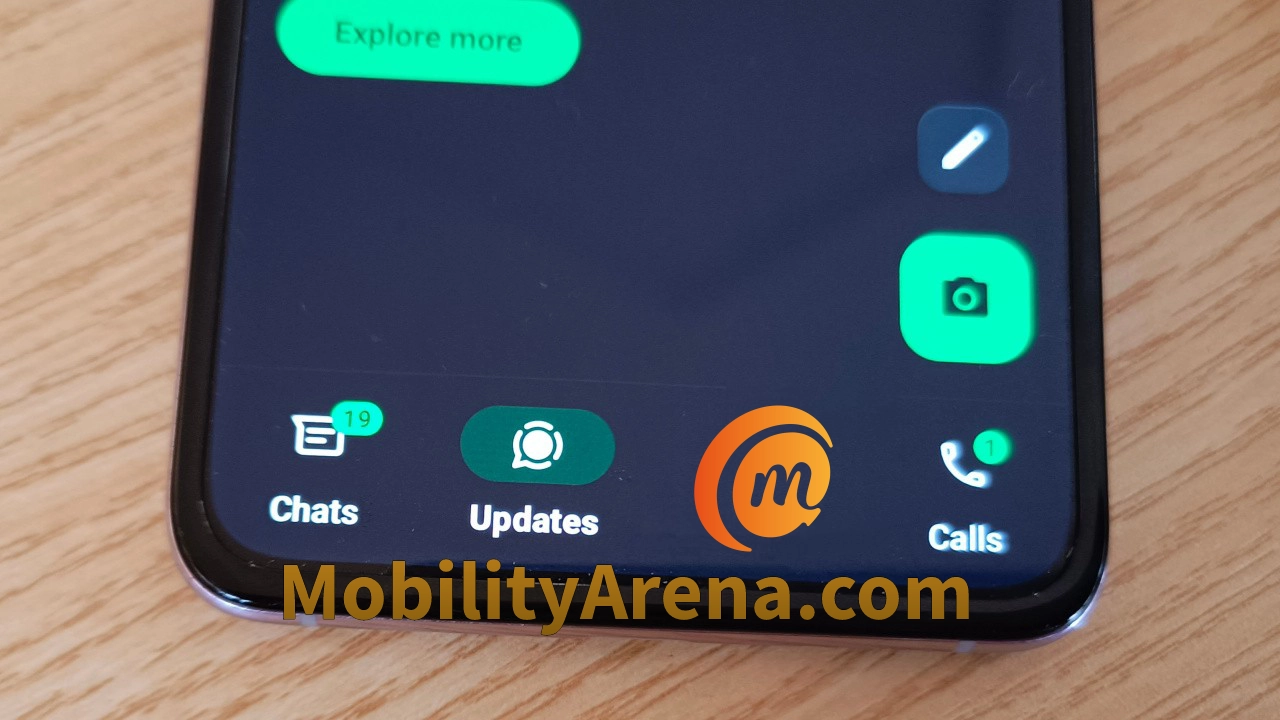
What are WhatsApp Stories? Also known as Whatsapp Status, it is a feature of the WhatsApp app that allows users to share photos, videos, text, links, and even a combination of these formats.
The app allows you to share WhatsApp Stories from your smartphone and your updates will appear in the “Updates” tab in the app’s interface.
WhatsApp Stories are visible for only 24 hours after which they disappear automatically. The feature is a great way to share what is going on on your life with your family, friends, business connections, and others.
- Who can view your WhatsApp Stories?
- How to view someone’s WhatsApp Stories or Status
- Why do people use WhatsApp stories?
- Can you see who views your updates?
- How to know who is viewing your WhatsApp status
- Does WhatsApp notify when you screenshot a status update?
- How to delete your WhatsApp Status
Who can view your WhatsApp Stories?
Contacts who have your WhatsApp phone number can view your updates. However, using the Status privacy settings, you can limit who sees your updates. There are three modes available;
- My Contacts: everyone you have in your Contacts
- My Contacts except: everyone in your Contacts except the individuals that you mark here.
- Only share with: only the individuals you mark here.
The WhatsApp status privacy menu gives you full control of who you let see your updates. You can select which option you prefer for each status update you want to share. So, depending on the situation, you can share some updates to everyone, and others to more exclusive lists.
How to view someone’s WhatsApp Stories or Status
Of you want to view a specific contact’s WhatsApp Story, there are two options. The first is to go to the Updates tab in your WhatsApp app, tap the search icon at the top of the screen, and type their name, and tap on their name when it appears in the search results. If they have any updates, they will appear on the screen.
The other option to view someone’s updates is to find them in your Chats tab, tap on their display image, then two on the “I” icon under the image, and their updates will be displayed to you.
Why do people use WhatsApp stories?
The social connection angle is one valid reason why people publish WhatsApp Status updates. Humans want to share bits and pieces of their lives with others. We want to express our opinions and views, too. But that is only one angle to it.
WhatsApp Stories are also effective marketing tools for those who have services and goods to offer. This makes it an effective business marketing tool.
Can you see who views your updates?
By default, you can see who views your updates. But if a Contact of yours has disabled Read Receipts in their own WhatsApp account, you will not be able to see that they have viewed your WhatsApp Stories. If you view theirs, too, they will not be able to tell that you did so. All isnfair in love and in war.
Also, if you do not find an individual’s updates useful or edifying, you can mute such updates. Simply two on their update to open it, select the 3 vertical dots in the top right corner and tap on “Mute”. From that point, their updates will not be visible to you any more. You can always unmute their updates whenever you want: just repeat the same steps and tap “Unmute”.
How to know who is viewing your WhatsApp status

Open the update you want to check and look at the bottom end of the screen. You will see an icon like an eye: tap on it and it will display a list of all your contacts who have viewed that update. If you have multiple updates up, repeat the same process for each of them, to see who has viewed them.
Does WhatsApp notify when you screenshot a status update?
Not at all; WhatsApp does not notify your contact when you take a screenshot of their updates or stories. Neither does it notify you when someone else takes a screenshot of yours. It is best for you to assume that anything you post to your WhatsApp Stories is public.
How to delete your WhatsApp Status
If you have shared something and then decide that it was a bad idea, you can delete it. Go to the Updates tab, tap on “My status” at the top of the screen, and you will see a vertical list of your updates. Tap the three-dot menu beside the update that you want to delete, then select Delete, and confirm your choice. The update is deleted and will no longer be visible to anyone.
Author:Mister Mobility
Digital Skills and Communication Coach | Mobile Phone Connoisseur since 2001 | Tech Blogging since 2004
