Add MobilityArena as a preferred source on Google
Dinorex Glass is the brand name of the Scratch Resistant Glass for smartphones, tablets and other mobile devices made by Nippon Electric Glass (NEG). The name Dinorex is coined from the reputation of dinosaurs for toughness and strength. According to NEG:
Dinorex [is] a portmanteau meaning kings of dinosaurs, based on the image of the Tyrannosauraus Rex, known to be the strongest of Dinosaurs. The name indicates the strength and toughness of the glass against cracks and scratches.
Dinorex glass is a type of protective glass used in the manufacturing of smartphones and tablets. It is often utilized as a durable cover material to protect the device’s display. It is known for its toughness and resistance to scratches and impacts and is similar in function to other well-known protective glass products like Gorilla Glass. The specific properties and characteristics of Dinorex glass may vary based on the manufacturer and the device for which it is used.
Dinorex joins the list of Gorilla Glass competitors . The list includes: Concore Glass , Dragontrail , Xensation and others. The more, the merrier; right?

- Types of Dinorex Glass
- These Smartphones Use Dinorex
Types of Dinorex Glass
There are two types of Dinorex Glass in the market currently. They are:
- Dinorex T2X-1 : This is toughened glass that is both scratch and shock resistant. It can withstand damages and stress much better than the conventional soda lime glass. Its strength is similar to that of Gorilla glass and Dragontrail glass.
- Dinorex T2X-0 : This Dinorex variant has touch sensors integrated in it. This means it is a One Glass Solution or OGS Glass just like Corning’s Concore Glass .
These Smartphones Use Dinorex
Dinorex Glass is not as popular as some of the competing toughened glass products. It has been used in smartphones like Umi Plus, Meizu m2 Note, Meizu m3 Note, Meizu m1 Metal, and BQ Aquaris X5 Plus, among others. Note that Dinorex Glass is also known as Neg Glass .
- Don’t miss our reviews .
- Follow us on Instagram , Facebook , Twitter , and YouTube .
Author:Mister Mobility
Digital Skills and Communication Coach | Mobile Phone Connoisseur since 2001 | Tech Blogging since 2004
Add MobilityArena as a preferred source on Google
The iPhone is one of the most secure smartphones available. However, it never hurts to be a bit more careful with your security. This is even more important nowadays, when hacking and cyberattacks have become widespread. Here are some iPhone security tips for you to follow.
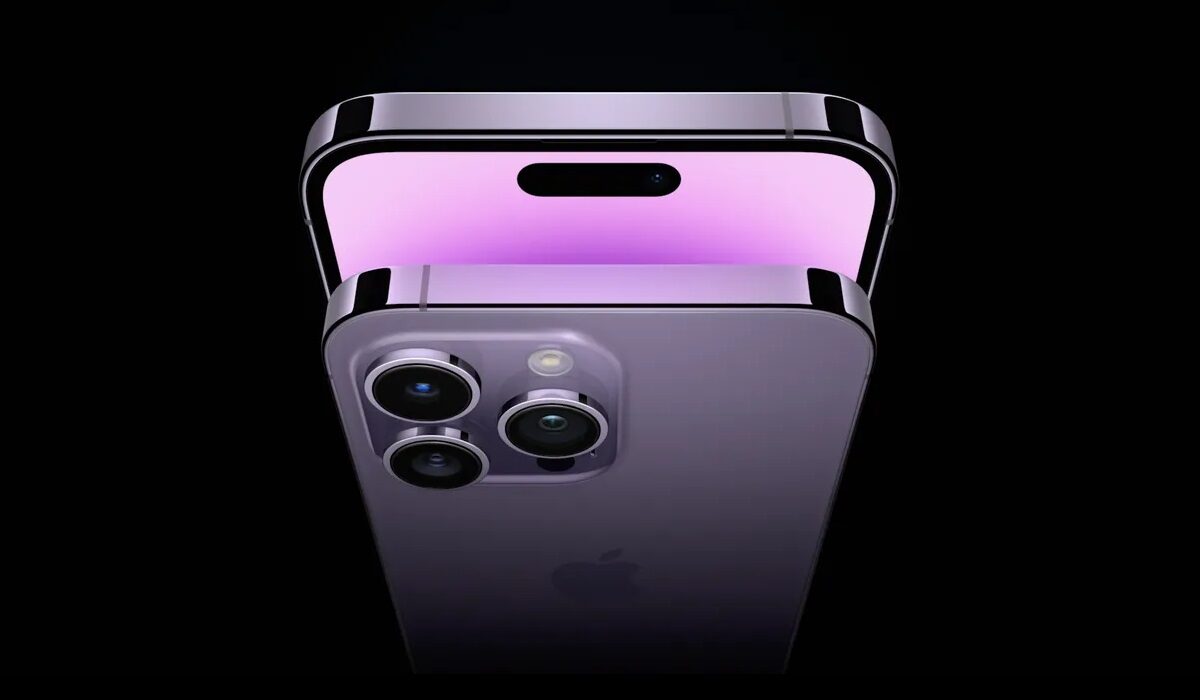
Top iPhone Security Tips
- Deactivate lock screen access to particular features and notifications. Not all your apps need to show notifications when the screen is locked. This is important. For example, someone could read your WhatsApp messages while your screen is locked. Therefore, you need to switch off lock screen access to some apps. Go to Settings>Touch ID and Passcode. Look for the section Allow Access When Locked and turn it off for Reply with Message, Wallet, Today, and Notifications View.
- Make use of the iCloud Backup whenever your device is connected to a power source and a WiFi network. This would keep your data safe in case your phone gets damaged or you have to wipe it. Go to Settings>iCloud, then set iCloud Backups to On.
- Always have a passcode on your iPhone . Also, the longer your passcode, the better. Go to Settings>TouchID and Passcode>Turn Passcode On. Select Change Passcode to enter six digits. Also, you can make your passcode alphanumeric. This makes it harder to guess.
- Use 2-factor authentication for Apple ID/iCloud . This is an extra level of iPhone security. In the event that someone manages to figure out your password, they’ll not be able to login to your Apple account without authentication.
- Activate Find My iPhone . This helps you track your iPhone or remotely lock it if you lose it. it also helps you to wipe the contents if you need to. Go to Settings>iCloud>Find My iPhone and turn it on.
- Do not jailbreak your device . This bypasses a lot of security features on your iPhone. It also means that you can install anything on your device, including potential threats. You will also lose the warranty of your iPhone if you jailbreak it.
- Always make sure that your iOS version is up to date . This is because newer versions are released with bug fixes. These fixes make the device more secure.to update your iOS firmware, go to Settings>Software Update. Then if there is a system update available, install it.
- Do a privacy check on your device . This is necessary because sometimes an app tries to access your microphone, location and photos even though they are not related to the apps’ function. You need to turn off access to these apps. Go to Settings>Privacy, then go through all the sections and check apps that require access to Camera, Microphone, Location Services, etc. if you think any of them should not have access to these features, turn them off.
When you have tried all these tips, you can be sure of your iPhone security. These top iPhone security tips work for any apple iPhone model you use and also apply to iPods and iPads as well.,
