Add MobilityArena as a preferred source on Google
Twitter has introduced a new feature called Circle, and I am so elated about it. Why? Twitter Circle finally gives you the much-needed control to determine who sees and interacts with your tweets. You can choose to post a tweet for the general public, and you can also decide to publish it to just a curated circle of friends.
Twitter is the perfect social networking platform for me. 90% of my social media life is spent there. That’s where I make the most friends, make the most business deals, and have the most fun. But it has become increasingly like the Wild Wild West of old – a place where bullying and mob action has become the norm.
How Twitter Circle works
Twitter Circle lets you add up to 150 people who can see your tweets when you want to share with a smaller crowd. It sounds like something that is perfect for thoughts that require nuance and detailed analyses, or even thoughts that could be controversial with the general public. You can have such conversations with your circle alone, free of interference from uncouth individuals who tend to jump in and derail things.
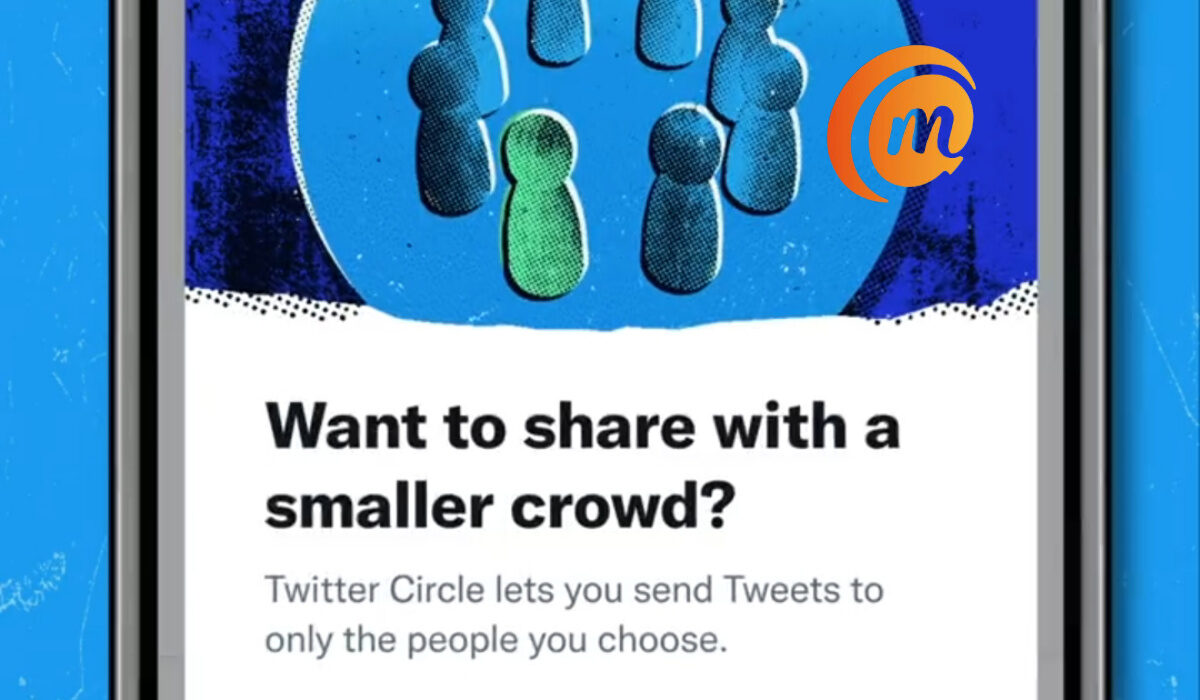
In summary, Twitter Circle lets you share with a smaller crowd – your own pack. And I think it is great, because in real life, not every conversation is for all ears. We all have small group conversations for all kinds of reasons, most of which are not malicious in any way. This is why I am rooting for Circle. It resonates with the idea of needing to share but not wanting to cast your pearls before swine. 😊
The general idea is that while we are still able to tweet at the public, each of us can also create small pockets of sanity where we can tweet and discuss issues that interest is, in peace, with the mindless, raging mobs walled off. It is like having a small group made up of your crew where you can discuss issues that are important to you without random strangers barging in.
You create your Circle, add users to it, and can start tweeting at them only, as you deem fit. You can remove users from your Twitter Circle as you wish. Your Circle, your terms. I imagine you can create multiple circles – one for your fun clique, another for work related stuff, etc.
The feature is not available to everyone yet, but some Twitter users already have it from today. I hope it becomes a permanent feature and everyone can have it.
- Don’t miss our reviews .
- Follow our news on Google News .
- Join our WhatsApp Group , to be notified of the most important articles and deals,
- Follow us on Instagram , Facebook , Twitter , and YouTube .
Author:Mister Mobility
Digital Skills and Communication Coach | Mobile Phone Connoisseur since 2001 | Tech Blogging since 2004
Add MobilityArena as a preferred source on Google
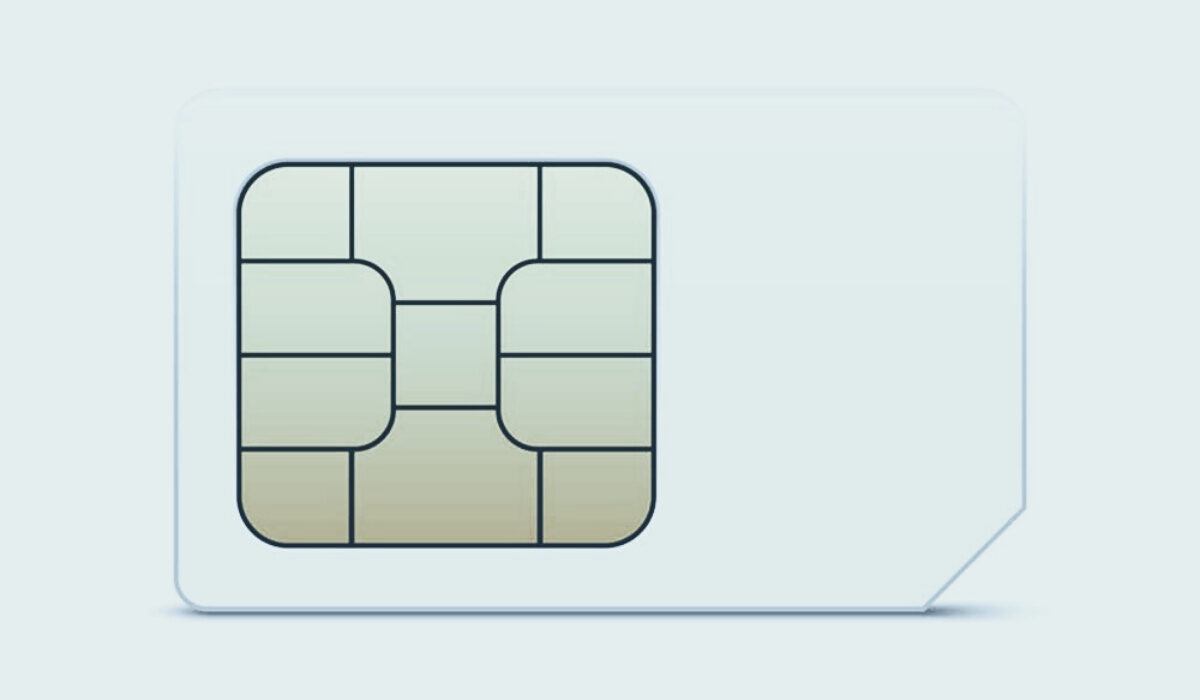
A lot of people do not know that a SIM card can also be a big security risk. You need to be constantly aware of new security measures with all the security threats out there. Here are some ways your SIM card can be hacked and your information infiltrated.
The consequences of being a victim of a SIM hack are dire. The malicious actor gets access to your phone calls and messages, including banking notifications and access codes, leading to loss of money from your bank and investment vehicles. Full scale identity theft can happen as well, resulting in a messy, complicated situation with security agencies. You definitely do not want your SIM card hacked.
- 3 Ways your SIM card can be hacked
- How to prevent your SIM card from being hacked
- What to do if your SIM card is hacked
3 Ways your SIM card can be hacked
SIM Cloning : Once someone else gains access to your physical SIM card, they can use a smart card copying software to create a duplicate of the original SIM. Once they have created a duplicate of your SIM card, they will receive all SMS and phone calls meant for your line. They can also intimate calls and send SMS.
SIM Jacking : The second way your SIM card can be hacked is called SIM jacking. It was discovered in 2019 and this is when a hacker sends a spyware-like code through SMS messages to a device. If the device owner opens this message, the hackers gain access to your messages and calls. From your SMS messages they can gain access to your apps and password using two factor authentication or OTP (One-Time Password). Any of your accounts connected to your phone number is at great risk. The hacker may attempt to use it to change the passwords of your accounts, and gain access to anything which includes your email, bank account, and crypto-currency trading or Bitcoin.
SIM Card Hijacking : SIM Card Hijacking happens when an imposter gains access to your personal info through some mediums. The imposter proceeds to call your mobile carrier service, convinces the carrier service that they are the real SIM Card user and makes a request to switch the current sim to a new sim. Once the imposter gains control of the new number, he/she can log into your accounts using two factor authentication or OTP (One-Time Password). Once access is gained to your accounts, the imposter can use your account for nefarious purposes.
These are the three different ways your SIM card can get hacked. But prevention is better than cure, so let us look at the preventive measures you can take to ensure you do not fall victim.
How to prevent your SIM card from being hacked
People should be careful with the personal information they put online or share with other people. It can be used against you, so keep your personal information to yourself.
Also, be watchful for suspicious emails, text messages, or calls. Some people message or call you pretending to be mobile carrier service and ask for your personal information. Do not give out sensitive information e.g. PIN, passwords, and security codes to a 3rd party. Your bank won’t ask; your service provider won’t ask either.
Setting a SIM card lock is another way of preventing your SIM card from being hacked. I argue that it is the most effective way. It works similar to how your device password works, but instead of your device, it’s for your SIM card. Without a SIM lock, your SIM card can be hacked much more easily. So, it is important that you set up a PIN code; no one can hack into your SIM card without that code. Don’t use your date of birth or that of your child or partner. Generally avoid using anything that can be traced to you as password or PIN.
How to setup a SIM card lock on Android
For Android, you go to settings, tap on ‘lock screen’ then you tap ‘security’. Once you’ve tapped ‘security’, go to ‘other security settings’ and tap ‘ SIM card lock’. On some other Androids like mine, it’s quite different. Go to ‘Settings’ then look for ‘Security’ and tap it. Scroll down and tap on ‘SIM card lock’.
How to setup SIM card lock on iPhone
For iPhone users,go to ‘Settings’, click on ‘Cellular’ then tap ‘SIM PIN’. Then enter your existing PIN to confirm, and the SIM lock will be activated. In conclusion, you have seen the different ways your SIM card can be hacked and how you can prevent that from happening. Stay safe out there.
What to do if your SIM card is hacked
Author:Dun
Dun enjoys reading and writing, and is always on her smartphone. She currently uses a Google Pixel 3.
