Add MobilityArena as a preferred source on Google
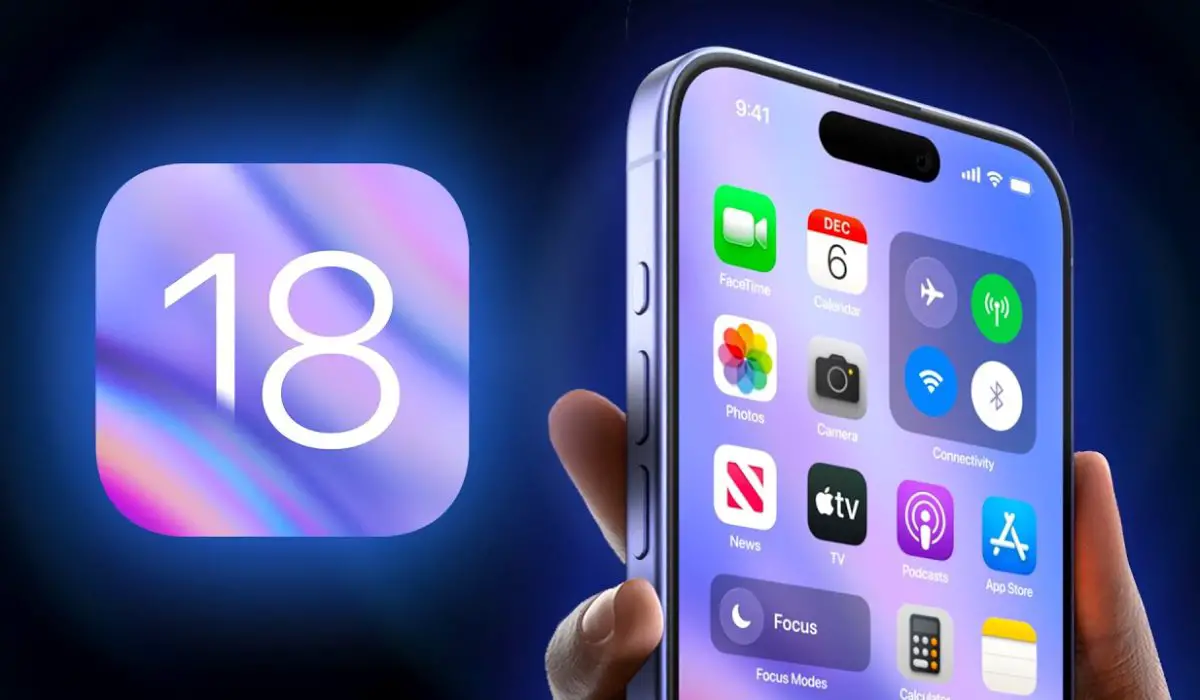
We were all anticipating iOS 18, with the thought and hope of exploring new features and improvements. Imagine you’ve just updated your iPhone to the much-anticipated iOS 18, with the much expected features and improvements, only for you to be grappling with battery drain, sluggish performance , and app crashes, instead of the seamless experience you hoped for. Sound familiar? You’re not alone! Many users have encountered these issues after upgrading, but like one of the holy books said, be anxious for nothing, there are effective solutions to help you navigate these challenges and get back to enjoying your device.
- The Allure of iOS 18
- Understanding the Problem on iOS 18
- Highlighted Solutions Restart Your iPhone Check Battery Usage Enable Low Power Mode Limit Background App Refresh Update Your Apps Reset Network Settings Downgrade if Necessary Conclusion
The Allure of iOS 18
The moment Apple announced iOS 18, it came with a host of enticing features — enhanced privacy settings, improved widgets, and even new AI capabilities. Who wouldn’t want to upgrade to have a much better experience on their device? However, as users flocked to install the update, many quickly discovered that the excitement was tempered by a frustrating reality: their devices were not performing as expected. As users took to forums and social media, stories began to emerge. Complaints such as “My battery drains in hours!”, “Apps are crashing left and right,” were part of the trending issues. It was clear that while iOS 18 brought new possibilities, it also introduced a few hiccups.
Understanding the Problem on iOS 18
So, the question is what’s causing this battery drain and sluggish performance on a new software update? Here are a few identified problems:
- Background Activity: After an update, apps often run background processes to optimize their performance for the new OS. This can lead to increased battery consumption.
- Power-Draining Features: New features like enhanced location services or AI functionalities can be resource-intensive, draining your battery faster than anticipated.
- Compatibility Issues: Not all apps are immediately optimized for the latest iOS version. Outdated apps may struggle to function properly, leading to crashes and increased power usage.
- Temporary Bugs: As with any major software update, bugs can arise that affect battery life and overall performance.
Highlighted Solutions
Now that we have a glimpse into the challenges, let’s explore some effective solutions to deal with these issues as I highlight and discuss them.
Restart Your iPhone
Usually, the first resolution to update lag is a simple restart, it can work wonders. It clears out temporary glitches that might be causing the drain. To restart your phone, simply press and hold the Power button along with either Volume button until you see the “Slide to Power Off” slider. Slide it, wait a moment, then turn your device back on.
Check Battery Usage
Some apps automatically gain more strength after software updates and they become so hyper that they begin to drain the battery. Identifying which apps are draining your battery is crucial. How to Check:
- Go to Settings > Battery and review which apps are consuming the most power. If you spot any culprits, consider updating or uninstalling them.
Enable Low Power Mode
When you’re in a pinch and need to conserve battery life quickly, Low Power Mode is your best friend at the time. To enable low power mode:
- Go to Settings > Battery and toggle on Low Power Mode. This feature reduces background activity and visual effects.
Limit Background App Refresh
You might have to temporarily restrict or limit some apps from refreshing. This will prevent apps from refreshing in the background unnecessarily. To Limit these apps:
- Navigate to Settings > General > Background App Refresh and turn it off for apps that don’t need it.
Update Your Apps
Developers often release updates post-iOS launch to fix compatibility issues. Ensure you check for app updates. To do this:
- Open the App Store, tap your profile icon at the top right, scroll down, and select Update All if updates are available.
Reset Network Settings
If you’re experiencing connectivity issues alongside battery drain, resetting network settings might help. Simply go to Settings > General > Transfer or Reset iPhone > Reset > Reset Network Settings (note that this will erase saved Wi-Fi passwords).
Downgrade if Necessary
Lastly, if all else fails and you’re still facing significant issues, consider downgrading back to iOS 17 until Apple releases a more stable update for iOS 18. You can use tools like Dr.Fone or AnyRecover for a safe downgrade process while preserving your data.
Conclusion
Yes! iOS 18 brings exciting new features, it also presents challenges that can affect battery life and performance. With a better understanding of these issues and implementing the solutions outlined above, you can navigate through this frustrating experience and restore your device’s functionality. Remember, patience is key — sometimes it takes a bit of time for both users and developers to adapt after an update. With these strategies in hand, you’ll be well-equipped to tackle any bumps along the road with your iPhone!
Author:Ifeoluwa Adeleke
Add MobilityArena as a preferred source on Google
The 2024 Samsung Galaxy A16 5G is replacing the bestselling Galaxy A15 5G . If all goes well, it will sell just as well in core markets like the United States, Canada, and the UK. But does the Samsung Galaxy A16 5G have IR blaster? If the terminology is new to you, an IR blaster is the same thing as an infrared port.
If anything, I am excited that more and more phone brands are including an Infra-red port in their products. It isn’t quite mainstream yet, but the pattern is clear: there is a growing trend of the return of infrared ports in smartphones.
Back in the early 2000s, the most advanced mobile phones would have an infra-red port. It was used for data transfer, including internet sharing. Yes; those were the days before Wi-Fi became a thing. To share your phone’s internet, you used an old-school data cable or infra-red.
With the presence of Wi-Fi, the need and demand for infra-red blasters diminished. In recent years, Xiaomi has put an IR blaster in many of its phones. This time, these ports enable the phones to be used as TV controllers. Yes; mobile phones have taken over the roles of everything else; why not add TV controller to it?
It also enables the ability to control the DVD player, air conditioner, and some other household appliances. But a more accurate version of Face ID uses infra-red and, so, we are seeing an upsurge of IR ports in smartphones. So, perhaps, a new IR revolution may yet happen based on this.
I have owned or reviewed a number of phones with an infra-red blaster and enjoyed using the feature. However, I cannot say that I have missed it in all the other phones I have used that did not have it. It has never felt like an essential to me.
- Does Samsung Galaxy A16 5G Have IR Blaster?
- The Last Samsung Phones With IR Blaster
- Your Best Options For Phones With IR Blaster
- Deal-breaker?
- Other Specs of the Samsung Galaxy A16 5G
- Software Updates
- Last Words
Does Samsung Galaxy A16 5G Have IR Blaster?
The Samsung Galaxy A16 5G does not have an infrared port/IR blaster. The thing is, even brands like Xiaomi do not include an IR blaster in their entry-level models. The whole idea of entry-level is a balance between keeping costs low and features. Which means that features found in high-end smartphones often do not make it to lower models.
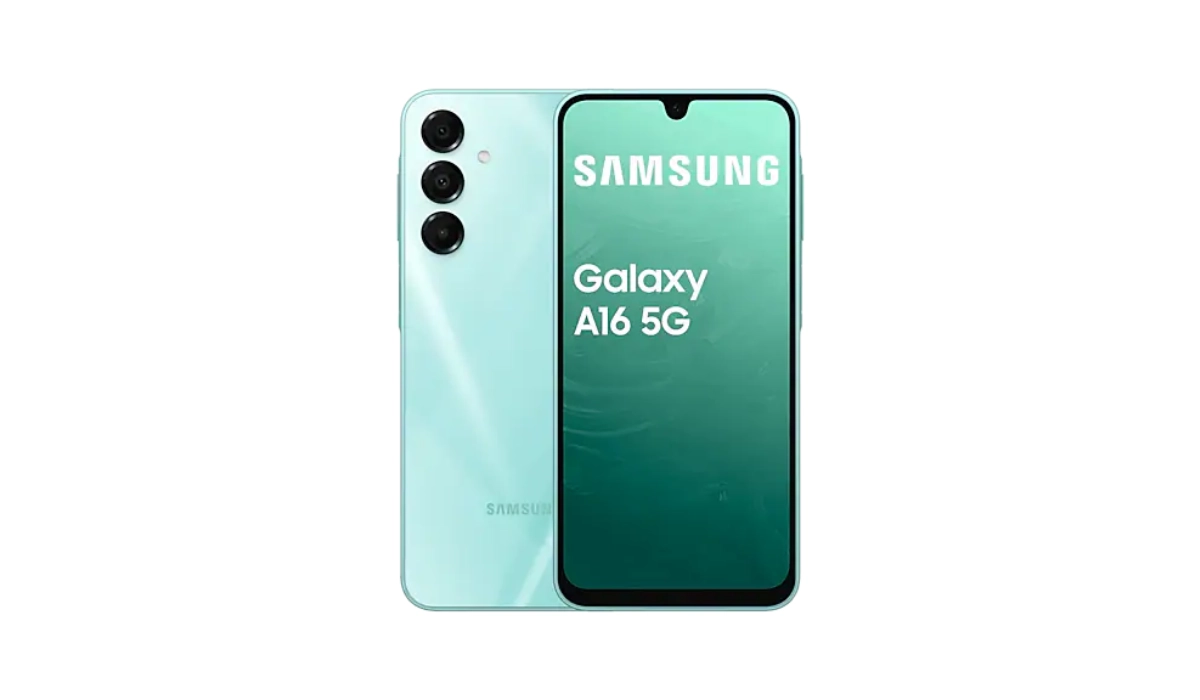
Does Samsung Galaxy A16 5G Have IR Blaster? It doesn’t.
And some Samsung fans are bitter about this omission. Some have based their phone buying decision on this factor and moved on to other smartphone brands. Here is an example of one of such conversations on Samsung’s own community website.
There are scores of other online platforms where fans are griping about the matter. But I doubt that the answer to the simple question, “Does Samsung Galaxy A16 5G have IR blaster” will have any impact on Samsung’s sales in any way. There are no alternative models with the feature. In this price bracket, forget about infrared in smartphones. Of course, you can always buy an infrared dongle.
The Last Samsung Phones With IR Blaster
The last Samsung models that had an IR blaster were the Galaxy S6 and the Galaxy Note 4. Since then, Samsung has ignored infra-red. And it does not look like the S10 range of phones will have this feature.
Your Best Options For Phones With IR Blaster
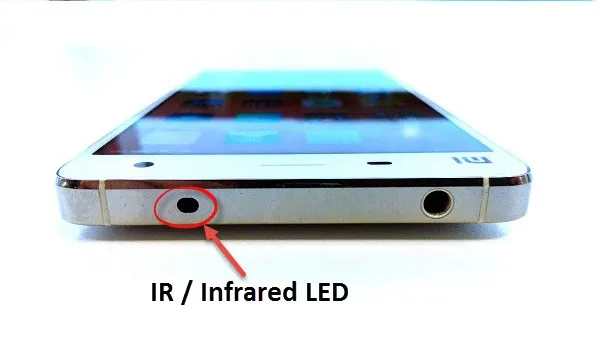
If you want a smartphone with an infra-red blaster, your best options are in the direction of Xiaomi and Huawei. The Xiaomi Redmi Note 13 Pro+ and other models in the Note 13 range are extremely popular with young people and both have IR blaster built in. Others include Xiaomi 14 series. Huawei has a number of models with an IR blaster. These include P20 Pro, Mate 10 Pro, and Honor View 10, among others.
Outside of North America and most of Europe, TECNO has released a number of smartphones with IR blaster this year. The brand is fully embracing the trend.
Gionee produced a few smartphone models with infra-red blaster. It is unfortunate that the company has declared bankruptcy. Some of their phones are still available in the market though.
Deal-breaker?
There is a vocal enough community of smartphone enthusiasts who are put off by higher Samsung smartphones not having an Infra-red blaster. I am not sure that it is a large enough community to make a big dent in the fortunes of these products.
Who knows? Part of why Xiaomi and Huawei devices are selling so well (besides pricing) might be that those brands are now on the heels of Samsung? What are the chances that having an IR blaster in key models could be a factor? After all, so many people around the world watch TV, play videos and play music on infra-red controlled home systems.
As said already, entry-level smartphones just don’t get this feature. But wouldn’t it be sweet if a brand like Samsung took up the challenge? If there is any brand with the financial muscles to do it, Samsung is one.
Before we end this article, let’s have a look at the key specs of the Galaxy A16 5G.
Other Specs of the Samsung Galaxy A16 5G
The Galaxy A16 5G will launch with the following specs:
- 6.7-inch 1080×2340 Super AMOLED screen, 90 Hz refresh rate, 800-nit peak brightness
- Software: One UI 6.1 based on Android 14.
- Exynos 1330 SoC or Dimensity 6300 chipsets depending on market/region.
- 4/6/8GB of RAM
- 128/256GB of built-in storage,
- IP54 dust and splash resistance rating,
- 164.4 x 77.9 x 7.9 mm in dimensions
- 200g in weight.
- Colors: Light Green, Blue Black, and Gold.
- Side-mounted fingerprint scanner.
- 5,000 mAh battery
- 25W fast charging
Software Updates
Samsung says the Galaxy A16 5G will get 6 years of major Android updates and 6 years of security patches. This means that the phone will be supported till 2030.
Last Words
Samsung could easily have included an infrared port in this entry-level smartphone. We have seen a few other brands do it already this year. It appears that Samsung is content playing catch-up in certain areas.
Anyway, over to you. Will you be buying one, IR blaster or not?
- Don’t miss our reviews .
- Follow us on Instagram , Facebook , Twitter , and YouTube .
Author:Mister Mobility
Digital Skills and Communication Coach | Mobile Phone Connoisseur since 2001 | Tech Blogging since 2004
