Add MobilityArena as a preferred source on Google
One of the iPhone’s many appealing features is its remarkable battery life, which many of its users love. However, occasionally battery issues may still occur. One such instance is when your iPhone’s battery percentage becomes stuck while the phone is charging, or if an iPhone’s battery occasionally drains quickly.
Naturally, you’ll be needing a fix if you are currently dealing with the battery indicator problem in which your iPhone’s battery percentage remains at a specific number when it is charging. Luckily for you, we’ve created this easy troubleshooting guide to help your battery work just fine again.
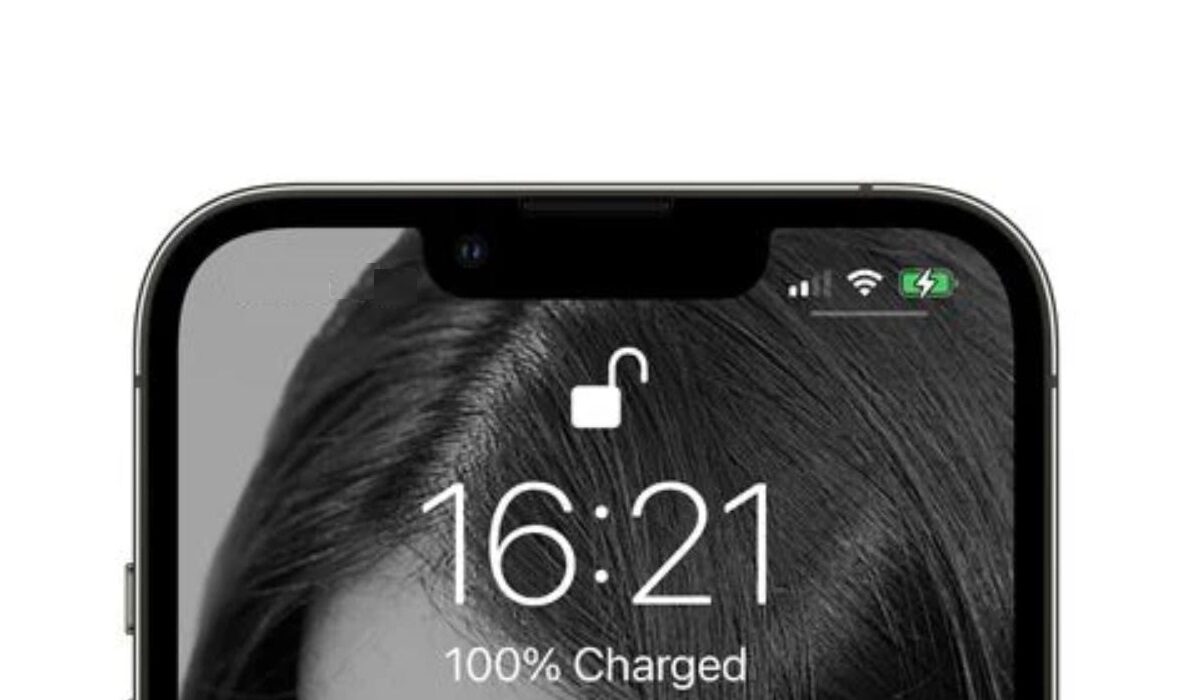
Why Does My iPhone Battery Indicator Get Stuck While Charging?
Imagine spending the entire night charging your iPhone, only to find that the battery level is either below 100% or remains unchanged from the previous night. It’s also possible that your battery sometimes indicates no change in the battery level even after prolonged use.
Battery indicator issues such as these typically arise due to a software bug. The good news is that it’s also pretty easy to fix, as long as you’re equipped with the right instructions.
Different Ways to Fix iPhone’s Battery Getting Stuck
We’ve provided some tested-and-proven methods below that should help you fix your iPhone’s battery if it keeps indicating the wrong battery percentage.
Restart your iPhone Device
Your iPhone can usually be fixed by restarting. Similar to this, restarting your device will immediately show the correct % if you discover that your battery percentage is stuck during charging.
Restarting an iPhone X/11/12/13 involves taking the following actions:
- As soon as the power off slider shows, long press the Volume Down and Power buttons together. Simply hit the Side/Top button on an alternative iPhone.
- Move the slider to the other end to power off your iPhone.
- To restart your iPhone, simply press and hold the Power (Top/Side) button.
The battery percentage on your iPhone will likely display the right value following a restart. Try the next set of options if the restart doesn’t work.
Carry Out a Troubleshooting Sequence
By going through the following troubleshooting steps, you can get your iPhone’s battery percentage unstuck and return it to the usual range.
What you must do is as follows:
- To ensure that your iPhone displays the correct percentage when charging, restart it just before plugging it in.
- Charge it now for a solid three hours or until it reaches 100%.
- When the battery is charging, unplug and replug it once if the charge percentage becomes stuck.
- If it doesn’t work, restart your iPhone once again. This will almost certainly resolve the problem and display 100% battery life.
Calibrate your iPhone’s Battery
A different suggestion is to calibrate your iPhone battery to see if that helps with the stuck iPhone battery percentage issue.
- Till your iPhone turns off by itself, allow the battery to drain.
- For a couple of hours, leave the power off.
- At this point, you need to use an original charger to charge your iPhone, then wait until it comes on automatically.
- Switch to Airplane mode on your iPhone and disable Bluetooth and Wi-Fi.
- Without using the phone at all, let it charge for a few hours.
- Restart it as previously described without unplugging it once it has finished charging.
- After it has restarted, remove the charger.
Toggle Battery Percentage Off and On
You might not be aware that the Settings app allows you to disable and re-enable the Battery Percentage option. If the battery percentage on your iPhone is stuck, you can turn off this feature and switch it back on later. Just adhere to these instructions:
- Select Battery under Settings.
- Switch off the Battery Percentage toggle.
- Turn it back on after a few minutes of waiting.
This will update the battery level and show the correct number. If it still doesn’t work, perhaps updating your iPhone will help.
Repair iOS System Problems
The iPhone battery indicator frequently breaks down when certain iOS system issues appear on your device. Simple tests are insufficient to fix these iOS system issues, such as an iPhone battery percentage that is stuck. You need to utilize an iOS system repair tool.
We advise using TunesKit iOS System Recovery, a well-known and skilled repairer that aids in the resolution of issues for tens of thousands of users of iPhone, iPad, iPod touch, and Apple TV. The 150+ iOS system issues that TunesKit iOS System Recovery can address include iPhones that are stuck on the charging screen, have a blank screen, are disabled screens, have failed iOS updates, and more.
For typical problems like the blocked iPhone battery indicator, TunesKit advises using its Standard mode, which won’t result in any data loss. However, customers are strongly advised to use the Advanced mode if they are experiencing major issues like a locked iPhone.
The easiest way to determine whether it can solve your issue is to download it for free and give it a try on your own by following the three steps below:
- Connect your iPhone to your computer. TunesKit iOS System Recovery should be activated by clicking the Start button. You must select the Standard option to resolve issues with an iPhone’s battery percentage or other typical problems. Activate the Next button.
- Check the details provided on this downloading page. Click the Download button if you are certain there is no error.
- Finally, select Repair from the menu and wait until the software notifies you that the repair is complete.
Afterward, the battery indicator issue on your iPhone should be resolved. Other fixes you can try include:
- Updating your iPhone (to search for new updates and upgrade your smartphone, go to Settings > General > Software Update .)
- Reaching out to Apple Support to get expert guidance on software technicalities that could be at play
- Replacing your iPhone’s battery might be more necessary if your battery health is less than 80%
Summarily , experiencing issues such as your iPhone’s battery percentage getting stuck can be frustrating, but it doesn’t have to be if you know the right fixes. Try one or more of the suggestions we’ve provided in this easy guide, and you should be just fine.
Also, don’t forget to recommend this guide to anyone you know who might be experiencing similar issues, you’d be doing them a big favor.
- Don’t miss our mobile phone reviews .
- Follow our news on Google News .
- Join our WhatsApp Group , to be notified of the most important articles and deals,
- Follow us on Instagram , Facebook , Twitter , and YouTube .
Author:Joan Agie
Add MobilityArena as a preferred source on Google
Why would anyone be looking for a WhatsApp replacement? For one, the fact that WhatsApp is the most popular messaging app in the world does not imply that it is the best. Many users of the platform agree that, when compared to Facebook Messenger, several apps provide superior services in dealing with users’ data.
We understand how difficult it is to persuade those who have been using WhatsApp for years to switch to another messaging service, particularly if they have been using it for years and their contacts also use the same platform. However, recent changes in Facebook policy that resulted in the merger of the three platforms—Facebook, Instagram, and WhatsApp—and that will change the way user data is shared between the three platforms could be a reason users prefer other messaging apps.
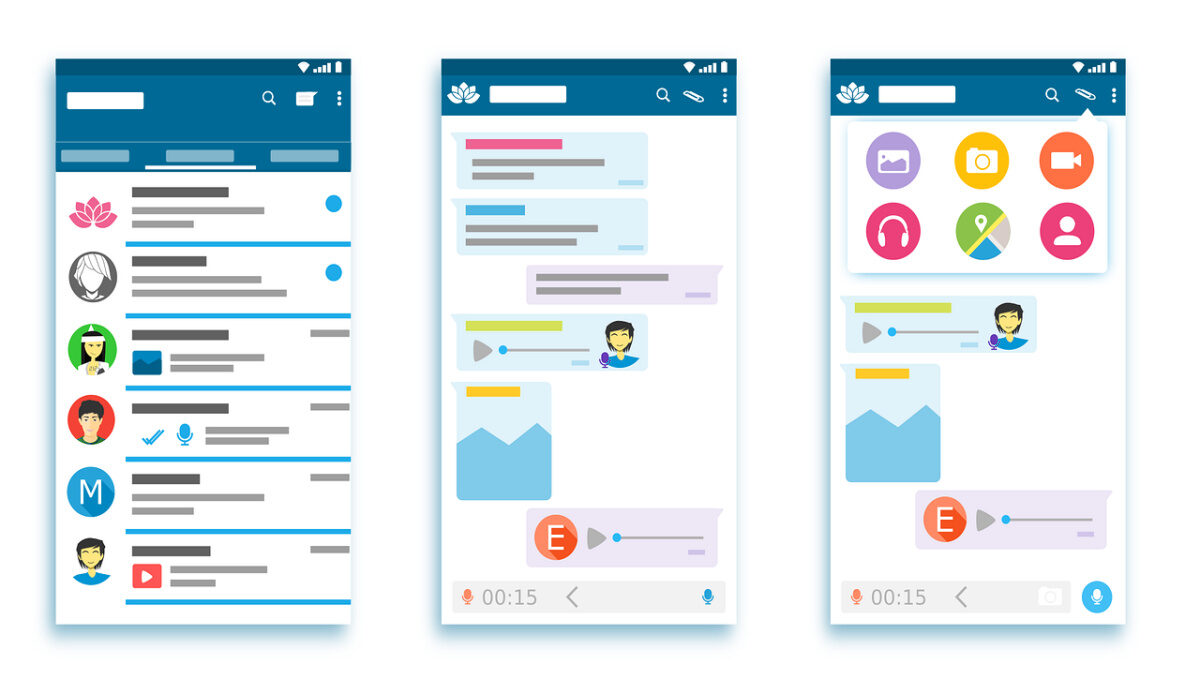
- List of WhatsApp Replacement Apps
List of WhatsApp Replacement Apps
There is life beyond WhatsApp. There are many other free messaging apps that can be downloaded and that, in many aspects, offer better service than WhatsApp. The list below contains 8 common messaging apps you can also use:
- T elegram
Telegram is one of the favorite messaging apps as popular as WhatsApp. It is probably one of the best alternatives to WhatsApp since its interface is quite similar to that of Facebook services. In this regard, it is easy to get familiar with it It incorporates dozens of features that do not exist in WhatsApp- such as custom themes, support for bots, supergroups, channels, and many more. In addition, its open-source philosophy means that developers can create alternatives to the original, and introduce new functions not included by default.
Based on security, while Telegram has been the subject of debate on several occasions due to an alleged lack of encryption, the truth is that the platform’s encryption method is similar to that used in Google Allo, Facebook Messenger, Line, and other platforms, so it is possible to chat safely without data breaches. More importantly, it should be noted that it is a fully multiplatform service, with native apps for Android, iOS, macOS, and Windows, as well as browser access.
- S ignal
Brian Acton, one of the creators of WhatsApp, decided to leave Facebook and finance the platform behind Signal, a private and ultra-secure messaging app used by people around the world who care about their privacy, and which has even been recommended by Edward Snowden, one of the great cybersecurity gurus. Like Telegram, Signal is open-source, so any expert with the necessary knowledge can perform security audits on the encryption protocols- which are also open – looking for holes. Signal itself ensures that its encryption algorithms are frequently reviewed by professional cryptographers to continue to improve the platform’s security.
- M essages
In most countries, the native Android messaging app is still that app that only serves to receive SMS. However, Google has repeatedly reiterated that it has big plans for this application, and its goal is to turn this platform into a kind of “iMessage for Android” based on the RCS protocol, known as the future of instant messaging.
RCS technology, in general, is a kind of WhatsApp without the need for an Internet connection, allowing people from all over the world to communicate regardless of which telephone operator they use, as the vast majority has committed to adopting a universal system. We don’t know when this technology will be widely adopted, but we do know that Google’s messaging app is one of the few that already supports it.
- L ine
Line was one of WhatsApp’s main competitors at first, and today, with more than 200 million active users worldwide – a figure comparable to Telegram – it remains a fantastic alternative to Facebook’s messaging service. True, the service is primarily used in China and other Eastern countries, and its main selling point is free voice calls. Line, on the other hand, is a free messaging app with unique features that you won’t find anywhere else.
- F acebook Messenger
It is not necessary to leave Facebook to find a messaging application that is much more complete than the queen of this sector, and that probably in the future will allow you to chat with WhatsApp users without having to have the app installed on your mobile. Messenger is not perfect, and in fact, in some aspects, it is worse than WhatsApp itself –such as the appearance of ads in chats–, but after its latest update it has an infinitely better design, and there is no doubt that the number of features and functions is unsurpassed by most of its rivals.
- W eChat
Another app that is successful in Asia, but has not yet found its place in the rest of the world’s regions, is WeChat. According to data from Statista, by the end of 2018, more than 1,000 million people from around the world have already used the appt, which shows that it is not exactly a weak rival for WhatsApp. WeChat has the typical functions that we can find in most similar platforms- such as free calls and video calls, the possibility of sending a location in real-time, and stories.
- V iber
Viber has just received the biggest update in its history, with a much cleaner and more polished design, and unique features like the ability to make group calls with up to 5 people. After just over 8 years of life, this multiplatform messaging application created by the Israeli Talmor Marco continues to be one of the most popular alternatives to WhatsApp, even though it has sometimes remained at the center of the hurricane due to controversies related to the treatment of user data.
- S kype
Microsoft’s cross-platform communication tool could not be missing either. Skype, despite being a complete communication tool more than a messaging app, has evolved over the years to become a worthy rival to WhatsApp and the rest of the free messaging services.
It allows us to chat or talk on the phone with our contacts from any device, as well as send documents, multimedia files, GIFs, and much more. In addition, the Android application has been recently refurbished to work better even on less powerful mobiles.
- Don’t miss our mobile phone reviews .
- Follow our news on Google News .
- Join our WhatsApp Group , to be notified of the most important articles and deals,
- Follow us on Instagram , Facebook , Twitter , and YouTube .
Author:Moses Udah
Creative, teacher, web content writer, copywriter, and student.
