Add MobilityArena as a preferred source on Google
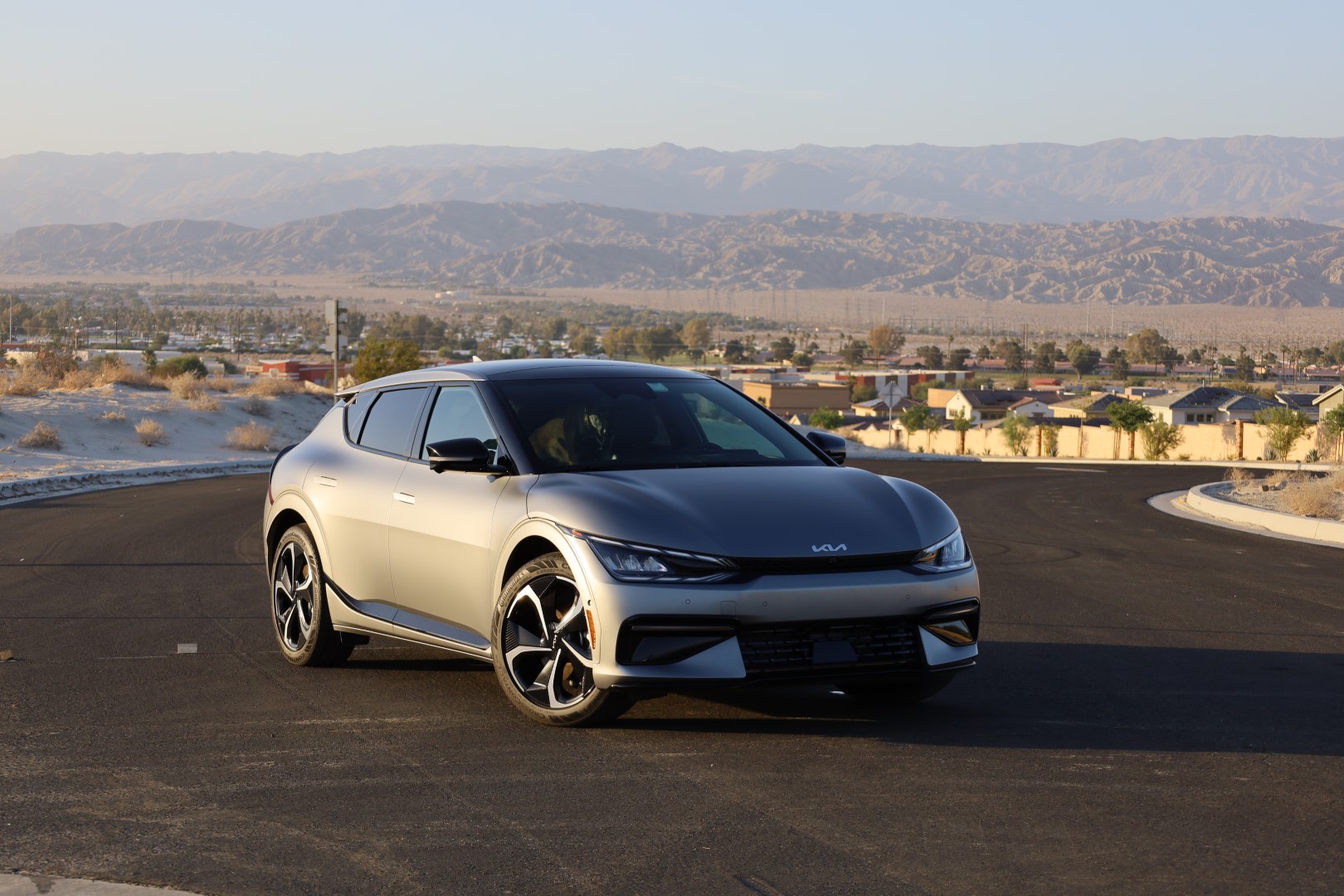
The Kia EV6 has made a significant impact in the electric vehicle market, celebrated for its sleek design and advanced technology. However, some drivers have reported visibility issues, particularly concerning the A-pillars and the effectiveness of driver assistance features. Drivers have noted that the thick A-pillars can obstruct their peripheral vision, making it challenging to see pedestrians and other vehicles at intersections. This issue is compounded by larger blind spots due to the positioning of the B-pillars. Additionally, some users have expressed concerns about rear visibility, particularly in adverse weather conditions or when reversing. The combination of these factors can lead to a heightened sense of caution while driving, especially in busy urban environments where quick decision-making is crucial. By understanding these visibility challenges and implementing effective solutions, you can improve your overall driving experience in the Kia EV6. Let’s delve deeper into these concerns and as I explore practical steps to enhance safety and confidence on the road.
- Common Visibility Issues Thick A-Pillars Blind Spots Limited Rear Visibility Driver Assistance Feature Limitations
- Conclusion
Common Visibility Issues
Thick A-Pillars
Many users of the Kia EV6 have noted that the thick A-pillars obstruct their peripheral vision, making it difficult to see pedestrians and vehicles approaching from the side at intersections. This can lead to potentially dangerous situations, especially in busy urban environments. I recommend that you adjust your sitting position, apply these simple solutions:
- Optimize Seat Height: Adjust your seat height to improve your line of sight over the A-pillars. Raising your seat slightly may help mitigate blind spots.
- Tilt and Recline: Experiment with tilting or reclining your seat back slightly to find an optimal position that reduces obstruction from the pillars.
Blind Spots

The design of the Kia EV6 contributes to larger blind spots, particularly due to the positioning of the B-pillars. This can make lane changes and merging more challenging. Your best bet is the driver assistance feature, make use of it effectively:
- Activate Surround View Monitor: If equipped, use the surround view monitor when navigating tight spaces or changing lanes. This feature provides a comprehensive view of your surroundings.
- Blind Spot Monitoring: Always rely on blind spot monitoring systems when changing lanes. Ensure that these systems are activated and functioning properly.
Limited Rear Visibility
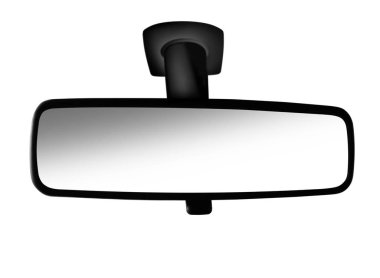
While some users of the Kia EV6 appreciate the sleek design of the rear, others find that it compromises rear visibility, especially without a rear wiper during rain. I recommend that you make use of additional mirrors:
- Wide-Angle Mirrors: Consider adding wide-angle mirrors to your side mirrors to expand your field of vision and reduce blind spots.
- Convex Mirrors: Installing convex mirrors can also help you see vehicles that might otherwise be hidden by A or B-pillars.
Driver Assistance Feature Limitations

While driver assistance features like Forward Collision-Avoidance Assist and Lane Keeping Assist are designed to enhance safety on the Kia EV6, they may not always compensate for visibility issues caused by vehicle design. To resolve this and avoid future occurrence, regularly clean sensors and cameras:
- Maintain Sensor Clarity: Ensure that all cameras and sensors used for driver assistance features are clean and unobstructed. Dirt or debris can hinder performance.
- Check for Obstructions: Regularly inspect areas around sensors for any obstructions that might affect their functionality.
Conclusion
While the Kia EV6 offers impressive features and a modern design, visibility issues related to its driver assistance features can pose challenges for drivers. By understanding these common problems and implementing practical solutions—such as adjusting seating positions, utilizing driver assistance tools effectively, using additional mirrors, maintaining sensors, practicing defensive driving techniques, and providing feedback—you can significantly enhance your driving experience. Embrace these strategies as opportunities to improve safety and confidence behind the wheel of your Kia EV6. With a little attention and adaptation, you’ll find that this remarkable electric vehicle can deliver both performance and peace of mind on every journey!
Author:Ifeoluwa Adeleke
Add MobilityArena as a preferred source on Google
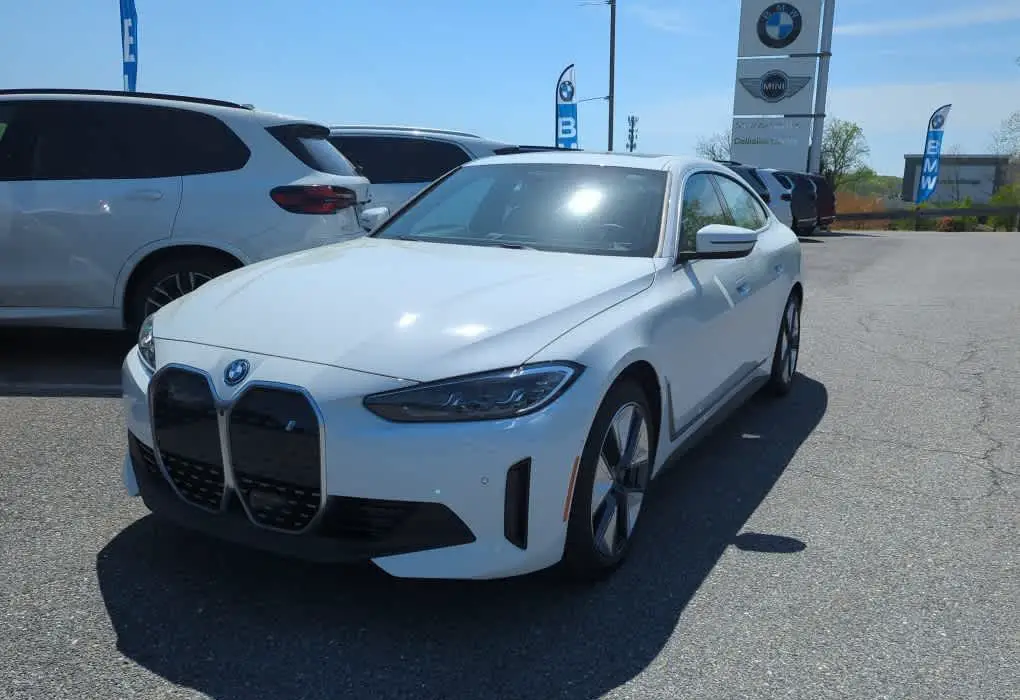
The BMW i4 eDrive35 is a remarkable electric vehicle that combines performance , luxury, and cutting-edge technology. Among its standout features is the Heads-Up Display (HUD), which projects vital driving information directly onto the windshield for easy visibility. While this feature enhances convenience and safety, some users have reported visibility issues that can detract from their overall driving experience. These challenges can arise from various factors, such as lighting conditions and the use of polarized sunglasses. By addressing these issues effectively, you can maximize the benefits of this innovative technology and enjoy a safer, more informed drive. Explore with me the common visibility challenges associated with the HUD in the BMW i4 eDrive35 and provide practical solutions to ensure a clearer and more enjoyable driving experience on every journey.
- Common Visibility Issues with the Heads-Up Display Polarized Sunglasses Interference Brightness Levels Reflection and Glare Positioning of the HUD
- Conclusion
Common Visibility Issues with the Heads-Up Display
Polarized Sunglasses Interference
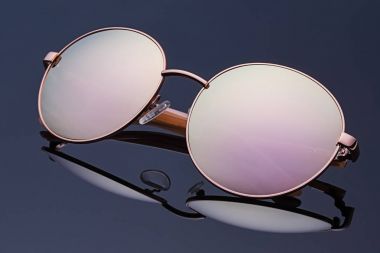
Many drivers who wear polarized sunglasses report significant visibility problems with the HUD of the i4 eDrive35. The polarized lenses can create a glare that makes the display difficult to see, particularly when sunlight hits the windshield at certain angles. In cases as such, I recommend you adjust sunglasses, simply do the following:
- Switch to Non-Polarized Lenses: If you frequently wear polarized sunglasses, consider switching to non-polarized options while driving. This simple change can significantly improve visibility of the HUD.
- Experiment with Angles: If you prefer polarized lenses, try adjusting their angle while wearing them. Sometimes tilting your head or rotating the glasses can reduce glare from the HUD.
Brightness Levels
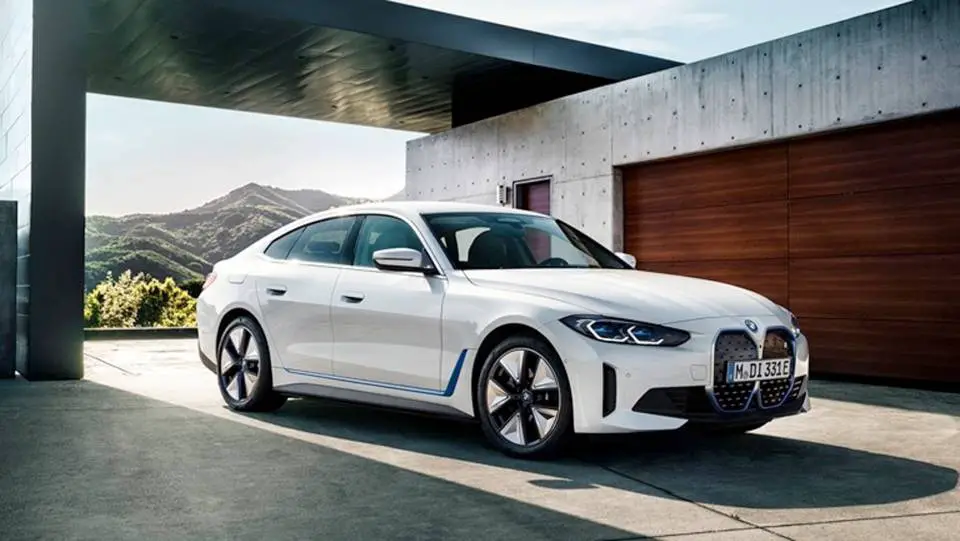
Users have noted that the HUD of the i4 eDrive35 can appear dim, especially in bright daylight conditions. This can make it challenging to read important information while driving. Adjusting the brightness level will give you a better experience. Simply follow these steps:
- Increase HUD Brightness: Access your vehicle’s settings to increase the brightness of the HUD. This can usually be done through the infotainment system under display settings.
- Use Night Mode: If driving at night or in low-light conditions, switch to night mode if available. This setting often enhances contrast and readability.
Reflection and Glare
The HUD of the i4 eDrive35 relies on reflections to project information onto the windshield, which can sometimes result in unwanted glare or reflections from other light sources, further obscuring visibility. I recommend that you minimize glare and reflections, here is how to:
- Clean Windshield Regularly: Ensure that your windshield is clean and free from smudges or dirt, which can exacerbate glare issues.
- Adjust Seat Position: Experiment with your seat height and angle to find a position that minimizes reflections from other light sources while maximizing visibility of the HUD.
Positioning of the HUD
The positioning of the HUD may not be optimal for all drivers, leading to awkward viewing angles that can hinder clarity. Follow these steps below to get this resolved:
- Customize Display Settings: Check if your BMW i4 eDrive35 allows you to adjust the position of the HUD display on your windshield. Many vehicles offer customization options for height and angle.
- Consult Your Manual: Refer to your owner’s manual for specific instructions on adjusting HUD settings tailored to your preferences.
Conclusion
While visibility issues with the Heads-Up Display in the BMW i4 eDrive35 can be frustrating, understanding these challenges and implementing practical solutions can significantly enhance your driving experience. By adjusting sunglasses, managing brightness levels, minimizing glare, and optimizing HUD positioning, you can ensure that vital information remains clear and accessible while on the road. Embrace these strategies as opportunities to improve not only your comfort but also your safety while driving this exceptional electric vehicle. With a little effort and attention to detail, you’ll find that the BMW i4 eDrive35 provides an unparalleled driving experience
