Add MobilityArena as a preferred source on Google
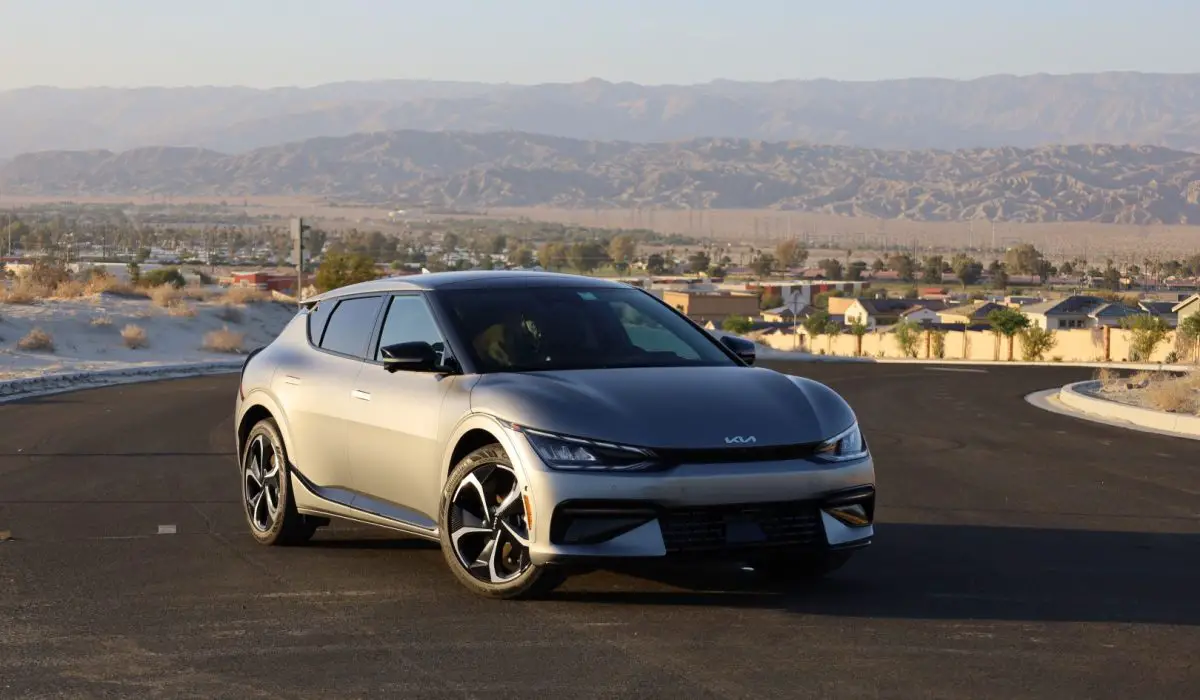
The Kia EV6 has gained attention for its sleek design and impressive performance as an electric vehicle. However, many users have reported usability issues with its infotainment system, which can detract from the overall driving experience. With features that include navigation, audio control, and connectivity options, the infotainment system is crucial for a seamless driving experience. Users have expressed frustration over specific issues such as dark map visibility, complex navigation menus, and connectivity problems with smartphones. Addressing these concerns is essential for maximizing the enjoyment and functionality of the Kia EV6. By understanding these challenges and implementing effective strategies, drivers can significantly improve their experience with this innovative electric vehicle. Let’s delve into the common usability issues and their corresponding solutions in detail.
- Common Infotainment System Usability Issues and Solutions Navigation System Limitations and Solutions Infotainment Interface Complexity and Solutions Connectivity Challenges and Solutions
- Conclusion
Common Infotainment System Usability Issues and Solutions
Navigation System Limitations and Solutions
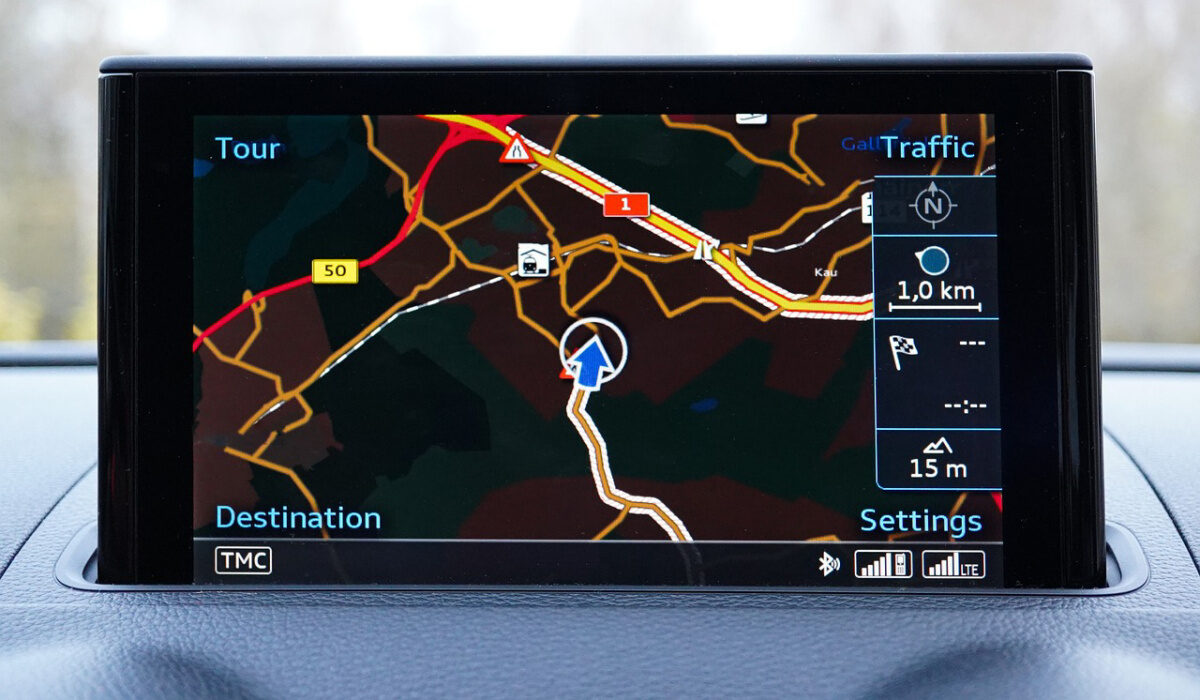
Users have expressed frustration with the navigation system, particularly regarding:
- Dark Map Visibility: The dark map is often nearly invisible in certain lighting conditions, while the light mode can be blinding at night.
- Lack of Automatic Mode Switching: Unlike some competitors, the Kia EV6 does not automatically switch between dark and light modes, requiring users to navigate through menus to make adjustments.
- Address Input Restrictions: The inability to search by postcode forces users to input full addresses, which can be cumbersome.
I recommend the following aolutiona to get it fixed:
- Adjust Map Settings: Users can manually adjust brightness and contrast settings to improve visibility in different lighting conditions. Additionally, feedback can be provided to Kia for future software updates that might include automatic mode switching.
- Utilize Alternative Navigation Apps: Consider using smartphone apps like Google Maps or Waze via Apple CarPlay or Android Auto for more flexible navigation options while driving. These apps often provide better visibility and functionality.
Infotainment Interface Complexity and Solutions
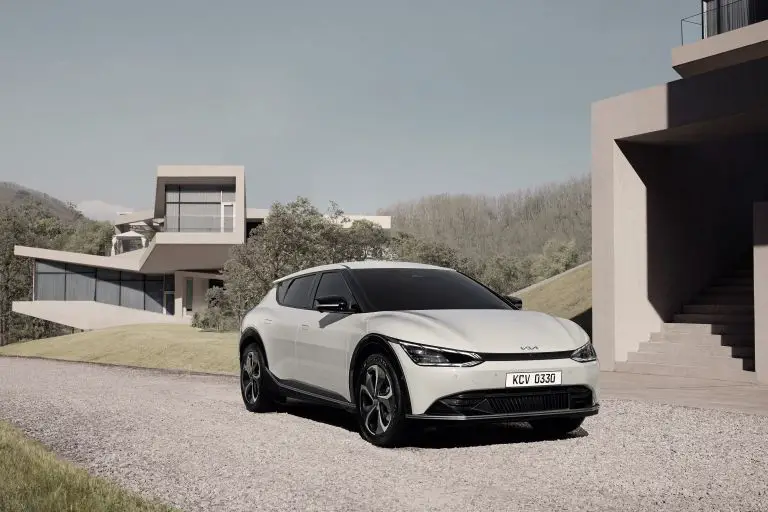
The overall interface of the Kia EV6 has been described as less intuitive compared to other brands. Users have reported:
- Difficult Navigation: Finding specific features or settings can be time-consuming due to a cluttered layout.
- Limited Customization Options: Users desire more flexibility in personalizing their home screens and app layouts.
I recommend the use of the user manual to get this issues fixed:
- User Training: Familiarize yourself with the infotainment system through the user manual or online tutorials. Understanding how to navigate menus efficiently can save time and enhance usability.
Connectivity Challenges and Solutions

Users of the Kia EV6 have faced difficulties with smartphone integration, including:
- Bluetooth Connectivity Problems: Some users report issues with pairing their devices or maintaining a stable connection.
- Limited Wireless Features: The lack of wireless Apple CarPlay and Android Auto has been a point of contention for many users who prefer seamless integration with their smartphones.
I recommend the following solutions:
- Ensure Software Updates: Regularly check for software updates for both the vehicle and your smartphone. Keeping both systems updated can resolve many connectivity issues.
- Optimize Bluetooth Settings: If experiencing connectivity problems, try deleting previous pairings and re-pairing your device. Ensure that Bluetooth is enabled on your phone and that it is set to discoverable mode.
Conclusion
While the Kia EV6 offers a remarkable driving experience, usability issues within its infotainment system can hinder overall satisfaction for some users. By implementing these practical solutions—such as enhancing navigation functionality, streamlining interface navigation, and improving connectivity—drivers can significantly enhance their experience with this innovative electric vehicle. Kia is continuously working on software updates and improvements based on user feedback, so staying engaged with the community and providing constructive feedback can lead to a better infotainment experience in future models. Embrace these strategies to make the most out of your Kia EV6 and enjoy all that this cutting-edge vehicle has to offer!
Author:Ifeoluwa Adeleke
Add MobilityArena as a preferred source on Google
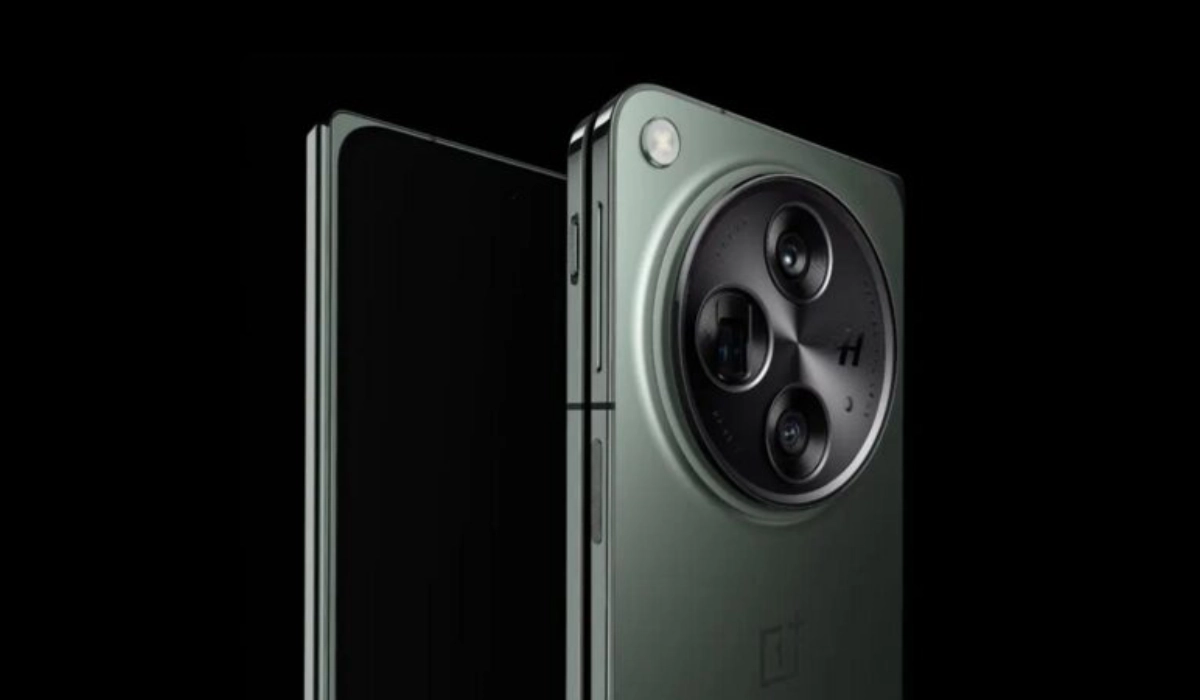
The OnePlus Open has made a significant mark in the foldable smartphone market, offering impressive features and a sleek design. However, some users have reported concerns regarding its battery life, prompting many to seek solutions to enhance their experience. With a 4,805mAh battery, the OnePlus Open is designed to provide a solid performance, but heavy usage can lead to quicker-than-expected depletion. Users have been particularly vocal about their experiences, sharing insights on how the device holds up during daily tasks like gaming, streaming, and web browsing. By understanding these challenges and implementing effective strategies, you can ensure that your OnePlus Open meets your daily needs without interruption. Let’s explore the common battery life concerns and their corresponding solutions in details.
- Overview of Battery Life Concerns
- Common Battery Life Issues Rapid Battery Drain Inconsistent Performance Lack of Wireless Charging
- Battery Life Performance
- Practical Solutions for Enhancing Battery Life Optimize Settings Manage Apps Wisely Utilize Battery Saver Mode Charge Efficiently Adjust Connectivity Settings
- Conclusion
Overview of Battery Life Concerns
The OnePlus Open is equipped with a 4,805mAh battery, which is slightly less than the standard 5,000mAh batteries found in many flagship smartphones. While it performs admirably in various tests, some users have expressed concerns about its longevity during daily use. Reports indicate that while the device can last through a day, heavy users may find themselves needing to recharge before the end of the day.
Common Battery Life Issues
Rapid Battery Drain
- Users have noted that heavy usage—such as gaming, streaming, or using GPS—can lead to quicker battery depletion than expected.
Inconsistent Performance
- Some users report variations in battery life based on app usage and settings, leading to confusion about how long the battery should last.
Lack of Wireless Charging
The absence of wireless charging has been a point of contention for some users who prefer the convenience of this feature.
Battery Life Performance
Despite these concerns, tests show that the OnePlus Open performs well compared to its competitors:
- Web Browsing: Approximately 11 hours and 45 minutes in continuous web browsing tests.
- Video Streaming: Lasts around 7 hours and 22 minutes, comparable to other foldable devices.
- Gaming: Outlasts many traditional smartphones, showcasing its efficiency even under demanding conditions.
Practical Solutions for Enhancing Battery Life
Here are some effective strategies to help OnePlus Open users maximize their battery performance:
Optimize Settings
- Reduce Screen Brightness: Lowering brightness can significantly extend battery life.
- Adjust Refresh Rate: Use the automatic refresh rate setting to balance performance and battery consumption.
- Limit Background App Activity: Disable background activity for apps that you don’t use frequently.
Manage Apps Wisely
- Identify Power-Hungry Apps: Use the device’s battery settings to identify apps consuming excessive power and consider alternatives or limit their use.
- Optimize App Notifications: Turn off notifications for non-essential apps to reduce wake-up calls that drain battery life.
Utilize Battery Saver Mode
Activate Battery Saver mode during periods of low battery or when you need your phone to last longer throughout the day.
Charge Efficiently
- Take advantage of the included 67W SuperVOOC charger, which can charge your device from 0% to 100% in about 43 minutes. Quick top-ups can help manage your usage throughout the day.
- Consider charging your phone during short breaks to maintain battery levels without needing a full charge.
Adjust Connectivity Settings

- Turn off GPS and Bluetooth when not in use to prevent unnecessary battery drain.
- Use Wi-Fi over mobile data whenever possible, as it generally consumes less power.
Conclusion
While some users have raised valid concerns regarding the battery life of the OnePlus Open, implementing these practical solutions can significantly enhance your experience with this innovative foldable smartphone. With a robust design and impressive features, the OnePlus Open remains a strong contender in the market. By optimizing settings, managing app usage wisely, utilizing efficient charging methods, and adjusting connectivity options, you can enjoy extended battery life without compromising on performance. Embrace these strategies to make the most out of your OnePlus Open and ensure it meets your daily needs effectively!
