Add MobilityArena as a preferred source on Google
When browsing the internet, one of the most important things to focus on is security. Another important thing is privacy. You don’t need someone to be able to gather information about you or steal your data online. Neither do you want people monitoring your online activity. One way to ensure that both security and privacy are maintained is by using a Virtual Private Network (VPN).
- What is a VPN?
- Benefits of using a VPN
- The best VPN for Android
What is a VPN?
A Virtual Private Network (VPN) allows you to create a secure connection to another network over the Internet. A VPN assigns you a temporary IP address and hides your true IP address from every app, website, email or social network that you use .
Benefits of using a VPN
In addition, if you are having trouble accessing an app that is not available for your country or region, a VPN comes in handy. Using a VPN, you can temporarily change your IP address to reflect another region and access such apps.
If your country’s government blocks internet access, a good VPN can help you circumvent that blockade and continue to access services online.
If you use public WiFi services, you should definitely use a VPN to protect yourself from data theft. Public WiFi are notorious for being used to steal user information and data.
The best VPN for Android
There are a lot of VPN apps available for Android smartphones and tablets. Many are poor at the job, some are good, and a few are outstanding at protecting you. Android users are especially susceptible to privacy and security issues. This is why you should be interested in the very best VPN for Android.
The following list presents you with some of the best VPN for Android, in my opinion. Have a look:
- Private Internet Access (PIA) : This is one of the safest VPNs for Android. It does not keep any record of internet activity, ad it does not monitor and/or block traffic. The key feature of this app is its simplicity. All you need to do is create an account with PIA, and it connects you to one of PIA’s servers. The app is free to download. However, it requires a subscription for it to work.
- IpVanish : This is another safe and secure Android VPN app. It allows you to select a server of your choice, out of over 110 servers in 47 countries. It shows the amount of data you have consumed, and offers 24-hour support. This app too requires a premium account to work.
- TorGuard : This Android VPN keeps no record of its users, maintains payments outside the US, and prevents misuse in real-time instead of using records. The app also allows you to access over 200 servers quickly and easily. It requires a premium subscription.
- OpenVPN : This VPN is a connectivity-based software that offers point-to-point connections. This VPN has been in existence since 2002, and it is now available as an Android app.

You can also have a look at Rocket VPN and Opera VPN . As said earlier, there are many VPN apps available for Android devices.
If the above-listed are not your cup of cake or do not work for you, fret not. Just run a search in Google Play Store and you will be presented with a long list to pick from. Again, be sure to scrutinize those VPN apps before installing. Sme of them are not worth the trouble.
Author:EmmyCN
Add MobilityArena as a preferred source on Google
Finding your stolen smartphone is much easier than it used to be. If your Android smartphone ever gets stolen or lost, finding it can be as easy as using Google.com. Simply Google “Find my phone” and the search result will throw up a map and attempt to locate it. Like this:
Once you locate your smartphone on the map, you can trace its current location. Be careful if you choose to go after a thief. Personal safety is key.
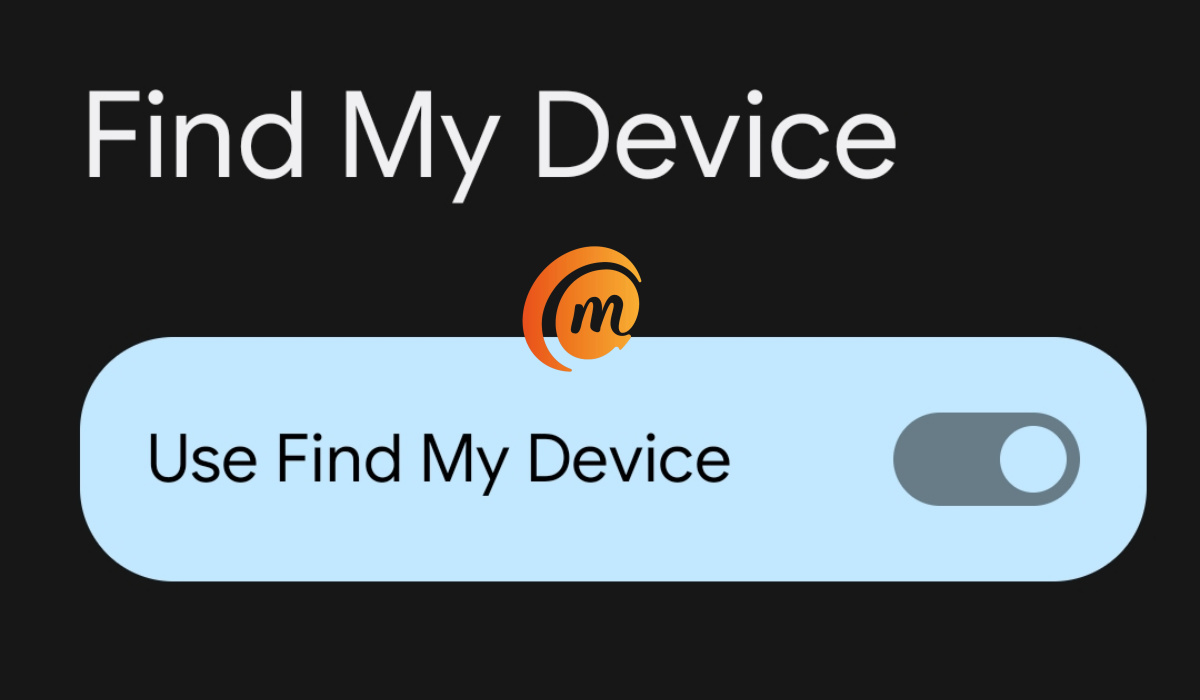
You can ring up the phone too – in which case the phone will ring out. This is ideal if you just do not know where you placed the phone or if you suspect that the thief is still within the vicinity. If you select the “Recover” option, you get further options. You can remotely set a password to lock the screen, sign out of the phone, or erase it to keep contents secure.
- To Be Able To Find Your Stolen Smartphone
- Using Android Device Manager (now Find My Device)
- A Strong Case for Location Access
To Be Able To Find Your Stolen Smartphone
There are requirements for this to work though:
- Your smartphone’s GPS or location access has to be turned on
- you need to be signed in to your Google Account
- the stolen smartphone must still be turned on
- your stolen smartphone must have an active internet connection, be it mobile data or Wi-Fi
- the stolen smartphone must have been linked to Google by you
Using Android Device Manager (now Find My Device)
If your smartphone is not linked to Google (step 5 above), you can still find it if it goes missing or gets stolen. Just visit android.com/devicemanager and sign into your Google account. Android Device Manager (Find My Device) will show you the approximate location of your smartphone. Android Device Manager (Find My Device) gives you options to go after it using maps, make it ring out or if absolutely required, wipe/erase it.
If you have another smartphone available, you can install the Android Device Manager (Find My Device) app on it and use it to locate your stolen smartphone. Note that Android Device Manager (Find My Device) will only work if your stolen smartphone is turned on and has an active internet connection as well.
Important : You can use Android Device Manager (Find My Device) to make your phone ring out, to lock it or erase it without your location access turned on. But it won’t be able to find the phone. If you want to be able to find your stolen smartphone using Android Device Manager (Find My Device), you need to keep the phone GPS or location access turned on.
A Strong Case for Location Access
More and more, new helpful smartphone features require that users leave their location access turned on all the time. There are arguments about the pros and cons of this in terms of privacy. But it is looking more and more like the average smartphone user who wants to get the best out of their devices will have little option but to leave their location turned on.
For one, without location access turned on, forget about using any software to find your stolen smartphone. Once stolen or lost, you might as well forget about it and move on.
Author:Mister Mobility
Digital Skills and Communication Coach | Mobile Phone Connoisseur since 2001 | Tech Blogging since 2004
