Add MobilityArena as a preferred source on Google
Which one is better – a prepaid cellular plan or a contract plan?
This issue has been on the bone of contention for longer than we can remember. And after putting some of the world’s greatest minds to work, we now have a definite answer.
It depends.

The truth is that both plans have distinct pros and cons that may correspond to individual users’ needs. In general, though, people who try to save some money usually pick a prepaid plan, whereas those who need larger data packages prefer contract plans.
The issue is more complex than that, though, and understanding their differences is crucial for making a savvy decision regarding prepaid SIM only vs contract plans.
That said, let’s find out which will suits you best.
- Prepaid Plans vs Contract Plans: Key Differences Prepaid Cellular Plans: Control and Flexibility Contract Cellular Plans: Convenience and Extras
- Advantages of Prepaid Plans
- Advantages of Contract Plans
- Choosing the Right Plan for You
- Prepaid vs Contract Cellular Plans: Final Thoughts
Prepaid Plans vs Contract Plans: Key Differences
First, let’s clarify what prepaid and contract plans are and what are the key differences between them.
Prepaid Cellular Plans: Control and Flexibility
Prepaid cellular plans, also referred to as SIM-only plans, include you paying upfront for your monthly phone usage. These usually come in several different packages with a set number of minutes, texts, and data.
If you run out of your available package, you will need to wait until the next month for the package to renew. You might also purchase additional data and minutes to hold out.
Contract Cellular Plans: Convenience and Extras
Contract plans, on the other hand, are comprehensive, long-term packages with a set monthly amount of data and a number of available minutes and texts a user can freely use.
Contracts are usually offered for a one or two-year period and charged monthly, and also include additional perks, such as family discounted packages or phone hardware. Their mobile data limits are also usually higher, making them a good choice for users who often use their phones for a variety of purposes.
Advantages of Prepaid Plans
Prepaid plans are associated with numerous benefits, with the most significant ones being:
- Cost Control Prepaid plans offer complete control over your mobile expenses. You pay for services upfront, and once you’ve exhausted your credit, you can choose to top it up as needed. This helps you stay within your budget and avoid unexpected charges.
- Flexibility With prepaid plans, you can switch providers or change plans without any contractual obligations. This flexibility allows you to adapt your mobile usage to your changing needs without incurring penalties.
- No Credit Checks Prepaid plans eliminate the need for credit checks, making them accessible to individuals with varying financial backgrounds. Whether you have a poor credit history or are new to the country, prepaid plans provide an inclusive option for mobile communication.
- No Long-Term Commitment Unlike contract plans, prepaid options don’t tie you down to long-term commitments. You can use the services as long as you have credit and discontinue using them whenever you wish without any termination fees.
Advantages of Contract Plans
As for contract plans, users usually choose them because of the following advantages:
- Device Subsidies Contract plans often offer the option to purchase a new handset at a significantly reduced price or even for free. This is because the cost of the device is spread across the duration of the contract.
- Better Value Bundles Contract plans usually provide more extensive bundles of voice, text, and data services compared to prepaid plans. If you have high data usage or make many calls, a contract plan may offer better value for your money.
- Convenience With a contract plan, you don’t need to worry about regularly topping up your credit. Monthly bills are automatically generated, making it a convenient option for those who prefer a hassle-free experience.
- Added Perks and Features Contract plans often come with additional perks, such as international roaming options, loyalty rewards, or access to exclusive content and services. These extras can enhance your overall mobile experience.
Choosing the Right Plan for You
So yes, each option has its distinct advantages and features. As for which one to choose, it’s best to consider your own phone usage needs.
When deciding between prepaid and contract cellular plans, consider the following factors:
- Usage Patterns Analyze your typical mobile usage. A contract plan may offer better value if you make many calls, require extensive data, or need international roaming options. On the other hand, prepaid plans give you more control and flexibility if your usage is low or fluctuates. In such an instance, prepaid plans offer a better value for money.
- Budget and Financial Stability Evaluate your financial situation. It might be a suitable choice if you prefer predictable monthly payments and can afford a contract plan. On the other hand, if you’re on a tight budget or want to avoid long-term commitments, prepaid plans provide a more cost-effective option, ensuring you don’t overspend.
- Long-Term Commitment If you prefer the freedom to switch providers or change plans frequently, a prepaid plan is the way to go. However, a contract plan could be a better fit if you’re comfortable with a longer commitment and want the convenience of bundled services.
- Network Coverage Consider the network coverage provided by different providers in your area. While most major network operators offer both prepaid and contract plans, there may be variations in coverage quality. Research the network coverage maps and check for any potential gaps or weak signal areas that could impact your mobile experience.
Prepaid vs Contract Cellular Plans: Final Thoughts
Choosing between a prepaid and contract cellular plan may not be a matter of life or death, but it often feels like it. After all, nobody likes to spend too much on, well, anything, and a cellular plan isn’t an exception.
Ultimately, it all comes down to figuring out your budget, phone usage needs, and long-term commitment preferences.
Essentially, if you don’t use your phone’s mobile data that often and want to be able to switch between cellular service providers, opting for a prepaid plan is a better option. Such plans offer more flexibility and come with lower monthly fees than contract plans.
On the other hand, if your data usage is high and you want to take advantage of additional perks, such as family bundles or discounts on hardware, a contract plan might offer a better deal, both regarding cost-efficiency and convenience.
Take the time to research and compare different plans to find the best fit for your mobile phone requirements.
Author:Anna Makama
Gadget lover making my way through life one day at a time.
Add MobilityArena as a preferred source on Google
In this article, I’ll explore the step-by-step process of scanning QR codes on your phone. Whether you have an iPhone or an Android device, I’ll cover various methods and apps that allow you to scan QR codes. By the end of this article, you’ll be equipped with the knowledge to unlock the world of QR codes and access the valuable information they hold.
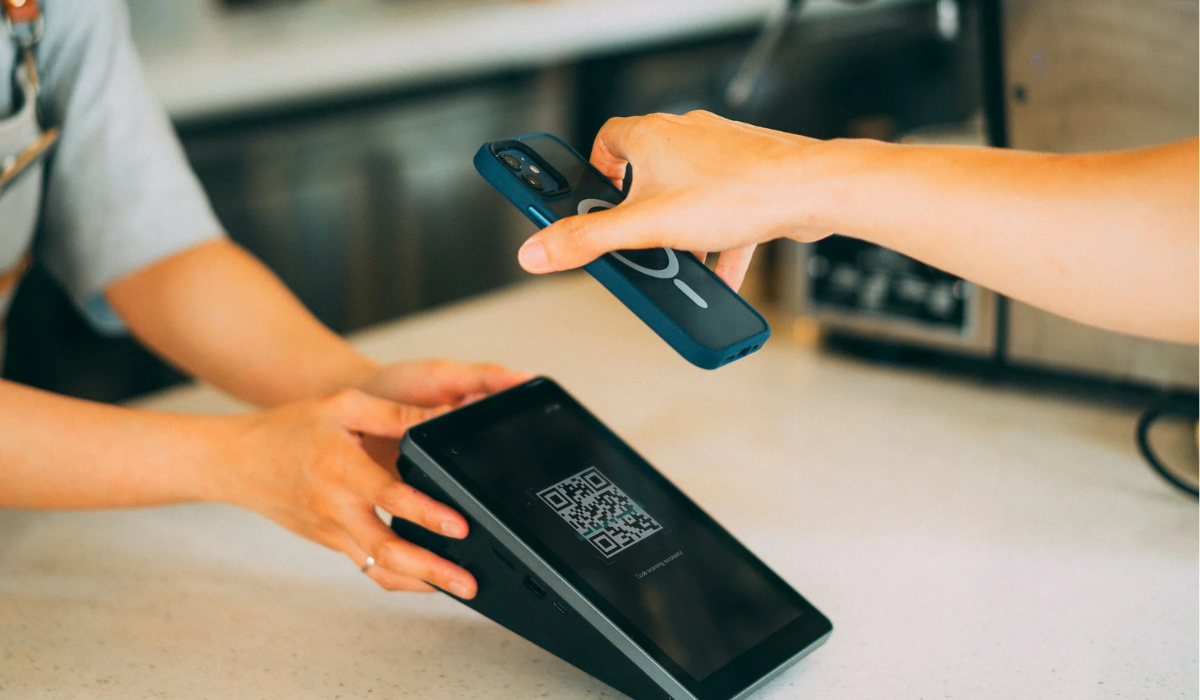
How Do You Scan A QR Code On Your Phone?
QR codes are two-dimensional barcodes that store information such as website links, contact details, or product information. Nowadays, these codes can be found on a wide range of items, from candy wrappers to billboards. By using your smartphone to scan these modern barcodes, you can quickly perform various actions like opening web pages, downloading apps, sending messages, and more.
Notably, many restaurants and bars have started using QR codes instead of traditional menus, and some stores even allow contactless payments through QR codes. So how do you scan a QR code on your phone? Whether you have an Android or iPhone device, the process is quite easy, just follow the steps outlined in the sections below.
How to Scan a QR Code on Your iPhone
- Open the Camera app on your iPhone.
- Position your iPhone so that the QR code is within the camera frame.
- Wait for a moment, and your iPhone will automatically recognize the QR code.
- A notification will appear at the top of the screen, displaying the information embedded in the QR code.
- Tap on the notification to open the associated link or perform the specified action.
- If you don’t spot the banner or QR icon, double-check that you have the Scan QR Codes feature enabled. To do this, go to Settings > Camera and tap the slider next to Scan QR Codes . You’ll know it’s activated when it turns green.
How to Scan a QR Code on Your Android
You can quickly and easily scan a QR code on your Android phone using the built-in camera app and following a few easy steps . Here’s how to do it:
- On your Android phone, launch the Camera app.
- Make sure the QR code is in the center of the screen, and hold your phone steady.
- Wait for your phone to recognize the QR code, which may be accompanied by a beep or vibration.
- If you see a notification, click on it to launch the link associated with the QR code.
- If you don’t see a notification, open the Settings app on your phone and turn on QR code scanning . Try scanning the QR code again after that.
How to Scan QR Codes Using Google Lens
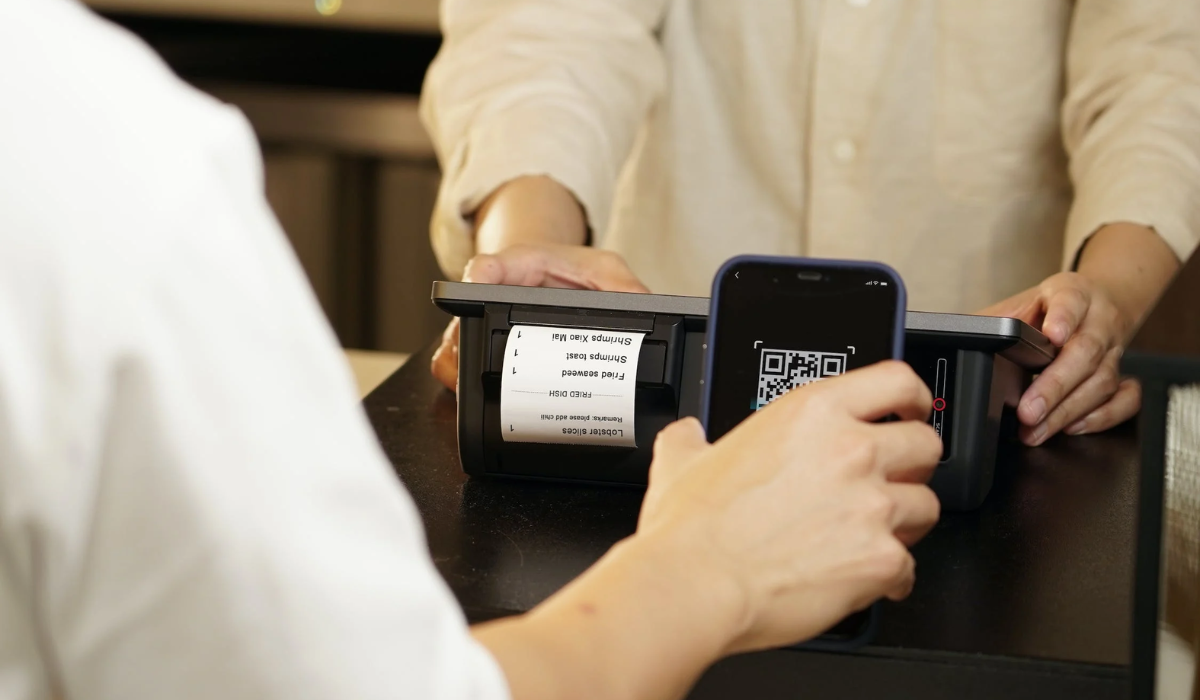
Google Lens is a tool integrated into your camera app that allows you to scan QR codes. It was initially available on Pixel phones but is now a standard feature on many Android devices. With Google Lens, you can do various things, like identify objects or translate text. But when it comes to using Google Lens to scan QR codes, there are a few ways you can do it. Here’s how you can use it to scan a QR code:
- Open the Camera app and tap the “ More ” (or three horizontal lines) button in the top left corner of the screen.
- Click on “ Google Lens ” and point your camera at the QR code you wish to scan.
- Google Lens should automatically recognize the QR code and notify you of the relevant link or content.
- To open the link or content, tap on the notification.
You can also use Google Assistant to activate Google Lens. Simply say “ OK Google ” to activate the assistant, then press the Google Lens symbol in the bottom right corner of the screen. No problem if this method doesn’t work on your phone. You can try the alternative method below.
- Start by opening the Google app from your app menu.
- Look for the camera icon, which can be found on the right side of the search bar. On the iPhone, you’ll see the Google Lens icon instead.
- Scroll down and select the image that contains the QR code you want to scan, or simply point your camera at the QR code.
- Google Lens can instantly identify the QR code and show you information about it in the search results. If the QR code has a webpage, you’ll find a button to visit it right at the top.
- Just tap on the button to visit the webpage.
Tip: It’s safer to use your phone’s built-in scanning features for QR codes to avoid malware. Third-party apps can be risky as hackers may hide dangerous code in them. Protect your personal info by using the native scanning features on Android or iPhone.
While third-party apps can be convenient and offer extra features, be cautious and ensure they are reputable and trustworthy. Generally, it’s advisable to use the built-in camera or official apps like Google Lens for scanning QR codes for security reasons.
To sum up, scanning a QR code on your phone is super easy and convenient. Simply follow the steps discussed above, and you’ll be able to scan QR codes effortlessly on both Android and iPhone devices. It’s a convenient way to access information and discover new things. Feel free to check out other useful resources to navigate smartphone usage easily.
