Add MobilityArena as a preferred source on Google
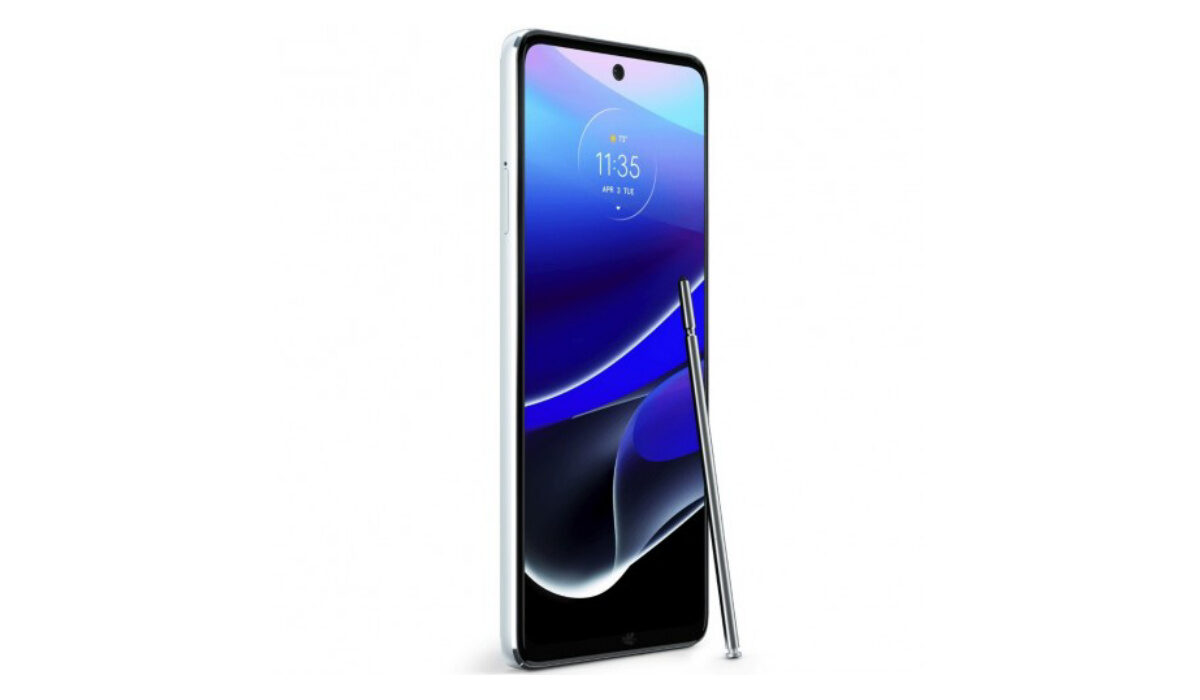
Since the launch of the Moto G Stylus 5G on April 27, 2022, it has had mixed reviews. Some love the device and some have one complaint or another. Do you have some problems with your Moto G Stylus 5G? We are going to be looking at some of those problems today.
Moto G Stylus 5G problem:Poor Battery Life
The Moto G Stylus 5G might have a 5000mAh battery capacity but users have complained about the battery draining fast. Some say it drains faster than the 2021 version. Here are some ways to improve or fix this issue.
• Antivirus and Cleaning Apps: Having apps like phone cleaner or other antivirus-based apps on your device can drain your battery at an alarming rate. They run in the background and drain your device’s battery life. Make sure to uninstall these apps.
• Screen Brightness: Screen brightness is a factor that most smartphone users are aware of but some still set the brightness bar so high and wonder why their phone battery is getting drained. It does not just drain your battery it heats your smartphone too, and that can cause it to ultimately lag. Set the brightness low to avoid these problems.
• Live Wallpapers: Live Wallpaper on your Moto G Stylus 5G might be beautiful and captivating to look at, I mean it is a cool feature to have on any smartphone but it will drain your device’s battery power faster than a normal wallpaper would because the processors on the phone are being engaged and having to light up bright images. So, you might have to sacrifice your precious live wallpapers if you want your battery to last longer.
• Multiple Running Apps: Another reason a lot of people aren’t aware of is leaving multiple apps open and running on your Moto G Stylus 5G. Honestly, it does not come to mind to clear them all up but they do drain the battery the longer you leave them. Clear all your apps on the app tab from time to time and how much smoother it is to run apps and games.
Moto G Stylus 5G problem:Unexpected Shutdowns
There have been a few reports about the Moto G Stylus 5G shutting down unexpectedly during calls. There are a couple of factors that can cause this issue. Here are some of them.
•If your Moto G Stylus 5G temperature has reached the maximum level, it can cause your device to immediately shut down regardless of what you’re doing, even while taking calls.
•Don’t use bulky back covers; this may cause heating problems due to improper ventilation.
•Check if your phone’s Internal Storage has left some space. If not, then this can be the reason for unexpectedly powering off.
•After applying the above steps, if the problem continues, then do a Factory reset on Moto G Stylus 2022. It will surely solve your problems.
Moto G Stylus 5G problem:Bluetooth Connectivity
One of the most common problems users have experienced with the Moto G Stylus 5G. Having problems with Bluetooth connectivity can prove to be problematic because it is a feature that is key to carrying out different activities or tasks. Here are some ways to fix this issue.
•Open the Settings bar on your Moto G Stylus 5G
•Then go to the System
•Select Advanced
•Now tap on “system update” and check if any latest update has been released, if you have it, download the update
•Then click on Reset Options
•Tap Reset Wi-Fi, Mobile & Bluetooth
•Finally, Hit Reset Settings
Note : A factory reset can take care of most, if not all, of these problems, as long as they are not physical. Whether or not you are ready to go through with that process is up to you.
These are some of the most common problems that users of the Moto G Stylus 5G have encountered since its release. Follow these steps and your device might just be back to its original state. If you have any other problems that were not mentioned, comment them down below and you will receive feedback.
- Don’t miss our mobile phone reviews .
- Follow our news on Google News .
- Join our WhatsApp Group , to be notified of the most important articles and deals,
- Follow us on Instagram , Facebook , Twitter , and YouTube .
Author:Flamez
Flamez loves basketball, art, gadgets and cars.
Add MobilityArena as a preferred source on Google
If you are hunting for an iPhone 12 case with card holder, it says that you are willing to make a good investment in securing your phone and convenience. There are different types of card holder cases, based on your preference e.g durability, style, simplicity and capacity. You need a case that can hold as many cards conveniently, while still maintaining style and durability. So, we hunted around to give you a few recommendations. Which is the best iPhone 12 case with card holder for you?
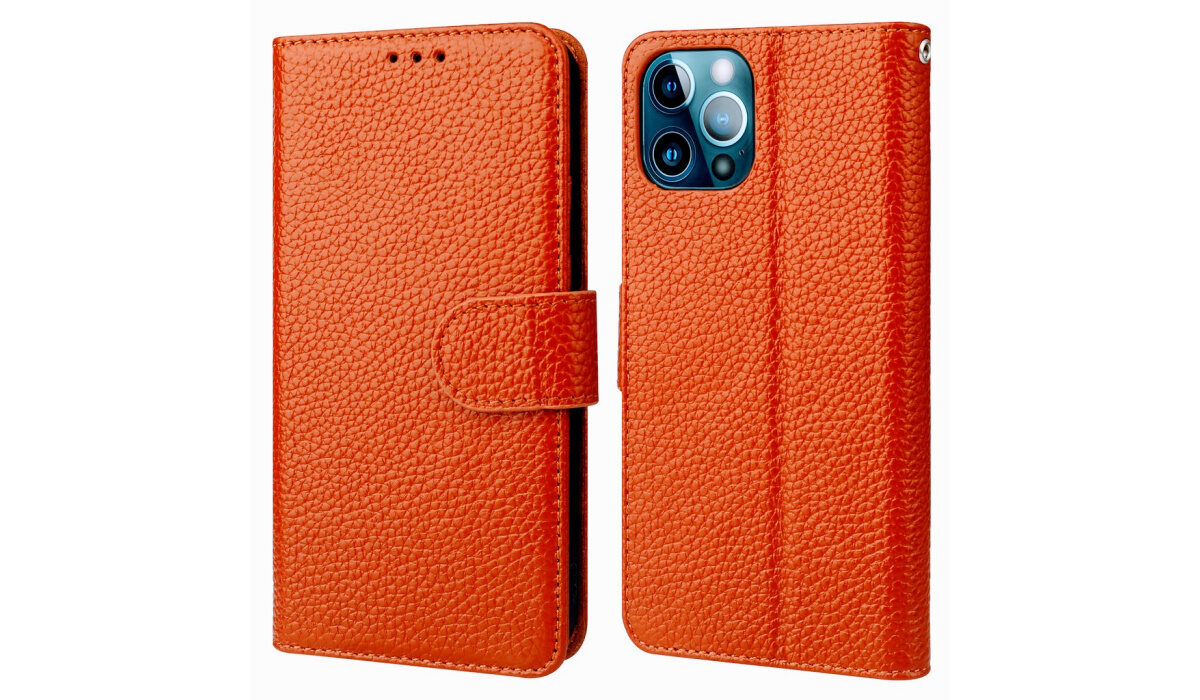
Onetop wallet case
- Onetop wallet case (the budget phone for you)
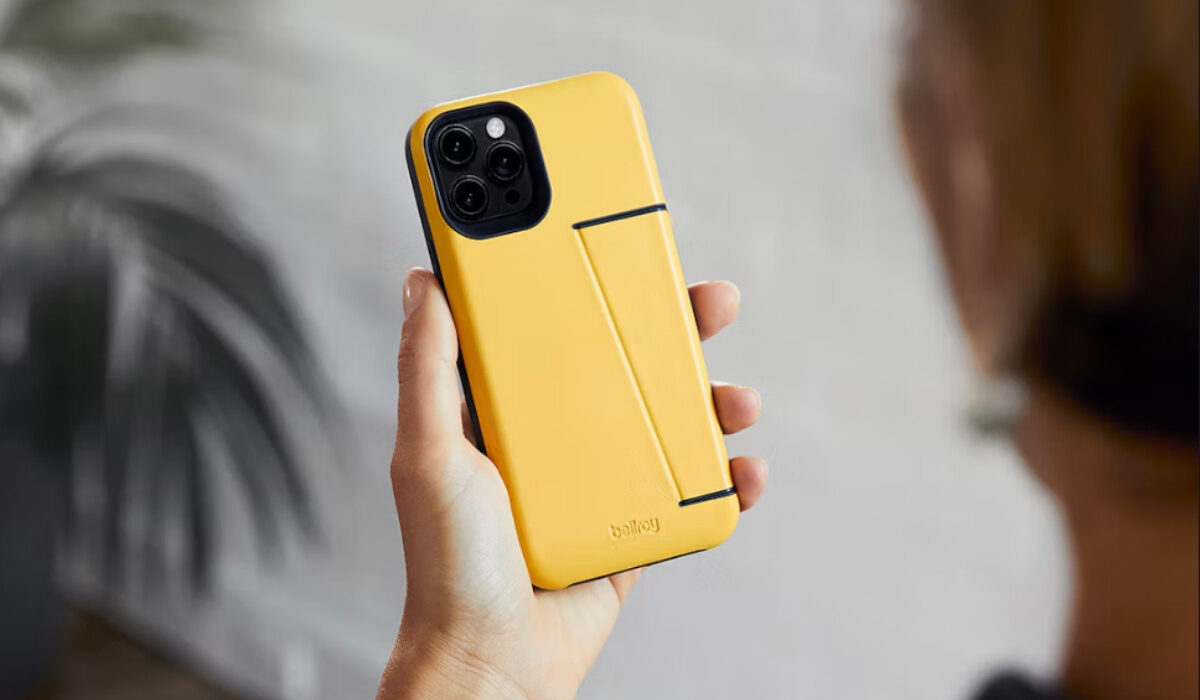
- Bellroy Wallet Case (the best hidden card holder case for your iPhone)
This minimalist case is made from premium leather and is eco-friendly. Another iPhone 12 case with card holder is the Bellroy wallet case. It has a card holder compartment at the back of the phone case which can hold 2 or 3 cards. That compartment is tucked into the side of the case which is not very noticeable. The Bellroy wallet case is one of the best iPhone 13 wallet cases with a card holder and is priced at $79 on Bellroy’s official site.
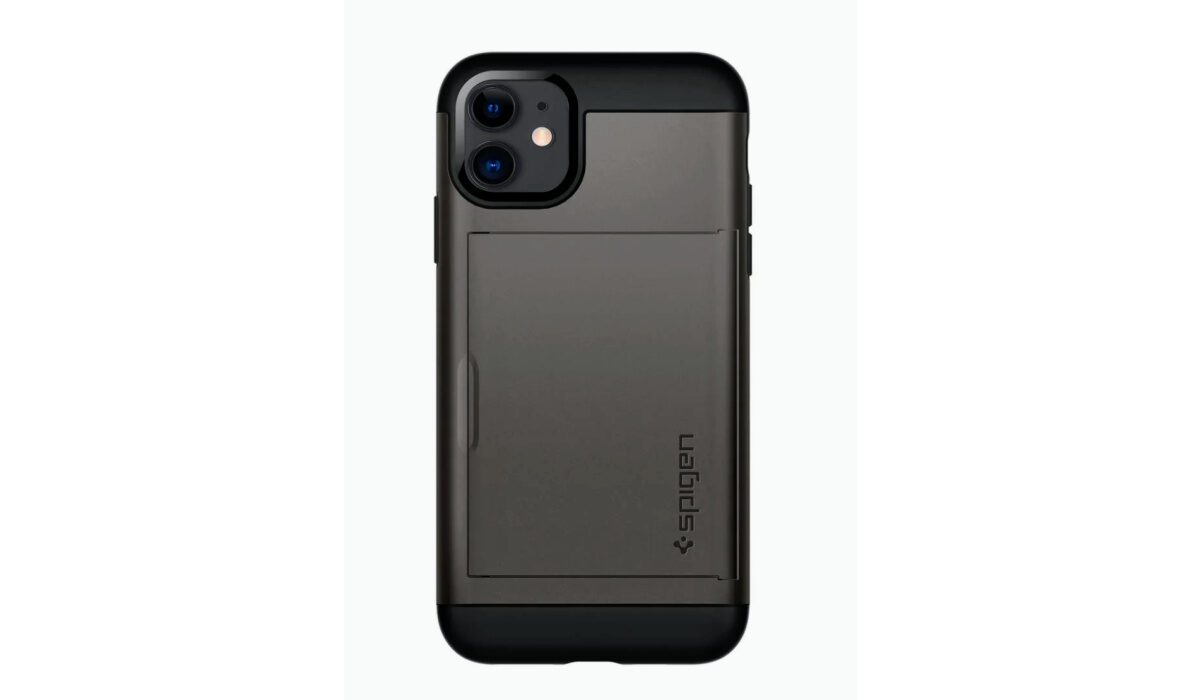
- Spigen Slim Armour ( the case with the best protection)
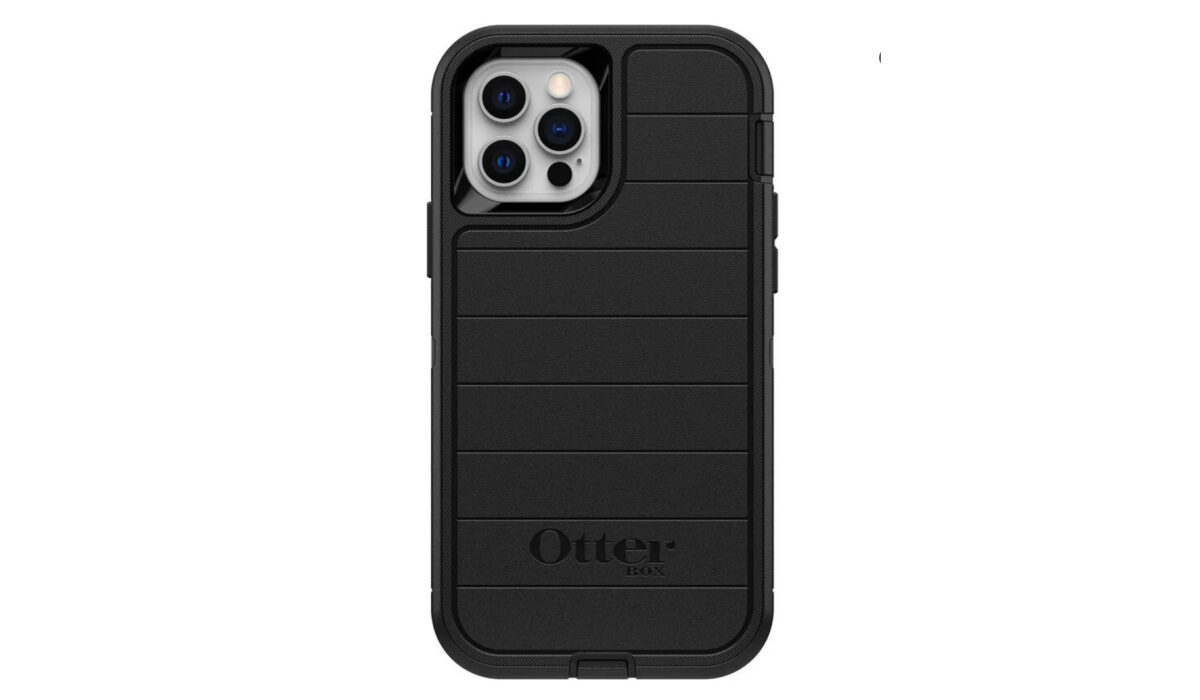
- OtterBox Premium Leather Case (a sturdy case with the best style)
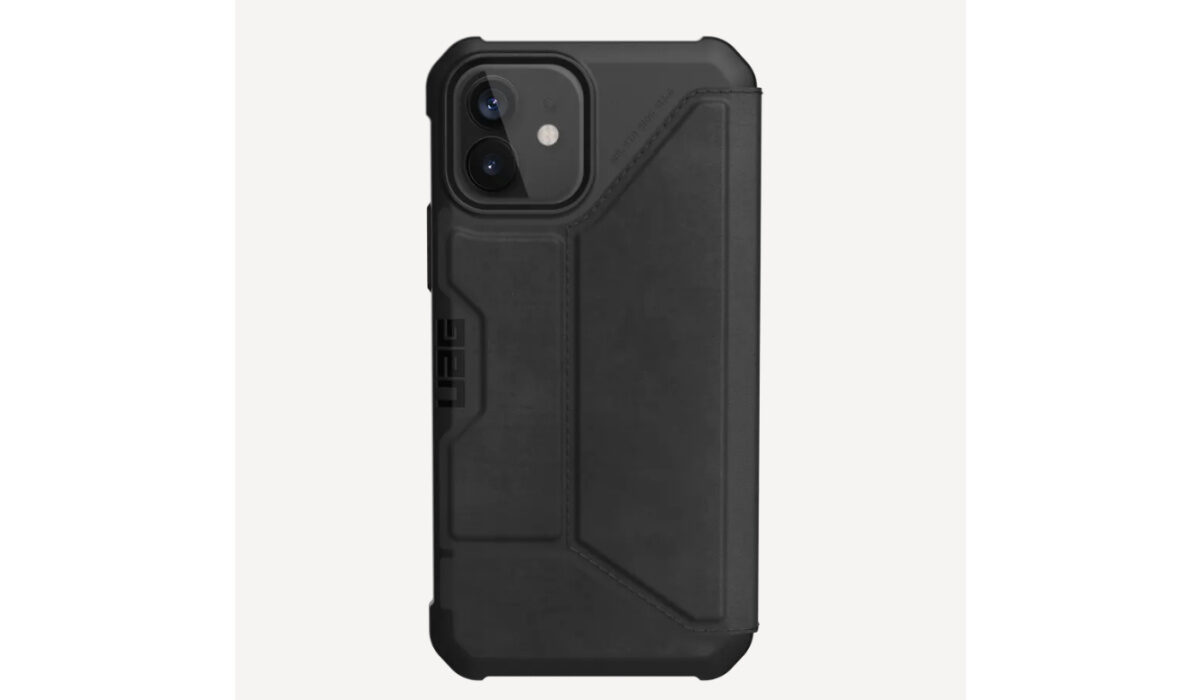
- URBAN ARMOUR GEAR UAG Case (the best shock protection case)
Which is the best iPhone 12 case with card holder?
These are the few recommendations we have given but there are still so many stylish, durable and protective cases with card holders out there. There are a lot of other cases like Nomad, Twelve South, Lucrin, Torro and many more. If you have no problem spending a little more on cases, the Nomad case or the Bellroy case is for you. If you want protection and style, the Spigen Slim Armor or the OtterBox case is a good investment. If you are on a budget, the Onetop case or the Spigen Slim Armor are good choices.
- Don’t miss our mobile phone reviews .
- Follow our news on Google News .
- Join our WhatsApp Group , to be notified of the most important articles and deals,
- Follow us on Instagram , Facebook , Twitter , and YouTube .
Author:Dun
Dun enjoys reading and writing, and is always on her smartphone. She currently uses a Google Pixel 3.
