Add MobilityArena as a preferred source on Google
The Moto Edge 50 Fusion and Moto Edge 50 Pro are alike in some ways, and different in others. Let’s have a look at the details.
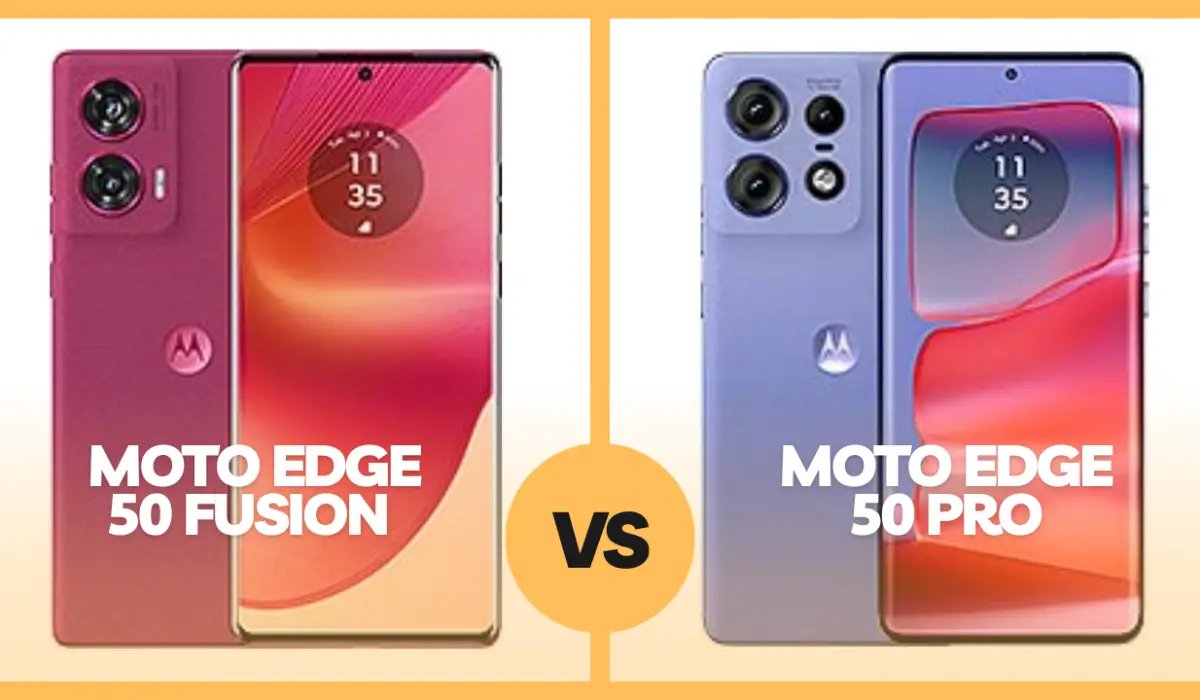
- Moto Edge 50 Fusion vs Moto Edge 50 Pro
- Similarities
- Differences
- Verdict
Moto Edge 50 Fusion vs Moto Edge 50 Pro
Here is a quick background or foundation for this comparison. Both devices are members of the Moto Edge 50 series and they were both announced in April 2024. As a matter of fact, they are similar in more ways than they are different, though the differences are significant enough to make you think carefully about your final buying choice.
Similarities
Looking at the Moto Edge 50 Fusion and Moto Edge 50 Pro, they are similar in appearance. The difference in their heights is so small that the human eye can miss it. And that is no surprise because, in addition to each having a 6.7-inch display, they both share similar design styles, with minor differences standing out mostly at the back. So, looking at them, placed side by side, from the front, you will be hard pressed to tell the difference between them.
They both have IP68 dust and water resistance (submersion of up to 1.5 meters depth for 30 minutes). Other shared features include dual SIM with eSIM support , stereo speakers, NFC, in-display fingerprint scanners, and the absence of a 3.5mm audio jack.
Differences
Now to the differences between the Moto Edge 50 Fusion and Moto Edge 50 Pro, we start with the thickness and weight. While they are almost the same height, the Edge 50 Pro is much thicker, clocking 8.3mm against the Edge 50 Fusion’s 7.9mm. The Edge 50 Pro is heavier too (186g vs 175g).
They have the same display size and type (OLED), but the Edge 50 Pro’s display has a higher resolution and refresh rate – 1220 x 2712 pixels and 144Hz respectively. The Edge 50 Fusion clocks at 180p resolution and 120Hz refresh rate.
At the top of the Edge 50 Fusion’s display is a 32MP selfie camera, while the Edge 50 Pro has a 50MP selfie camera with autofocus. Traditionally, selfie cameras are fixed focus, so auto focus here is a plus for the 50 Pro.
Still on cameras, when we flip both phones to the back, we find that, in addition to the 50MP wide and 13MP ultrawide lenses on both devices, the 50 Pro also has a 10MP telephoto camera with PDAF, OIS, and 3x optical zoom. That’s a solid bonus for shutterbugs who want better zooming capabilities in their camera.
The 50 Pro has WiFi 6 and more location/positioning options, if you are into adventuring and travelling off the beaten paths.
Coming down to battery, this is where the Edge 50 Fusion has its sibling beat: it has a 5000mAh battery while the 50 Pro has a smaller 4500mAh battery. Motorola makes up for that smaller battery by including wireless charging (50W) and reverse wireless charging (10W) in the Edge 50 Pro.
And while the Fusion does only 68W wired charging, the Pro goes all the way to 125W charging via a compatible cable. And the difference in real terms is huge. The 68W fast charging charges the Fusion from zero to 50% in 15 minutes, while the 125W fast charging takes the Pro from zero to 100% in 18 minutes flat. That is a massive difference. I want some of that, please!
I must not forget to touch on the processors. The international version of the Fusion has a Snapdragon 7s Gen 2 chipset while the Pro has a Snapdragon 7 Gen 3 chipset. Of course, the latter is the more powerful of the two.
Verdict
The Moto Edge Pro is the more advanced of the two devices, and it is also the costlier of the two. But choosing it has a price that goes just beyond finances; you have to give up some battery life, and that sucks. It would have been perfect if Motorola put a 5000mAh battery in that beauty.
That aside, if you had to choose between the Moto Edge 50 Fusion and Moto Edge 50 Pro (with cash not being an issue), what would your decision be? Personally, the smaller battery capacity and thicker profile of the 50 Pro irks me, but the more capable processor, better cameras, and better charging options, are all significant. I will take the Pro in a heartbeat. We don’t always get everything we want; do we?
But if cash is an issue, you will have to settle for the Edge 50 Fusion. It costs only $450, while the 50 Pro costs $565. In Germany and other European Union counteies, their prices start from €349 and €449 respectively. In the UK, the Moto 50 Fusion clocks at about £385, while the 50 Pro clocks at £486.
Author:Mister Mobility
Digital Skills and Communication Coach | Mobile Phone Connoisseur since 2001 | Tech Blogging since 2004
Add MobilityArena as a preferred source on Google
After doing a factory reset, some Pixel 6, 6 Pro, and 6a owners have had their phones bricked. It looks like a problem that requires a software update fix from Google, but until then, here are steps on how to factory reset Pixel 6 devices without bricking them.
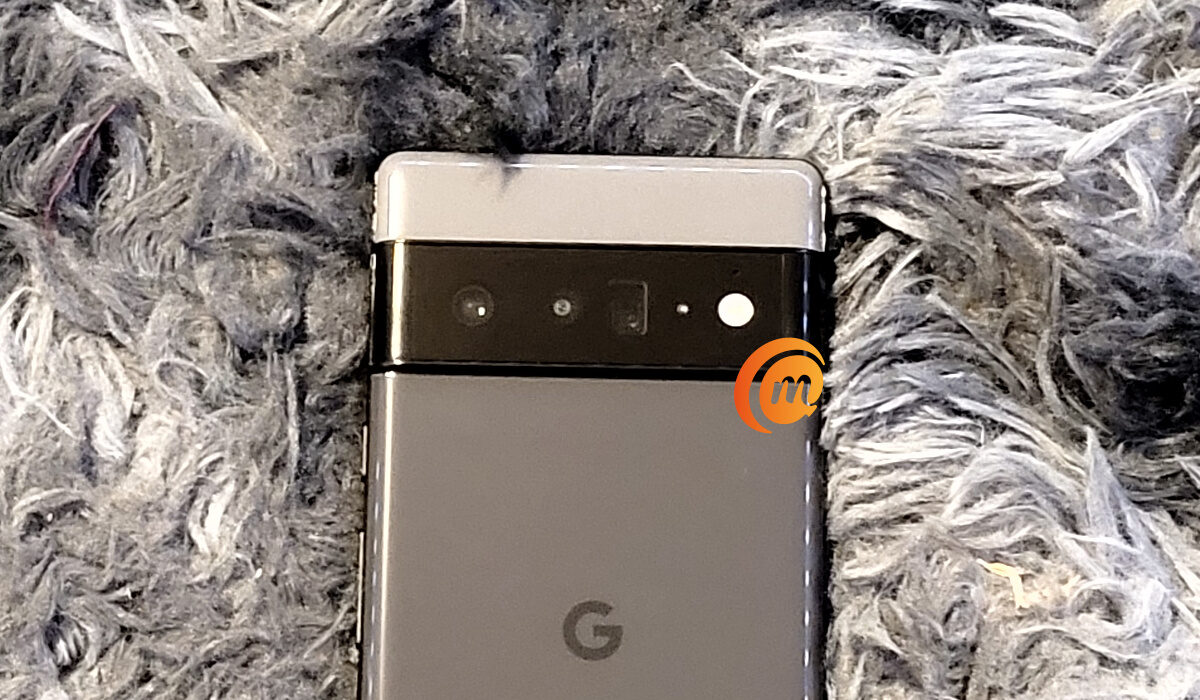
The issue looks like it sprang from software updates downloaded and installed to Pixel 6 devices. After those updated, factory resetting a Pixel 6, Pixel 6 Pro , or Pixel 6a has become a risky affair, and likely to result in having your device bricked.
From the feedback available on online forums, the issue causes a booting problem such that when the device attempts to boot, it returns an error message saying that the device “cannot load Android system” and advising that the user carry out another factory reset.
The full the error message says:
“Cannot load Android system. Your data may be corrupt. If you continue to get this message, you may need to perform a factory data reset and erase all user data stored on this device.”
Of course, carrying out another factory reset doesn’t fix the problem. It is an endless loop.
To factory reset Pixel 6 device without bricking it
If you need to factory reset your Pixel 6 device, you need to remember whether you recently installed a system update. If you didn’t install any update on the last one month or so, you should be able to reset it without any fear of running into trouble. Unfortunately, the offending update has not been identified, so we can’t help with any info to help you tell which one it is.
However, if you have installed a software update recently, you need to leave your Pixel 6 device “powered on and idle for 15 minutes after it has rebooted following a system update.” You should be able to safely wipe the phone after that.
If you have already bricked your Pixel 6 device
If you have already done a factory reset of your Pixel 6 and bricked it, you will have to wait for Google to come up with the fix. The company says it has “identified the root cause of the issue and is working on developing the best possible solution.”
We will update this article with details of the Google fix when it is released. Hang in there and stay tuned.
Author:Mister Mobility
Digital Skills and Communication Coach | Mobile Phone Connoisseur since 2001 | Tech Blogging since 2004
