Add MobilityArena as a preferred source on Google
The Moto G 5G is a great example of a budget phone done right. It has great features for a phone that costs that little, but it has problems that might scar the great experience you could have with this device. We are going to be looking at those problems today.
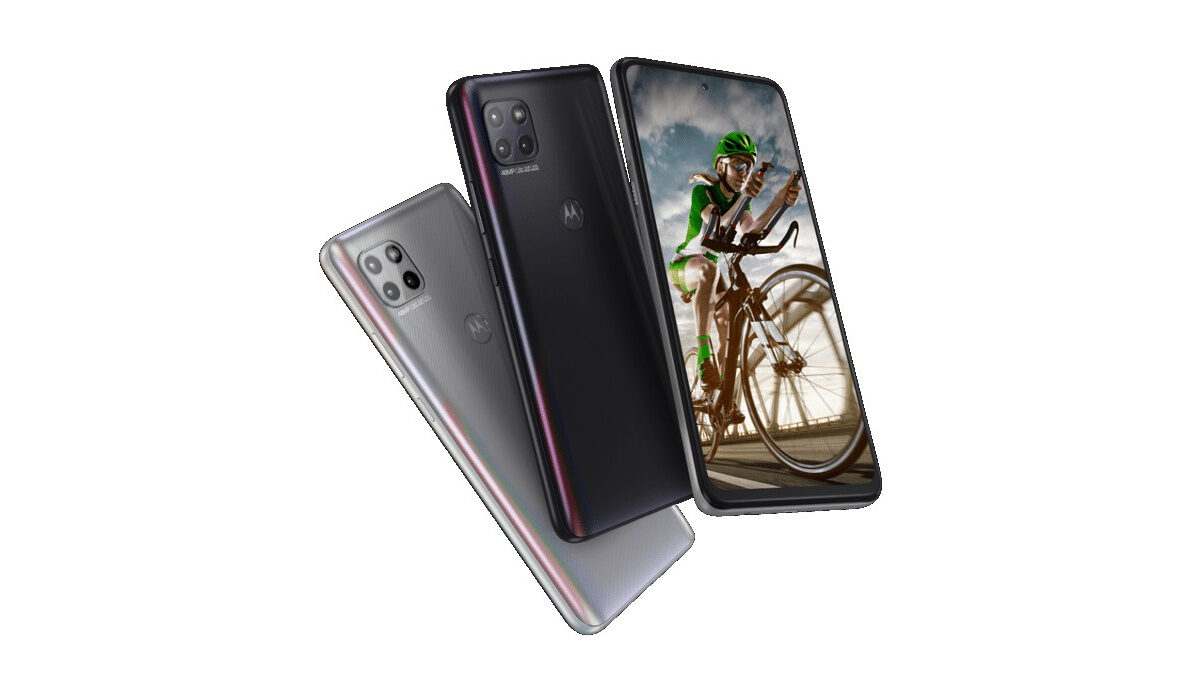
A look at common Motorola Moto G 5G problems and their fixes
- Motorola Moto G 5G problem 1: Fast battery drainage
- Motorola Moto G 5G problem 2: Dropping calls
- Motorola Moto G 5G problem 3: Overheating
- Motorola Moto G 5G problem 4: Black Screen
- Motorola Moto G 5G problem 5: Poor camera quality
MotorolaMoto G 5G problem1:Fast battery drainage
A lot of users who recently got the Moto G 5G or purchased the device a long time ago, have all complained heavily about how fast the battery of the device dies. Some say it only lasts about 5-6 hours. Some say 6-7 hours tops, and that’s on moderate use only. Imagine trying to play a heavy game that also requires a network connection. I mean, I would not want to have to charge my phone 3-4 times a day. The Moto G 5G’s battery power itself does not last very long but here are some ways to possibly reduce how fast your battery drains.
•Playing games that require a network connection and have high-quality graphics will drain your battery quickly. So, you might need to cut down on some gaming time. Just so your Moto G 5G can last a little longer.
•Charging your Moto G 5G past 100% for a while can diminish the durability of your phone’s battery. You have to always look out for when it hits the 100% mark and unplug your charger. The more you overcharge it, the more the lifespan weakens.
•Turning off connectivity options like Wi-Fi, data connection, Bluetooth, GPS, e.t.c. when they are not in use will help you maintain a long-lasting battery. Leaving even one or a combination of any one of these options will eat your battery up. Try as much as possible to remember to put them off when you are done with whatever activity you might be engaging in.
•How high your screen brightness is can be the cause of your battery draining fast. Try to get used to using your device on low-level brightness, it saves a lot of power.
MotorolaMoto G 5G problem 2: Dropping calls
If you are having problems with dropping calls on your Moto G 5G, you might need to reboot your device. Rebooting it will re-established a connection with your mobile network. You can also try turning on Airplane mode for a few seconds and turning it off again.
Motorola Moto G 5G problem 3: Overheating
Overheating is a common issue among smartphones that can leave you frustrated over time because other problems tend to spawn from it. And quite several users have complained about overheating on the Moto G 5G. The most common causes of overheating are the level of screen brightness on your device and constant/heavy use of your device’s processor. Smartphone manufacturers usually roll out firmware updates to fix problems like this when it becomes rampant across different users and worsens in terms of how much damage it does to the device. So, be sure to look out for any updates on your Moto G 5G. Here are some ways to fix or reduce overheating.
•If you are someone who plays a lot of games or games heavily, you might need to cut down on the amount of time you spend gaming, unless, no matter what you try to do your phone will always overheat because of the kind of games you are playing. A perfect example of a game like this is Call of duty: Mobile.
•Cleaner and Antivirus based apps cause serious overheating and lag when they are opened or activated. If you have any of these two on your Moto G 5G, delete them.
•Leaving your Wi-Fi, Bluetooth, Hotspot, GPS, e.t.c. on for some time will cause overheating. Turn them off when you are not using them.
•Using your Moto G 5G while charging will also cause it to overheat. Especially when you are playing games and charging. It is probably the worst combination you can attempt. Try as much as you can to let your phone charge before using it.
Motorola Moto G 5G problem 4: Black Screen
Some users have complaints about a black screen popping up whenever they have outgoing or incoming calls from anyone. To fix this, go to your settings. Find Developer Options and disable the blur. This should solve this issue.
MotorolaMoto G 5G problem 5: Poor camera quality
There have been so many complaints about how poor the camera quality of the Moto G 5G is. If you are someone that likes taking pictures, you probably need to get a different phone that suits your needs.
Follow these instructions above and you should be stress-free and problem free. If you have any other problems that were not mentioned, comment them down below and we will get back to you
- Don’t miss our mobile phone reviews .
- Follow our news on Google News .
- Follow us on Instagram , Facebook , Twitter , and YouTube .
Author:Flamez
Flamez loves basketball, art, gadgets and cars.
Add MobilityArena as a preferred source on Google
First, is there really a need for antivirus for iPhone and iPad? Protecting mobile devices from malicious programs has become very important nowadays. Since iPhones and iPads use the cutting-edge security feature known as “sandboxing,” which stops apps from changing any other apps, files, or processes on your device, iOS “antivirus” apps typically don’t conduct standard antivirus screening.
In other words, when most people refer to “antivirus for iOS,” they really mean “internet security for iOS,” which includes a wide range of capabilities like anti-phishing, fraudulent SMS message prevention, and Wi-Fi network scanning that keep iPhones and iPads safe. Now, if this sounds like something your smartphone can benefit from, we’ve presented three of the best free antivirus tools to protect your iOS devices.
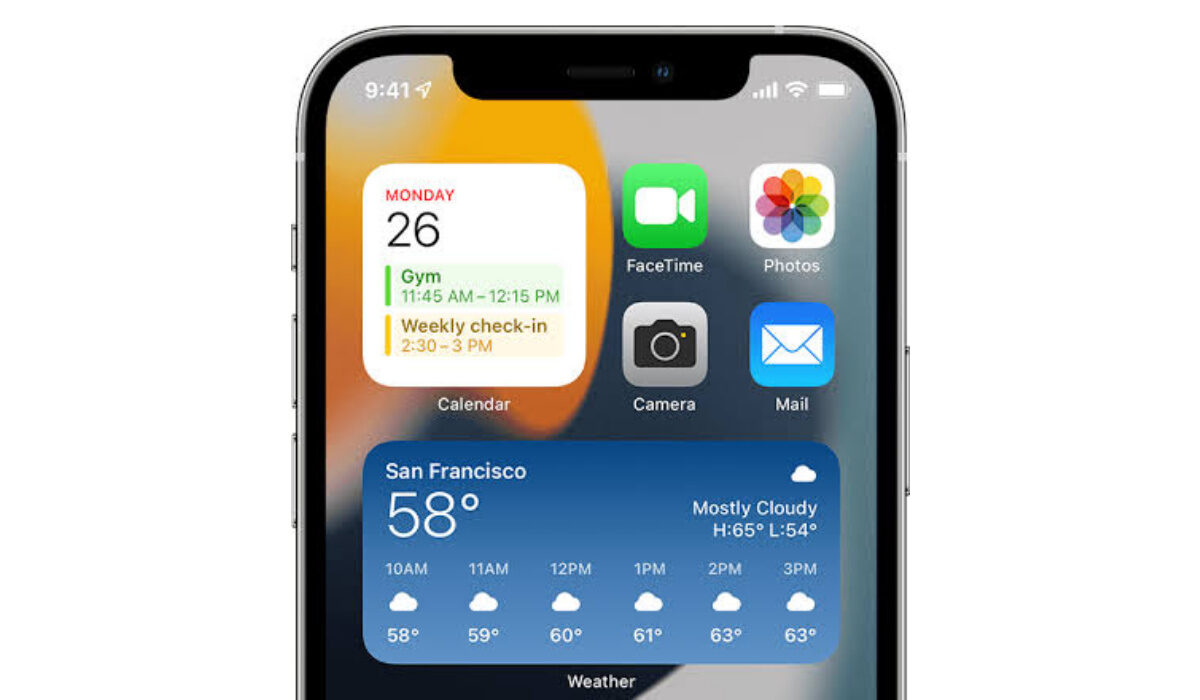
Which is the best free Antivirus for iPhone?
Note that each of the apps below can be used for free with access to basic protection, but if you need more advanced or stronger layer of protection, you will have to upgrade.
- Norton Mobile Security
- McAfee Mobile Security
- Avira Mobile Security
- The best free antivirus for iPhone and iPad: Final Words
Norton Mobile Security
Sincerely, Norton provides the best security tools for iOS, such as:
- Anti-phishing measures.
- Protection from malicious SMS messages.
- Protecting iOS calendar invites from scams.
- VPN (with unlimited data).
- Security checking of WiFi.
- Advanced identity theft protection (using LifeLock technology from Norton).
The finest phishing protection available is provided by Norton, which finds more dangerous, phony, and fraudulent websites than any other iOS app. In addition to keeping you secure while online, its web protection also checks emails, chats, social media apps, and even calendar invites to stop you from going to websites and clicking on links that could endanger your device or data.
Compared to other apps on our list that offer comparable services, Norton’s identity theft monitoring is far superior. Most apps only check email addresses for breaches, but Norton also checks for stolen addresses, phone numbers, insurance information, bank account information, driving license information, credit card information, and more.
The price of Norton Mobile Security is also very reasonable compared to many other premium iOS security apps, but it only offers coverage for one device. However, Norton 360 Deluxe ($49.99/year) covers up to five different devices, including Macs, PCs, and Android smartphones, if you need to protect more than one device.
McAfee Mobile Security
A great selection of iOS security capabilities are available in the incredibly user-friendly McAfee Mobile Security app. The 30-day money-back guarantee on its multi-device plans lets you test it out and decide whether it’s the best fit for you even though it’s not completely free.
The web protection offered by McAfee is really impressive; it stops users from visiting numerous verified phishing websites, including bogus banking login pages. Although its web security isn’t as sophisticated as Norton’s, it is still superior to the majority of iOS security apps.
The iOS app for McAfee also has:
- Wi- fi scanner
- VPN (with unlimited data).
- alerts for data breaches.
- tracking of identities.
- system check (automatic checks for new updates).
The Wi-Fi scanner provided by McAfee is fairly effective; it is an on-demand scanner that will alert you if you are connected to a dangerous Wi-Fi network.
You’ll enjoy the VPN feature as well, and it’s really easy to set up. The VPN offers reasonable speeds, but you might be disappointed to learn that you cannot select a server location—it always selects the one that is nearest to you.
Avira Mobile Security
More free features are offered by Avira Free Mobile Security for iOS than by any other free iOS apps, and all of these features are practical, easy to use, and create an extra layer of security for iPhones and iPads. Surely, this also qualifies to be crowned as the best free antivirus for iPhone and iPad. But we will leave that final choice to you.
The Privacy Manager feature of Avira’s iOS app, a downloadable iOS profile that stops Siri from sharing your data with Apple, is one of the features you’ll love the most. Once installed, this profile stops Siri from logging commands on Apple’s servers, which is great if you’re trying to limit the amount of personal data that big corporations can gather from you.
Numerous other security measures are also available with Avira Mobile Security, such as:
- VPN (100 MB daily limit).
- Anti-theft defense.
- Network scanner.
- Device examiner.
- Photo management software.
- Contact backup.
- Updater for iOS.
- Call blocker
We love Avira’s VPN because it offers quick, secure access to the internet and a no-logs guarantee, ensuring that your browser history is completely secret.
However, the VPN only allows you to connect to one server location and has a daily cap of 100 MB. You can get unlimited data and a selection of international server locations by upgrading to Avira Phantom VPN Pro ($4.09/month).
You must upgrade to Avira Prime Mobile, which is offered as part of the larger Avira Prime antivirus package or for a monthly subscription, if you want online safeguards, a VPN without restrictions, and a secure password manager.
Other free antivirus for iPhone and iPad include Lookout Personal , Kapersky , TotalAV and Panda Dome , among others. All of these antivirus tool options offer great value either for free, or at minimal and affordable prices.
We established that iOS devices do not need an antivirus in the traditional sense of the word. They do need some protection from internet-related security issues and a lot of people simply use the term “antivirus” when talking about tools that provide that protection.
Make sure to choose the best free antivirus for iPhone that works for you, depending on your needs and use it to keep your device free from malicious or harmful processes, among other functions. If you’ve benefited from this article, don’t hesitate to recommend it to your friends and loved ones.
Related : The Best Free Antivirus for Android .
