Add MobilityArena as a preferred source on Google
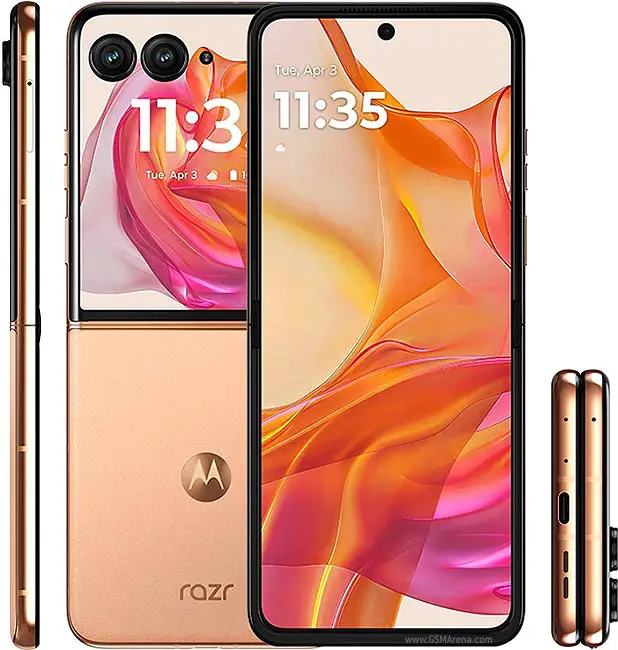
The Motorola Razr+ 2024 is a remarkable addition to the foldable smartphone market, featuring a sleek design and innovative technology. One of its standout features is the external display, which allows users to interact with apps and notifications without fully opening the device. However, some users have reported functionality issues that can hinder their overall experience. These challenges can range from app compatibility limitations to inconsistent performance and limited customization options. By addressing these issues effectively, you can maximize the potential of your device and enjoy all the features it has to offer. With a little attention to detail and some straightforward fixes, you can enhance your interaction with the external display, making it a valuable tool in your daily routine. Whether you’re checking notifications on the go or quickly responding to messages, resolving these functionality concerns will significantly improve your overall satisfaction with the Motorola Razr+ 2024. Let me show you some of these common challenges and explore how to overcome them!
- Common External Display Functionality Issues & Solutions App Compatibility Limitations Missing Features in Phone App Inconsistent Performance Limited Customization Options
- Conclusion
Common External Display Functionality Issues & Solutions
App Compatibility Limitations
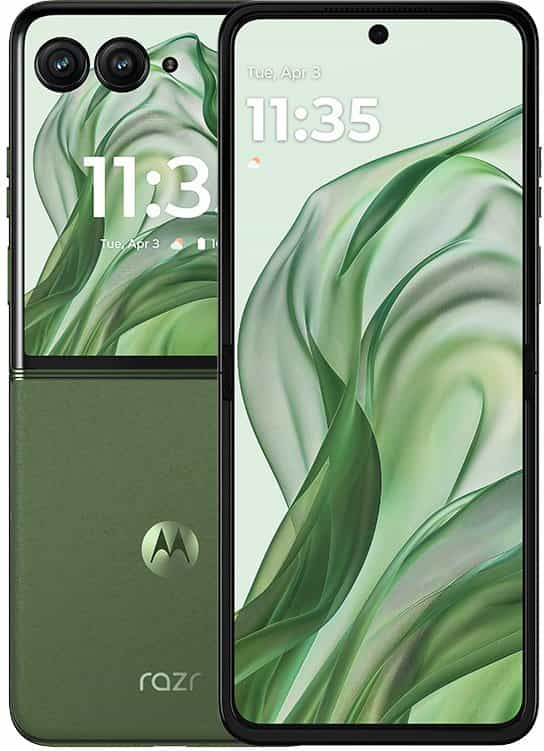
Many users of the Motorola Razr+ 2024 have encountered issues with certain apps not functioning properly on the external display. While the cover screen allows for quick access to notifications and basic tasks, not all applications are optimized for this feature, limiting usability. In order to get this resolved, regularly check for software updates. Here is how to update:
- Ensure your device is running the latest software version. Go to Settings > System > System updates and check for any available updates. Keeping your software current can resolve many compatibility issues.
Missing Features in Phone App
Some users have of the Motorola Razr+ 2024 reported that the external display does not recognize the Google Phone app, preventing access to favorites and recent calls when the device is closed. This can be frustrating for those who rely on quick access to their contacts. I recommend you do the following:
- If certain apps are not functioning on the external display, check if there are specific versions or updates available that enhance compatibility. Sometimes, developers release updates that optimize their apps for new features.
Inconsistent Performance

Users of the Motorola Razr+ 2024 have noted that sometimes the external display fails to respond promptly or does not show notifications as expected. This inconsistency can detract from the overall user experience, making it feel less reliable. I recommend you do the following:
- Restart Your Device: If you experience lag or unresponsiveness, try restarting your device. This simple step can often resolve temporary glitches.
- Clear Cache: Navigate to Settings > Apps , select any problematic app, and clear its cache to improve performance.
Limited Customization Options

While the external display offers some customization, users often desire more options to personalize their experience, such as additional widgets or shortcuts. Personalizing your display, here is how to:
- Personalize Your Display: Go into Settings > Display > Cover Display Settings to adjust what appears on your external screen. While options may be limited, customizing what you can will enhance your interaction with the device.
Conclusion
The Motorola Razr+ 2024 offers an exciting blend of style and functionality, particularly with its innovative external display feature. However, addressing common functionality issues such as app compatibility limitations, phone app recognition problems, inconsistent performance, and limited customization options is essential for maximizing your experience. By implementing these practical solutions—keeping your software updated, ensuring app compatibility, fixing recognition issues, managing performance glitches, and personalizing your settings—you can significantly enhance your interaction with this unique foldable smartphone. Embrace these strategies as opportunities to optimize your Motorola Razr+ experience and enjoy all that this remarkable device has to offer!
Author:Ifeoluwa Adeleke
Add MobilityArena as a preferred source on Google
Let’s start by making sure we have the basics clearly defined. By definition, a Verizon phone is one that you obtained from Verizon Wireless. This is whether you paid anything for it or got it for “free”.
A locked phone will only work with the carrier to which it is locked. So, a locked Verizon phone will work only with a Verizon SIM card. An unlocked smartphone is usable with SIM cards from other carriers.
Key takeaways
- Every phone – prepaid or postpaid – you buy from Verizon Wireless is locked to their network.
- If you get a free phone from Verizon, it is locked to their network.
- The only way to use an unlocked phone on Verizon is to bring your own device.
- Verizon locks all phones sold on their network
- How long are Verizon phones locked for?
- How to get a free cellphone on Verizon Wireless
- If you bring your own device to Verizon, does it get locked?
- How to unlock a Verizon phone
- Why Verizon Wireless phones are locked
- Will a locked phone work when roaming on another carrier when travelling?
Verizon locks all phones sold on their network
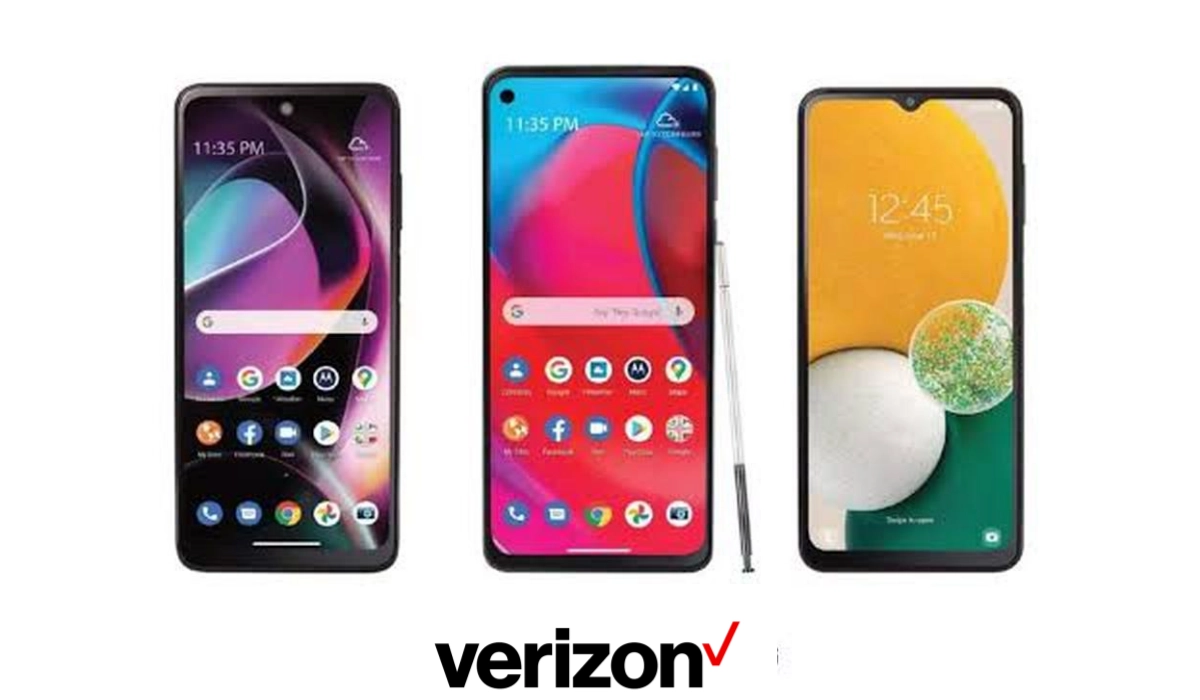
In 2019, Verizon implemented a policy that locks all devices purchased from them. This is whether you buy it directly from Verizon or through one of their retail partners.
This is also applicable to discounted and “free” phones that you get from Verizon Wireless through special deals or offers.
This policy also covers smartphones and tablets purchased at full retail price or on a device payment agreement. In other words, it does not matter how you get the phone from Verizon, every Verizon phone or device is locked on activation.
How long are Verizon phones locked for?
All Verizon phones are locked for 60 days from the date of purchase. This policy applies to new and existing customers and customers porting their service to another carrier.
How to get a free cellphone on Verizon Wireless
Every now and then, Verizon Wireless offers a smartphone for $0 or free. Usually, the condition to qualify for this free phone is that you buy one of the Unlimited Welcome, Unlimited Plus, or Unlimited Ultimate plans.
For example, after the launch of Samsung Galaxy S24 FE , Verizon Wireless offered this $649 smartphone for free to individuals who buy one of those plans. The deal may still be on, so do check it out .
If you bring your own device to Verizon, does it get locked?
Not at all. If you bring your own device to the Verizon Wireless network, it does not get locked to the network. You will be able to use it with any compatible carrier. No restrictions.
How to unlock a Verizon phone
If you are not a military service personnel, there is no way to unlock a Verizon phone before the 60-day period after purchase.
Verizon Wireless locks all new phones purchased (even for $0) on the network for 60 days after activation and automatically unlocks them after 60 days.
So you do not have to do anything to unlock a Verizon cell phone. It will happen automatically.
If you cancel your Verizon service before the 60-day period, your phone stays locked till the 60-day term ends.
If you port out your number from Verizon Wireless to another carrier, your Verizon phone will stay locked until the 60-day term ends.
Why Verizon Wireless phones are locked
Verizon says that it locks all devices from the network for 60 days from purchase. Why? To serve as a deterrent to theft and to prevent fraud.
If a Verizon phone or tablet is not reported as lost or stolen and is not flagged for fraud, it will be automatically unlocked 60 days after purchase.
Will a locked phone work when roaming on another carrier when travelling?
Yes, using a locked smartphone doesn’t affect roaming. You will be able to use a locked device to roam on another carrier’s network when travelling.
Author:Mister Mobility
Digital Skills and Communication Coach | Mobile Phone Connoisseur since 2001 | Tech Blogging since 2004
