Add MobilityArena as a preferred source on Google
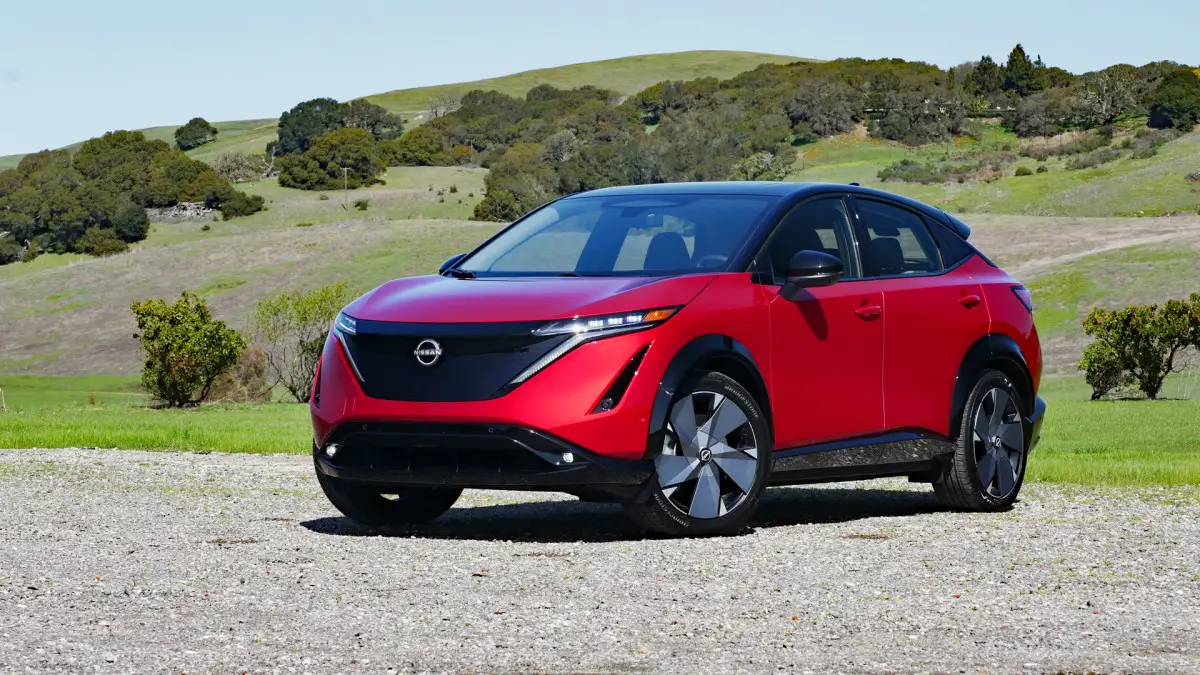
The Nissan Ariya EV has gained attention for its sleek design, advanced technology, and impressive performance (with a 4.4 ratings on cars.com ) in the electric vehicle market. However, as with any new vehicle, users have reported some challenges. From complaints about limited driving range to difficulties with the hatch and audio quality, many users have shared their frustrations. Additionally, concerns about the one-pedal driving feature not being easily adjustable and the lack of storage space in the center console have also been highlighted. These issues can detract from the overall enjoyment of this innovative EV . By addressing these common complaints with practical solutions, you can ensure a smoother and more satisfying ownership experience with your Nissan Ariya EV. In this article, I have put together, these issues and explore practical solutions to enhance your Nissan Ariya experience.
- Limited Driving Range
- Difficulties with the Hatch
- Audio Quality Issues
- One-Pedal Driving Settings
- Air Conditioning Controls
- Charging Port Visibility
- Conclusion
Limited Driving Range
Many users have expressed concerns about the Nissan Ariya EV’s driving range, particularly when compared to competitors like Tesla. Some drivers report that the estimated range decreases significantly after a few months of use. To have a better experience with long range driving, I recommend the following:
- Monitor Driving Habits: Adjust your driving style to improve efficiency. Smooth acceleration and deceleration can help maximize range.
- Use Eco Mode: Activate Eco Mode to optimize energy consumption during drives.
- Plan Charging Stops: For longer trips, plan charging stops in advance using apps that show charging station locations along your route.
Difficulties with the Hatch
Some users find the hatch hard to close, especially if they are shorter or lighter in stature. Consider doing the following:
- Use Both Hands: When closing the hatch, try using both hands to apply even pressure.
- Consider an Accessory: Look into aftermarket accessories that may provide a better grip or leverage for closing the hatch more easily.
Audio Quality Issues
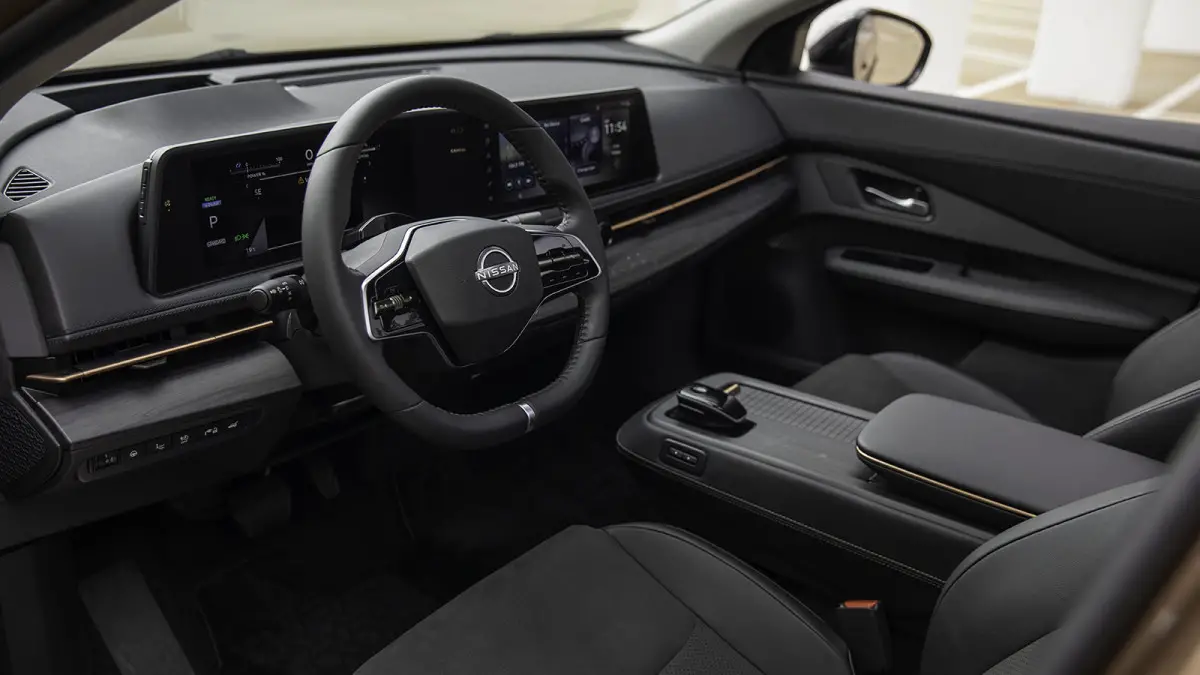
Several users of the Nissan Ariya EV have reported dissatisfaction with the audio system, specifically regarding the lack of an equalizer to adjust sound frequencies. If you’re experience the same, a little adjustment will resolve this issue:
- Check Settings: Explore the audio settings in your infotainment system to see if there are any hidden options for sound adjustments.
- Upgrade Speakers: If audio quality remains an issue, consider upgrading to higher-quality aftermarket speakers that can enhance sound performance.
One-Pedal Driving Settings
Some drivers of the Nissan Ariya EV have noted difficulty finding the option to enable one-pedal driving as a default setting. Follow these recommendations to get it fixed:
- Access Settings Menu: Navigate through the vehicle’s settings menu and look for driving preferences. Ensure you save your preferences after making changes.
- Consult the Manual: Refer to the owner’s manual for specific instructions on enabling one-pedal driving and saving it as a default option.
Air Conditioning Controls
Users have mentioned that accessing air conditioning controls of the Nissan Ariya EV can be cumbersome, as there is no dedicated button for AC; it is found within a submenu. This can be frustrating. I recommend you do the following:
- Familiarize Yourself with Controls: Spend some time getting accustomed to the infotainment system layout so you can navigate quickly when needed.
- Voice Commands: Utilize voice commands (if available) to adjust climate control settings without having to navigate through menus.
Charging Port Visibility
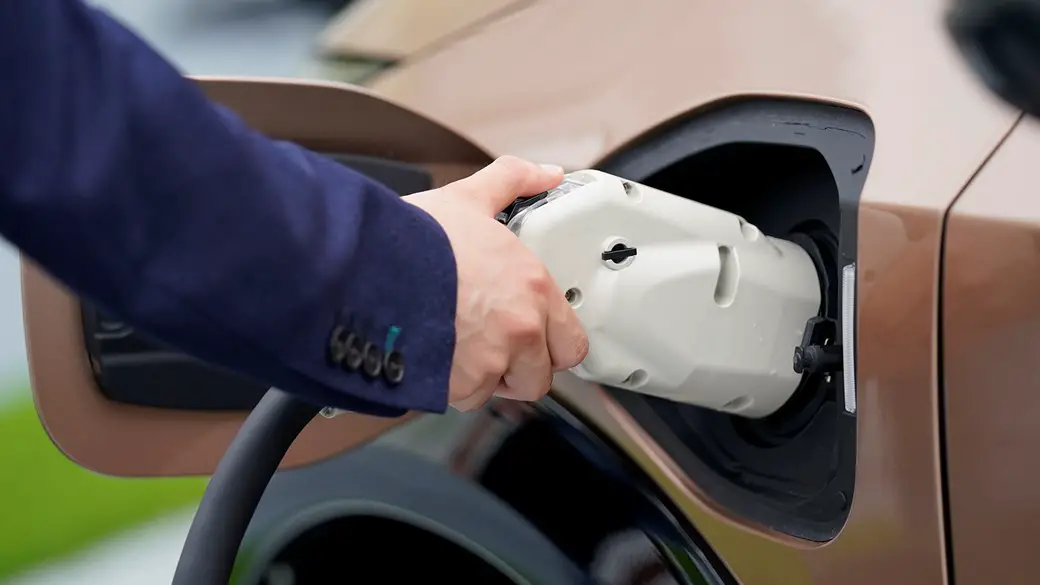
Some drivers find it challenging to see the charging port light of the Nissan Ariya EV due to its outward-facing design, making it difficult to locate in low-light conditions. This is meant to be as visible as possible. I recommend you do the following:
- Use a Flashlight: Keep a small flashlight in your car for easier access when charging at night or in poorly lit areas.
- Mark Your Spot: Consider placing a small reflective sticker near the charging port area for better visibility in low light.
Conclusion
While the Nissan Ariya EV presents some challenges, many of these issues can be resolved through simple adjustments and proactive measures. By implementing these practical solutions, you can enhance your overall driving experience and make the most of this innovative electric vehicle. As electric vehicles continue to evolve, manufacturers like Nissan are committed to improving their offerings based on user feedback. By staying informed about updates and features, you can ensure that your Nissan Ariya remains a reliable and enjoyable choice for your electric driving needs. If persistent issues arise, don’t hesitate to reach out to Nissan customer support for further assistance or potential solutions tailored to your specific concerns.
Author:Ifeoluwa Adeleke
Add MobilityArena as a preferred source on Google
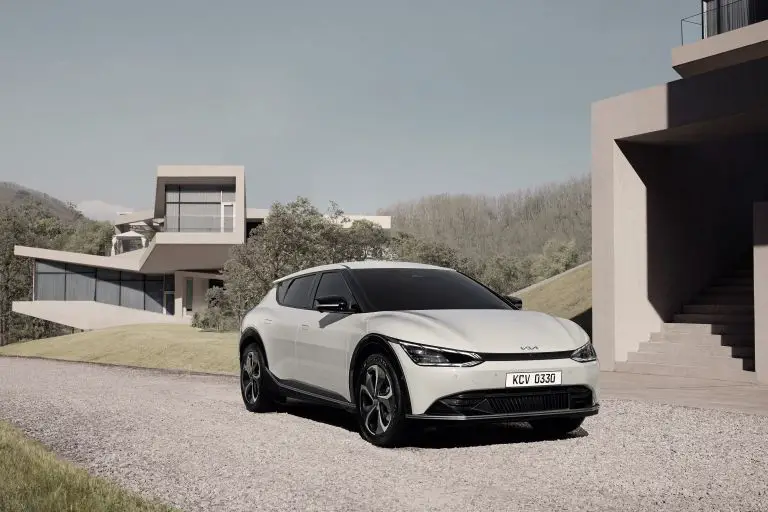
The Kia EV6 has garnered significant attention for its stylish design, impressive performance , and advanced technology in the electric vehicle market. However, as with any new model, users have reported several challenges. From issues with charging compatibility to concerns about driver assistance features and limited cargo space, many users have expressed their frustrations. Additionally, problems such as inconsistent infotainment system performance and visibility challenges have also been noted. Addressing these complaints is essential for maximizing your enjoyment of this innovative electric vehicle. By implementing practical solutions, you can navigate these challenges effectively and make the most of your Kia EV6 ownership experience. Let’s explore some common complaints associated with the Kia EV6 as I provide practical solutions to enhance your ownership experience.
- Charging Issues
- Limited Cargo Space
- Sleep Mode Issues
- Driver Assistance Features
- Infotainment System Usability
- Visibility Concerns
- Conclusion
Charging Issues
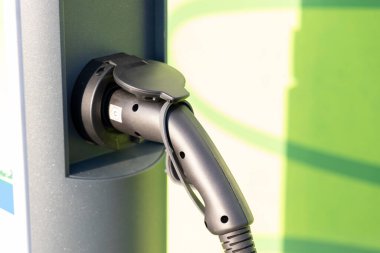
Many users have reported problems with charging, including difficulties with home chargers and public charging stations. Complaints range from the vehicle not charging at all to interruptions during charging sessions. Follow these simple steps to resolve the issue:
- Check Compatibility: Ensure that your home charger is compatible with the Kia EV6 and meets the recommended specifications.
- Use High-Quality Cables: Invest in high-quality charging cables to avoid connection issues.
- Software Updates: Regularly check for software updates from Kia that may address charging-related bugs.
- Visit a Dealership: If problems persist, schedule an appointment with your dealership to diagnose any potential hardware issues.
Limited Cargo Space
Some owners of the have expressed dissatisfaction with the cargo space, feeling it does not meet their needs compared to other electric SUVs. I recommend you do the following:
- Utilize Roof Racks: Consider adding a roof rack or cargo box for additional storage capacity during trips.
- Organizational Accessories: Use storage bins or organizers to maximize the available space and keep items secure.
Sleep Mode Issues

A peculiar complaint among EV6 owners is the so-called “sleep mode,” where the vehicle fails to engage drive mode despite all systems appearing operational. Follow these recommendations to get this issue resolved:
- Lock and Unlock: If you encounter this issue, try locking the car and waiting for a few minutes before unlocking it again to reset the system.
- Battery Reset: As a last resort, disconnecting the 12V battery can reset the system, but this should only be done if necessary.
Driver Assistance Features
Some users of the Kia EV6 have reported that certain driver assistance features, such as collision intervention systems, can be overly sensitive or erratic. Applying these simple solutions will get it resolved:
- Adjust Settings: Familiarize yourself with the settings for driver assistance features and adjust their sensitivity according to your preferences.
- Disable When Necessary: If a feature is causing frustration, consider disabling it temporarily until you feel comfortable using it again.
Infotainment System Usability
Users have mentioned that the infotainment system can be slow to respond or unintuitive at times, which can detract from the overall driving experience. These simple recommendations will help get over it:
- Regular Updates: Ensure your infotainment system is updated regularly to improve performance and user interface.
- Familiarization: Spend time learning how to navigate the system while parked to increase efficiency while driving.
Visibility Concerns
- Use Parking Sensors and Cameras: Rely on parking sensors and rearview cameras when navigating tight spaces.
- Adjust Mirrors Properly: Ensure side mirrors are adjusted correctly to minimize blind spots.
Conclusion
The Kia EV6 is an impressive electric vehicle that offers a blend of performance, technology, and style. While some users have encountered challenges, many of these issues can be addressed through practical solutions and adjustments. By implementing these strategies, you can enhance your overall experience with the EV6 and enjoy all that this innovative electric vehicle has to offer. As electric vehicles continue to evolve, manufacturers like Kia are committed to improving their products based on user feedback. Staying informed about updates and features will ensure your Kia EV6 remains a reliable and enjoyable choice for your electric driving needs. If persistent issues arise, don’t hesitate to reach out to Kia customer support for further assistance or potential solutions tailored to your specific concerns.
