Add MobilityArena as a preferred source on Google
The Nokia 5.4 was released in December 2020 and is a mid-range model that sits right above the Nokia 3.4 , which we have reviewed here earlier. The two sibling devices share a number of similarities, but as the naming scheme implies, the 5.4 has a few features that make it a more capable smartphone than its sibling.
In comparison with the 3.4, Nokia 5.4 has the same display, dimensions, and battery, but a more powerful processor, more RAM, more storage, as well as better front and rear cameras. Nokia sent in a unit with 4 GB RAM and 128 GB internal storage. Let’s dive into this Nokia 5.4 review proper and see what it has to offer.
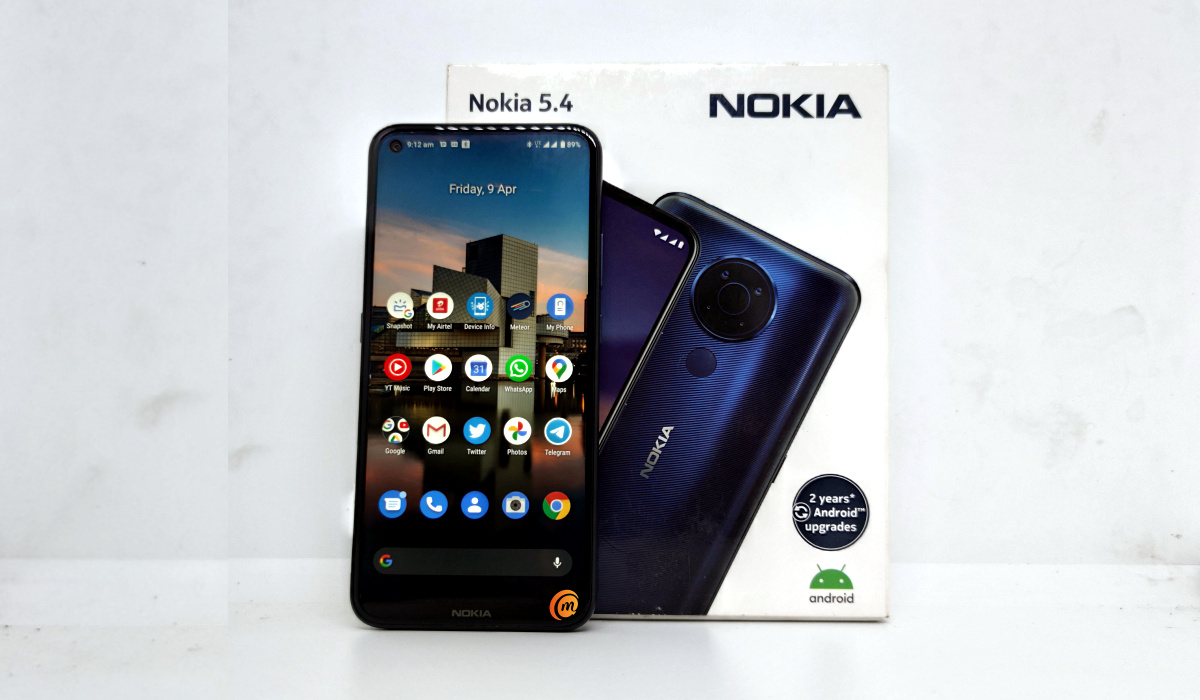
Nokia 5.4 Review: Quick Specs
- 6.39-inch, 720 x 1560 pixels, IPS LCD
- Stock Android 10, with planned upgrades to Android 11 and Android 12
- 16 MP selfie camera
- 48 MP wide angle + 5MP ultra-wide angle + 2MP depth camera with LED light
- 4000mAh battery with 10W charging
- Qualcomm Snapdragon 662 processor engine
- 4 GB RAM
- 128 GB internal storage
- Dedicated microSD card slot
- USB Type-C
- 3.5 mm audio headset port.
Nokia 5.4 Review: Quick Pros And Cons
The pros and cons of this device include:
- premium appearance
- clear and crisp display
- lightweight build
- good performance
- decent battery life
- could do better than 10W “fast” charging
Nokia 5.4 Review: In the box
Inside the Nokia 5.4’s retail box are the usual suspects:
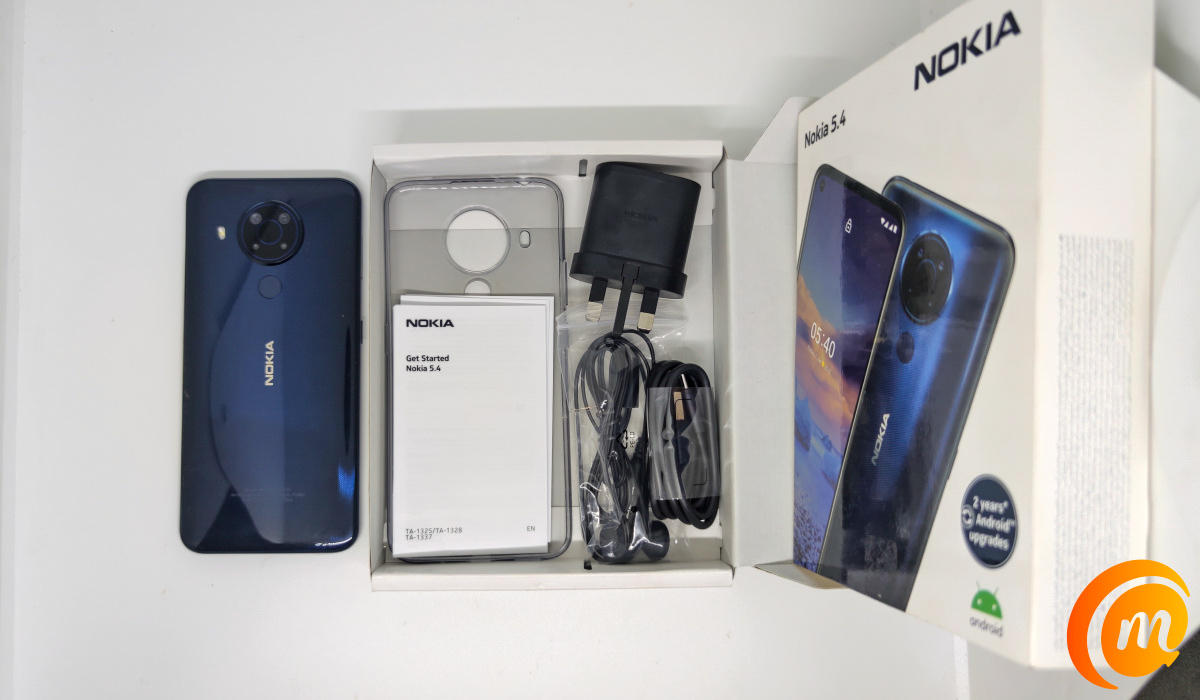
- the Nokia 5.4 phone itself
- paper documentation
- transparent silicon case
- USB-C cable
- 10W fast wall charger.
- 3.5 mm headset
- SIM ejector pin
Nokia 5.4 Review: Hardware And Design
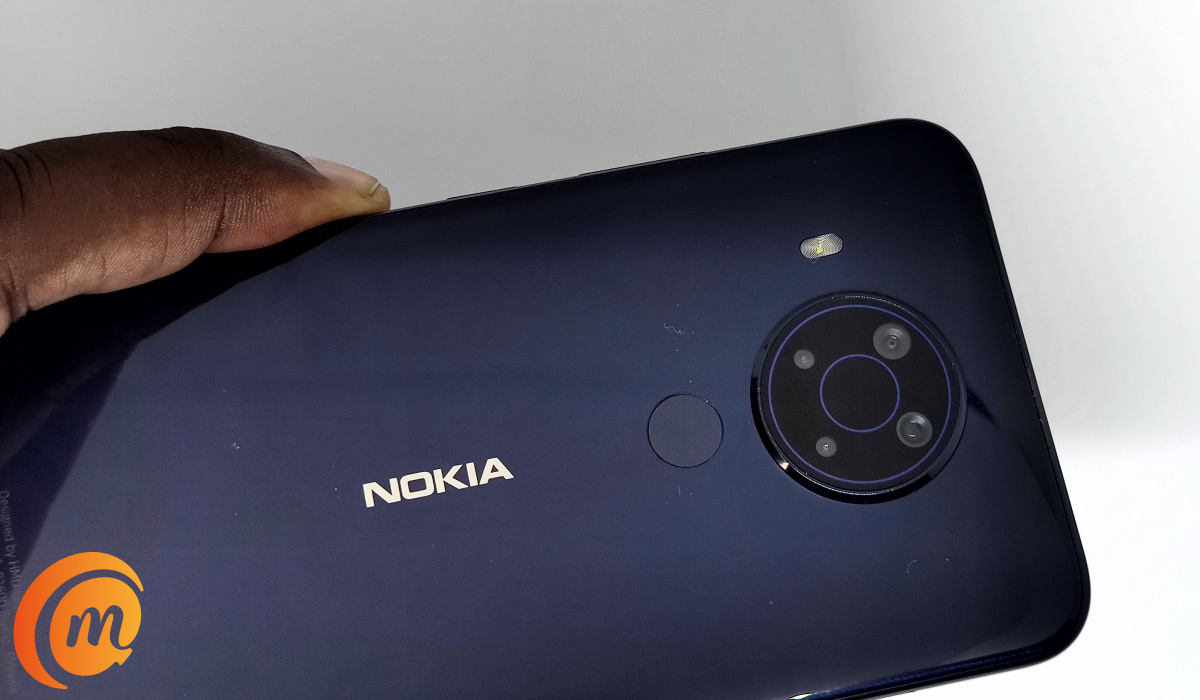
One of the first things you will notice about the Nokia 5.4 when you first pick it up is the glossy back panel. It is beautiful and gives the phone a premium appearance.
There is a USB-C port, along with a microphone and loudspeaker grills, at the bottom edge of the phone. Moving to the right side of the phone, we find that the volume controls are built into one seamless button – push the top to increase the volume and push the bottom section to reduce the volume. Below it is the Power button.
On the left side is the SIM tray slot, and below that is the dedicated Google Assistant key. Pushing it launches Google Assistant for your use. At the top edge is a 3.5 mm port, along with a microphone hole close by.
Nokia 5.4 Review: Software
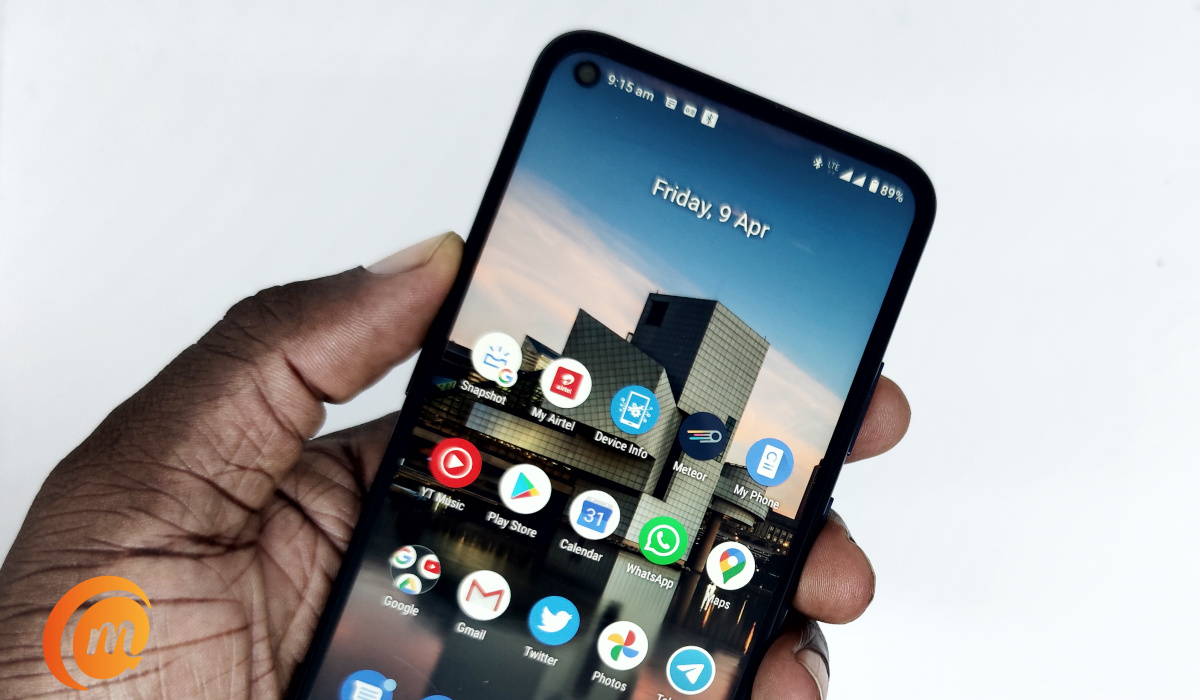
Like all other Android Nokia phones, the 5.4 is an Android One device and so runs stock Android OS. That is Android without the kind of customizations that other manufacturers include. Out of the box, Nokia 5.4 has Android 10, which is a bummer, as it would have been nice to have Android 11 instead. However, it will receive the Android 11 update, as well as Android 12 when it is released.
In addition, it will get 3 years of security updates.
Stock Android is clean and light and devoid of a lot of 3rd party bloatware. Google’s apps are pre-installed though and some constitute bloat. Thankfully, they can be uninstalled.
Nokia 5.4 Review: Network And Telephony
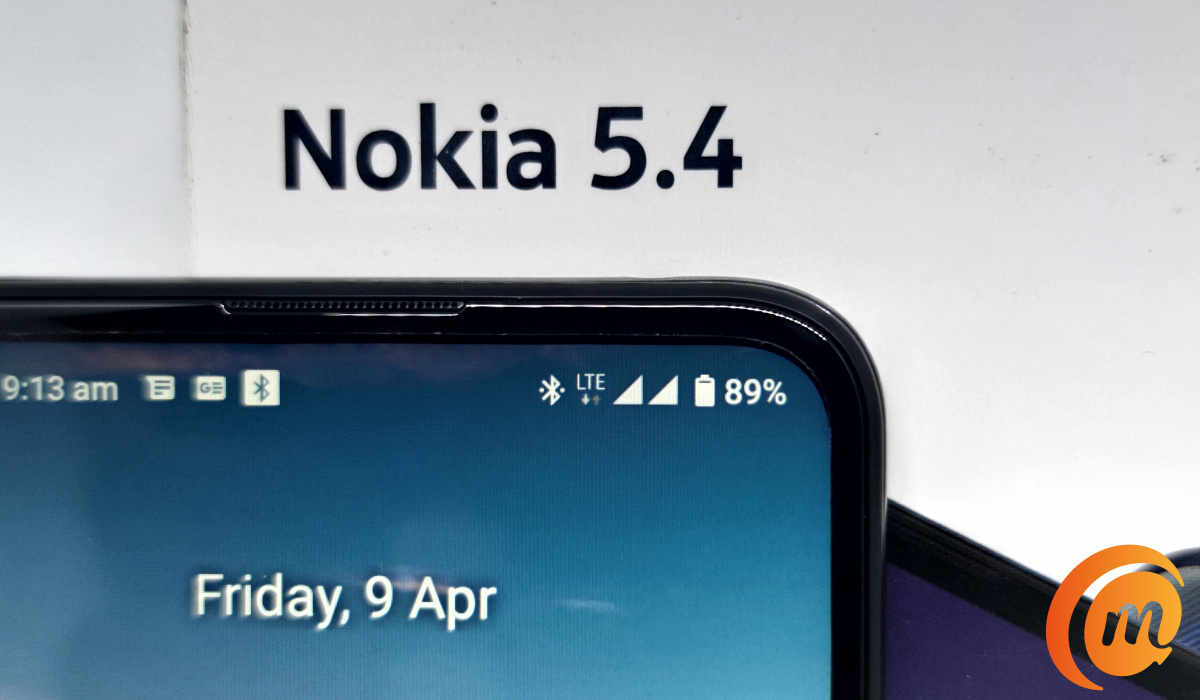
Nokia 5.4 supports 2G, 3G and 4G networks on both SIM slots and switches between them depending on available coverage. Setting up and using mobile Internet is as fast and as easy as we expect it to be. The phone holds on to available network quite well and calls are strong.
Nokia 5.4 Review: Display And Multimedia
While the display resolution is a run-of-the-mill 720×1520 pixels, what we have is a screen that is beautiful. We are unable to tell what the screen looks like, as there is a screen protector applied on it our of the box.
Viewing photos and watching videos on the Nokia 5.4 are pleasant experiences, despite the display’s resolution. Audio reproduction is fine and okay for a mid-ranger of this class. You won’t get a lot of bass and depth, but that is the norm for devices in this class.
Nokia 5.4 Review: Photography
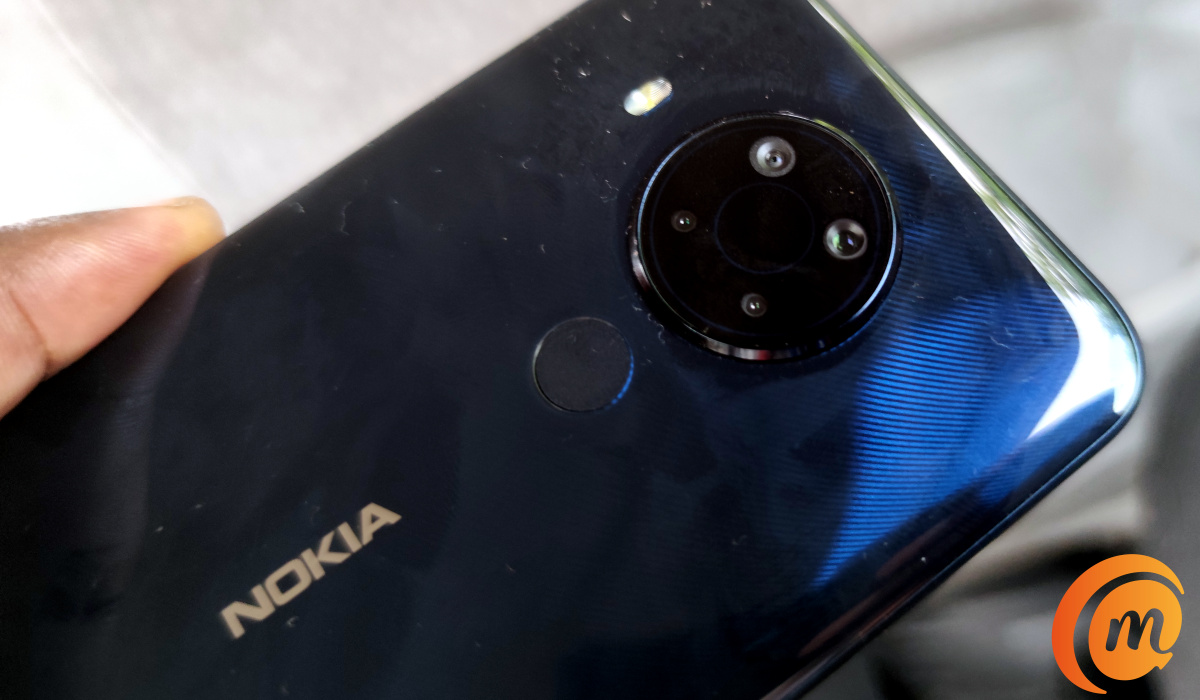
The main camera on the Nokia 5.4 has a circular layout that is now a signature on Nokia smartphones. The bump has a 48 MP wide-angle camera as its main lens, along with a 5MP wide-angle lens and a 2MP depth sensor, with LED flashlight.
What sort of photos does it capture? How good is it? Let’s have a look at a few sample photos below.
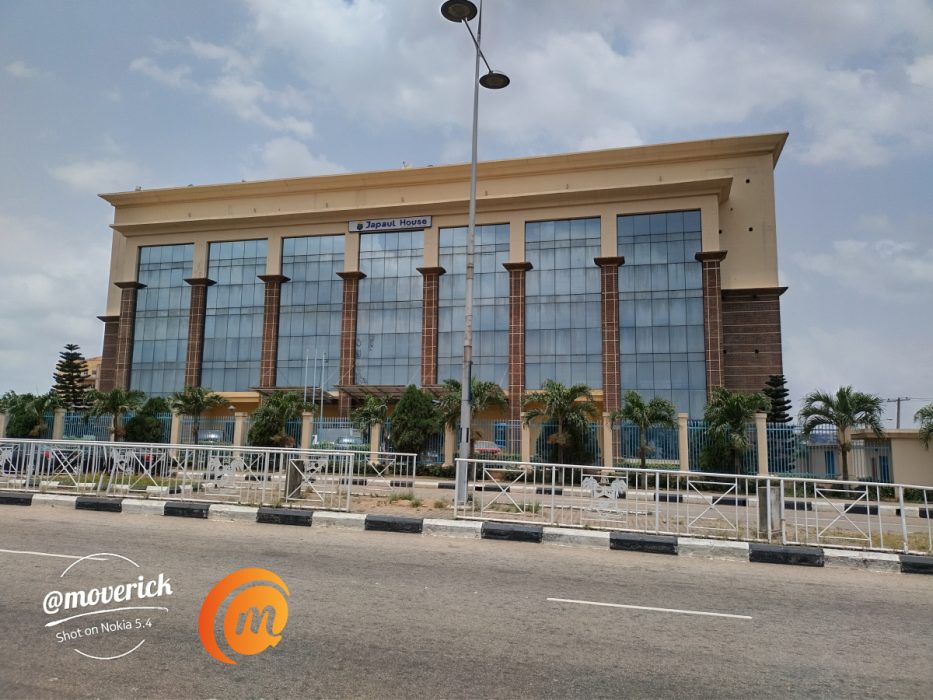
Nokia 5.4 outdoors photo building in bright sunlight
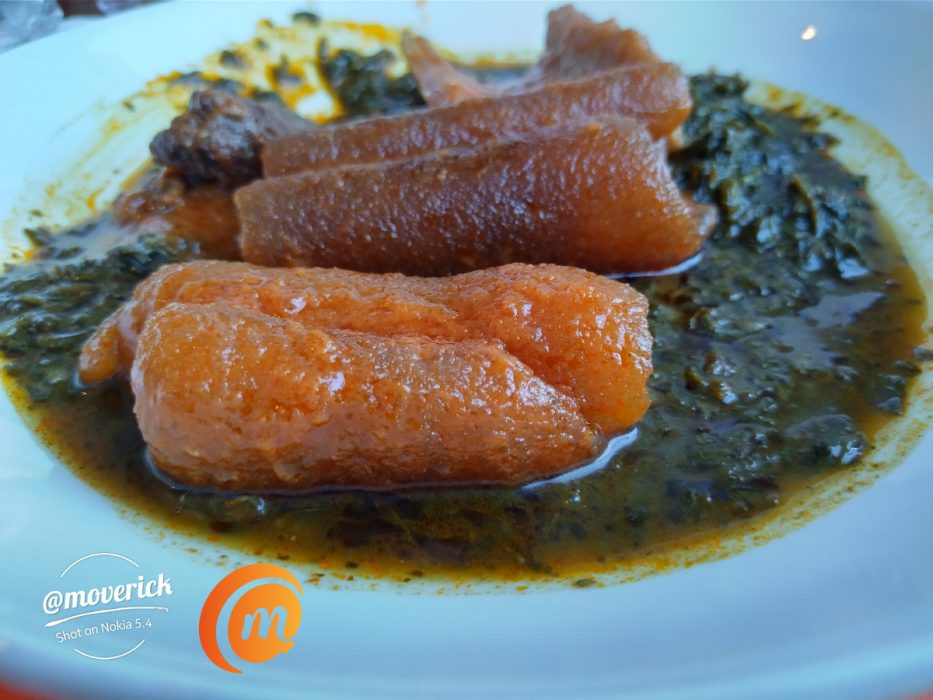
Nokia 5.4 main camera: close-up photo
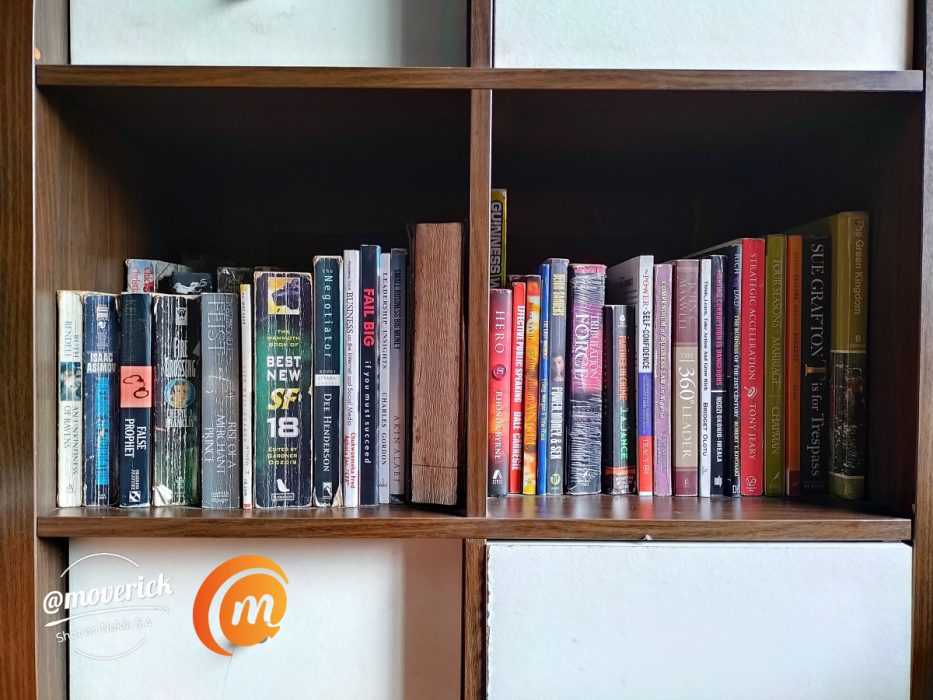
Nokia 5.4 daylight photo of bookshelf
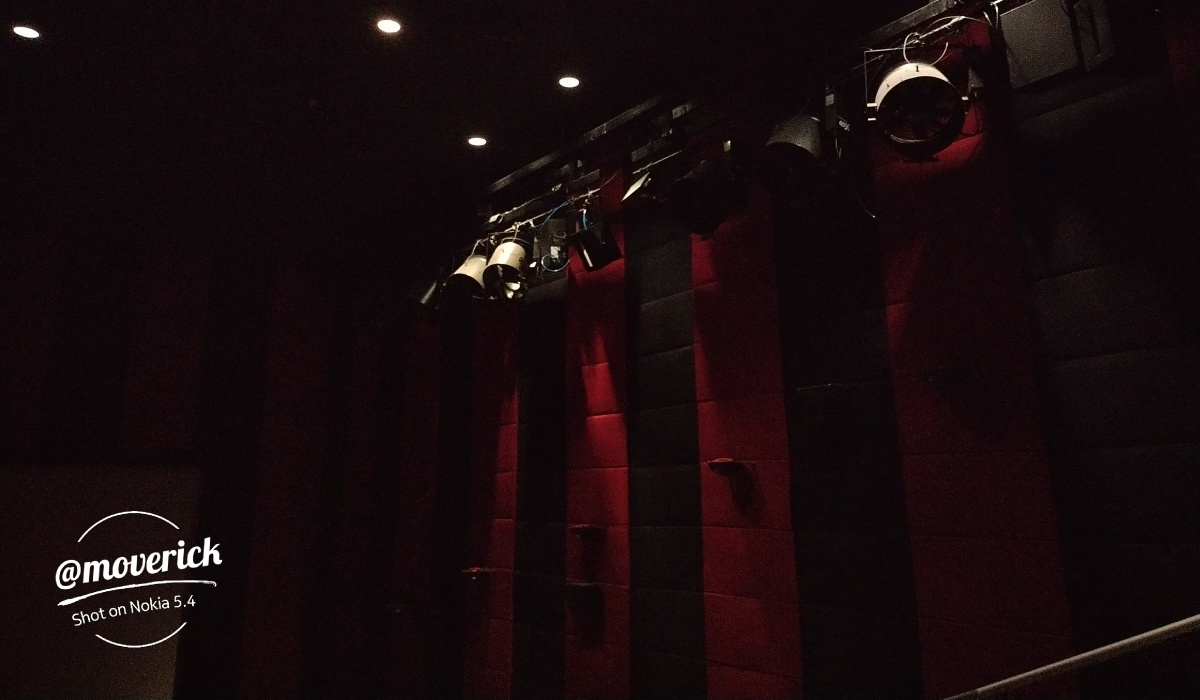
Nokia 5.4 standard photo mode in the dark; no flash
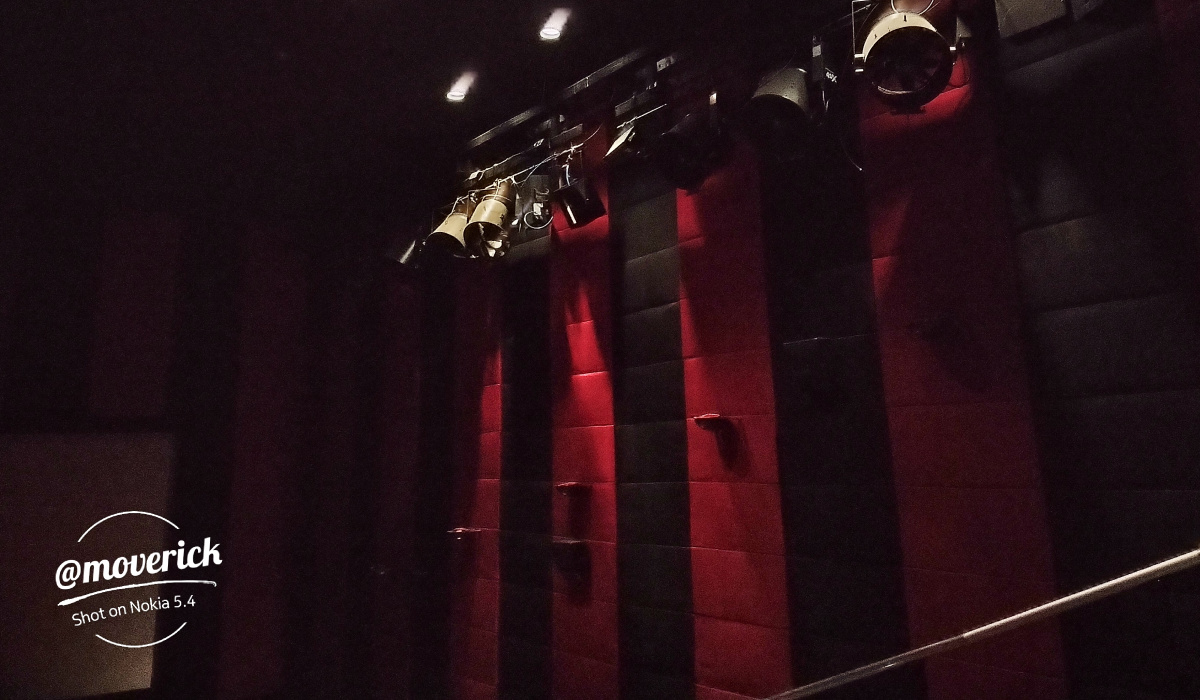
Nokia 5.4 night camera sample: night mode; no flash. Night mode squeezes more light out of the scene.
At the front is a 16 MP sensor. Below are two samples, the first shot in daylight and the other in low-light.


Both cameras take good photos in natural lighting. The rear camera does a good job in low light and night situations as well. The front camera smoothens low-light shorts a bit.
In all, the Nokia 5.4 is a dependable camera phone in its class.
Nokia 5.4 Review: Multitasking And Performance
Powered by a Qualcomm Snapdragon 662 processor coupled with 4 GB of RAM, using the Nokia 5.4 in everyday usage scenarios is a smooth experience. Apps load fine. Switching between apps is generally smooth as well.
If you push it harder, things will slow down a bit, but that is not unexpected. T he Nokia 5.4 is not a premium/flagship smartphone and is not be expected to deliver premium performance.
For storage, there is about 128 GB on paper. A little over 100 GB is available at boot up. It is more than enough for most needs. In addition, there is a dedicated memory card slot, if you need more storage.
Nokia 5.4 Review: Battery life
Thanks to a 4000mAh battery, the Nokia 5.4 won’t leave you dashing for your charger after a few hours of use. With a little over moderate use, you will get a full day and some extra hours out of it. If you use it more intensively, it will likely give you no more than a working day.
The phone supports 10W charging, which can charge it up from 0 to 30% in 30 minutes, and this time, HMD Global includes only a 10W charger in the box, so you can charge the Nokia 5.4 a little faster than the average.
Nokia 5.4 Review: Final Words
Using the Nokia 5.4 has been a good experience. The glossy, glass-like back panel makes the Nokia 5.4 look even more premium than it really is. You won’t look cheap carrying one around.
I do wish that this decent smartphone upped its game with at least 15W fast charging. 10W charging is so….
Other than this, the 5.4 delivers improved performance, better photography and video recording, and better performance in the same screen and size as the Nokia 3.4. In addition, it will get two major Android software updates, as well as three years of security updates.
If you are in the market for a smartphone and have a budget of below ₦90,000, the Nokia 5.4 costs only ₦82,000 right now and is good value for money. Internationally, it carries a $250 price tag.
If you have a lower budget, you might want to compare Nokia 3.4 with Nokia 5.4 , to see if the 3.4 fits your needs better.
Author:Mister Mobility
Digital Skills and Communication Coach | Mobile Phone Connoisseur since 2001 | Tech Blogging since 2004
Add MobilityArena as a preferred source on Google
So, you are all set to make a presence in mobile and join the flourishing industry. With this resolve, the most important thing for you to decide is how to make your entry. The market is divided into two parts – mobile websites and mobile apps. The two are distinct and may or may not meet in the marketing strategy of a brand. As such, you can go for either of them or incorporate both in your plans.
Before you get into the meat of this article, it is important to know their difference and the purpose they serve. Knowing this will give you a better idea of what will help you achieve your target most effectively. While a good mobile application development company knows how to develop both mobile apps and mobile websites, let us start with seeing what is used when and the nitty-gritties of what differentiates them.
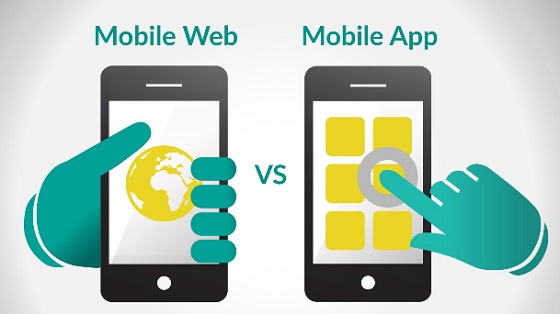
Image Source
Mobile Websites
A mobile website may be a separate version of your desktop website or not. But it must work on mobile phones, fitting int the small screen. A mobile website may start with m. rather than www. It is often nothing but a specially formatted version of the desktop website.
Mobile Apps
Mobile apps are software applications developed specifically for smarthones. They are not a continuation or even a summary of the desktop website. The aim of a mobile app is to aid constant interaction and increase retention. It is what often follows the call to action tab on desktop website.
The individual purpose that they serve
Mobile Websites are generally used to inform your audience about an upcoming product or campaign. It is most beneficial when the purpose of your business is not to sell products or when you have to create awareness.
Mobile Apps are commonly created to have high customer interactions and have a fuller mobile experience. They give easier access to the mobile’s features – like camera and phone. Apps are aimed at giving a much greater personalized experience than their websites counterpart.
Now that you know the individual purpose that both mobile website and mobile app serves, let us look at what makes them so different.
| Factors of Difference | Mobile Website | Mobile App |
|---|---|---|
| Life | They are always there on the internet | Can be removed in case of zero activity |
| Ease of Updates | Updates Automatically, without any user intervention, through CMS. | Users have to authorize every update whenever the app asks for it. |
| Connectivity | A working internet connection is needed to access Mobile Website | Internet connection is not mandatory to open MobileApps |
| Scope of Interaction | The scope of having a continuous interaction is very low on website. | Users can have greater personalized and interactive time on Mobile App |
| Accessibility | It is not possible to access user’s device from Mobile Website. | A Mobile App generally has access to users’ phone, SMS, and gallery, making it more accessible. |
Now that you must have gotten an idea of what makes mobile websites and mobile apps so different, let’s get down to business – Where should you invest?
It is not a question of picking between a mobile app and a mobile website. While a website will help your users know who you are, a mobile app is the medium where they will stay loyal to you. The ideal marketing strategy when going mobile is to use website as a pre-launch medium and an app for converting the users into clients.
What you should aim for is to use a mobile website as a product catalog and the app as a place to perform the actions on the products and carry out other dynamic functions.
It is true that your goal and cost estimate could make you choose between app and website, but know that they would work best if done together. So keep future expansion in both domain, in your marketing plan.
