Add MobilityArena as a preferred source on Google
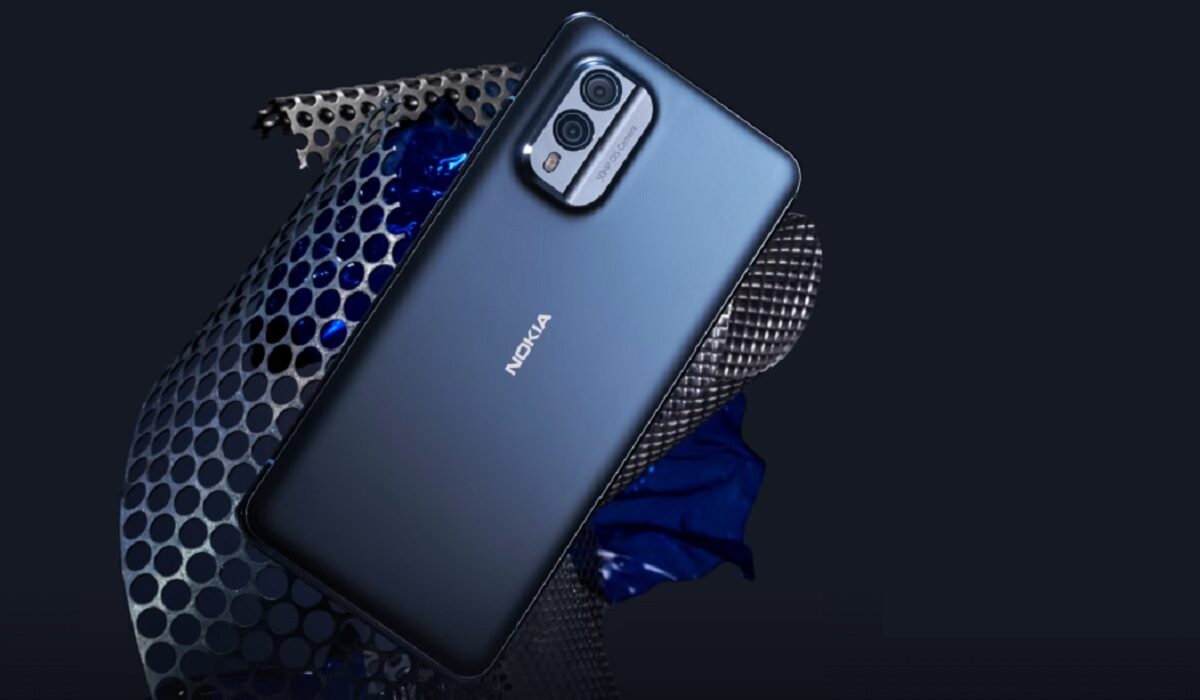
The Nokia X30 5G is official, and it is the first exciting Nokia smartphone in years. I got the email from HMD Global yesterday, the subject line said, Introducing our newest Nokia devices – and more . To be honest, I was tired of Nokia phone after Nokia phone being released with underwhelming specs over the last one year, and didn’t feel any excitement seeing this one. In my head, “Oh, another set of overpriced Snapdragon 480+ phones” flashed. I did open the mail and checked out the new Nokia X30 5G, Nokia G60 5G , Nokia C31, and T21 tablet. And I must say that for the first time in about a year, I am seeing an interesting Nokia phone
The Nokia X30 5G does not have cutting edge specifications and features. It is still a mid-range Android smartphone. HMD Global had said that premium phones were not in their product map for now, a decision that I firmly understand and can live with. But the Nokia X30 5G is a shift from the uninspiring line-up that we have seen in recent times.
- What makes the Nokia X30 5G interesting?
- Does Nokia X30 5G have wireless charging?
- Nokia X30 5G Specs
What makes the Nokia X30 5G interesting?
For one, it has an AMOLED screen. When was the last time we saw an OLED display on a Nokia? That was in 2019 – on the Nokia 9 PureView. Three long years ago. The Nokia X30 5G has a relatively compact 6.43″, 1080 x 2400 pixels, AMOLED panel with 90Hz refresh rate. And there is Gorilla Glass Victus protecting that beautiful screen. It would have been better to have 120Hz refresh rate, though, but we will take the 90Hz.
Let’s get to the processor. Nokia’s unfortunate romance with the Snapdragon 480 series chipsets in its phones left everyone looking for performance with a sour taste in the mouth. It also meant that the brand’s higher models were overpriced when compared to competing models. This has been fixed. The Nokia X30 5G is powered by the Snapdragon 695 chipset. It isn’t the most powerful mid-range processor out there, but it is close. Thank God I never have to deal with a Snapdragon 480 Nokia again.
Next, when was the last time you saw a regular Nokia smartphone with official water/dust proof rating? Yes; the XR20 has one, but it isn’t a regular phone; it is built like a tank. The Nokia X30 5G has an IP67 rating. That is good for keeping the phone safe in up to 1 metre depth of water for 30 minutes.
Lastly, and a big Hallelujah, we have 33W fast charging in a Nokia. Before now, HMD Global treated Nokia buyers to 18W fast charging. Yes; Google did it, too, and we hated that they did. I so hated that if I wanted a Nokia, there was none that charged faster than 18W. See, 18W charging is the slowest fast charging speed, and it is too slow to put in an upper mid-range phone. Thank the gods for 33W fast charging.
Does Nokia X30 5G have wireless charging?
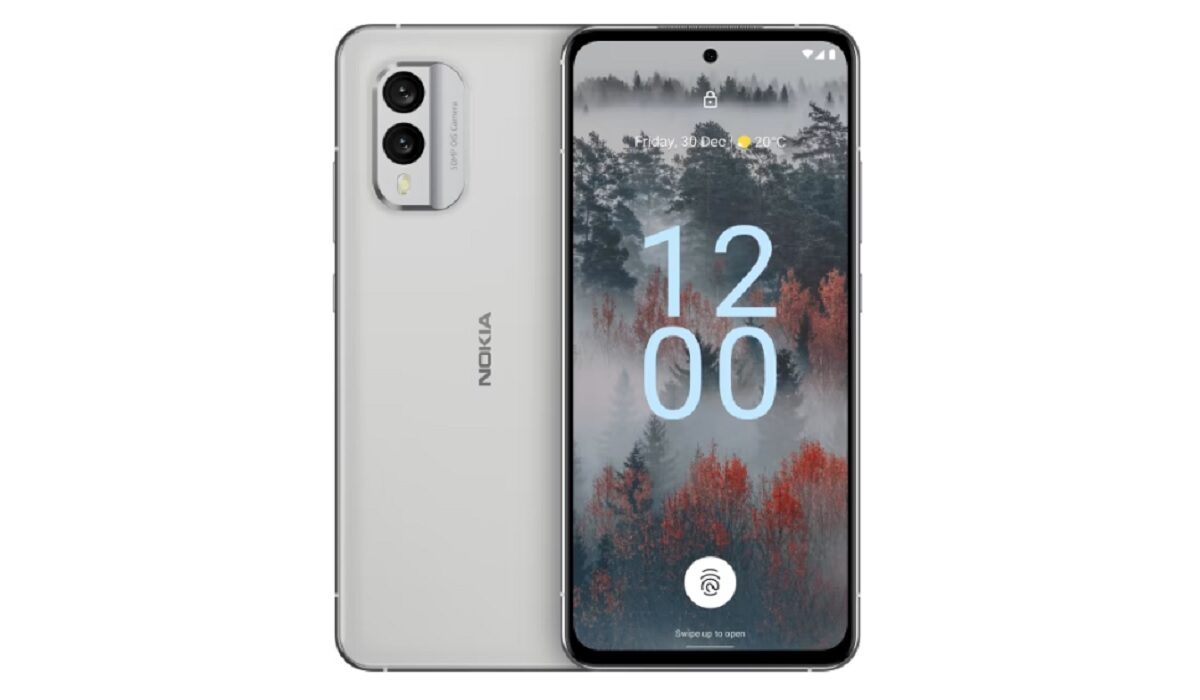
Unfortunately, I do not have good news for those who are interested in being able to charge their phone wirelessly. Nokia X30 does not have wireless charging . The presence of this feature would have been a nice touch.
If you love eco-friendly products, the Nokia X30 5G has a 100% recycled aluminium frame and a 65% recycled plastic back cover. And it looks and feels great, too. This is not one of those drab, eco-friendly items that you put up with in the interest of the environment.
Nokia X30 5G also has an infra-red blaster . What?! Yes; an IR blaster. There are not many phone brands that still include this feature in their products. Xiaomi is one. And here is Nokia joining the team. Did I not say that the X30 5G is an interesting phone? There is also an under-display fingerprint scanner, a 50-megapixel dual camera at the back, and the promise of 3 years of security updates, 3 years of Android updates, and 3 years warranty. That means this beauty will get Android 15.
Simply put, the Nokia X30 5G is HMD Global hitting the ball out of the park. A solid home run. It puts the Nokia brand back in the smartphone game. As far as I am concerned, they went to sleep for a while . Welcome back. Don’t drop the ball again, guys. Have a look at the full specifications of the Nokia X30 5G below.
Nokia X30 5G Specs
Mobile Wireless Network and Software
- 2G mobile network bands : GSM, GPRS, EDGE 850 / 900 / 1800 / 1900 MHz.
- 3G mobile network bands : UMTS, WCDMA, HSDPA 850 / 900 / 1700(AWS) / 1900 / 2100 MHz
- 4G mobile network bands : LTE 1, 2, 3, 4, 5, 7, 8, 12, 17, 20, 28, 32, 38, 39, 40, 41
- 5G mobile network bands : 1, 3, 5, 7, 8, 28, 38, 40, 41, 77, 78 SA/NSA/Sub6.
- SIM Type : Nano-SIM, Dual SIM
- Software / OS : Stock Android 12 (upgradeable all the way to Android 15)
Design, Form Factor, Appearance
- Dimensions : 158.9 x 73.9 x 8 mm
- Weight : 185g
- Display : 6.43 inches, 1080 x 2400 pixels, 19.5:9 aspect ratio, 700 nits brightness, 90Hz refresh rate, AMOLED, Gorilla Glass Victus.
- Colours : Cloudy Blue. Ice White.
- Physical Build : 100% recycled aluminium frame and a 65% recycled plastic back cover. IP67 water and dust protection.
Internal Hardware Specs
- Processor Type : 64-bit Octa-core 2.2 GHz Kryo 660 Gold
- Processor Name : Qualcomm Snapdragon 695 5G (6 nm)
- Graphics Processor : Adreno 619
- RAM : 6 GB / 8 GB
- Internal Storage : 128 GB (UFS 2.2) / 256 Gb (UFS 3.0)
- External Storage : microSD, up to 512 GB (hybrid slot)
Photography, Video Recording
- Main Camera : 50 MP main lens + 13 MP ultra-wide lens, LED flash, 1080p@30fps video recording, OZO audio.
- Front Camera : 16 MP fixed focus, Face Recognition, 1080p@30fps video capture
Audio, Video Playback
- Music Support : PCM, AAC / AAC + / eAAC + / MP3 / AMR – NB / WB / APE
- Audio : No 3.5 mm audio jack
- Loudspeaker : Mono speaker
- Video Support : H.264/MP4/MPEG4 player
- FM Radio : Yes.
Phone Sensors
- Digital Compass : Yes.
- Accelerometer : Yes.
- Proximity Sensor : Yes.
- Ambient Light Sensor : Yes.
- Barometer : No.
- Pedometer : No.
- Heart Rate Monitor : No.
- Gyroscope (G-Sensor) : Yes; in-display.
- Fingerprint Scanner : Yes.
- Face Unlock : Yes.
- Iris Scanner : No.
- Motion Sensing / Gesture Control : No.
- Voice Control : No.
- Intelligent Digital Assistant : Yes; Google Assistant.
- Infra-red Sensor : Yes.
Connectivity Options
- Bluetooth : v5.1, A2DP, aptX HD
- WiFi : Wi-Fi 802.11 a/b/g/n/ac/6, hotspot
- GPS : Yes, A-GPS, GLONASS, GALILEO, BDS
- USB : microUSB v2.0. Type-C USB 2.0
- NFC : Yes.
Miscellaneous Specs and Features
- Battery Type and Capacity : Non-Removable Lithium-Polymer 4200 mAh
- Battery Charging : 33W fast charging. USB Power Delivery 3.0 , QuickCharge3.0, PPS
- Wireless Charging : No.
- Reverse Charging : No.
- Model Version/Number :
Nokia X30 5G Price and Launch Date
- Announced : September 1, 2022
- Release Date : September 1, 2022
- United States of America : from $530
- United Kingdom (UK) : from £399.
- Germany : from €519
- Italy : from €549
- European Union : from €530
- Australia : from $899
- India : from ₹42,000.
- South Africa :
- Nigeria : ₦305,000.
Author:Mister Mobility
Digital Skills and Communication Coach | Mobile Phone Connoisseur since 2001 | Tech Blogging since 2004
Add MobilityArena as a preferred source on Google
Whether you live within the United States or elsewhere in North America, the United Kingdom or elsewhere in Europe, Africa, the Middle East, Asia, or Oceania, there are easy ways to check whether your location has 5G coverage. You do not even need to have a 5G phone to do this. Any smartphone that can install mobile apps is good.
Follow the tips below to find out if your area has 5G:
- Use the Opensignal App to see if 5G is available in your area
- Use the Speedtest by Ookla App to see if your area has 5G
- Which is the better option?
Use the Opensignal App to see if 5G is available in your area
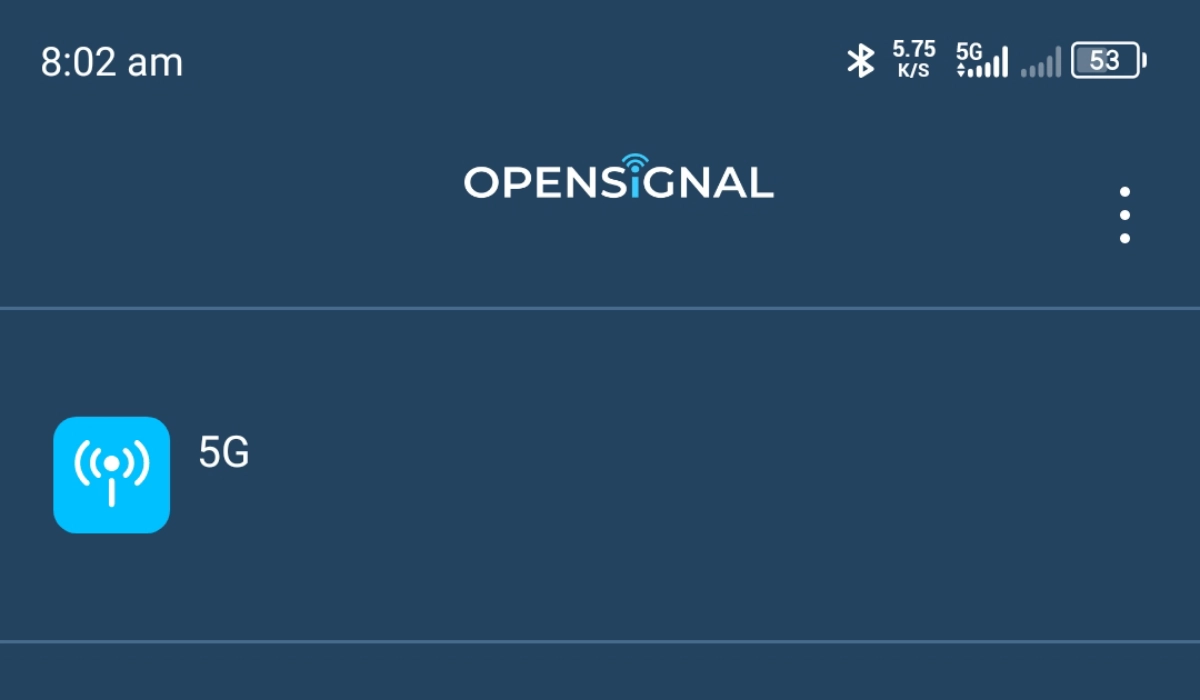
1: Install the Opensignal app from your mobile app store to your phone. It is available for both Android phones and iPhone models. 2: Launch the app; it will ask for permission to use your location; grant it access. It has to know where you are to be able to show you what networks are available there. 3: Tap on the Map icon in the bottom menu, It will load the map of your location, with all the available mobile networks available around you. 4: If you tap the “All” option at the top left section of the screen, it displays a list of all available mobile networks in your location. To narrow the information down, under Select Operator , check only your operator name, under Select Network Type , check only “5G” and tap “Apply”. Now, you can see your wireless carrier’s 5G coverage in your area, if there is any.
5: Zoom in to get a close-up view, with more details.
Use the Speedtest by Ookla App to see if your area has 5G
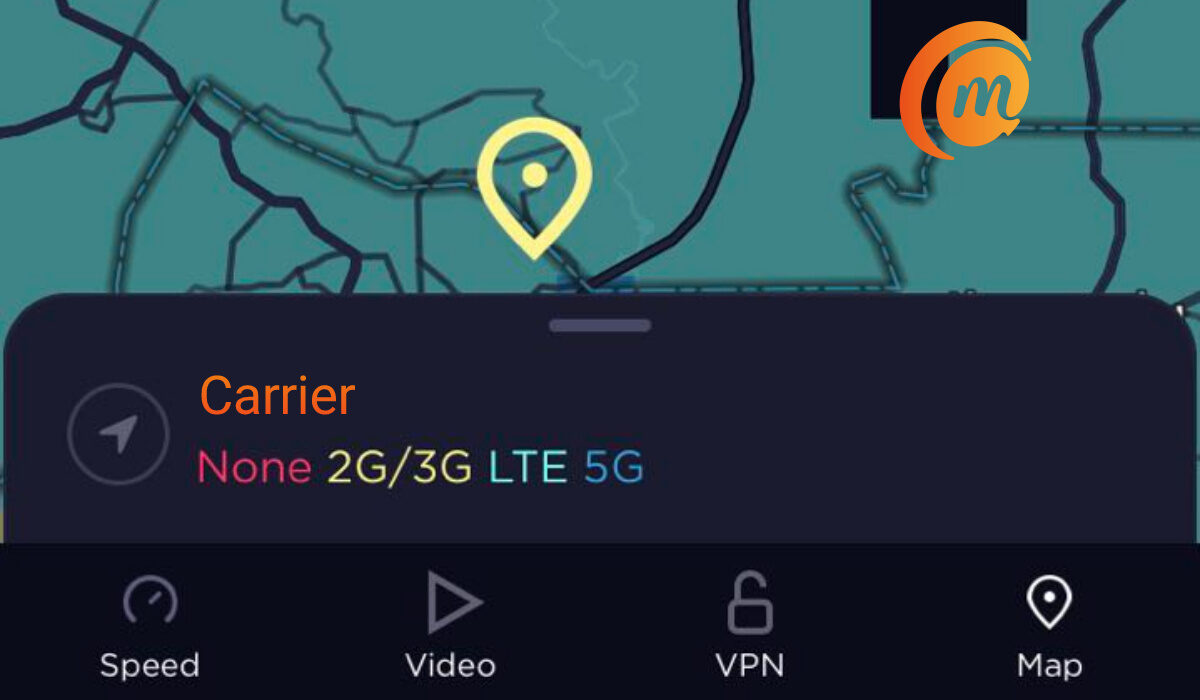
1: Install the Speedtest by Ookla app from your mobile app store to your phone. It is available for both Android phones and iPhone models. 2: Launch the app; it will ask for permission to use your location; grant it. It has to know where you are to be able to show you what networks are available there. 3: Tap on the Map icon in the bottom menu, It will load the map of your location, identify your wireless carrier or mobile network, and list under it the different wireless technologies it offers, in different colours. For example, 5G networks are displayed in a shade of blue. If you look at the map of your location, wherever you see that shade of blue applied, your network has 5G coverage there. 4: Zoom into the map to get a closer, more accurate view.
Which is the better option?
While you can use either of the two apps to check if 5G is available in your area, in my opinion, the Speedtest by Ookla app does a better job of it. The process is more direct. Also, it has more users than OpenSignal, and so tends to provide more detailed and more up-to-date information.
You can also use the Web versions of these apps to achieve the same objective. They work just as well, except that you might have to manually input your location to get the most accurate results.
Do not forget that you do not need to have a 5G smartphone to run this check using either of these two apps. Any smartphone will do. The apps work by collating coverage information from its users in every location. So, even if all you have now is a 3G or 4G smartphone, the apps will still be able to tell you if your area has 5G.
Author:Mister Mobility
Digital Skills and Communication Coach | Mobile Phone Connoisseur since 2001 | Tech Blogging since 2004
