Add MobilityArena as a preferred source on Google
HMD Global, the Finnish company that owns the Nokia brand, has announced its latest Android smartphone, the Nokia G42 . The device is positioned as an affordable mid-range phone with a large display and a long-lasting battery. But that is only a tip of the iceberg.
What is really outstanding about the phone is the partnership with iFixit to have them provide parts for the G42 for the next five years, so owners can order specified replacement parts and fix them at home all by themselves at home. This is made possible because the G42 was designed to be easily repaired. Of course, repair instructions are provided to users. There is also a three-year warranty on the phone in the U.K. from HMD Global.
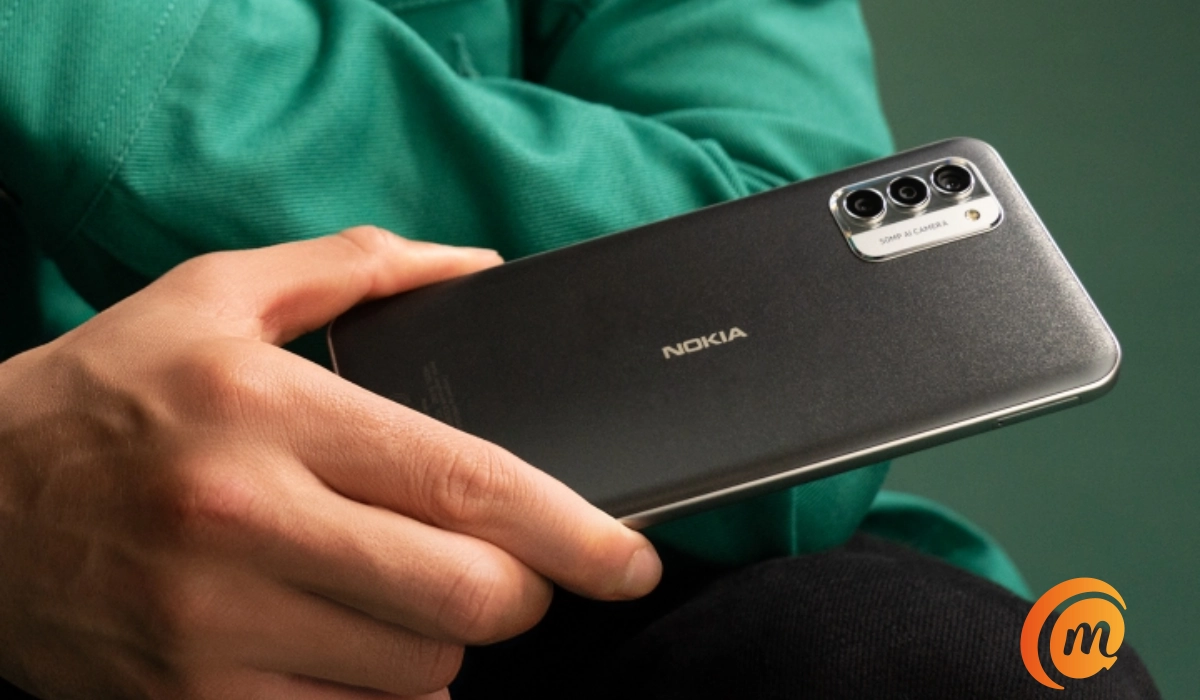
Nokia G42 is official, and you can fix it at home.
What things can you fix by yourself?
- A cracked screen,
- A dead battery,
- A broken USB Type-C charging port,
- A damaged rear cover.
You can repair any of the above parts of the G42 by yourself without taking the phone to a service center. Simply order the replacement parts from iFixit and follow the simple instructions to fit them at home. For any other faults, you will have to make that, hopefully, short trip.
Other features
The Nokia G42 features a 6.56-inch HD+ display with a waterdrop-style notch for the front-facing camera. The display is protected by Gorilla Glass. Under the hood is a Qualcomm Snapdragon 480+ 5G processor, which is paired with options of 6GB and 8GB of RAM and 128GB or 256GB of internal storage. The phone also has a microSD card slot for expandable storage.
HMD Global designed and built the Nokia G42 so you can fix it yourself
One of the key features of the Nokia G42 is its large 5,000mAh battery, which the company claims can last up to three days on a single charge and retain 80% capacity after 4 years of daily charging. The device also supports 20W charging via a USB-C port.
On the back of the Nokia G42, there is a triple-camera setup, which includes a 50-megapixel main camera, a 2-megapixel depth sensor, and a 2-megapixel macro lens. The front-facing camera is a 8-megapixel sensor.
2 Years software update & 3 years security updates
The Nokia G42 runs on Android 13 out of the box, with the promise of two years of software updates and three years of security updates. The device also comes with a dedicated Google Assistant button and a fingerprint sensor in the power button on its side.
Availability
The Nokia G42 is available from June 28, 2023, with a starting price of €199 in the United Kingdom (UK) and €250 in the European Union (EU) (approximately $252). The device comes in two colors: Purple and Grey. Check out the full specs of the Nokia G42 .
Author:MobileChic
That motivated, gadget-loving geeky chic who tries to stay on top of things. Unapologetic iFan.
Add MobilityArena as a preferred source on Google
If you have ever wondered what it would be like to charge Samsung Galaxy S23 without fast charging, let me tell you a story of what happened to me earlier today. You see, I found out the hard way.
I have a power bank (some of you call it a portable battery) that I have not used in many months. That is because I have 24/7 power at home and hardly go out. And even when I do go out, I have a fast charger in my vehicle which means I almost never have to worry about running out of battery juice.
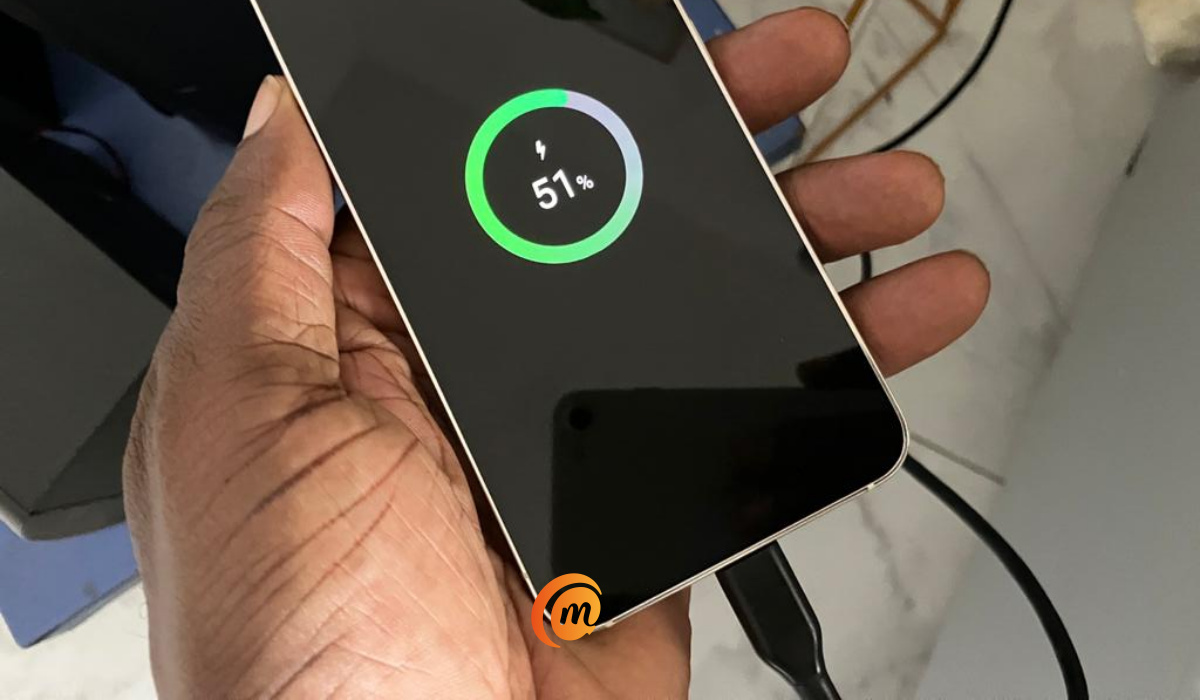
I found out how long it takes to charge Samsung Galaxy S23 without fast charging.
- Hello, power bank!
- Hello, slow charging
- How fast it takes to charge Samsung Galaxy S23 without fast charging
Hello, power bank!
Today, I had a wedding ceremony at a location that was a total distance of 37 miles (60 km) and many hours away. For the trip, I was sharing a bus with a group, so I wouldn’t have access to my car charger. Hello, power bank; where are you? I fished it out, made sure it was fully charged and hunted out a short cable that had come with one of the Bluetooth headset packs in a drawer.
Hello, slow charging
At 51% battery when I plugged the Samsung Galaxy S23 to the power bank, the phone displayed that it was slow charging. Which was odd. The power bank has 18W fast charging, so I am sure it wasn’t the problem. The phone also displayed possible sources of the problem: I was either using an unsupported charger or the cable was damaged. Like I said earlier, the short cable that I took along for the occasion was not a Samsung cable; it came with a pair of wireless earbuds .
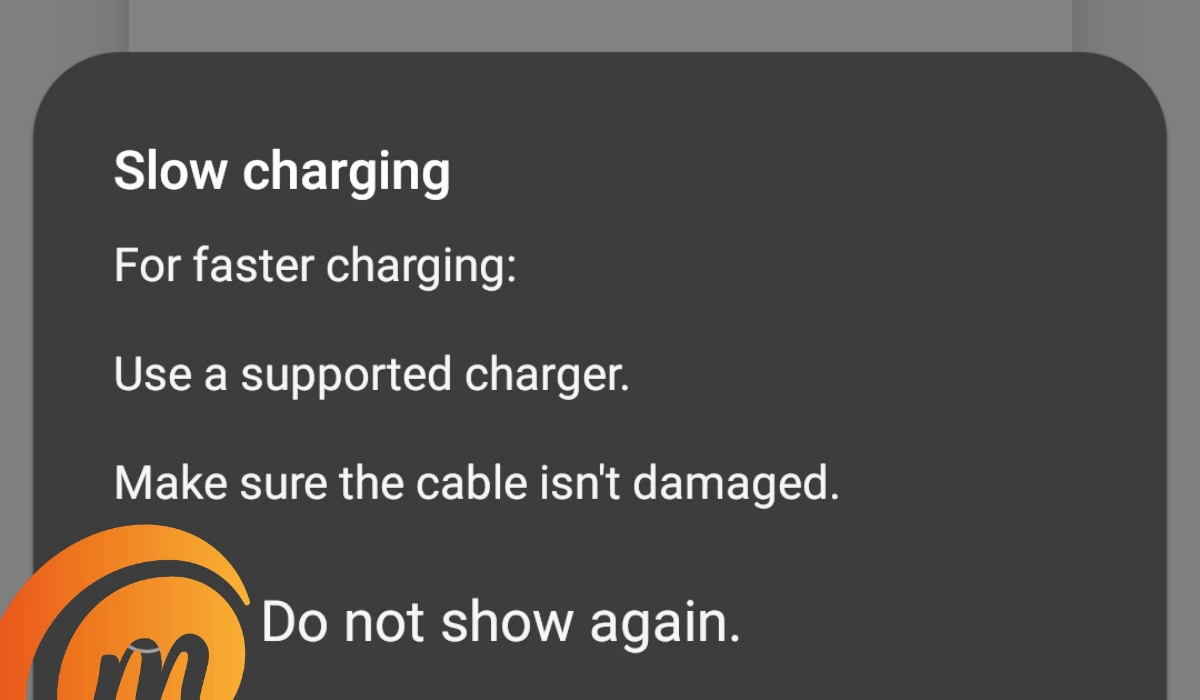
I got this notice when I used the short cable to charge the S23 from the power bank
To narrow down the problem, later on in the day when I was back at home, I used the Samsung S23’s cable with the power bank, and it provided fast charging to the phone without any warning. Next, I used that same short cable with the power bank to charge other phones, including the 18W fast charge AGM G2 Guardian : it worked without throwing up errors. My conclusion is that the short cable isn’t damaged; it just doesn’t support fast charging for the S23, which is why it delivered a slow charge instead.
Anyway, once the lock screen kicked in, it displayed that it had 4 hours 24 minutes till a full charge. What?! Over 4 hours? How?! Who was going to keep a phone tethered for a while 4 hours? Not me.
It is easy to forget how fast charging has made our lives so much better. Ten years ago, we had to plug our phones overnight for a full charge. During the daytime, there was very little chance that you could get a full charge at one sitting. You plugged your phone and left it alone so it could charge properly.
When you consider that Samsung S23 has only a measly 25W fast charge standard that I complain about, yet that makes a while lot of difference, because with a compatible charger, I go from a 50% battery to full in a little over half an hour. Without it, I am looking at 4 hours. Amazing.
25W fast charge is measly compared to 33W, 67W, and 180W fast charging, all of which I have used and drool after. But I would rather have 25W than nothing. Seeing the difference it makes in a real life setting was intriguing, to say the least.
How fast it takes to charge Samsung Galaxy S23 without fast charging
The answer is, forever. I am serious. Not only is it painfully slow, but because you likely have to use the phone at intervals, the battery really does not get topped up over time, which was why we used to plug in our phones to charge AND LEAVE IT ALONE over a decade ago before fast charging became a thing. I remember. I remember because it was super frustrating back then. And after years of enjoying the sweetness of fast charging, it is even more so now.
Today, while the Galaxy S23 was charging at normal, slow speed, I kept needing to use it, and before long, the battery had dropped form 51% to 48%. Aaargh! I had to put it down again. Make no mistake about it, you do not want to ever have to charge Samsung Galaxy S23 without fast charging. Every time I picked up the phone, the battery level dropped – while plugged in and slow charging.
I do not use my power bank much, but when I have to, I definitely want the full benefits of fast charging. As such, I either take the long Samsung cable with me next time, or buy a supported short cable, or perhaps replace my power bank with a fast wireless model so that I do not have need of a cable any more.
Author:Mister Mobility
Digital Skills and Communication Coach | Mobile Phone Connoisseur since 2001 | Tech Blogging since 2004
