Add MobilityArena as a preferred source on Google
OnePlus 11 arrives in the US and international markets with a top-end chipset and specs, and at a pocket-friendlier price than most other flagships. There is no Pro version this year, but you do get four variants that go from 8GB RAM + 128GB storage all the way to 16GB RAM + 512GB storage.
Note that in the US, its fast charging is limited to 80W, while the international version gets 100W. Welcome to our complete guide to the OnePlus 11. Read on to discover why the OnePlus 11 is one of the most exciting new smartphone releases of the year 2023.
OnePlus 11: brief information
- OS: Android 13
- Release Date: 2023
- Network Type: 2G/3G/4G/5G
- Display: 6.7-inch, 1440 x 3216 pixels resolution
- Processor: Snapdragon 8 Gen. 2 SoC
- Selfie Camera: 16 MP
- Rear camera: 50 MP triple camera
- RAM: 16 GB
- ROM: 512 GB
- Battery: 5000 mAh
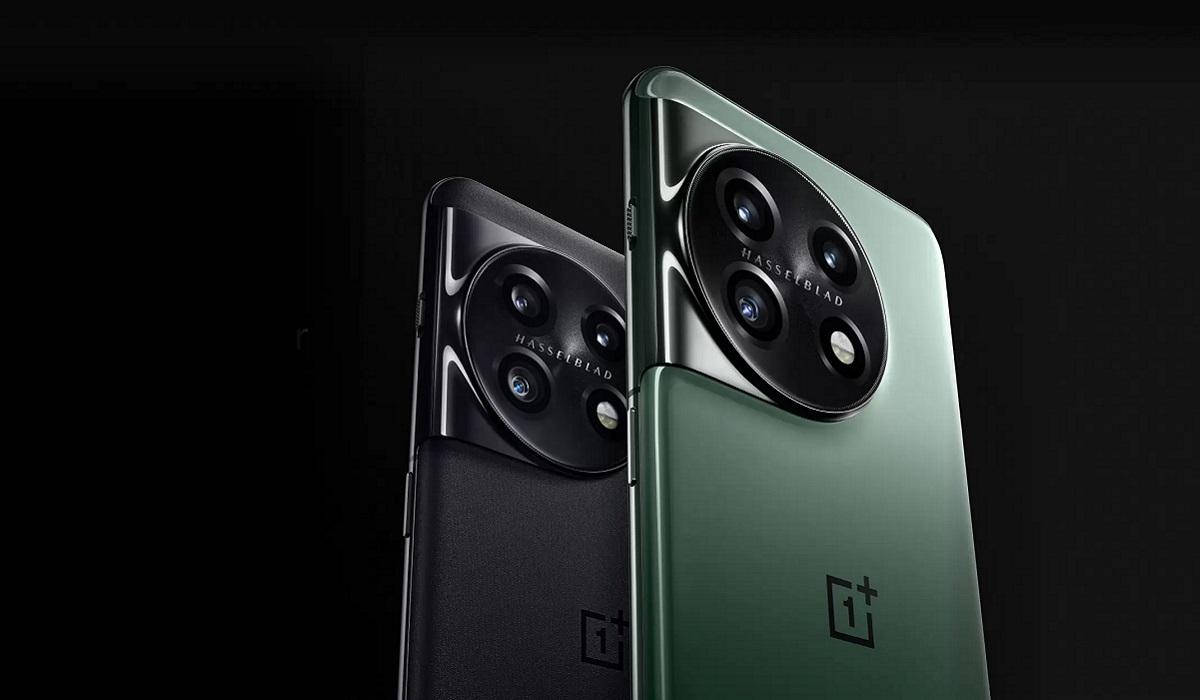
OnePlus 11
- Detailed Specs
- Prices by Country Does OnePlus 11 have Google Play Store? Will OnePlus 11 work in the USA?
- OnePlus 11 Successor
Detailed Specs
Mobile Wireless Network and Software
- 2G mobile network bands : GSM, GPRS, EDGE 850 / 900 / 1800 / 1900 MHz.
- 3G mobile network bands : UMTS, WCDMA, HSDPA 850 / 900 / 2100 MHz
- 4G mobile network bands : LTE.
- 5G mobile network bands : NSA/SA
- SIM Type : Nano-SIM, Dual SIM
- Software / OS : Android 13 + OxygenOS 13
Design, Form Factor, Appearance
- Dimensions : 163.1 x 74.1 x 8.5 mm
- Weight : 205g
- Display : 6.7 inches, 1440 x 3216 pixels, 120 Hz refresh rate, 20:9 aspect ratio, Dolby Vision, HDR10/10+, LTPO3 Fluid AMOLED screen, Corning Gorilla Glass Victus.
- Colours : Titan Black. Eternal Green
- Physical Build : Glass front (Gorilla Glass Victus), aluminium frame, Gorilla Glass back. IP64 rating.
Internal Hardware Specs
- CPU/ Processor : 64-bit, 3.2 GHz Octa-core
- Chipset : Qualcomm Snapdragon 8 Gen 2 SoC
- GPU/ Graphics Processing Unit : Adreno 740
- RAM : 8 GB. 12 GB. 16 GB
- Extended/Virtual RAM :
- Internal Storage : 128 GB. 256 GB. 512 GB
- External Storage : No.
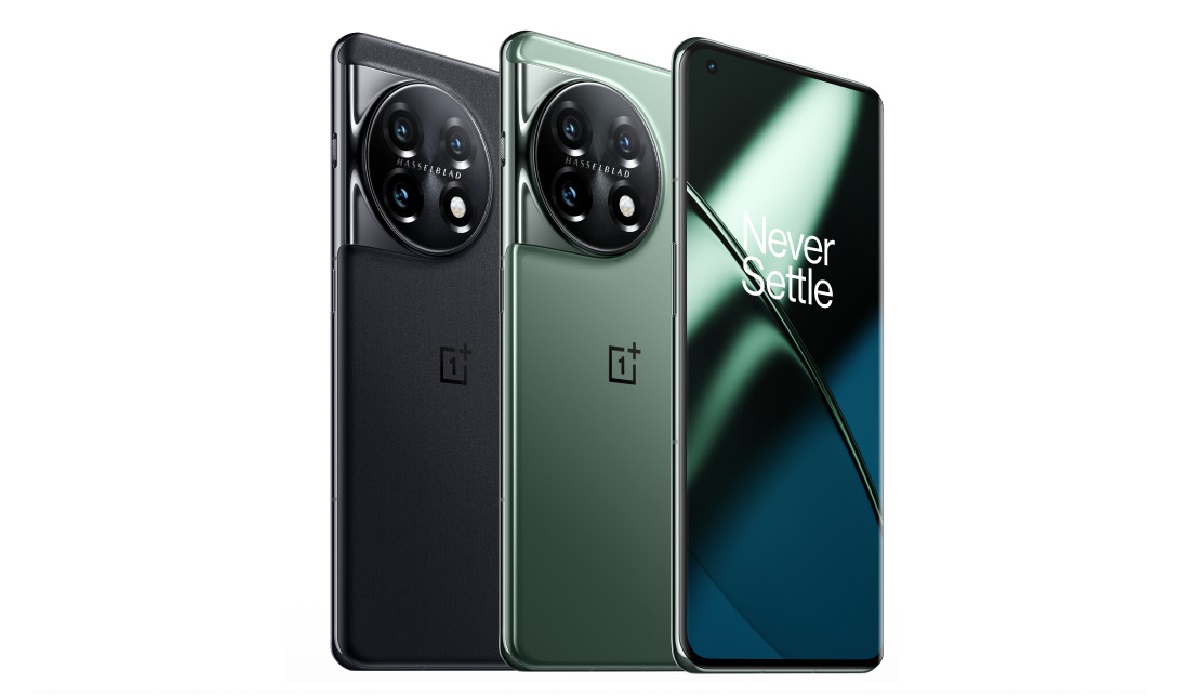
OnePlus 11
Photography, Video Recording
- Main Camera : 50 MP main sensor + 32 MP telephoto with 2x optical zoom + 48 MP uHasselblad Color Calibration, lens, autofocus, dual LED flash, 4k video. 1080p@30fps video recording.
- Front Camera : 16 MP, fixed focus, Face Recognition, 1080p@30fps video capture
Audio, Video Playback
- Music Support : PCM, AAC / AAC + / eAAC + / MP3 / AMR – NB / WB / APE
- Audio : No 3.5 mm audio jack. Dolby Atmos support.
- Loudspeaker : Stereo speakers
- Video Support : H.264/MP4/MPEG4 player
- FM Radio : No.
Phone Sensors
- Digital Compass : Yes.
- Accelerometer : Yes.
- Proximity Sensor : Yes.
- Ambient Light Sensor : Yes.
- Barometer : No.
- Pedometer : No.
- Heart Rate Monitor : No.
- Gyroscope (G-Sensor) : Yes.
- Fingerprint Scanner : Yes; under-display, optical.
- Face Unlock : Yes.
- Iris Scanner : No.
- Motion Sensing / Gesture Control : No.
- Voice Control : No.
- Intelligent Digital Assistant : Yes; Google Assistant.
- Infra-red Blaster : No.
Connectivity Options
- Bluetooth Version : 5.3
- Bluetooth Profiles : A2DP, LE
- WiFi : Wi-Fi 802.11 a/b/g/n/ac/6/7, hotspot
- GPS : Yes, A-GPS, GLONASS, BDS, Galileo
- USB : microUSB v2.0. Type-C. USB-OTG.
- NFC : Yes.
Miscellaneous Specs and Features
- Battery Type and Capacity : Non-Removable Lithium-Polymer 5000 mAh
- Battery Charging : 80W fast charging (USA). 100W SuperVOOOC S fast charging (international)
- Wireless Charging : No.
- Reverse Charging : No.
- Model Version/Number : PBH110
Launch/Release Dates and Information
- Announced : January 2023
- Release Date : January 2023
Prices by Country
- USA : $699 (8/128GB)
- United Kingdom (UK) : £729 (8/128GB).
- Germany : €899 (8/128GB)
- EU : €829 – 910 (8/128GB); pricing varies, depending on where you are in the EU.
- Switzerland : CHF
- Australia : AU$880 (8/128GB). AU$1,226.5 (12/256GB)
The above prices may change with time from country to country, as market forces and economic policies influence product price movements.
Does OnePlus 11 have Google Play Store?
It supports Google Services and software applications, including Play Store and Maps, Gmail, YouTube, and others.
Will OnePlus 11 work in the USA?
This is a GSM phone and is supported on US GSM carriers like AT&T and T-Mobile and other networks riding on their networks. It does not support CDMA networks. Do make enquiries from your carrier to know what bands/frequencies are supported on their service.
MobilityArena Buyer’s Guide Verdict
OnePlus 11 is a top recommendation of ours if you are looking at the best bang for your money at the most pocket-friendly price among 2023 premium flagships. Simply put, it offers more for less when compared to flagships from Apple, Samsung, and Google.
Our Buyer’s Guide Verdict is a recommendation based on the specifications of the device and a general guide to help you understand how much value a device offers for its price. It is not an endorsement of the device. Ask questions and use your judgement when buying any device; MobilityArena takes no responsibility for your buying decisions .
OnePlus 11 Phone Review Rating
4.75 / 5.0
OnePlus 11 Successor
The OnePlus 11’s successor, OnePlus 12 , was announced on December 6, 2023.
Author:InfoDesk
Add MobilityArena as a preferred source on Google
Many iPhone users experience issues with storage space shortage and soon need to free up iPhone storage space. At one point or the other, many of us have experienced a lack of storage space at a crucial time. This typically arises from apps, Messages, music, or (most frequently) images, and videos.
Regrettably, there’s no way to upgrade the storage on an iPhone. You, therefore, have three options: either upgrade to a phone with larger storage, add more iCloud storage, or free up storage space that’s already in use on your iPhone.
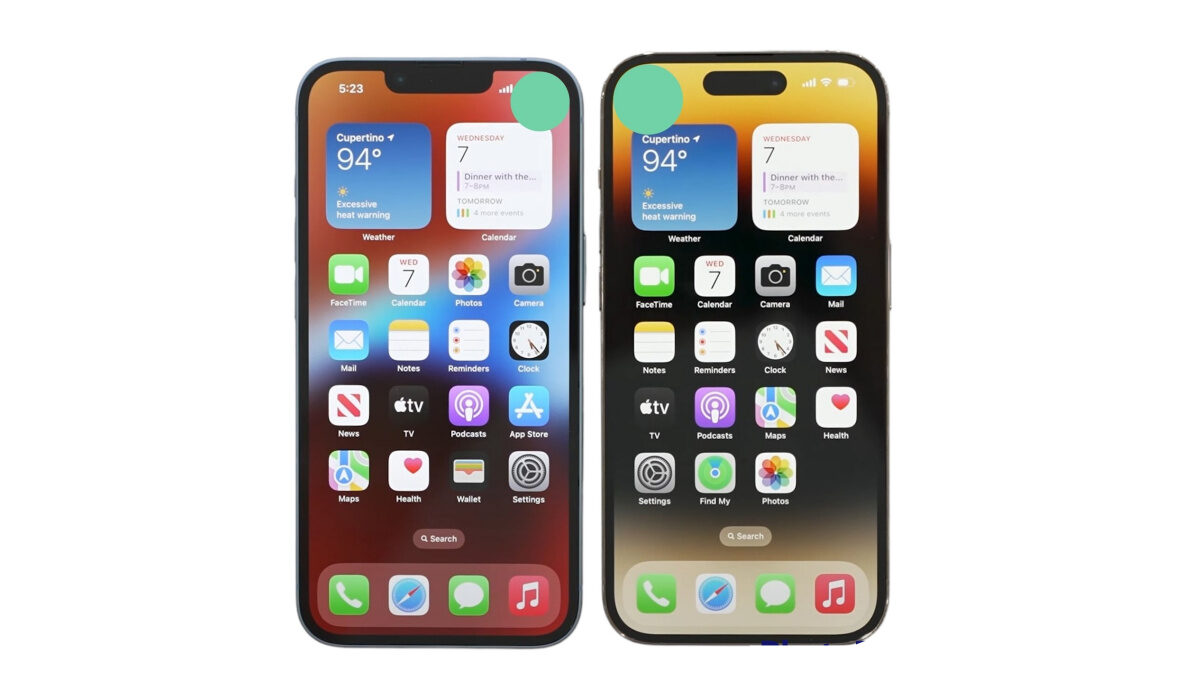
The first two options may not be instantly possible for you. That’s why this guide will show you different ways to free up iPhone storage space, regardless of which iPhone model you are using.
How Can I Free Up iPhone Storage Space?
There are several options to choose from if you’re looking for a way to free up iPhone storage space. Consider the following:
Find Out What’s Taking Up Storage Space
A function for iPhone Storage is available in more recent versions of iOS. Compared to the previous Storage and iCloud Usage section, it is a good improvement. You can navigate to Settings > General > iPhone Storage to locate it.
You’ll be able to quickly see how much storage space your smartphone has here. The apps here will be listed in decreasing order based on how much storage each app uses.
iOS recommends space-saving techniques like automatically deleting outdated messages, huge message attachments, and saving messages directly to iCloud. You can take advantage of any of these options to free up iPhone storage space.
You can also remove data from this location in some of Apple’s default apps. For instance, you can clear all website data from Safari, delete individual videos after reviewing them, and delete music from the Music app.
Delete or Offload Apps to Free Up iPhone Storage
When you’ve followed the above instructions to locate storage-consuming apps, the next thing to do is delete or offload them to free up iPhone storage space.
To access comprehensive information about an app’s storage consumption, tap it in the list under Settings > General > iPhone Storage . You’ll see the choice to delete the app or offload it at the bottom.
Remove App deletes the application along with all of its data. The process is identical to removing the app from the home screen.
Offload App , on the other hand, keeps your personal information while deleting the app’s essential files. It enables you to uninstall the application, and your crucial data will still be present when you reinstall it.
So with this option, you can delete any files you deem unnecessary, uninstall apps you rarely use, and uninstall games you’ve already completed to free up iPhone storage space.
Delete Old Photos and Videos to Free Up iPhone Storage
On most people’s iPhones, a lot of space gets taken up by videos and images. You can do the following to get rid of them and free up iPhone storage space:
● Activate iCloud Pictures to save space on your smartphone by uploading your images and videos to the cloud.
● Use your computer to back up your iPhone’s photographs and movies after copying them there. Remove them from your device after that.
● Make sure to delete the Recently Deleted category in Photos after you’ve cleaned up your photo stream.
● Choose and remove outdated Live Photos (also delete photos taken in Burst Mode). The three-second moving images might be using a significant amount of room.
Note that you can completely turn off Live Photos , but we don’t advise it because they contribute to creating priceless memories. Also, you can turn them into videos and GIFs.
There is no need to save both the regular images and HDR versions if you frequently shoot with your iPhone’s Smart HDR feature active.
Delete Old Messages to Free Up iPhone Storage
Unattended spam messages, SMS, and iMessage can accumulate on your iPhone over time. By having them disappear on their own after a while, you can restrict the number of messages that your phone stores and free up iPhone storage space. Here’s how to do it:
● Navigate to Settings and select Messages by scrolling down the list.
● Go to the message history section.
● Instead of Forever , select 30 days or 1 year .
● On the confirmation prompt for deleting older messages, click Delete .
In summary , we hope our recommendations in this guide help you to free up iPhone storage space successfully.
