Add MobilityArena as a preferred source on Google
These confusing naming schemes! Did it go by OnePlus Nord 2 CE or OnePlus Nord CE 2? It was called by both names, but now, we know that it will go by Nord CE 2 5G. We also have word that the official announcement will happen on February 17.
What is even more good news is that we now have a firm idea of what it looks like. And I think is a gorgeous smartphone. It has a rounded design with curved edges , all cleanly done. Have a look:
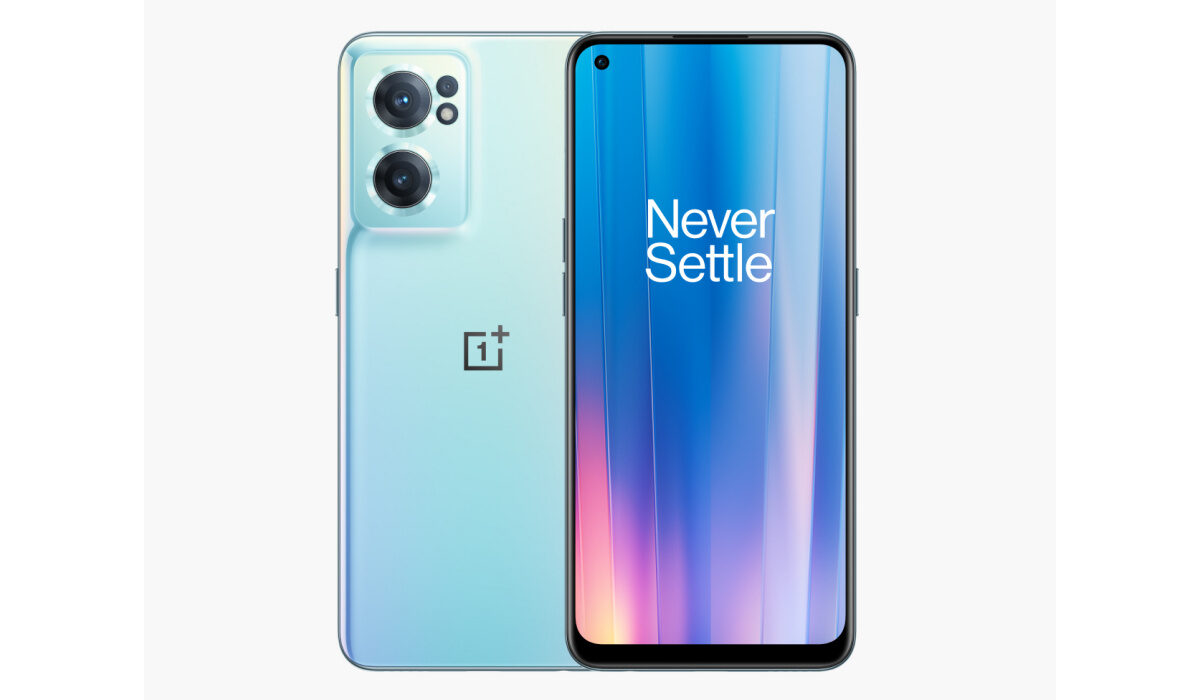
OnePlus Nord CE 2 5G
Do you agree about the looks? Anyway, looks aside, we have some information on the specs too.
OnePlus Nord CE 2 5G specs
- 6.4-inch AMOLED display, with 90Hz refresh rate, Corning Gorilla Glass 5 protection
- Front camera: 16MP selfie lens
- Rear camera: 64MP OmniVision lens + 8MP ultrawide lens + 2MP macro lens
- In-display fingerprint sensor
- 3.5mm headphone jack, and support
- 4500mAh battery
- 65W SuperVOOC fast charging
- MediaTek MT6877 Dimensity 900 5G (6 nm) chipset
- 8GB/12GB RAM.
- 128GB / 256 GB built-in storage memory
- Android 12 OS
- 5G support
At this point, all that is left to be revealed is the price.
The countdown to February 17 is on. The original OnePlus Nord 2 is a solid smartphone, and fans of the brand are expecting the Nord CE 2 5G to live up to the hype.
- Don’t miss our reviews .
- Follow us on Instagram , Facebook , Twitter , and YouTube .
Author:InfoDesk
Add MobilityArena as a preferred source on Google
Who would have thought that a marriage of science and magic of this sort would happen? We are talking about using Harry Potter spells on your iPhone. And it doesn’t matter whether it is an iPhone 13, 12, 11 or an even older model.
If you didn’t know it before now, it turns out that you can pull off some “magic” on your trusty iPhone and use Harry Potter spells. Not quite the way magic works in the show, but close. As long as Siri works on your iPhone, you can use it as a modern magic wand.
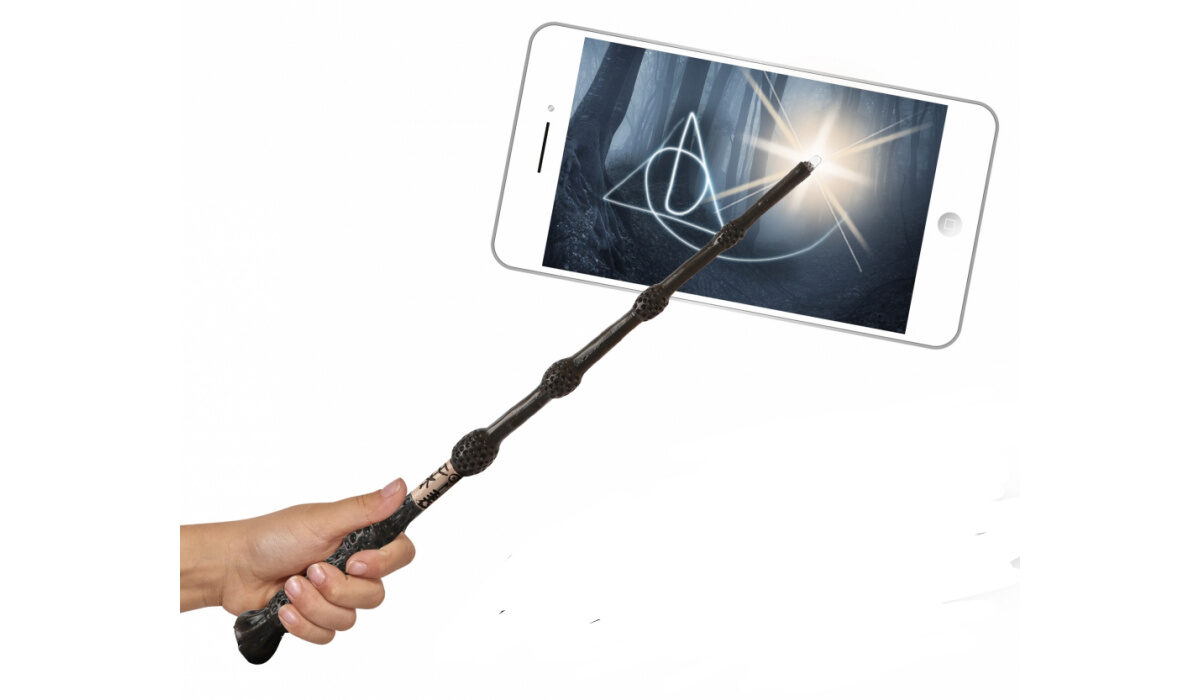
Use your iPhone like a magic wand
Siri actually responds to a number of Harry Potter spell commands. For example, you can say, “Lumos” to turn on the LED light of your camera, and say, “Nox”, to turn it off. Not bad for magic. Oh, and you can also say, “Accio [app name]” to open the app whose name you mentioned. Example, “Accio Safari” will launch the Web browser.
This “magic” is not only fun but also functional. In addition to the above these that work automatically, you can configure your iPhone to respond to 7 more Harry Potter spells.
How to set up and use 7 more Harry Potter spells on your iPhone
Note that all of these commands work only when Siri is active. Without that, none of the magic takes place.
The first thing you must do to be able to use these Harry Potter spells on your iPhone is to make sure Hey Siri is active. Go to Settings > Siri & Search, then toggle on “Listen for ‘Hey Siri.’”
Then proceed to set it up to respond to the following Harry Potter commands.
- Hey Siri, Lumos Maxima – Add the “Set Flashlight” action, set it to turn “On,” and max out the “Brightness” slider.
- Hey Siri, Silencio – Add the “Set Focus” action, set it to turn “On” the “Do Not Disturb” mode until “Turned Off.”
- Hey Siri, Sonorus – Add the “Set Volume” action, set it to “100%.”
- Hey Siri, Quietus – Add the “Set Volume” action, set it to “50%”.
- Hey Siri, Point Me – Add the “Open App” action and choose “Compass” as the app.
- Hey Siri, Sternius – Add the “File” action and select an audio file of someone sneezing. Add the “Play Sound” action.
- Hey Siri, Muffliato – Add the “Set Volume” action and change it to a low amount.
Once set up, you can use these commands at any time. If you are interested in this, you are likely already a Harry Potter fan, so you know some, if not all, of these commands already. Hopefully, you won’t forget any of them, though if you do, that doesn’t amount to anything. Your will only miss out on a few magic moments with your trusty iPhone 13 Pro Max or iPhone 11 Pro.
In all, you get to use a total of 10 Harry Potter spells on your iPhone and have some really fun times with family and friends. At the end of the day, there is a child (or wizard) inside every one of us.
- Don’t miss our reviews .
- Join our WhatsApp Group , to be notified of the most important articles and deals,
- Follow us on Instagram , Facebook , Twitter , and YouTube .
