Add MobilityArena as a preferred source on Google
OnePlus Nord N300 5G is a budget smartphone offering decent specs, including SA/NSA 5G support, at an affordable price. The good news for US residents is that it is has been officially announced for the country, though exclusive to T-Mobile and its subsidiary, Metro . What are the features it brings to the table? It has a 6.56-inch, 90Hz IPS LCD panel on the front, a plastic frame, and plastic back. Inside, it is powered by a Dimensity 810 5G chipset, coupled with 4GB of RAM and 64GB internal storage. It runs Android 13 customized with OxygenOS 13 user interface. These specs clearly scream budget.
Keeping the lights on is a 5000 mAh battery that charges at 33W fast charge speeds. The fingerprint scanner is located on the side and embedded in the power button. At the back of the device is a dual camera that comprises a 48MP wide angle camera and a 2MP depth lens. Have a look at the detailed specifications of OnePlus Nord N300 below.
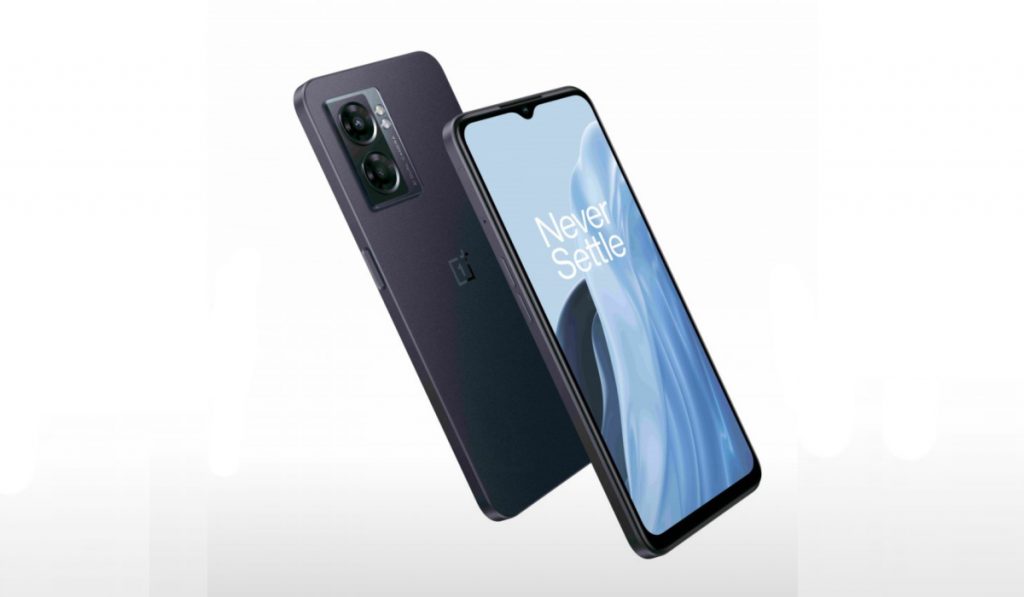
OnePlus Nord N300
- OnePlus Nord N300 5G Specs
- Price in the United States of America
OnePlus Nord N300 5G Specs
Wireless Networks and Technology
- 2G bands : GSM, GPRS, EDGE 850 / 900 / 1800 / 1900 MHz.
- 3G bands : UMTS, WCDMA, HSDPA 850 / 900 / 1700(AWS) / 1900 / 2100 MHz
- 4G bands: LTE
- 5G bands : SA. NSA
- SIM Card Type : Nano-SIM, Dual SIM
- Software / OS : OxygenOS 13 based on Android 13
Body
- Display : 6.56 inches, 720 x 1612 pixels, 90 Hz refresh rate, 20:9 aspect ratio, IPS LCD screen
- Colours : Midnight Jade.
- Physical Build : Plastic frame. Plastic back panel.
Internal Hardware Specs
- CPU : 2.4 GHz Octa-core
- Chipset : MediaTek MT6833P Dimensity 810
- Graphics Processor : Mali-G57 MC2
- RAM : 4 GB
- Internal Storage : 64 GB
- External Storage : microSD (up to 1 TB)
Cameras: Photography and Video Recording
- Rear Camera : 48 MP wide-angle sensor + 2 MP depth sensor, autofocus, LED flash, 1080p@30fps video recording
- Front Camera : 8 MP fixed focus, Face Recognition, 1080p@30fps video capture
Media: Music and Video Playback
- Music Support : PCM, AAC / AAC + / eAAC + / MP3 / AMR – NB / WB / APE
- Audio : 3.5 mm audio jack
- Loudspeaker : Stereo speakers
- Video Support : H.264/MP4/MPEG4 player
- FM Radio : N/A.
Sensors
- Digital Compass : Yes.
- Accelerometer : Yes.
- Proximity Sensor : Yes.
- Ambient Light Sensor : No.
- Barometer : No.
- Pedometer : No.
- Heart Rate Monitor : No.
- Gyroscope (G-Sensor) : Yes.
- Fingerprint Scanner : Yes; side-mounted.
- Face Unlock : Yes.
- Iris Scanner : No.
- Motion Sensing / Gesture Control : No.
- Voice Control : No.
- Intelligent Digital Assistant : Yes; Google Assistant.
- Infra-red Blaster : No.
Connectivity Specs
- Bluetooth Version : 5.3
- Bluetooth Profiles : A2DP
- WiFi : Wi-Fi 802.11 a/b/g/n/ac, dual-band, hotspot
- GPS : Dual-band A-GPS, GLONASS, BDS, GALILEO
- USB : microUSB v2.0. Type-C.
- NFC : Yes.
Other Specs and Features
- Battery Type and Capacity : Non-Removable Lithium-Polymer 5000 mAh
- Battery Charging : 33W SuperVOOC fast charging
- Wireless Charging : No.
- Reverse Charging : No.
Price in the United States of America
The price is of the Nord N300 in the US is $228 and is available locked on T-Mobile and Metro By T-Mobile. You can order from their websites or walk into one of their stores to make your purchase. It is available from November 3, 2022.
Lastly, is the Nord N300 an American-made phone ? No; it is not. It is manufactured in China. Also, according to OnePlus, its predecessor, OnePlus Nord N200, sold well in the US, and is projected to hit a sales number of 1.5 million units before the end of 2022. Will OnePlus Nord N300 5G be as popular? Time will tell.
Author:MobileChic
That motivated, gadget-loving geeky chic who tries to stay on top of things. Unapologetic iFan.
Add MobilityArena as a preferred source on Google
Like it does after every new Apple release, the second-hand market is overflowing with older iPhone models now that the iPhone 14 has gotten into the gadget market. Typically, you shouldn’t have to stress when you buy a second-hand model iPhone because everything should already be in place for the new owner.
In a few otherwise cases, however, you may need to find a means to use your phone if you purchase one of these second-hand iPhones and discover that it is locked by iCloud Activation. Fortunately, there are approaches to removing the activation lock without assistance from the previous owner.
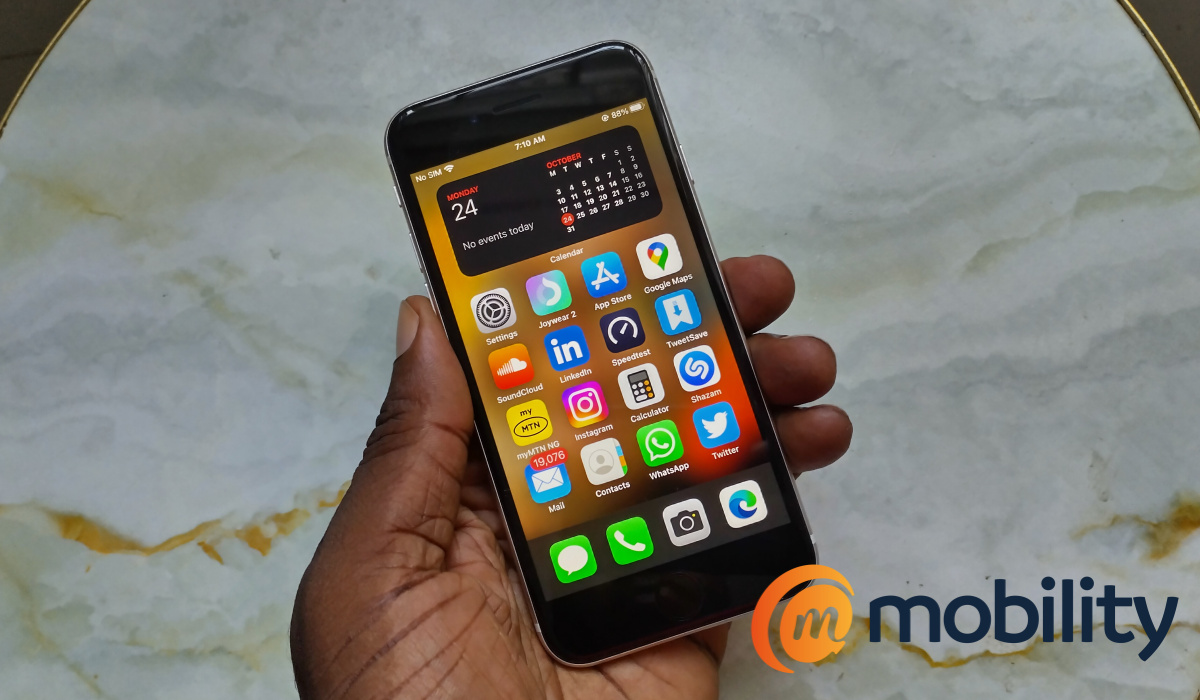
In this guide, we’ll teach you how to get rid of the activation lock on iPhone devices, so pay attention to find out how to take advantage of this information.
How Do I Remove Activation Lock Without Help From My iPhone’s Previous Owner?
This may not be the easiest of tasks to accomplish, but thankfully, it is indeed possible. The methods we’ve described below should help you remove the iCloud Activation Lock on your device so that you may begin using your phone without restrictions.
Use DNS Bypass
You’ll be able to quickly gain access to your new phone using this technique. What you must do is as follows:
- After turning your iPhone on, select the language and location from the menu.
- To access the Wi-Fi settings screen, tap the Proceed button. Click on the “I” which is located in a circle next to the Wi-Fi tab.
- To get around the iCloud activation lock, enter the IP address of a DNS server. Depending on where you are, you’ll need to select one: Europe: 104.155.28.90 USA: 104.154.51.7 Australia and Oceania: 35.189.47.23 Asia: 104.155.220.58 South America: 35.199.88.219 Areas outside: 78.100.17.60
- Next, turn on Wi-Fi and select your network after returning to the previous screen. Type in your passphrase.
- Don’t select the Next page link. To get back to the iCloud Bypass screen, press Back instead.
- Set up your iPhone’s apps and other necessities by scrolling all the way down to the Menu.
Keep in mind that only iOS 8 through 10-compatible devices can use this technique. Additionally, not everyone in the world is able to employ this technique. As an alternative, you can utilize AnyUnlock for a simpler experience. We’ve described the process in the next section of this guide.
Use AnyLock ( iPhone Password Unlocker)
This approach is far more user-friendly than the one described above. Less tech-savvy customers might experience difficulties with the first approach, but AnyUnlock shouldn’t cause any problems. You also won’t have to struggle to figure out how to activate your new phone because this iCloud Activation lock bypass program has a high success rate that is guaranteed.
To remove the activation lock on your iPhone via this method, follow these steps:
- Download AnyUnlock for Windows or Mac. Install the tool, then explore all of the possibilities.
- Then, you must plug in and link your iPhone to your computer.
- From the grid, select Bypass iCloud Activation Lock.
- To start the unlocking procedure, click Start Now.
- At this point, you’re all done. Any traces of the former owner should be completely gone from your device.
The entire process seems to be completed rather quickly, making it much simpler than any other DIY method you might employ. Additionally, it moves along much more quickly than calling Apple support or getting in touch with the phone’s seller again, among other options
It’s necessary to point out that AnyUnlock is a full-featured iOS unlocking solution that solves a wide range of problems. For instance, it can bypass mobile device management, the screen passcode, and Apple ID. Additionally, the tool can unlock the device without needing a screen time passcode, and it can also remove SIM lock and iTunes backup encryption.
In summary , there’s no need to go through much stress when you find yourself needing to remove the activation lock after purchasing a second-hand iPhone device. You can try any one of the described methods in this guide to get it done easily. As you may have noticed, we would recommend the second method, but choose whichever one works better for you.
We’d also encourage you to share or recommend this guide to help other iPhone users benefit from its helpful instructions.
- Don’t miss our mobile phone reviews .
- Follow our news on Google News .
- Join our WhatsApp Group , to be notified of the most important articles and deals,
- Follow us on Instagram , Facebook , Twitter , and YouTube .
