Add MobilityArena as a preferred source on Google
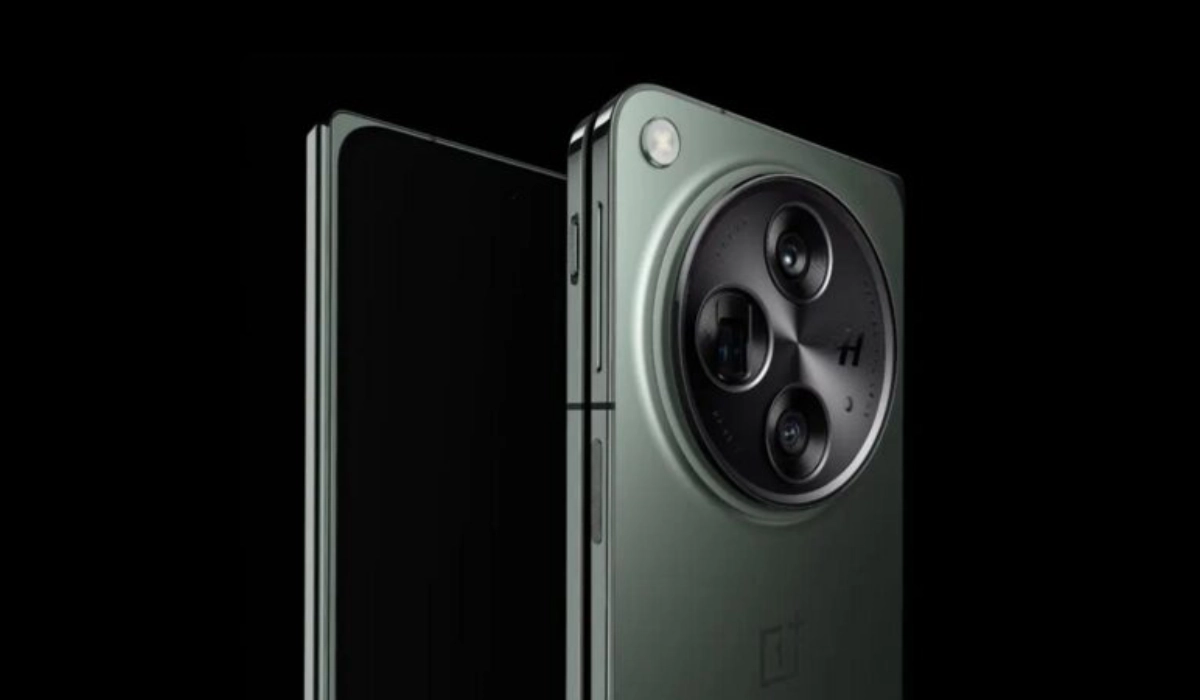
The OnePlus Open has made a significant mark in the foldable smartphone market, offering impressive features and a sleek design. However, some users have reported concerns regarding its battery life, prompting many to seek solutions to enhance their experience. With a 4,805mAh battery, the OnePlus Open is designed to provide a solid performance, but heavy usage can lead to quicker-than-expected depletion. Users have been particularly vocal about their experiences, sharing insights on how the device holds up during daily tasks like gaming, streaming, and web browsing. By understanding these challenges and implementing effective strategies, you can ensure that your OnePlus Open meets your daily needs without interruption. Let’s explore the common battery life concerns and their corresponding solutions in details.
- Overview of Battery Life Concerns
- Common Battery Life Issues Rapid Battery Drain Inconsistent Performance Lack of Wireless Charging
- Battery Life Performance
- Practical Solutions for Enhancing Battery Life Optimize Settings Manage Apps Wisely Utilize Battery Saver Mode Charge Efficiently Adjust Connectivity Settings
- Conclusion
Overview of Battery Life Concerns
The OnePlus Open is equipped with a 4,805mAh battery, which is slightly less than the standard 5,000mAh batteries found in many flagship smartphones. While it performs admirably in various tests, some users have expressed concerns about its longevity during daily use. Reports indicate that while the device can last through a day, heavy users may find themselves needing to recharge before the end of the day.
Common Battery Life Issues
Rapid Battery Drain
- Users have noted that heavy usage—such as gaming, streaming, or using GPS—can lead to quicker battery depletion than expected.
Inconsistent Performance
- Some users report variations in battery life based on app usage and settings, leading to confusion about how long the battery should last.
Lack of Wireless Charging
The absence of wireless charging has been a point of contention for some users who prefer the convenience of this feature.
Battery Life Performance
Despite these concerns, tests show that the OnePlus Open performs well compared to its competitors:
- Web Browsing: Approximately 11 hours and 45 minutes in continuous web browsing tests.
- Video Streaming: Lasts around 7 hours and 22 minutes, comparable to other foldable devices.
- Gaming: Outlasts many traditional smartphones, showcasing its efficiency even under demanding conditions.
Practical Solutions for Enhancing Battery Life
Here are some effective strategies to help OnePlus Open users maximize their battery performance:
Optimize Settings
- Reduce Screen Brightness: Lowering brightness can significantly extend battery life.
- Adjust Refresh Rate: Use the automatic refresh rate setting to balance performance and battery consumption.
- Limit Background App Activity: Disable background activity for apps that you don’t use frequently.
Manage Apps Wisely
- Identify Power-Hungry Apps: Use the device’s battery settings to identify apps consuming excessive power and consider alternatives or limit their use.
- Optimize App Notifications: Turn off notifications for non-essential apps to reduce wake-up calls that drain battery life.
Utilize Battery Saver Mode
Activate Battery Saver mode during periods of low battery or when you need your phone to last longer throughout the day.
Charge Efficiently
- Take advantage of the included 67W SuperVOOC charger, which can charge your device from 0% to 100% in about 43 minutes. Quick top-ups can help manage your usage throughout the day.
- Consider charging your phone during short breaks to maintain battery levels without needing a full charge.
Adjust Connectivity Settings

- Turn off GPS and Bluetooth when not in use to prevent unnecessary battery drain.
- Use Wi-Fi over mobile data whenever possible, as it generally consumes less power.
Conclusion
While some users have raised valid concerns regarding the battery life of the OnePlus Open, implementing these practical solutions can significantly enhance your experience with this innovative foldable smartphone. With a robust design and impressive features, the OnePlus Open remains a strong contender in the market. By optimizing settings, managing app usage wisely, utilizing efficient charging methods, and adjusting connectivity options, you can enjoy extended battery life without compromising on performance. Embrace these strategies to make the most out of your OnePlus Open and ensure it meets your daily needs effectively!
Author:Ifeoluwa Adeleke
Add MobilityArena as a preferred source on Google
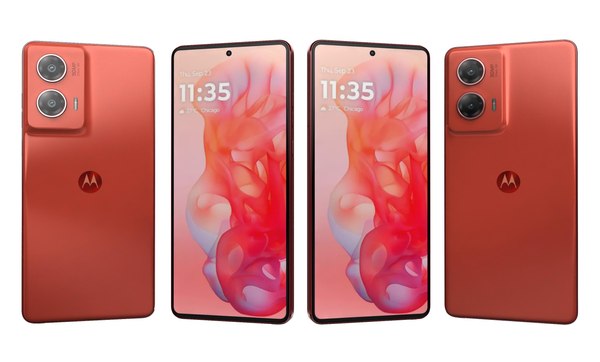
The Moto G Stylus 5G (2024) has emerged as a popular choice for users seeking a budget-friendly smartphone equipped with a stylus. With its impressive features, including a vibrant display, solid battery life, and an affordable price point, it offers great value for money. However, like any device, it comes with its share of issues that users may encounter. Some common concerns include performance lag, connectivity problems, and battery drain. In this article, we will discuss these prevalent problems associated with the Moto G Stylus 5G and provide practical solutions to enhance your experience and ensure you get the most out of this capable device. By addressing these issues effectively, you can enjoy a smoother user experience and fully leverage the features that make the Moto G Stylus 5G stand out in its category. Let’s dive into the specific challenges and their solutions!
- Common Issues with the Moto G Stylus 5G Battery Drain Issues Performance Lag Connectivity Problems Sound Quality Issues
- Conclusion
Common Issues with the Moto G Stylus 5G
Battery Drain Issues
Some users have reported that the battery drains faster than expected, especially when using resource-intensive apps or during extended periods of use. Rapid battery discharge can lead to the device shutting down unexpectedly or not lasting through a full day of usage. I recommend the following to get this resolved:
- Manage Background Apps: Check for rogue apps running in the background that may be draining the battery. Go to Settings > Battery > Battery Usage, select an app, and choose “Restricted” to limit its background activity.
- Battery Calibration: If experiencing erratic battery behavior, fully charge the phone to 100%, then leave it plugged in for an additional hour after reaching full charge to recalibrate the battery.
Performance Lag
Users may experience lagging or freezing during multitasking or when running demanding applications. Apps may take longer to open, and there can be noticeable delays when switching between apps. The following solutions will be of help:
- Clear App Cache: If apps are lagging or freezing, clear their cache to free up memory. Navigate to Settings > Apps > See All Apps, select the app, and choose Storage & Cache > Clear Cache.
- Reduce Animations: To improve performance, reduce animations by enabling Developer Options (tap Build Number under Settings > About Phone seven times) and adjusting animation scales.
Connectivity Problems
Some users of the Moto G Stylus 5G (2024) have faced issues with connecting to 5G networks or maintaining a stable connection. Inconsistent network connectivity can result in dropped calls or slow internet speeds. I recommend the following to get this issue resolved:
- Reset Network Settings: If you encounter connectivity issues, reset network settings by going to Settings > System > Reset Options > Reset Wi-Fi, mobile & Bluetooth, then confirm.
- Check Carrier Settings Update: Ensure your carrier settings are up-to-date by going to Settings > About Phone > System Updates, and install any available updates.
Sound Quality Issues

Users have reported problems with sound quality, including low volume levels or audio cutting out during calls or media playback. Difficulty hearing notifications or conversations can hinder user experience. I recommend the following:
- Adjust Volume Settings: Check sound settings by going to Settings > Sound & Vibration, and adjust the ring volume and media volume sliders accordingly.
- Test in Safe Mode: Restart your device in Safe Mode to determine if a third-party app is causing sound issues. If sound works fine in Safe Mode, consider uninstalling recently added apps.
Conclusion
The Moto G Stylus 5G (2024) is an excellent choice for those seeking a budget-friendly smartphone with stylus capabilities. While it does have its share of common issues—such as battery drain, performance lag, connectivity problems, and sound quality concerns—many of these can be easily resolved with practical solutions. By managing background apps, clearing cache data, resetting network settings, and adjusting sound settings, users can significantly enhance their experience with this versatile device. Embrace these tips to make the most out of your Moto G Stylus 5G and enjoy all the features it has to offer!
