Add MobilityArena as a preferred source on Google
The Qualcomm Snapdragon 460 (SM4250), also sometimes called SD460, is a chipset for lower-end Android smartphones and tablets. It is an entry-level SoC, so you will find it in devices at the lower end of the medium smartphone market. It is built on the 11 nm process and supports 4G LTE network connectivity.
- How Good Is Qualcomm Snapdragon 460?
- List Of Qualcomm Snapdragon 460 Mobile Phones
How Good Is Qualcomm Snapdragon 460?
The Snapdragon 460 chipset is a low-end mobile processor that offers some advantages over its predecessor, the Snapdragon 450. Some of the advantages are:
It supports higher memory bandwidth, which means faster data transfer and better performance for multitasking and gaming.
It has a smaller transistor size, which means lower power consumption and less heat generation.
It performs better in floating-point computations, which are important for graphics and scientific applications.
It has a more advanced neural processor, which enables faster and more accurate artificial intelligence tasks, such as face recognition and voice assistants.
The SD460 chipset is a good choice for budget-friendly smartphones that can handle basic tasks and some gaming. It is not as powerful as the higher-end Snapdragon chipsets, such as the 6-series or the 8-series, which offer faster speeds, better graphics, and more features.
We have compiled a list of all current smartphones with the Qualcomm Snapdragon 460 processor, for your convenience. Because of the SD460, all the listed phones are equipped with performance cores, and so offer decent performance in everyday usage. Snapdragon 460 is coupled with Adreno 610 GPU for graphics processing.
List Of Qualcomm Snapdragon 460 Mobile Phones
asd
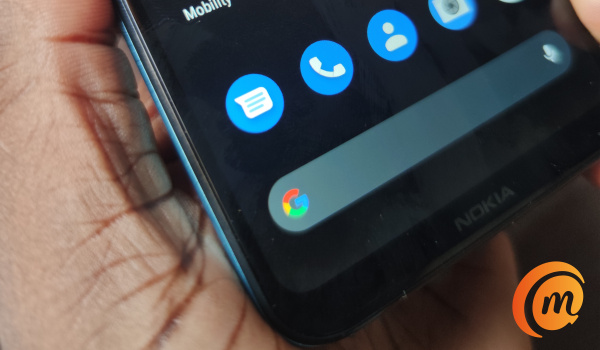
- Nokia 3.4 (reviewed HERE )
- OPPO A53
- OPPO A53s
- OPPO A33 2020
- OPPO A32
- Vivo Y20
- Vivo Y20s
- Vivo Y20i
- Vivo Y11s
- Motorola Moto G10
- Motorola Moto G10 Power
- Motorola Moto G Play 2021
- Motorola Moto E7 Plus
- TCL 20 SE
- Realme C17
- Realme C15
- OnepLus Nord 100
All the above cellphone models are equipped with 3GB, 4GB, or 6GB of RAM. The other specifications differ, but all of them are typical of mid-range smartphones.
Newer models of smartphones powered by Snapdragon 460 will continue to hit the streets from time to time, so keep your eye open for product announcements
You are reading Mobility Arena .
- Don’t miss our reviews .
- Follow us on Instagram , Facebook , Twitter , and YouTube .
Author:InfoDesk
Add MobilityArena as a preferred source on Google
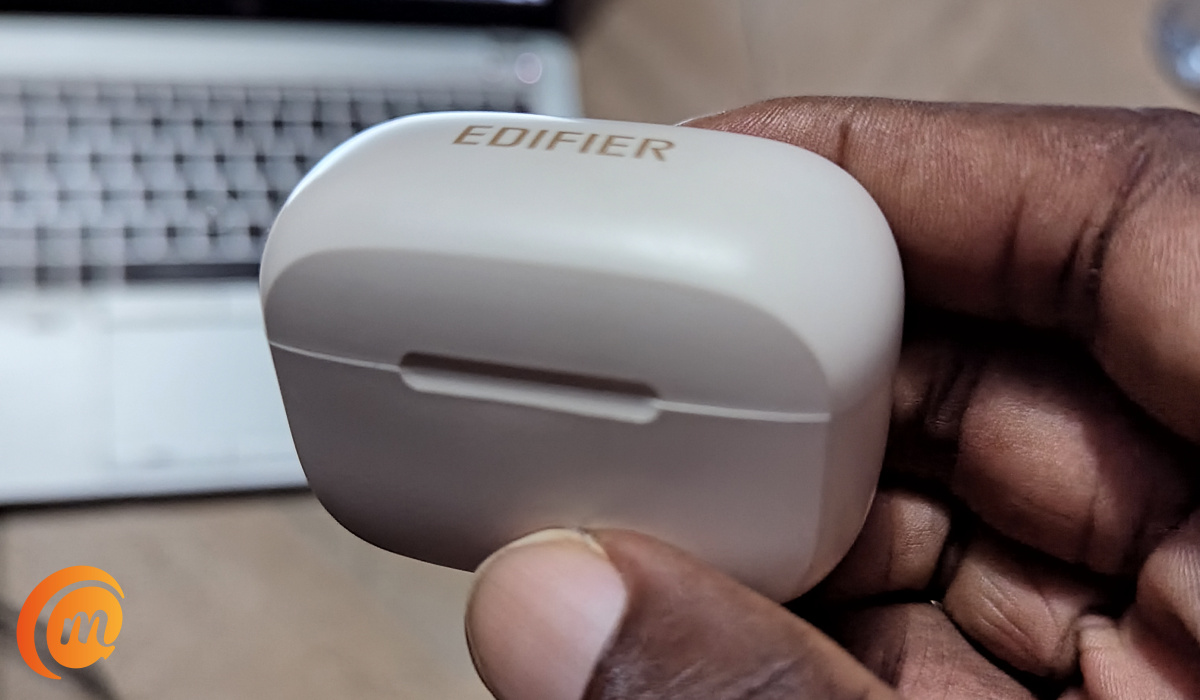
The Edifier TWS1 Pro earbuds come in a simple, lightweight case that do not look particularly special in any way. The case has the form of a tall box. The shape reminds me of an old-time treasure chest from an Indiana Jones , or Pirates of the Caribbean , movie.
How does one describe the product? I would say that they are a simple and decent pair of waterproof earphones that deliver superior audio quality, top-notch noise cancellation, fast charging, and dependable battery life. Let me walk you through the details of my experience using the earphones.
Edifier TWS1 Pro review
- Edifier TWS1 Pro Review: Key Specs
- Edifier TWS 1 Pro Earbuds Review: In the Box
- Edifier TWS1 Pro Review: Using The Stereo Earbuds
- Edifier TWS1 Pro Call Management
- Edifier TWS1 Pro Stereo Audio Quality
- Edifier TWS1 Pro earphones: Battery and Charging
- Edifier TWS1 Pro Earbuds: Pricing
- Edifier TWS1 Pro Earphones Review: Verdict
Edifier TWS1 Pro Review: Key Specs
Here are the specifications of the TWS1 Pro earphones:
- Bluetooth Version: v5.2
- Supported Bluetooth Profiles : HFP, HSP, A2DP, AVRCP
- Qualcomm cVc 8.0 Noise Cancellation
- Titanium diaphragm
- Qualcomm aptX Adaptive
- IP65 Water and Waterproof
- Qualcomm® TrueWireless Mirroring Technology
- Impedance: 24Ω
- Operating Distance: 10m
- 7.5W “Fast” charging via USB Type-C port on the charging case
Edifier TWS 1 Pro Earbuds Review: In the Box
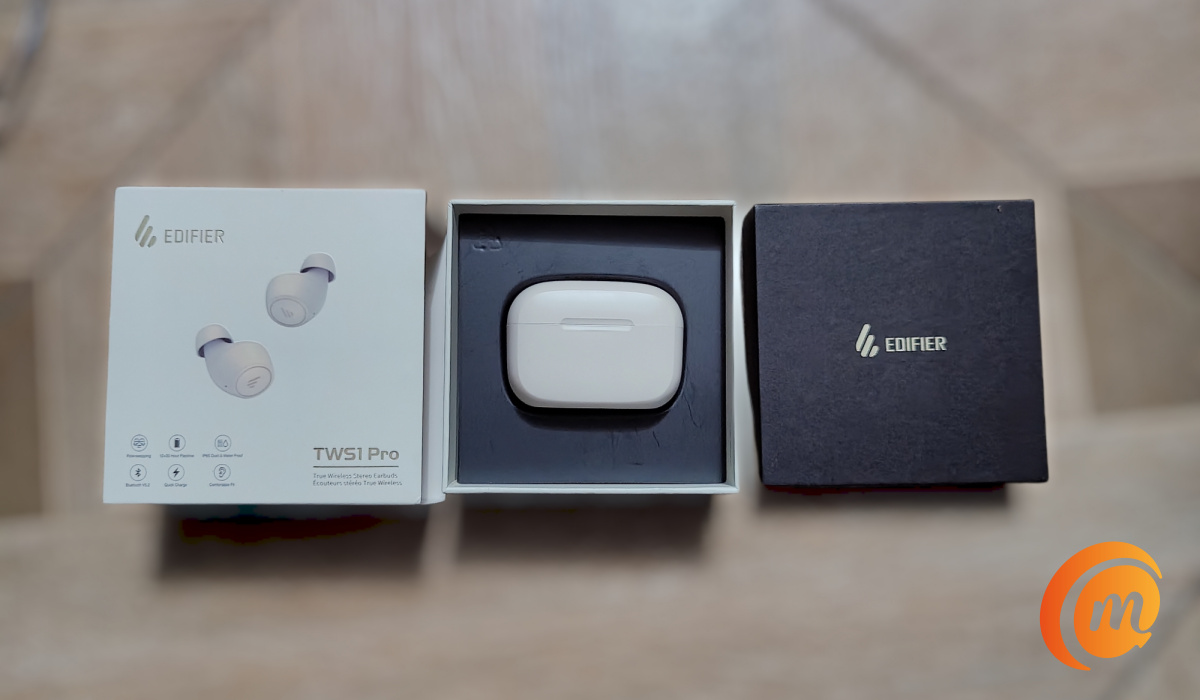
We opened the product packaging and found the following inside:
- A charging case, with the Edifier TWS1 Pro earbuds inside
- USB-C short cable for charging
- 2 pairs of spare ear tips
- Paper documentation that includes: an After Sales card, regulatory compliance leaflet, a safety leaflet, and a user guide.
Our review unit is white. Edifier also has the TWS1 Pro available in black. Which colour you prefer is a question of your personal taste.
Edifier TWS1 Pro Review: Using The Stereo Earbuds
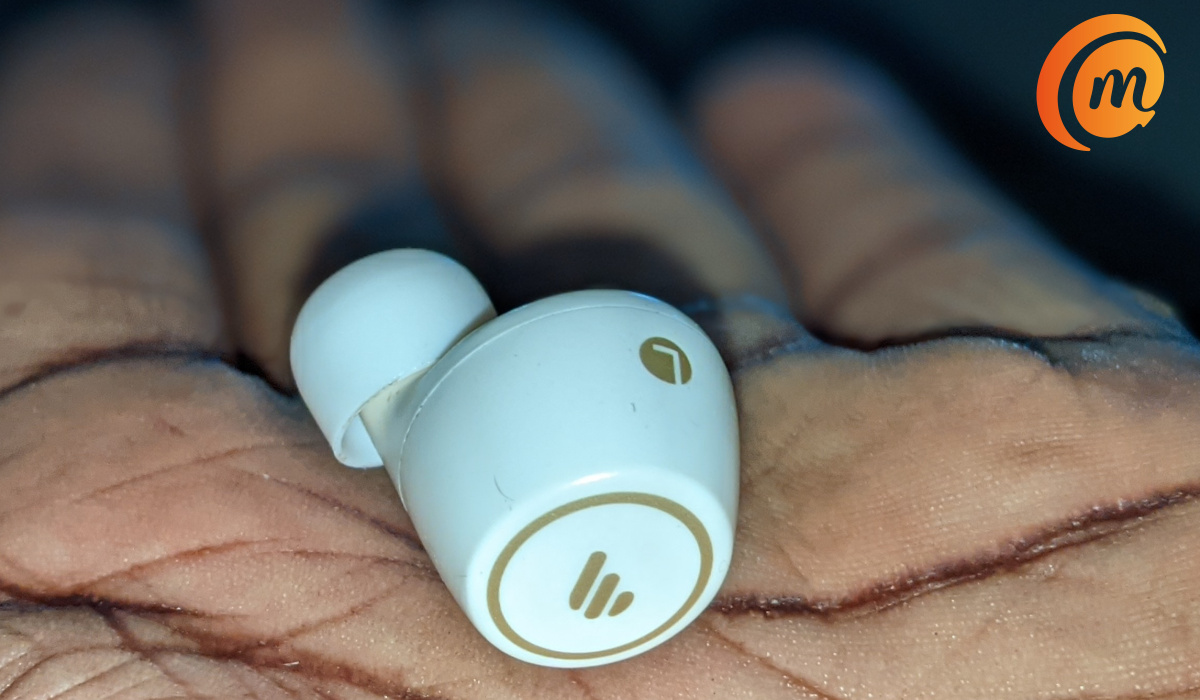
Taking a piece out of the case wakes it up. If this is your first time of using it and need to pair, press and hold either of the buds for 2 to 3 seconds to enter pairing mode. Dive into your phone’s Bluetooth settings and select the option to pair a new device. It will find the TWS1 Pro earbud; tap to pair, and complete the process. Voilà. Pairing is done. Subsequent times, when you take it out of the case, it pairs automatically.
Being in-ear pieces, the earphones fit nicely in the ears and are quite comfortable. Unlike the Edifier TWS NB2 earbuds , it does not have switchable modes.
Also, note that you can use the earbuds together in stereo mode, or use them individually in mono mode. In addition, the IP65 rating means that you can take a shower with the earbuds. It provides protection against low pressure water jets, sprays, and condensation.
Edifier TWS1 Pro Call Management
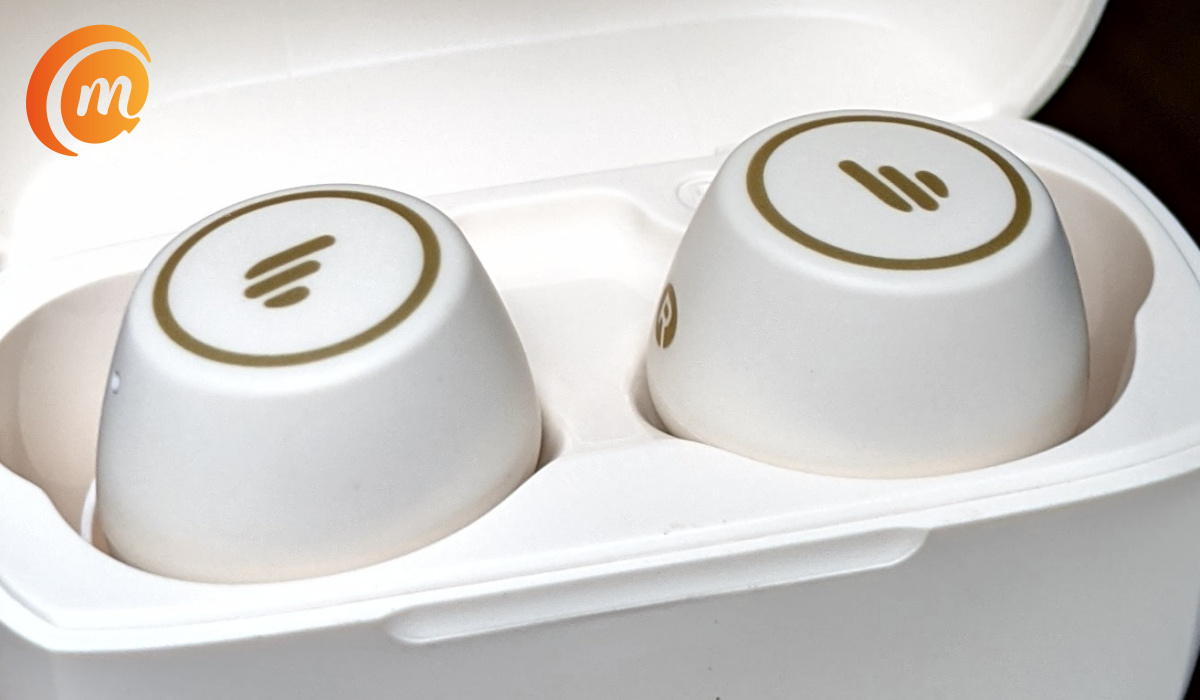
When you have an incoming call, tap on either of the pieces to answer it, or press and hold either to reject it. During a regular phone call, press and hold either piece to end the call.
During music playback, tapping on either of the pieces pauses the music. A tap resumes playback. To play the next song, double tap the right earbud. To play the previous track, double tap the left bud.
The TWS1 Pro has volume controls: press and hold the right bud during music playback to increase volume. Press and hold the left earbud to reduce the volume.
Edifier TWS1 Pro Stereo Audio Quality
Audio quality on the TWS1 Pro is superb, thanks to the titanium diaphragm. Stereo reproduction is quite good, and so is noise cancellation. As a matter of fact, noise cancellation is so good that when using the earbuds, pretty much all surrounding noise is blocked out.
Edifier TWS1 Pro earphones: Battery and Charging
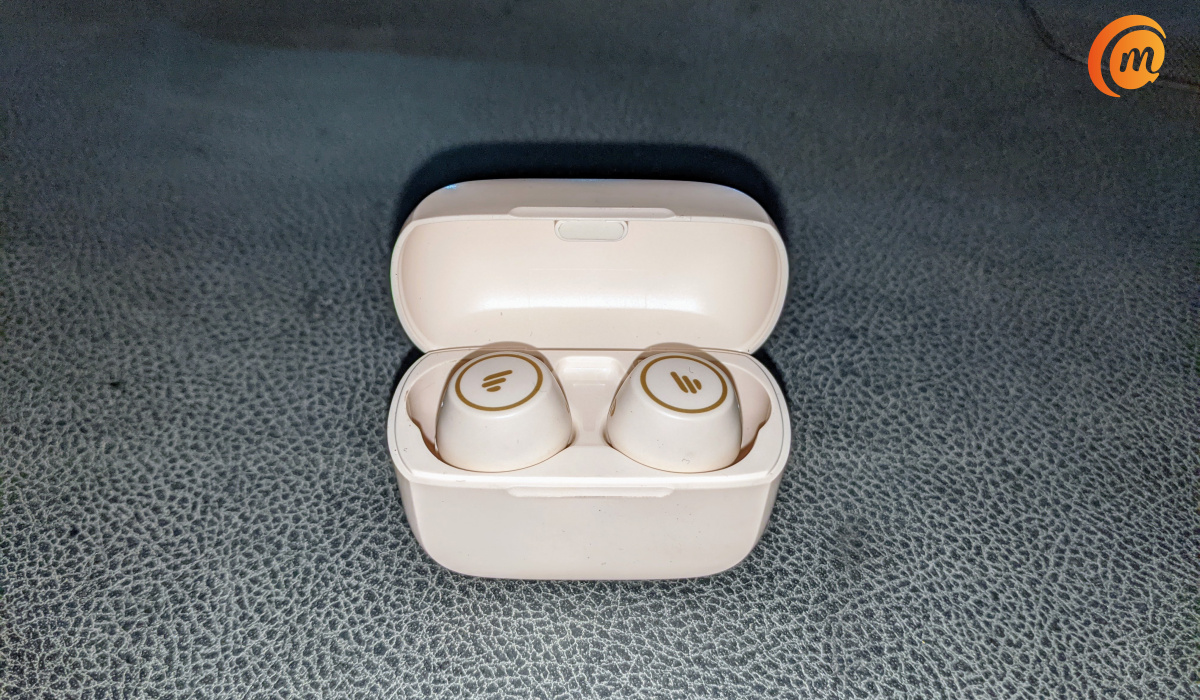
The earbuds have good battery life. I listen to music for brief periods during the day. The only other times I have them on is when I have calls, or I am driving, and I do not do much of those these days. So I am able to use them for 3 to 4 days without having to plug the charging case to the mains. I have used some other earphones that do not deliver battery life this good.
To charge the TWS1 Pro stereo earbuds on the go, simply drop them back in the charging case. This means both earbuds can be charged fully at least 4 times from the case (assuming the case itself is fully charged). One thing is certain: there is no chance of having to worry about running out of battery power suddenly.
Edifier TWS1 Pro Earbuds: Pricing
Edifier TWS1 Pro Earphones Review: Verdict
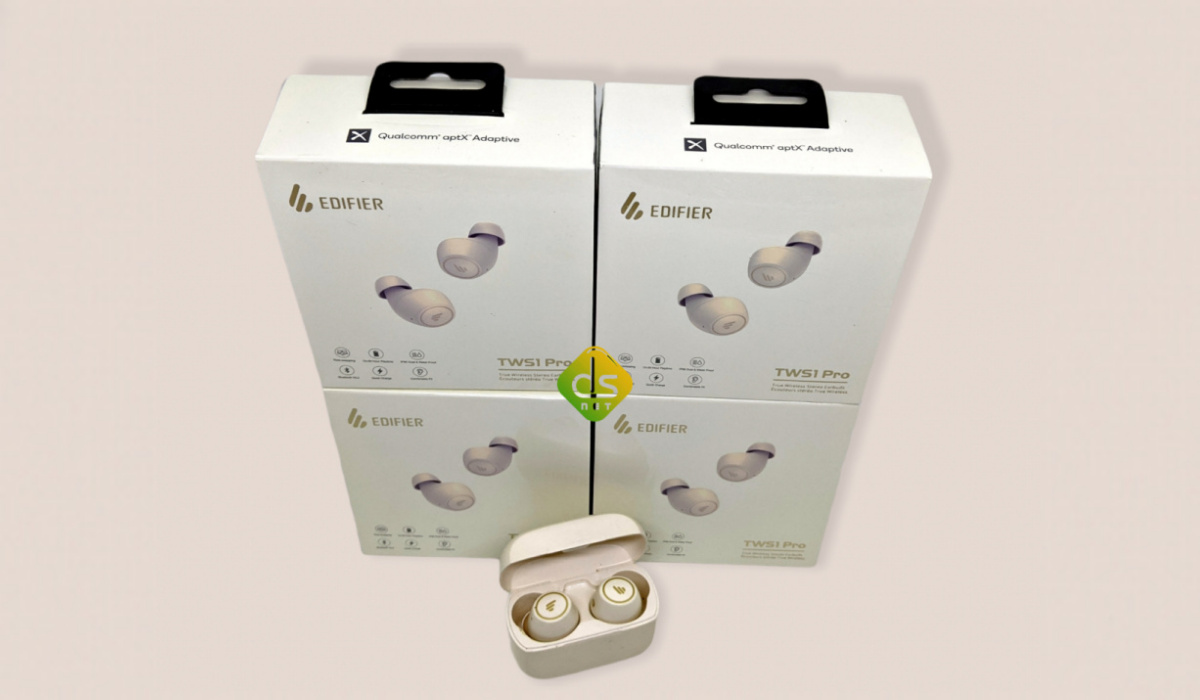
This is a solid pair of True Wireless Stereo earbuds. They offer superb noise cancellation, as well as IP65 protection from sweat and splashes. The Edifier TWS1 Pro stereo earbuds are highly recommended.
Author:Mister Mobility
Digital Skills and Communication Coach | Mobile Phone Connoisseur since 2001 | Tech Blogging since 2004
