Add MobilityArena as a preferred source on Google
Xiaomi has announced the Redmi Note 11 series for the international market. That means everyone outside of china. There are four models in all, namely, Redmi Note 11, Redmi Note 11s, Redmi Note 11 Pro, and Redmi Note 11 Pro 5G. What are the differnces and which one will you be getting? There is only one way to find out: read this explanation and comparison article.
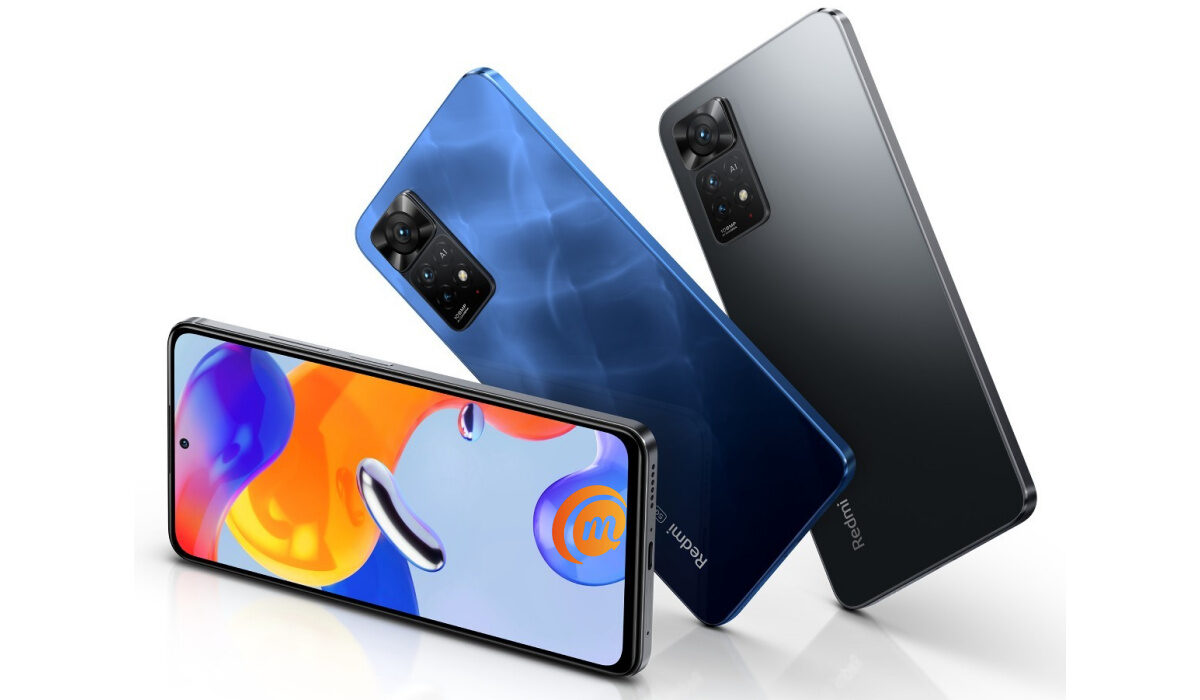
Redmi Note 11
We start off with the base model. Redmi Note 11 has a 6.43-inch AMOLED display with 90Hz refresh rate. That last bit means you get smoother scrooling and graphics. Regular displays have 60Hz refresh rate. The higher the refresh rate, the more capable a display is. For photography, there is a 50-megapixel main camera that has macro and depth cameras in tow.
How powerful is the Redmi Note 11? It is powered by a Snapdragon 680 chipset and has up to 6GB RAM. That is fairly powerful – certainly good enough for the mid-range. It also has up to 128GB built-in storage, a memoy card slot, dual speakers, 3.5mm headphone jack, NFC, infra-red blaster, 5000mAh battery and 33W fast charging. Not bad at all.
What is the price of the Redmi Note 11? It starts from $179 only.
Redmi Note 11S
On the next higher rung of the ladder is Redmi Note 11S, It has the same screen size, refresh rate, type, and resolution as the Note 11. But it ups the main camera to 108 megapixels. This time, Xiaomi turned to MediaTek for the processor ad fit it with a Helio G96chipset and up to 8GB of RAM. That is a decent configuration.
There is a LiquidCool cooling technology, too, to keep the phone from overheating. Internal storage space is up to 128GB and there is a memory card that supports up to 1TB cards, same as the Note 11 above. All the other specs are the same as the Note 11. The rice of Redmi Note 11S starts from $249.
Redmi Note 11 Pro
The screen size goes up to 6.67 inches on the Note 11 Pro. There is 120Hz refresh rate too. Like the 11S, the main camera is a 108-megapixel shooter with macro and depth lens in tow. Under the hood is the same Helio G96 chipset seen in the 11S, and up to 8GB RAM. Storage is capped at 128GB and you can add a card of up to 1TB memory. To keep the phone from overheating is LiquidCool cooling technology.
What else is on board? Dual Speakers, 3.5mm headphone jack, NFC, IR blaster, and a 5000mAh battery. This time, you get much faster charging at 67W. How much is Redmi Note 11 Pro? The price starts at $299.
Redmi Note 11 Pro 5G
As the model name indicates, the Note 11 Pro 5G is a 5G smartphone – the only one in the series. It has a 6.67-inch AMOLED display with 120Hz refresh rate too. The main camera is a 108-megapixel shooter, but this time, it is coupled with an ultrawide camera and a macro lens.
Powering it is a Snapdragon 695 5G chipset from Qualcomm and up to 8GB of RAM. We would have loved to see a 12GB RAM variant, but if wishes were horses. Internal storage is up to 128GB and there is expandable storage that supports cards of up to 1TB capacity.
What else does the Note 11 Pro 5G bring to the table? The usual suspects – dual speakers, 3.5mm audio jack, NFC, IR blaster, a 5000mAh battery, and 67W fast charging. There is LiquidCool cooling technology inside too. The Note 11 Pro 5G will cost you from $329 only.
Redmi Note 11 Pro+ 5G
Xiaomi has announced more Redmi Note 11 devices, and the 11 Pro+ 5G is one of them. What it brings to the table are a 6.67-inch AMOLED with a 120Hz refresh rate and FHD+ resolution, a 16-megapixel selfie camera at the front, and a 108MP main camera at the back (along with an 8MP ultrawide lens and a 2MP macro lens).
It is powered by a Dimensity 920 5G chipset and comes in two variants – 6 GB RAM + 128 GB storage, and 8 GB RAM + 256 GB storage, depending on your preference or budget. The battery has 4,500 mAh capacity and has 120W HyperCharge fast charging.
Redmi Note 11 Pro+ 5G comes in three colours – Graphite Gray, Star Blue, Forest Green colours, and sells for $369 for the 6/128 GB variant, $399 for the 8/128 GB variant, and $449 for the 8/256 GB variant.
Which Redmi Note 11 series phone are you getting?
You have seen the main differences between these four smartphones. Which one of them are you getting? If you want 5G support, the big daddy of the group is the only option you have. That is the Pro 5G. If you are good with 4G LTE only, then any of the other three will do, depending on your needs and financial capacity.
All of them are good value for money, something that Xiaomi smartphones excel at. In all, Xiaomi has announced a total of 14 Redmi Note 11 models. To get a better picture of the situation, read our explanatory article on all available Redmi Note 11 phones .
- Don’t miss our reviews .
- Join our WhatsApp Group , to be notified of the most important articles and deals,
- Follow us on Instagram , Facebook , Twitter , and YouTube .
Author:Mister Mobility
Digital Skills and Communication Coach | Mobile Phone Connoisseur since 2001 | Tech Blogging since 2004
Add MobilityArena as a preferred source on Google
As an iPhone owner, I know that it is not an uncommon thing to be in a situation where you are left wondering why my iPhone is not ringing for incoming calls, all of a sudden. You are surprised to find that you have a bunch of missed calls. Having my iPhone not ringing when I get a call is an annoying thing, at the least, and can mean disaster in an emergency.
And the problem does not affect telephone calls only. I have missed text messages as well because my iPhone didn’t ring out. I have a colleague who missed vital text messages from their iPhone 12 not ringing when locked. And that caused a mess at work, because those messages were vital to what we do. You don’t want to be caught in a situation like that just because your iPhone is not ringing for incoming calls.
Why is my phone not ringing when I get a call?
So, why is your iPhone not ringing but saying missed call? There are a number of reasons why this happens, and most of them are simple problems that can be fixed by changing a setting in your phone. It could be a volume setting issue. It could be that you have Do Not Disturb turned on, or perhaps have the Ring / Silent button pushed inadvertently. A hardware fault cannot be ruled out, too, if your iPhone is not ringing for incoming calls.
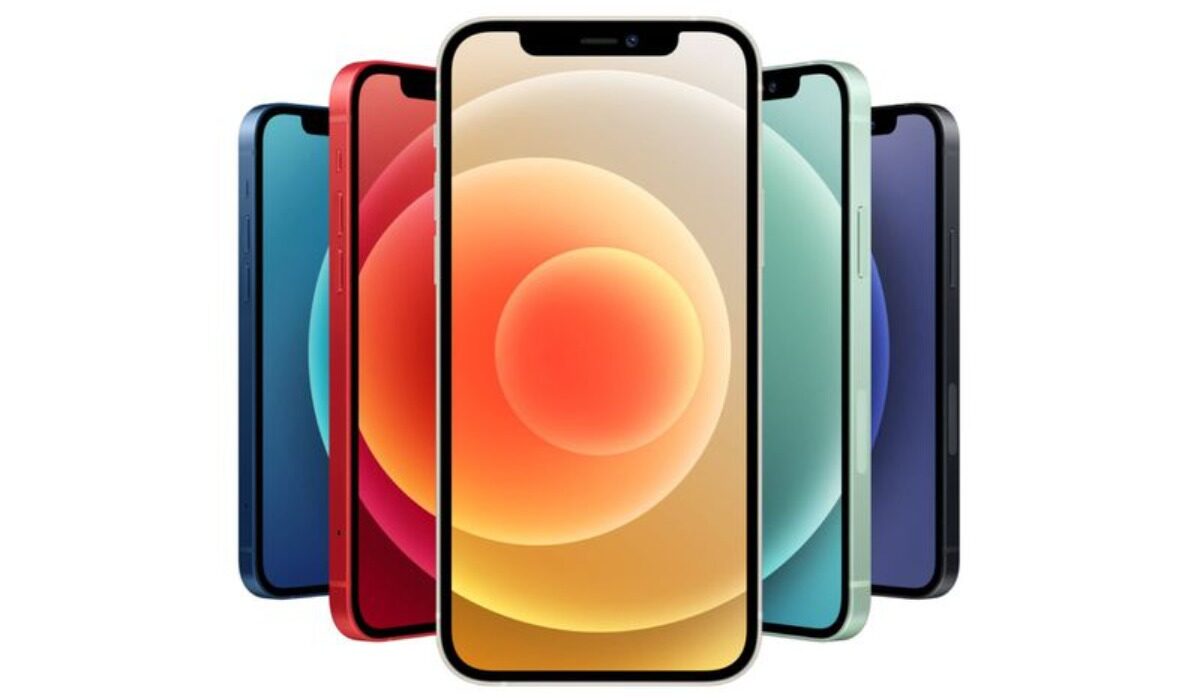
If your iPhone is not ringing for incoming calls, here are a few things you can do
How do I fix my iPhone not ringing for incoming calls?
Naturally, your first port of call should be your phone’s volume settings. Check the phone to be sure that the volume hasn’t been turned down. If that isn’t where the problem lies, the question you want answered is, “How do I get my iPhone to ring again?” It is time to go through the below checklist, one by one, to resolve the problem.
Check the Ring / Silent switch
There is a Ring / Silent switch on the side of your iPhone. There is a possibility that you accidentally toggled that and put your device on Silent. So, check that button to be sure it is in Ring position. If it is pushed toward the back side, your iPhone is on Silent; push it forward to enable the ringer again.
Check and Turn off Do Not Disturb (or Focus, in newer models)
Do Not Disturb is the settings we enable to keep anyone from distracting us, usually when we are in a meeting, driving, or just needing some personal time. The snag is that many times, we forget to turn it off again, and then go our way. The result is that your iPhone will not ring out when someone calls you.
So, if your iPhone is not ringing for incoming calls, check to make sure that you do not have Do Not Disturb enabled. Open Settings > Do Not Disturb, and toggle the switch off if it is on. Also, you can now schedule Do Not Disturb, so it is automatically turned off after a preset period. This helps with those who forget to turn it off after use.
Turn off Silence Unknown Callers
I am not one to ignore unknown calls, but I know that there are people who do. Blocking unknown callers from reaching you means that your iPhone will not ring out when such unidentified numbers call you. It could be a friend or a family member in an emergency trying to reach you.
To turn off Silence Unknown Callers, go to Settings > Phone Tap > “Silence Unknown Callers”, and turn off the toggle button next to Silence Unknown Callers.
Why is my iPhone not ringing when locked?
Where your iPhone is not ringing for incoming calls when locked, you need to look at your Do Not Disturb settings. This happens when you have Do Not Disturb turned on with certain settings. For example, you likely set DND to kick in Only while iPhone is locked . Go into your iPhone’s DND settings to disable that.
A iOS software update may fix a situation where your iPhone is not ringing for incoming calls
Sometimes, your iPhone is not ringing when you get a call is due to a software bug and Apple releases a fix via a software update. So, be sure to check if there is a software update available for your device, and then run it, Go to Settings > General > Software Update, and if there is one available, install it.
Reset all settings
If iPhone is not ringing for incoming calls, resetting it might be your last resort shy of sending your beloved iPhone to an Apple authorized service centre. Resetting your iPhone to Factory Settings will wipe everything off the device, so be sure you know what you are doing before going down this path. You should have a backup of your files or else you will lose everything.
If your iPhone still won’t ring
There is a chance that the problem could be hardware based if your iPhone is not ringing for incoming calls after trying all the above fixes. In this case, only an authorized service centre will do. It is time to take your iPhone to one to get it fixed.
- Don’t miss our reviews .
- Join our WhatsApp Group , to be notified of the most important articles and deals,
- Follow us on Instagram , Facebook , Twitter , and YouTube .
Author:MobileChic
That motivated, gadget-loving geeky chic who tries to stay on top of things. Unapologetic iFan.
