Add MobilityArena as a preferred source on Google
The Samsung Galaxy A33 5G is a mid-range smartphone filled with great features and a lovely design when you consider that we are talking about a mid-ranger. Since its launch on the 20th of March 2022, there have been a few issues users have encountered while making use of their smartphones. We’re going to take a look at some of those problems today.
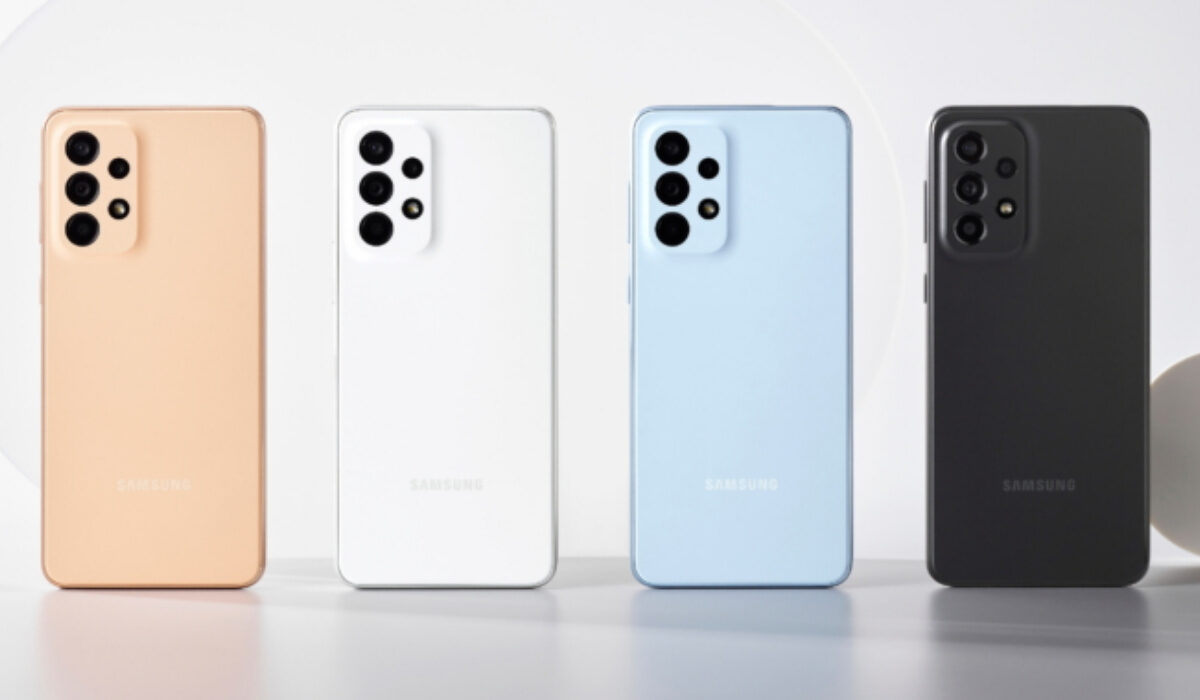
Samsung Galaxy A33 5G problem:Overheating
Overheating is a common issue among smartphones that can leave you frustrated over time because other problems tend to spawn from it. And quite a few users have complained about overheating on the Samsung Galaxy A33 5G. The most common causes of overheating are the level of screen brightness on your device and constant/heavy use of your device’s processor. Smartphone manufacturers usually roll out firmware updates to fix problems like this when it becomes rampant across different users and worsens in terms of how much damage it does to the device. So, be sure to look out for any updates on your Samsung Galaxy A33 5G. Here are some ways to fix or reduce overheating.
•If you are someone who plays a lot of games or games heavily, you might need to cut down on the amount of time you spend gaming, unless, no matter what you try to do your phone will always overheat because of the kind of games you are playing. A perfect example of a game like this is Call of duty: Mobile.
•Cleaner and Antivirus based apps cause serious overheating and lag when they are opened or activated. If you have any of these two on your Samsung Galaxy A33 5G, delete them.
•Leaving your Wi-Fi, Bluetooth, Hotspot, GPS, e.t.c. on for some time will cause overheating. Turn them off when you are not using them.
•Using your Samsung Galaxy A33 5G while charging will also cause it to overheat. Especially when you are playing games and charging. It is probably the worst combination you can attempt. Try as much as you can to let your phone charge before using it.
Samsung Galaxy A33 5G problem:Fast Battery Drain
Some users have observed the battery life of the Samsung Galaxy A33 5G drains faster than it formerly did before the latest software update (the July update). Some say it is a mild difference and some say that the life span is now terrible. Here are a few ways you can solve this problem.
•Clearing the cache of apps on your device can help to somewhat restore it to its former life span.
•Repairing apps in the recovery menu is another effective way to solve this problem. It is important to do this after installing new updates.
•If you just installed a new software update, you need to give your device time to adjust and adapt to the update, so your battery’s lifespan might be a little less than it used to be.
•Apps running in the background could also contribute to how fast your battery is draining. Close them or blacklist them in settings and you should be fine.
•If your phone is overheating while charging and you have fast charging enabled, that might be the problem. You can disable its settings.
•Making use of your phone while it is charging will also cause overheating, try as much as possible to wait till it has charged fully.
Samsung Galaxy A33 5G problem:Lagging
There have been quite a few reports about lagging on the Samsung Galaxy A33 5G. A particular user even complained about the phone lagging right out the gate when he tested it out at a store. This is a common issue among different smartphones, even some high-end ones. Sometimes, it might seem like a little problem but it gets gradually annoying over time. Here are some ways to fix this issue.
•Clearing the cache of apps in the settings can also help reduce and possibly fix lag on your device. A lot of users underestimate how important clearing the cache of apps can be. Try to clear it from time to time.
•Downloading the latest software update can help fix lagging on your device.
•If the problem persists, you can try a factory reset to solve this issue.
•Lack of storage space on your device could also be the reason. Try as much as possible to delete unused apps, videos, pictures, and documents. Things that you can do without.
Comment down below on some other problems you might be facing with your Samsung Galaxy A33 5G, and we will give you feedback as soon as we can.
- Don’t miss our mobile phone reviews .
- Follow our news on Google News .
- Join our WhatsApp Group , to be notified of the most important articles and deals,
- Follow us on Instagram , Facebook , Twitter , and YouTube .
Author:Flamez
Flamez loves basketball, art, gadgets and cars.
Add MobilityArena as a preferred source on Google
In recent times the Samsung Galaxy A32 5G has plagued its users with multiple problems and lots of them aren’t happy. The device was released on the 13th of January, 2021 as one of Samsung’s latest mid-range smartphones but as time passes and new updates get installed, more and more users are showing their displeasure with the phone. We’re going to take a look at some of these problems as well as their solutions.
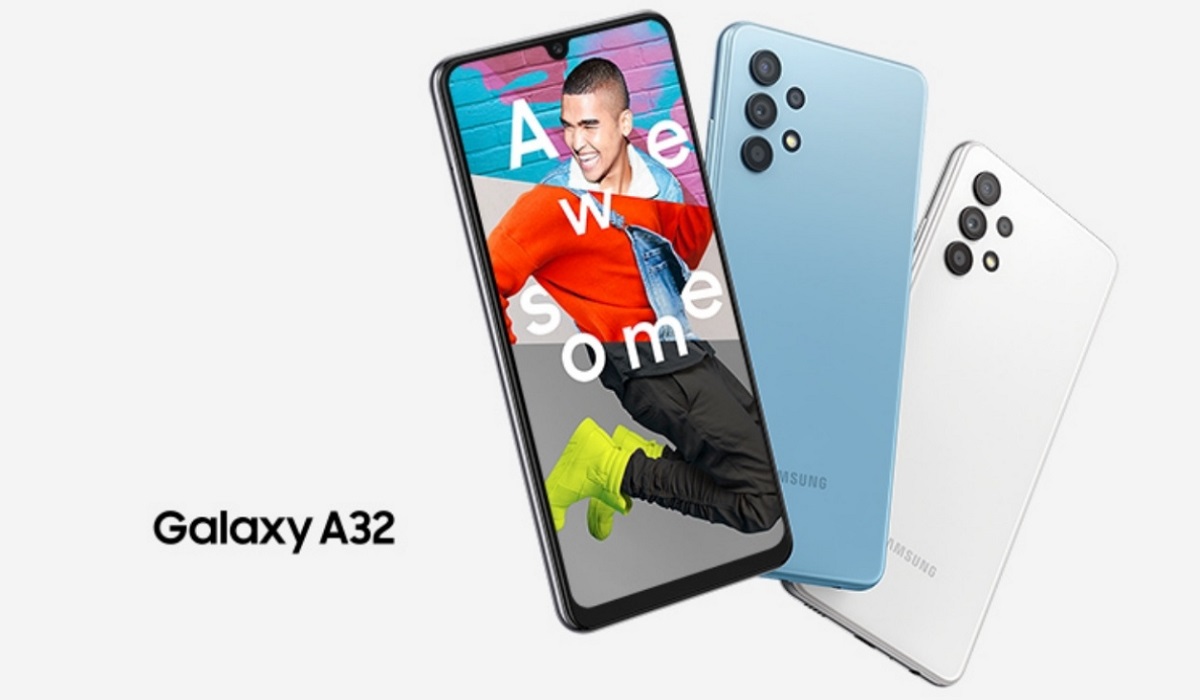
Samsung Galaxy A32 5G problem:Lagging Issue
There are a great many things that can cause lagging on your Samsung Galaxy A32 5G. There are not a lot of problems that can be as frustrating as lagging. Here are some ways to get rid of it on your device.
•Restarting your device should be your first option when it comes to fixing lag. Sometimes a simple restart can go a long way. It might only be temporary but it works.
•Insufficient storage might be a big bad in terms of causing lag on your Samsung Galaxy A32 5G. If you have used up most of your phone’s storage then your phone will start to lag. Clear up some space and delete what you don’t need to make room for the phone to run smoothly.
•Brands like Samsung are quite consistent when it comes to software updates. If you have a software update available for your Samsung Galaxy A32 5G, update it immediately. Now, Software updates can also be the cause of lag. This is because these updates usually take a while to be fully implemented and acquainted with your device. After a while, your device will run smoothly or smoother than it ran before the update. So be sure to check for updates.
To check for updates, go to Settings > System update or Software updates > Software update , and tap on it. If there is any update available, download it.
Samsung Galaxy A32 5G problem:Overheating
Overheating is a common issue among smartphones that can leave you frustrated over time because other problems tend to spawn from it. And quite a few users have complained about overheating on the Samsung Galaxy A32 5G. Some say it was after downloading some of the latest updates that overheating became a serious problem.
The most common causes of overheating are the level of screen brightness on your device and constant/heavy use of your device’s processor. Smartphone manufacturers usually roll out firmware updates to fix problems like this when it becomes rampant across different users and worsens in terms of how much damage it does to the device. So, be sure to look out for any updates on your Samsung Galaxy A32 5G. Here are some ways to fix or reduce overheating.
•If you are someone who plays a lot of games or games heavily, you might need to cut down on the amount of time you spend gaming, unless, no matter what you try to do your phone will always overheat because of the kind of games you are playing. A perfect example of a game like this is Call of duty: Mobile.
•Cleaner and Antivirus based apps cause serious overheating and lag when they are opened or activated. If you have any of these two on your Samsung Galaxy A32 5G, delete them.
•Leaving your Wi-Fi, Bluetooth, Hotspot, GPS, e.t.c. on for some time will cause overheating. Turn them off when you are not using them.
•Using your Samsung Galaxy A32 5G while charging will also cause it to overheat. Especially when you are playing games and charging. It is probably the worst combination you can attempt. Try as much as you can to let your phone charge before using it.
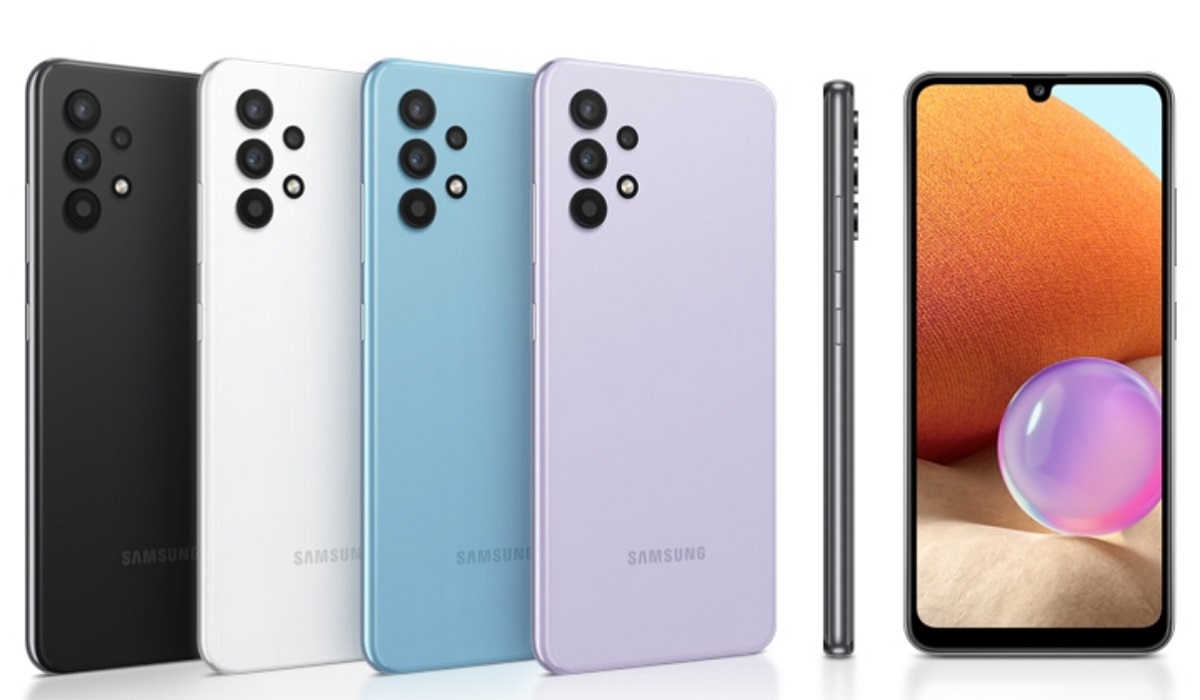
Samsung Galaxy A32 5G problem: Data Network issues
There have been a bunch of reports about the quality and stability of data networks on the Samsung A32 5G. The network keeps disconnecting while in use. Being unable to access mobile data properly is a serious issue because it is a feature we use every single day. And it is worse for those who do not have a Wi-Fi connection as a substitute. Here are some things to do if you have this problem.
•Try to wipe the cache partition and repair apps in the recovery menu and see if it solves this problem.
•Force restarting is also a good option for fixing this problem. To do this, simply press the power button and the volume up or volume down for about 6-10 seconds and it just doesn’t might fix it.
•Turning Airplane mode On and Off can also help with this issue, it is a go-to for most users, and it works.
•Resetting the network settings on your phone will probably solve this issue. This will return the network services to their default configuration. Although doing this will also reset connections you had made on different connectivity options like Bluetooth, Wi-Fi, e.t.c.
If you have some other problems with your Samsung Galaxy A32, comment down below and we will give you feedback as soon as possible.
- Don’t miss our mobile phone reviews .
- Follow our news on Google News .
- Join our WhatsApp Group , to be notified of the most important articles and deals,
- Follow us on Instagram , Facebook , Twitter , and YouTube .
Author:Flamez
Flamez loves basketball, art, gadgets and cars.
