Add MobilityArena as a preferred source on Google
The Samsung Galaxy A52 has had a lot of positive feedback since its release and very few problems to go with it. We are going to be focusing on these problems today, and how you can fix them. Let’s dive right into it.
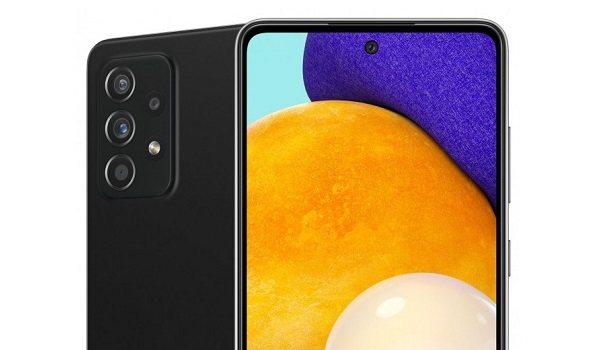
Samsung Galaxy A52 problem: Fast Battery Drain
Some users have observed the battery life of the Samsung Galaxy A52 drains faster than it formerly did before the latest software update (the July update). Some say it is a mild difference and some say that the life span is now terrible. Here are a few ways you can solve this problem.
•Clearing the cache of apps on your device can help to somewhat restore it to its former life span.
•Repairing apps in the recovery menu is another effective way to solve this problem. It is important to do this after installing new updates.
•If you just installed a new software update, you need to give your device time to adjust and adapt to the update, so your battery’s lifespan might be a little less than it used to be.
•Apps running in the background could also contribute to how fast your battery is draining. Close them or blacklist them in settings and you should be fine.
•If your phone is overheating while charging and you have fast charging enabled, that might be the problem. You can disable its settings.
•Making use of your phone while it is charging will also cause overheating, try as much as possible to wait till it has charged fully.
Samsung Galaxy A52 problem: Overheating
There have been reports of the Samsung Galaxy A52 overheating from users. A particular user even recorded the phone heating up to 55 degrees.
•Close all unused apps running in the background, they are overworking your device’s processor unnecessarily while you are carrying out some other activity.
•Lower your screen brightness. Using your Samsung Galaxy A52 on high brightness volumes will make it overheat.
•Be careful not to overcharge the device. Not only will it make it overheat, but it can also mess up your phone’s battery life span.
Samsung Galaxy A52 problem: Mobile data issues
An issue with the mobile data option has surfaced after the latest July update. Being unable to access mobile data properly is a serious issue because it is a feature we use every single day. And it is worse for those who do not have a Wi-Fi connection as a substitute. Here are some things to do if you have this problem.
•Try to wipe the cache partition and repair apps in the recovery menu and see if it solves this problem.
•Force restarting is also a good option for fixing this problem. To do this, simply press the power button and the volume up or volume down for about 6-10 seconds and it just doesn’t might fix it.
•Resetting the network settings on your phone will probably solve this issue. This will return the network services to their default configuration. Although doing this will also reset connections you had made on different connectivity options like Bluetooth, Wi-Fi, e.t.c.
Samsung Galaxy A52 problem: Camera Quality Issues
One of the problems that some users encountered after the July Update, was a reduction in the phone camera’s quality. Unfortunately, you are going to have to wait for Samsung’s next update to see if they eventually resolve this issue.
So, follow these guides and you just might be problem free as you probably once were. If you have any problems that were not mentioned, comment down below and we will get back to you with feedback.
- Don’t miss our mobile phone reviews .
- Follow our news on Google News .
- Follow us on Instagram , Facebook , Twitter , and YouTube .
Author:Flamez
Flamez loves basketball, art, gadgets and cars.
Add MobilityArena as a preferred source on Google
Back in February, 2022, the first version of Android 13, the Developer Preview 1, was made available. It gave an early look at some of the features to expect. On 15th of August, the official stable release was made available by Google and began to roll out to Pixel 4, 5, and 6 phones.
Unlike the case with Android 12, there are no significant visual changes on Android 13. There is an implementation of System-wide Material You icons and more Material You colour schemes. That will be visible. But most of the changes will happen under the hood.
Another feature is a more secure Photo Picker. There is also a feature currently called “Media TTT”, offering tap-to-transfer for files.
If there is one feature that many Android users will appreciate, it is the opt-in notifications, which requires that an app gets your permission before it can send you notifications. Certain Android phone makers have a reputation for bugging users with endless notifications. Making the apps require the user’s permission first will be a big improvement compared to having the user fiddle round to disable notifications for offending apps.
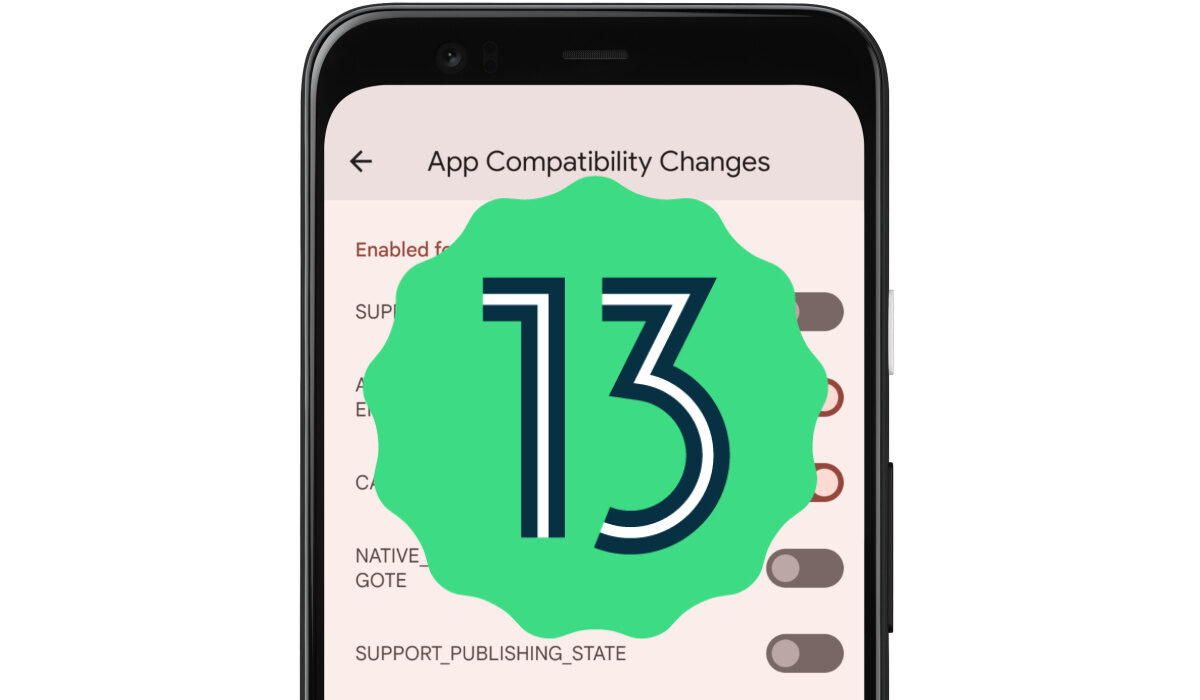
Another feature to expect in this next version of Android is a QR scanner quick settings toggle added in the notification shade. Google is also likely to add support for Bluetooth Low-Energy (BLE) audio, to deliver improved wireless audio playback.
When is Android 13 releasing?
A stable release was done on August 15, 2022.
What is Android 13 called?
Android 13 goes by the in-house name of Tiramisu, a coffee-flavored Italian dessert that is applied on cakes, ice-creams, and other delicacies.
Android 13 Release Date
Before the final stable release, this version saw two developer previews, and at least four beta releases. The final stable version began to roll out on August 15, 2022.
To get the Developer Preview now
If you are interested in installing the developer preview 1 on your smartphone, you must be either a mobile app developer who needs to test new features with your app, or you are insanely addicted to software updates. Developer previews are not stable and so it is not advisable that they be installed on your daily driver.
If you are sure you want to proceed, you can get started on a device today by flashing a system image to a Pixel 6 Pro, Pixel 6, Pixel 5a 5G, Pixel 5, Pixel 4a (5G), Pixel 4a, Pixel 4 XL, or Pixel 4 smartphone. If you are a developer and don’t have a Pixel phone, you can use the 64-bit system images with the Android Emulator in Android Studio to test your apps with the new software.
Eligible Devices: Will my device get Android 13?
Google Pixel phones are the first to get upgraded to Android 13. These will include Pixel 6 Pro , Pixel 6, Pixel 5A 5G , Pixel 4A 5G, Pixel 5, Pixel 4A, Pixel 4 XL, and Pixel 4. Of course, Google Pixel 7 and 7 Pro will both launch with Android 13 inside.
You can also expect phones and tablets from other manufacturers, including Samsung, Asus, Nokia, iQOO, Motorola, OnePlus, Oppo, Realme, Sharp, Sony, TECNO, vivo, Xiaomi, are expected to get Android 13 later. Most of these brands will release it only for their premium flagship models, while also announcing brand new devices that will ship with it out of the box.
- Don’t miss our reviews .
- Join our WhatsApp Group , to be notified of the most important articles and deals,
- Follow us on Instagram , Facebook , Twitter , and YouTube .
